This post provides a step‑by‑step demonstration of how to clone a BMW MSV90 TC1796 ECU using Launch X431 IMMO Plus/IMMO ELITE/ IMMO PRO anti‑theft key programmer.
Menu path navigation:
Select [IMMO PROG] function on the main menu
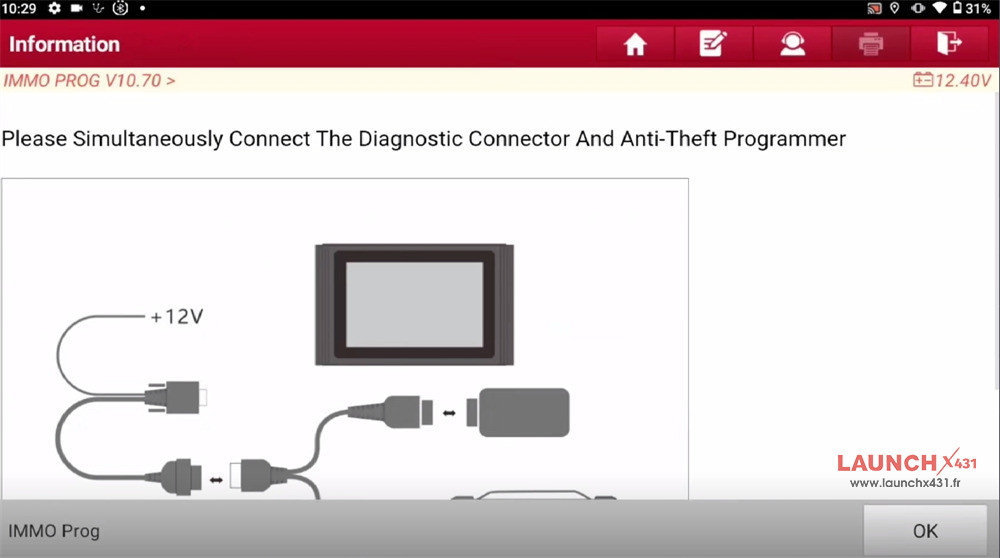
Simultaneously connect the diagnostic connector and X431 IMMO tablet

Select Engine-> Siemens- > MSV90 TC1796
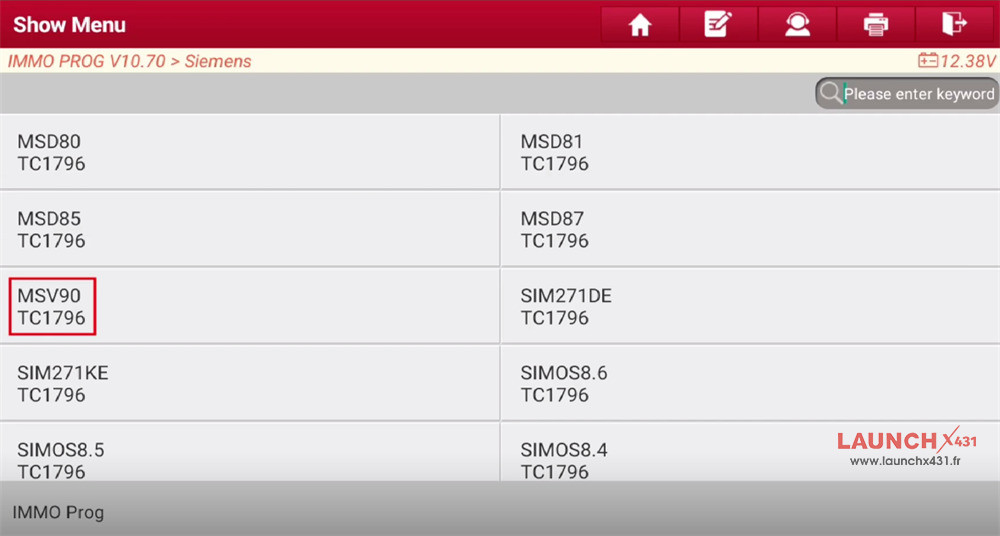

Note: If the current engine belongs to any one of the VW, Audi, and Porsche models. You need to access the car model software to perform the cloning function.
Precautions:
ECU may be damaged due to erratic reading and writing data of Bluetooth or WiFi in bench mode. Please use USB to connect the device and connector.
Step-by-step guide:
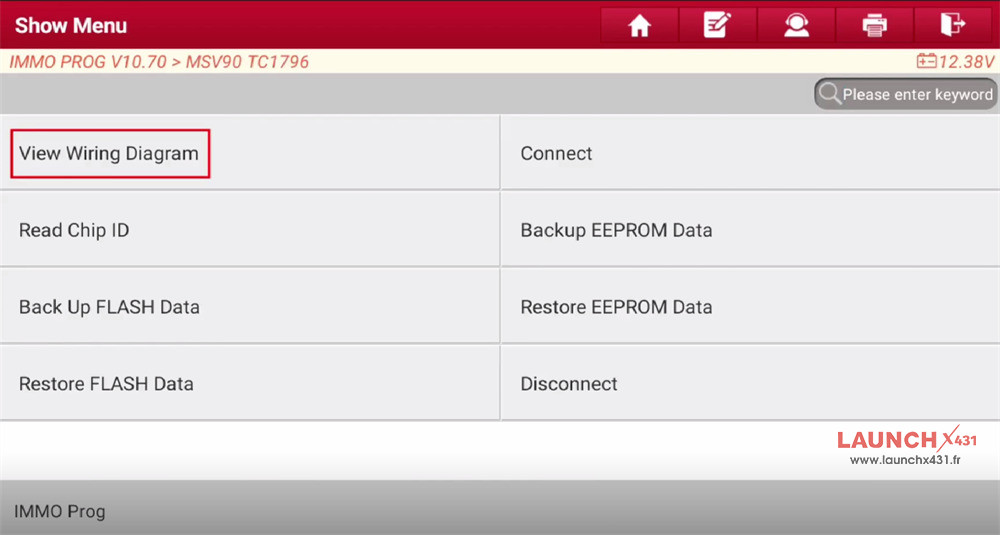
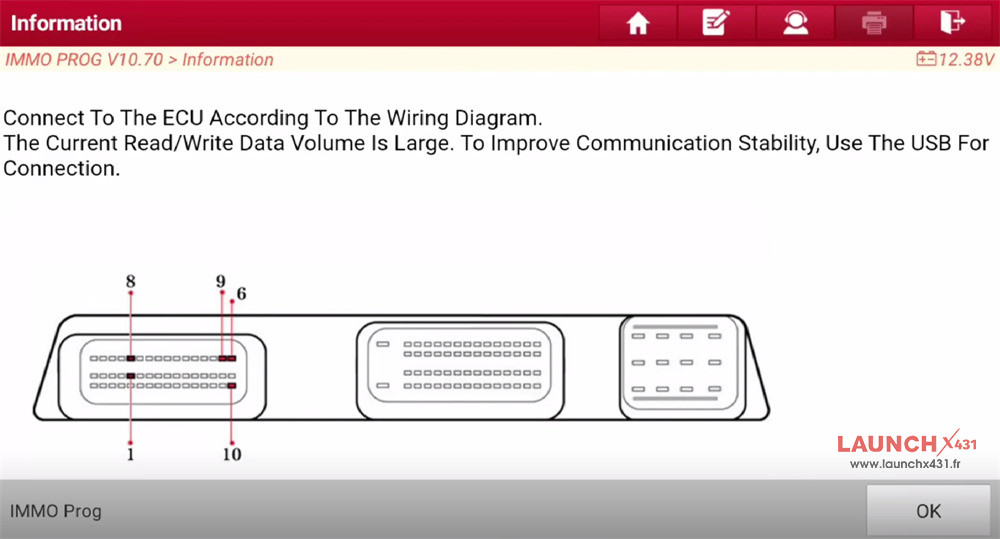
1. View wiring diagram

Click “Connected to MCU_V3 Adapter Plate”
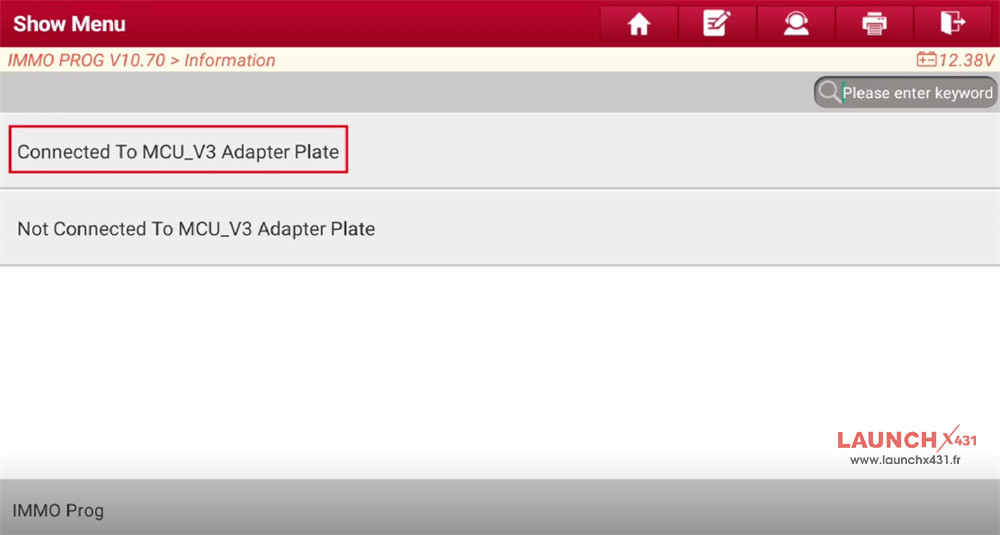
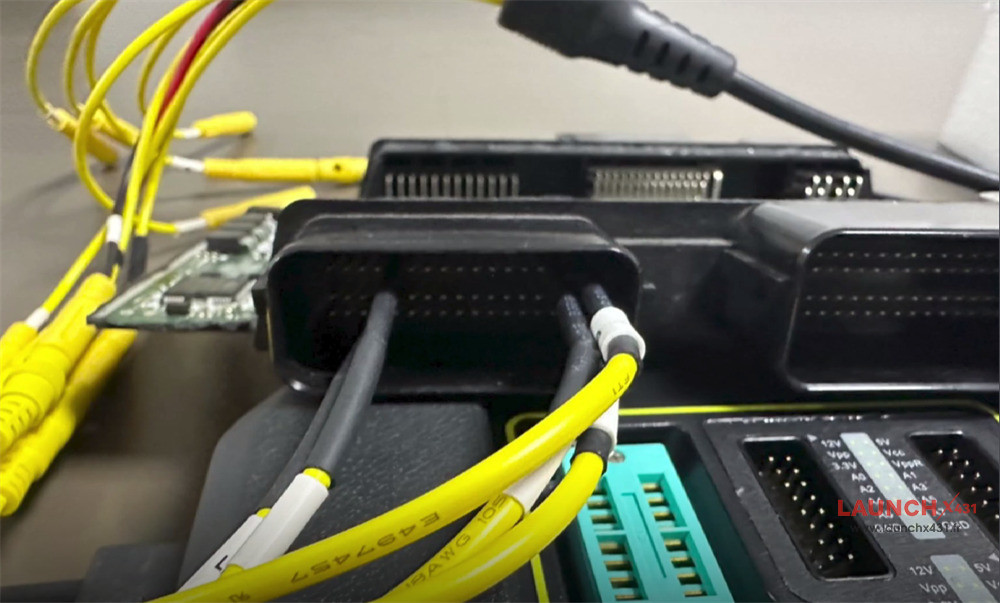
Connect to the ECU according to the wiring diagram
The current Read/Write data volume is large. To improve communication stability, use the USB for connection.


2.Connect
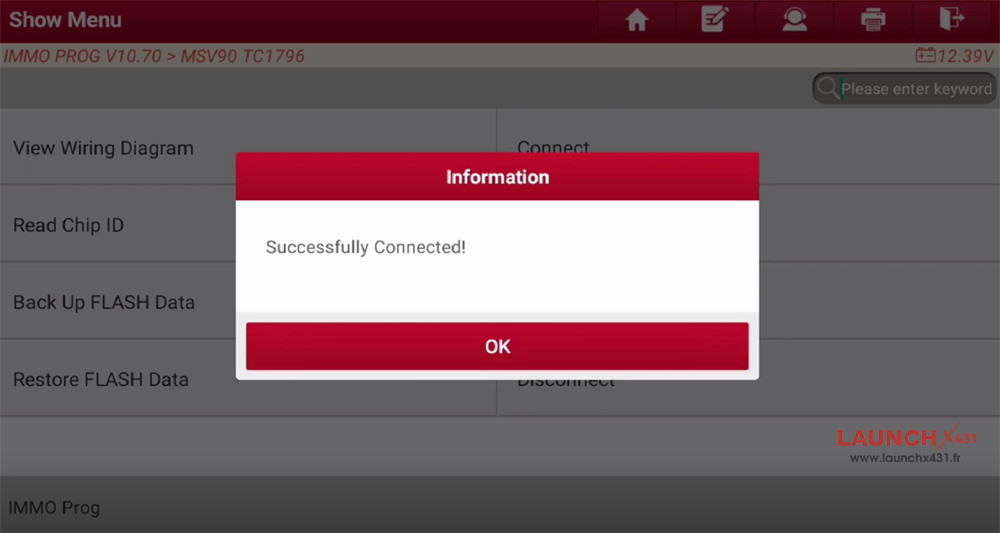
Click “Connect” to X431 IMMO Plus/X431 IMMO Elite/X431 IMMO PRO tablet and ECU

3.Back Up EEPROM Data
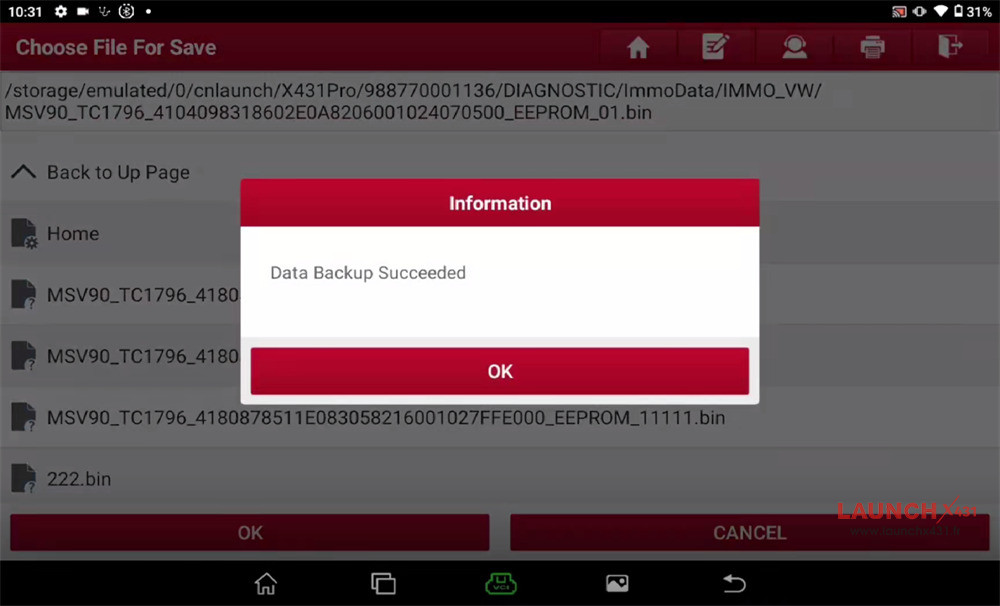
Read EEPROM data
Input the name of the saved file, which contains only characters from 0 to 9, a to z, A to Z, and special characters (full stops, commas, spaces, underscores)

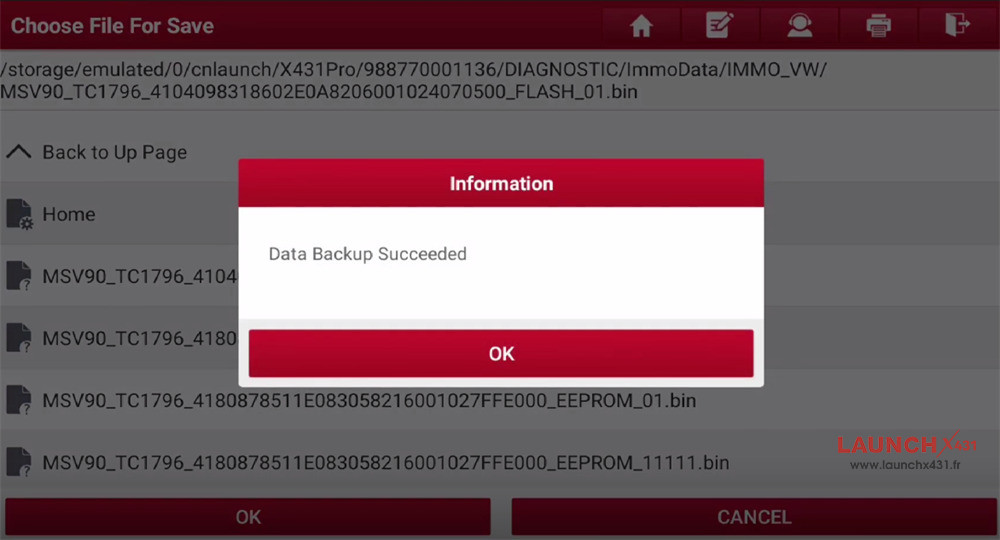
4.Back Up FLASH Data
Read Flash data and save file

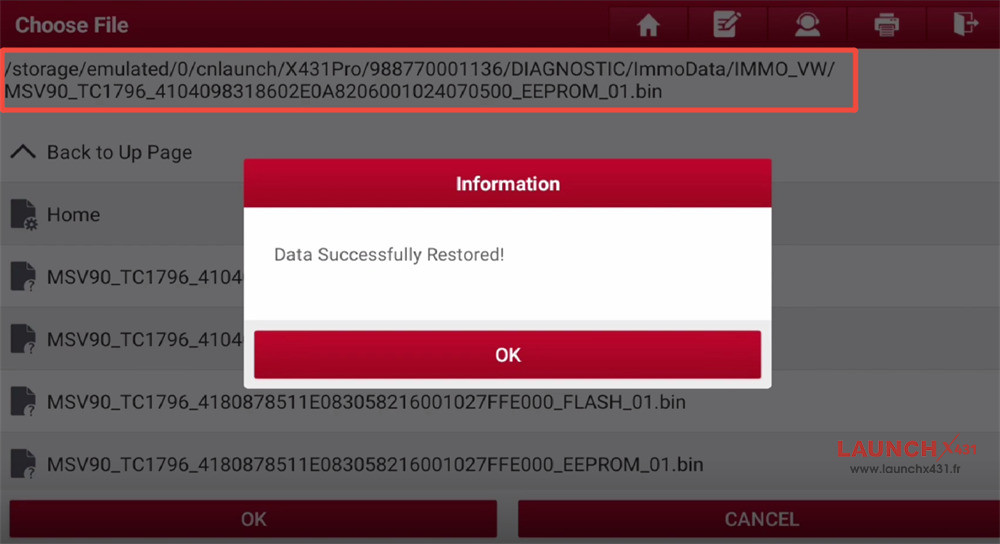
5.Restore EEPROM Data
After reading the original car data, insert it into the second-hand computer to select and restore the data

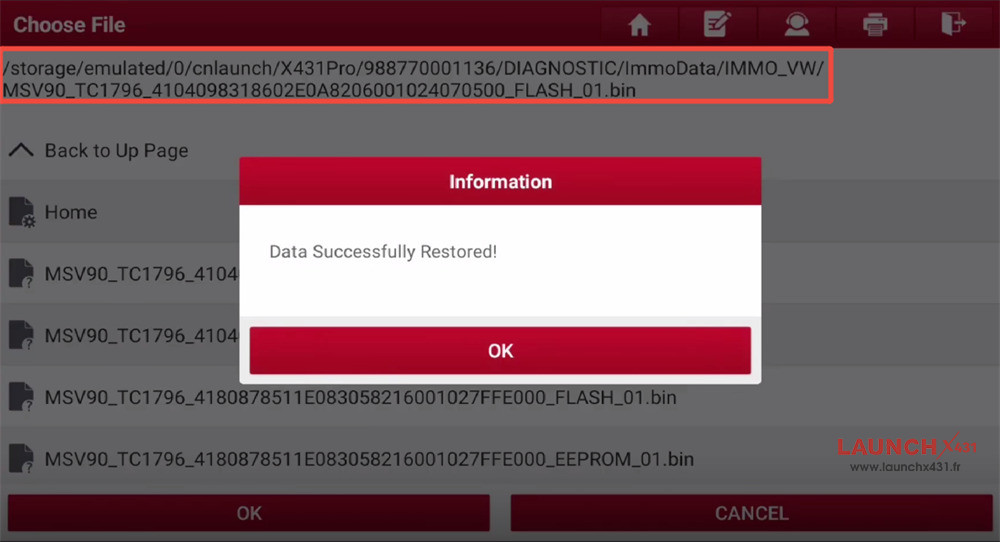
6.Restore FLASH Data
Choose the original car FLASH data to write into the new ECU

7.Disconnect
After cloning is complete, disconnect ECU and device.
Done!
That’s whole process to clone BMW MSV90 ECU by Launch X431 IMMO Elite/IMMO Plus/IMMO PRO key programmer.
Video guide:
