When a 2022 Tesla Model Y experiences a damaged Bluetooth tire pressure sensor, LAUNCH T-SENSOR B provides a direct-fit replacement.
This 2.4GHz Tesla-specific Bluetooth sensor operates without manual programming.
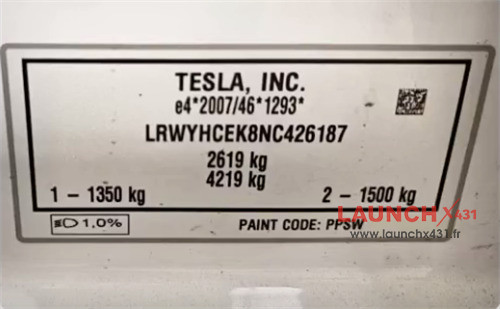

Step-by-Step Replacement Process:
1.Identify Damaged Sensor:
Inflate and deflate all tires. If the right rear tire pressure reading remains static while others change, the sensor is faulty.
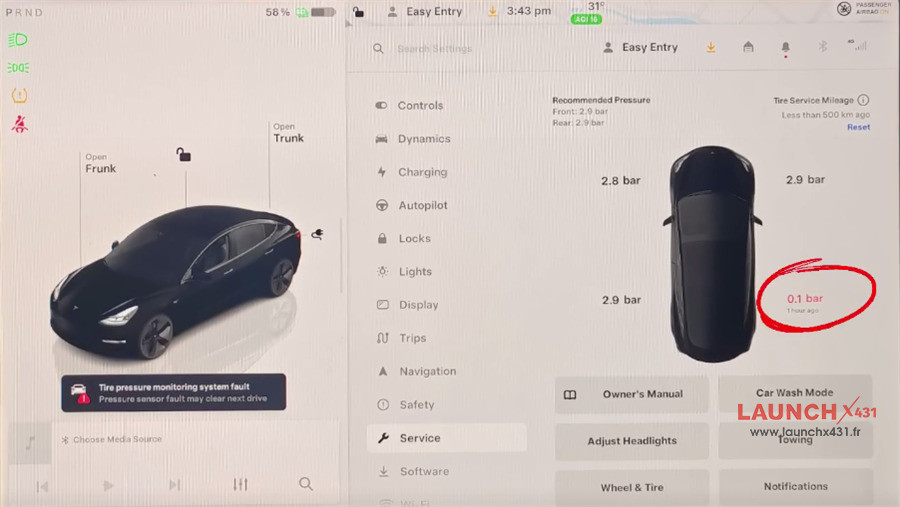
2.Remove Sensor:
Uninstall the damaged TPMS sensor from the right rear wheel assembly.
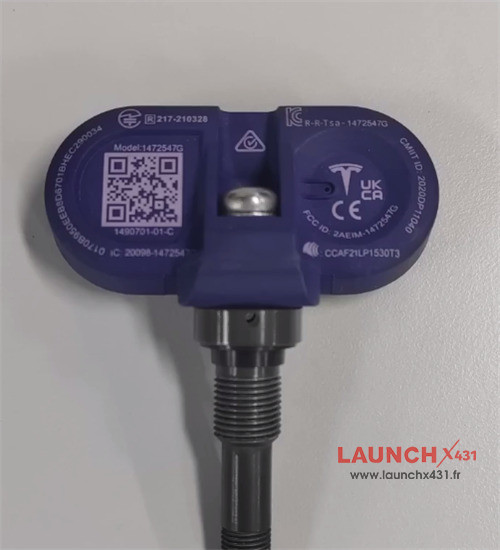
3.Fit LAUNCH T-SENSOR B:
Install LAUNCH 2.4GHz Bluetooth Sensor directly into the wheel.
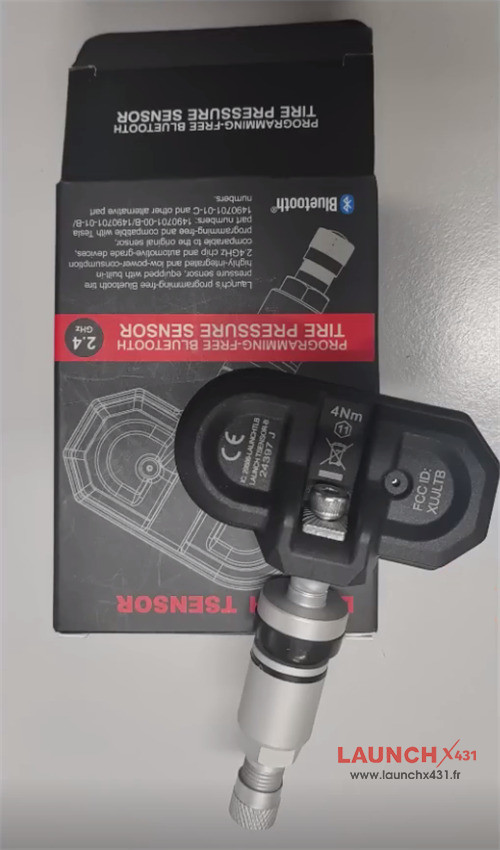
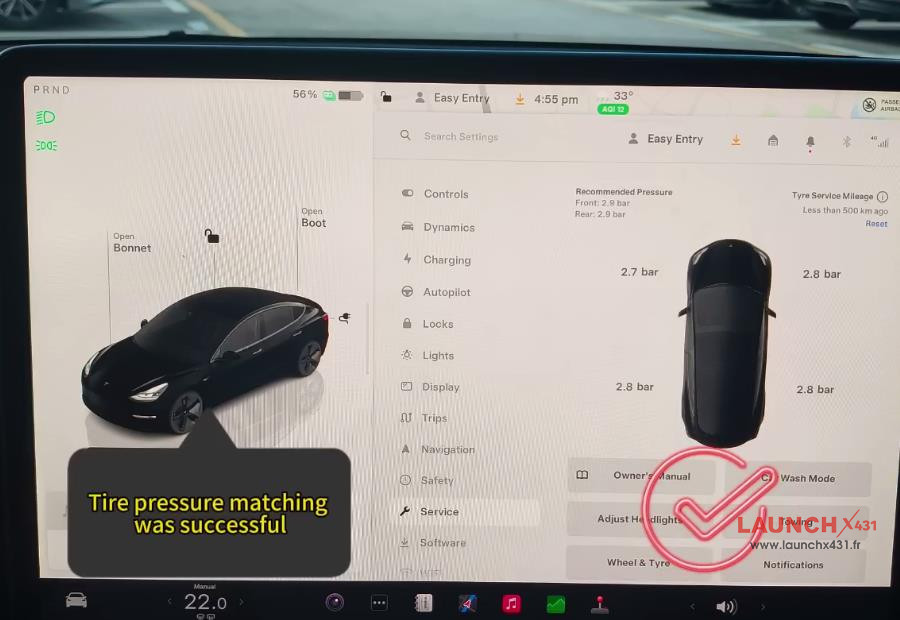
4.Onboard Calibration:
Open the vehicle menu and go to Service -> Wheels.
Choose your wheel hub size.
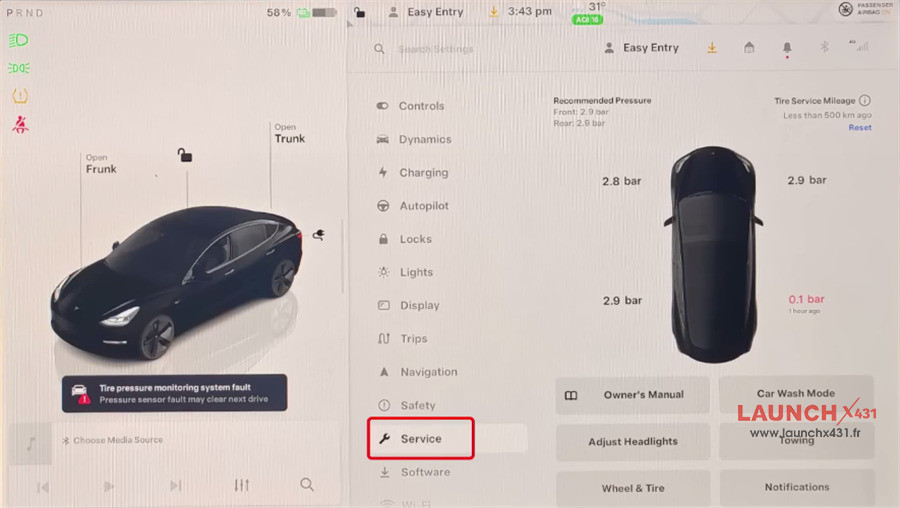
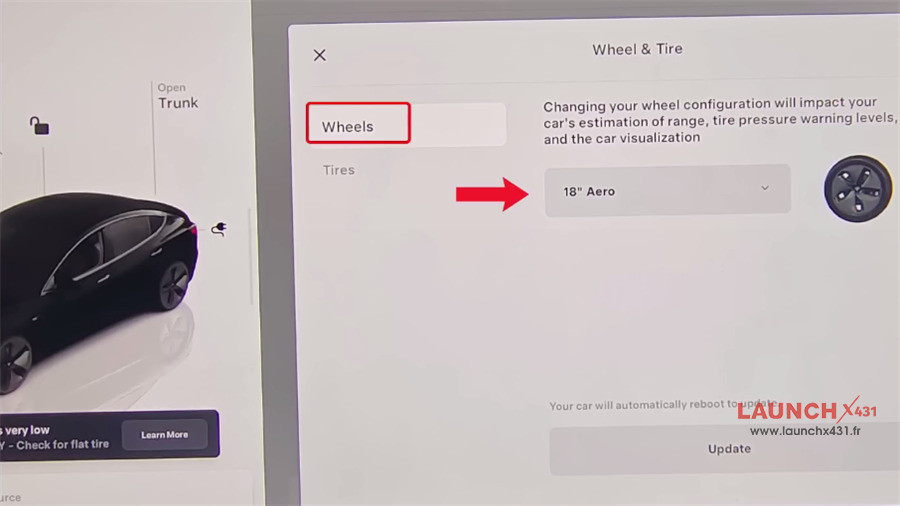
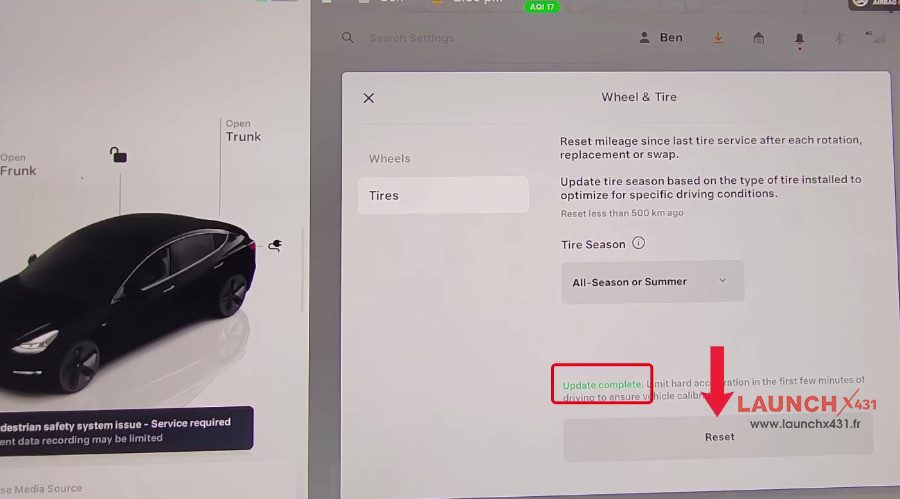
Go to Tires and select All-Season or Summer.
Select Reset to trigger “Update Complete”.
5.Finalize Setup:
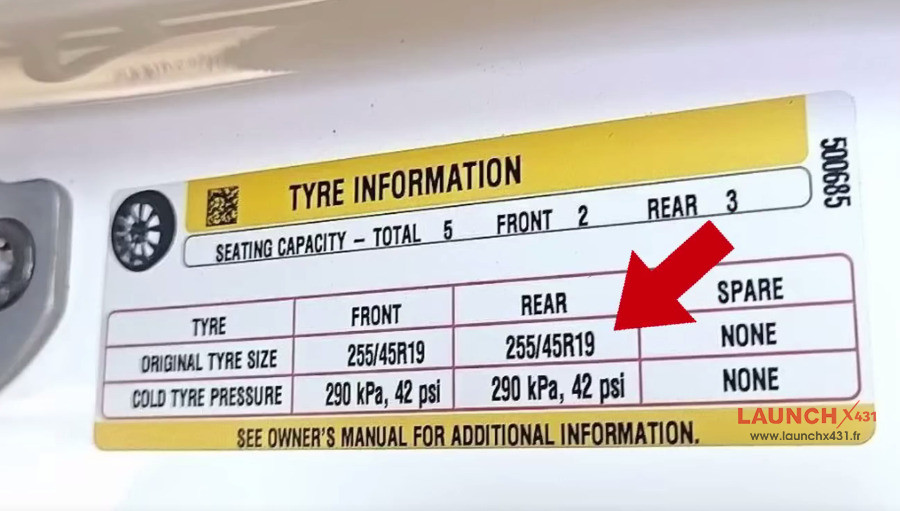
Inflate all tires to standard pressure and perform a brief road test to sync the live pressure data



Video guide:

Read also:
LAUNCH T-SENSOR B: Direct Bluetooth TPMS for Tesla No Programming
