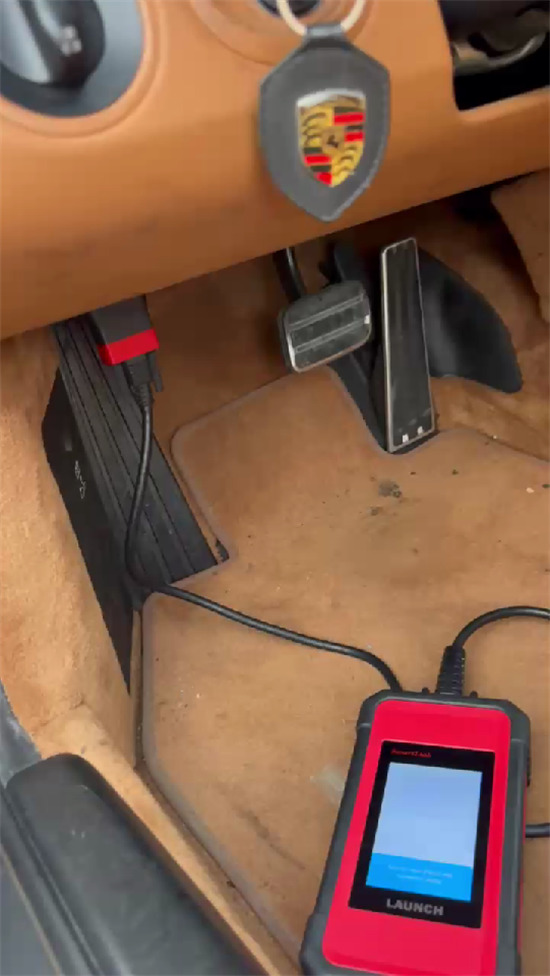
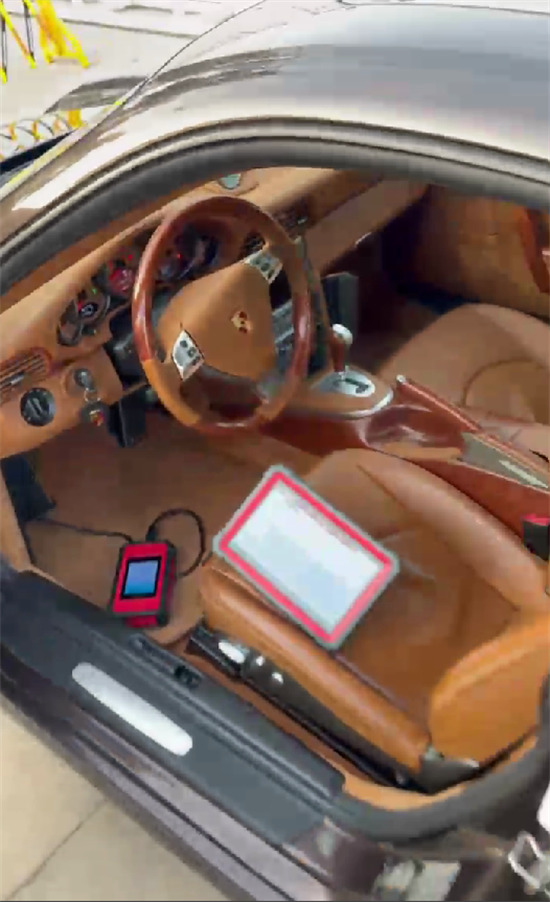
One customer reported that his Launch X431 PRO5 is unable to service Porsche vehicles.
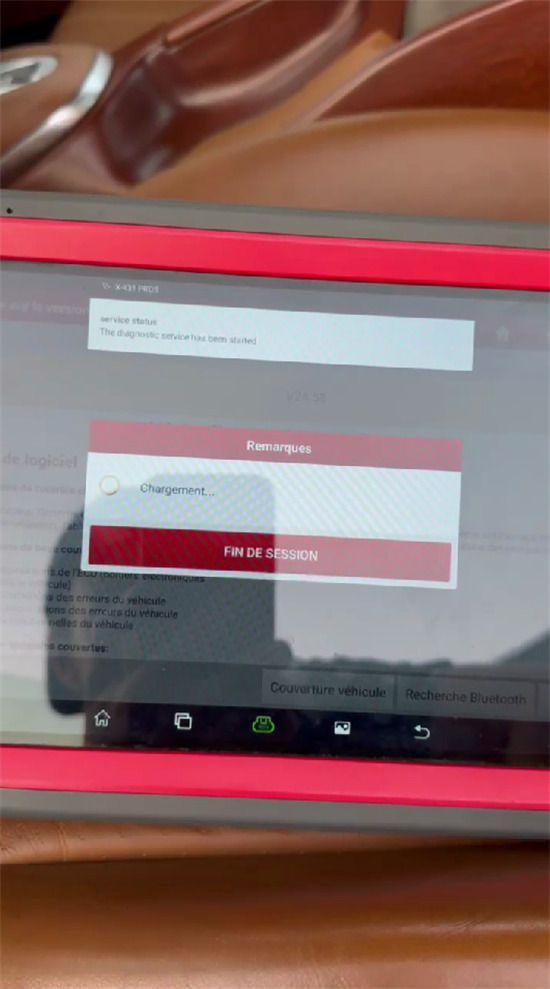
After selecting the vehicle model, it displays a “Loading” status and reaches the vehicle software interface, but no operations can be performed.


The solution:
This responsive freeze is typically caused by a software driver desynchronization with the VCI firmware module during vehicle communication handshakes. Follow these recovery steps:
1.Connect your X431 PRO5 to a stable Wi-Fi network.
2.Go to the main menu and select Software Update.
3.Download and install the latest Porsche diagnostic software package.
4.Once the software update completes, navigate to User Info / System Settings -> Firmware Fix (Firmware Repair).
5.Connect your VCI via USB/Bluetooth and allow the device to re-flash and repair the VCI firmware.
After the firmware repair routine finishes, restart the Porsche diagnostic application. Full function access and menu operations will be restored.
Tech support:
1. Email: sales@launchx431.fr
2. WhatsApp: +86 18750906257