Learn how to add a smart key to a 2023 Toyota Venza (BA/4A) using Launch X431 IMMO Plus/IMMO Elite/IMMO Pro with X-PROG5 programmer.
Something important to know:
1.When reading immobilizer data, BA/4A wiring harness is required to connect according to the wiring diagram prompts. This function is used to read the immobilizer data of the vehicle smart box, which can be used to perform immobilizer related functions without passwords. To perform this function, it is necessary to connect to the network. Ensure that the network is good.
2.When matching a new smart key, note that the system supports a maximum of 6 keys. Make sure to finish each required step within the specified time limit.
Main steps:
Step 1: Generate Remote with X431 X-Prog5
Connect Launch X431 IMMO programmer and XPROG5 using the blue USB cable (in the X-PROG5 package)
Turn on X431 tablet and navigate to:
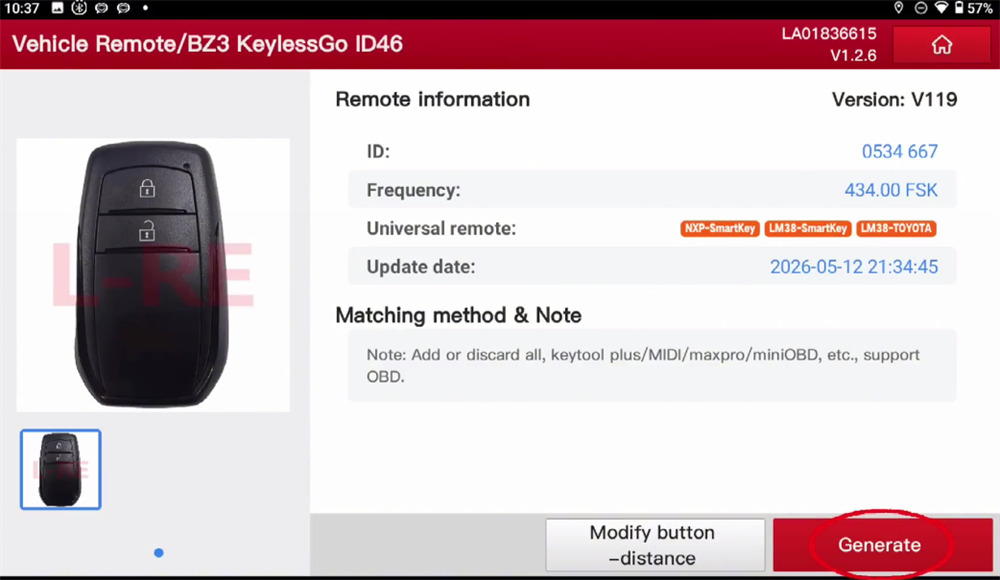
Key Programming-> Vehicle Remote-> ASIA-> Toyota-> All remotes-> Generate
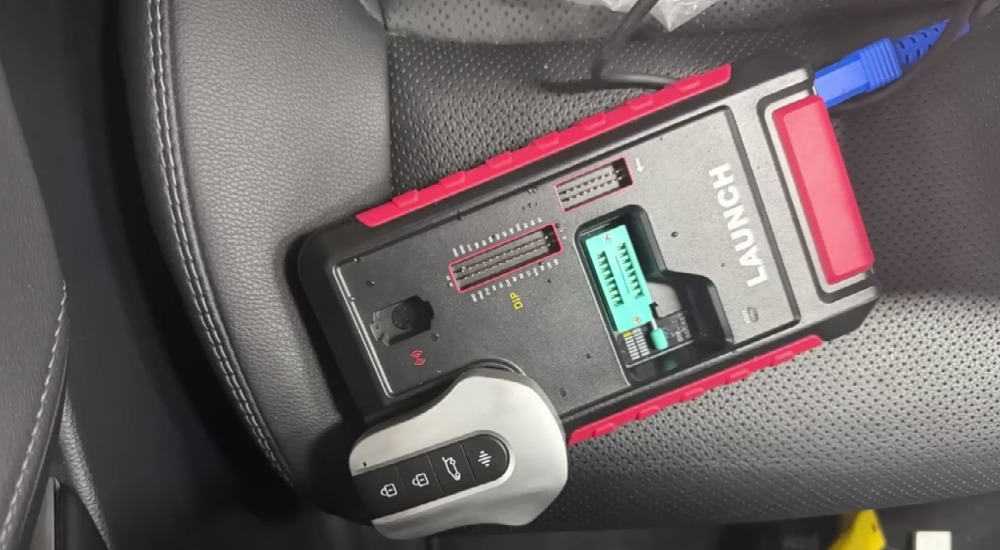
Put the original Toyota key on the car key slot of Launch G5
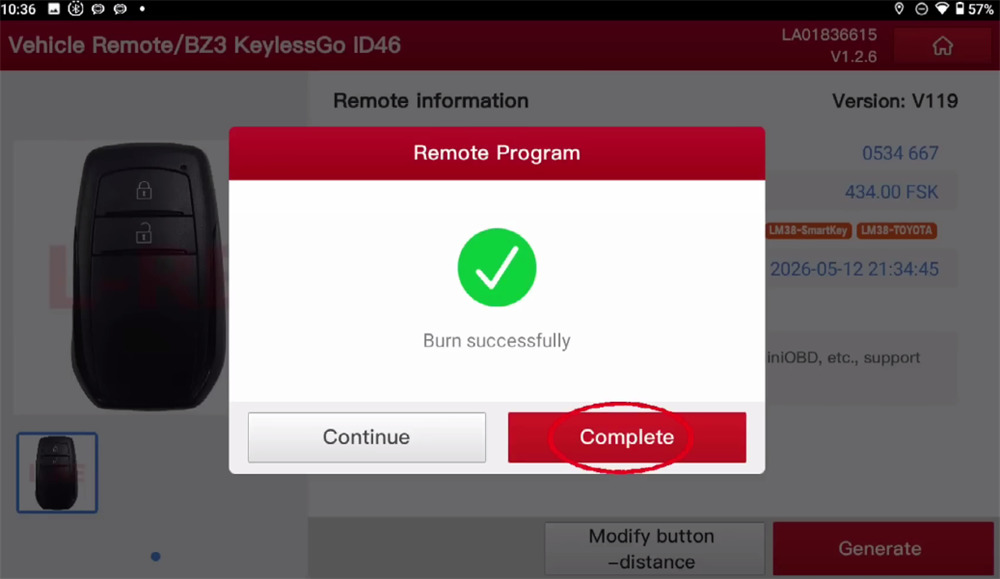
Wait the remote is generated successfully


Step 2: Read immobilizer data (BA/4A wiring harness)
Go to IMMO function on the main menu
Select TOYOTA-> Toyota Anti-theft diagnostic software (e.g.V10.70)-> Immobilizer/Keys Programming-> System mode-> Entry & start (Smart Key Programming)-> Type 11-> Read immobilizer data-> Wiring Diagram
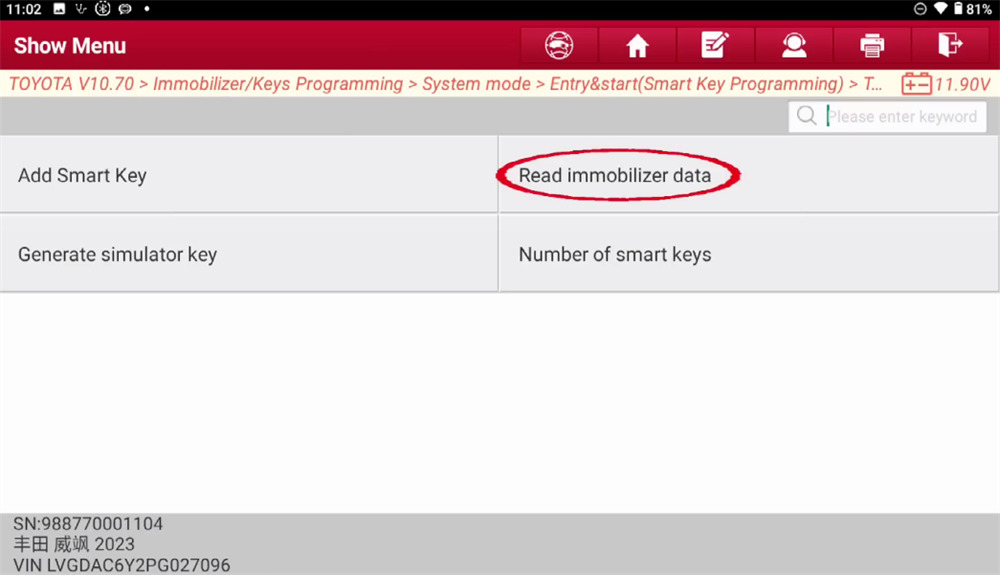
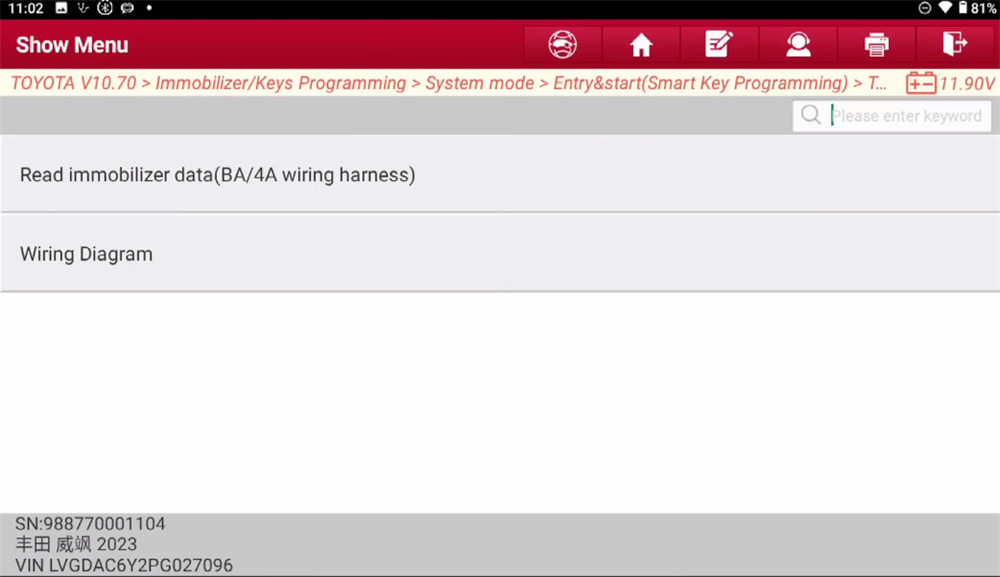
Follow the wiring diagram to use BA/4A cable
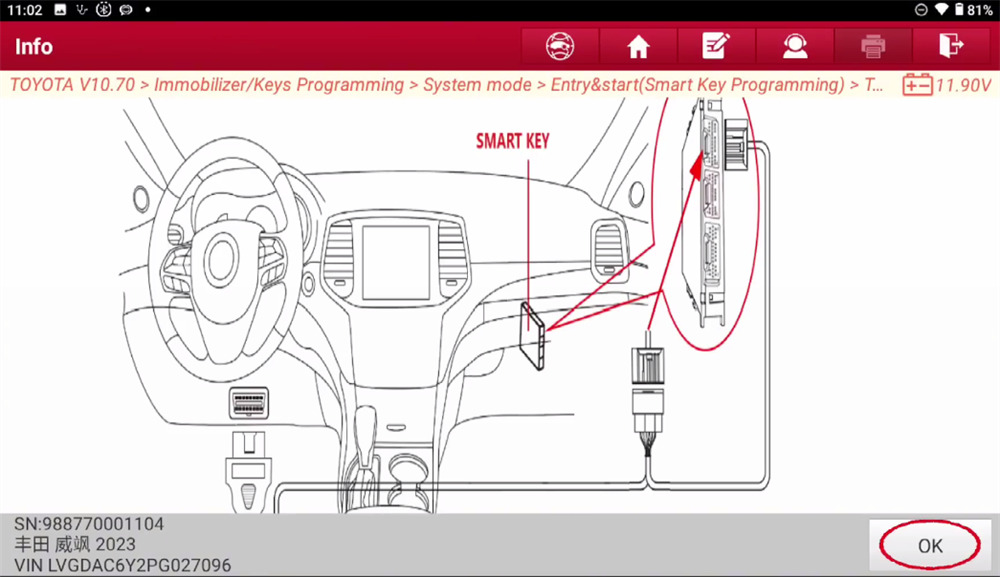
Connect the OBD connector to vehicle’s OBD port
Connect the anti-theft box adapter cable to the corresponding position in the car
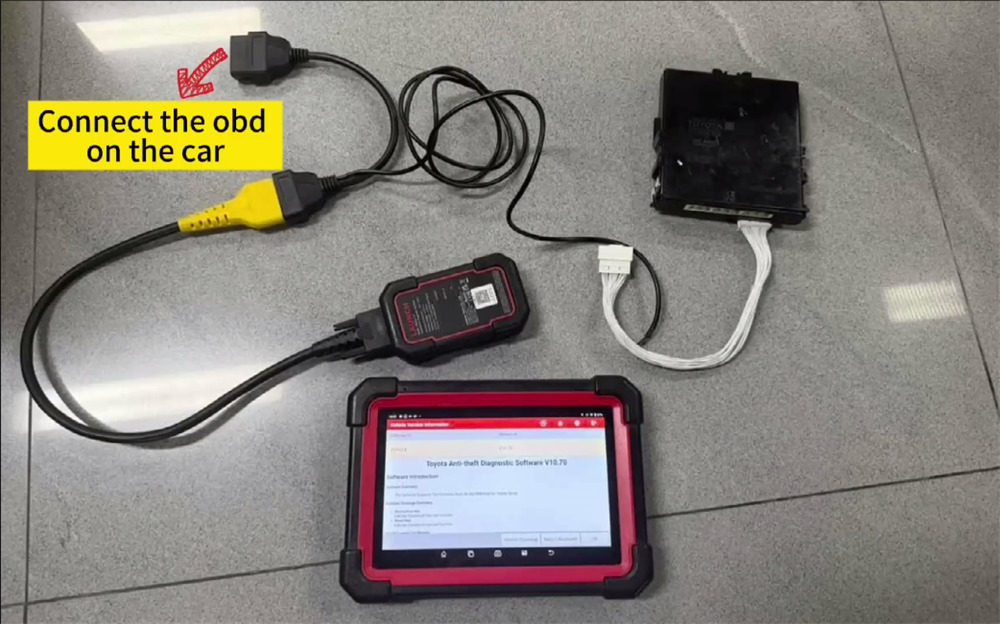
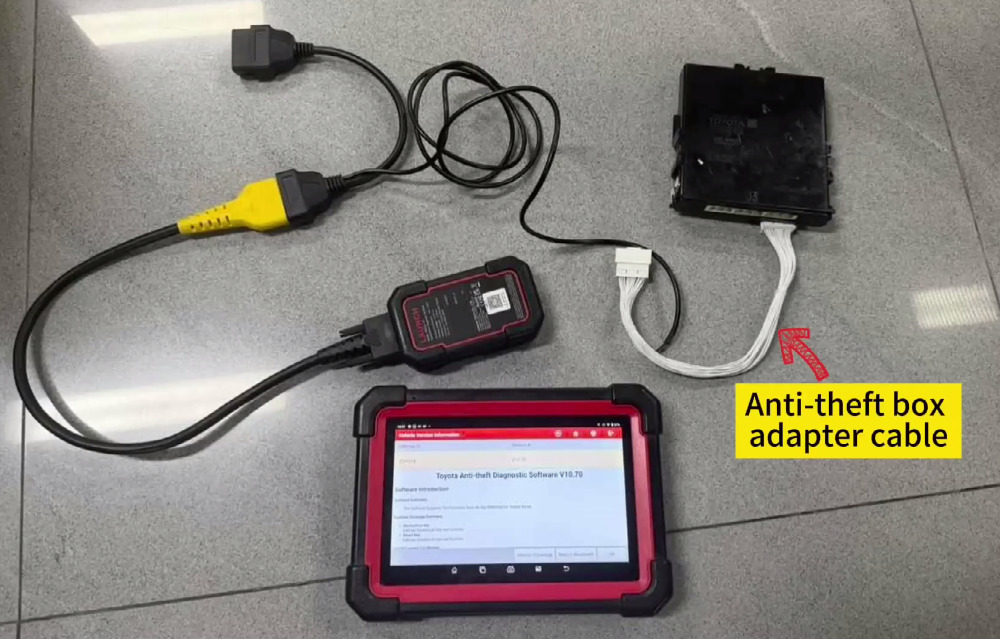
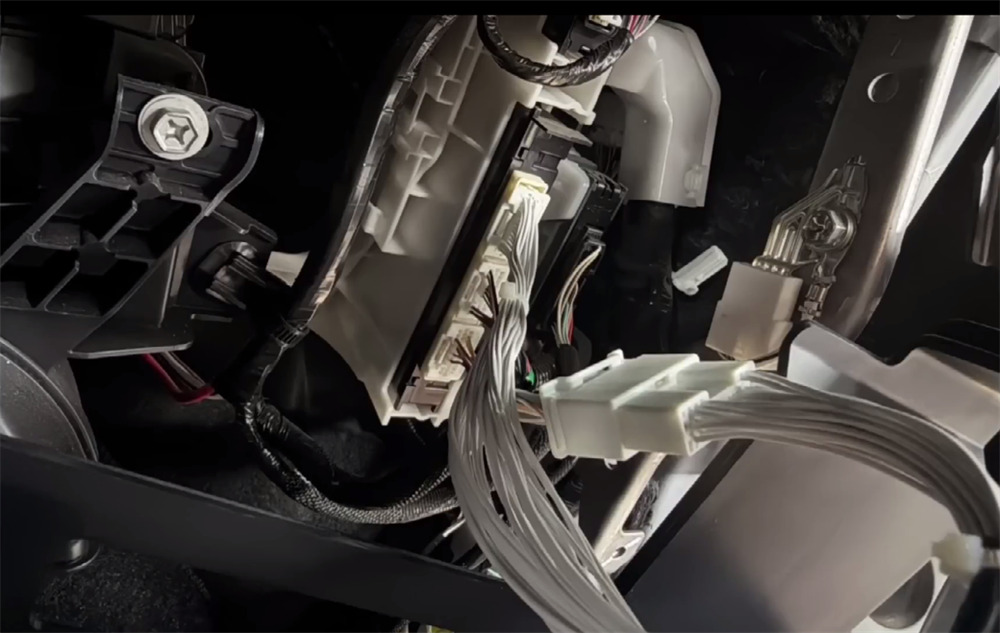
Then select Read immobilizer data (BA/4A wiring harness)
Ensure X431 IMMO Elite/ IMMO Plus/PRO connect to the network with good signal
Input the name of bin file to save the IMMO data
Back up data successfully
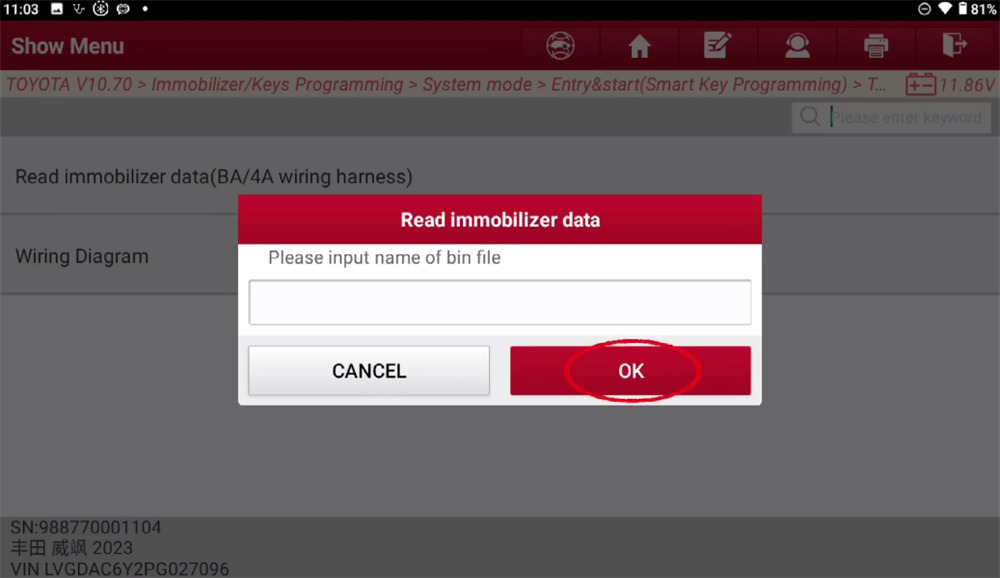
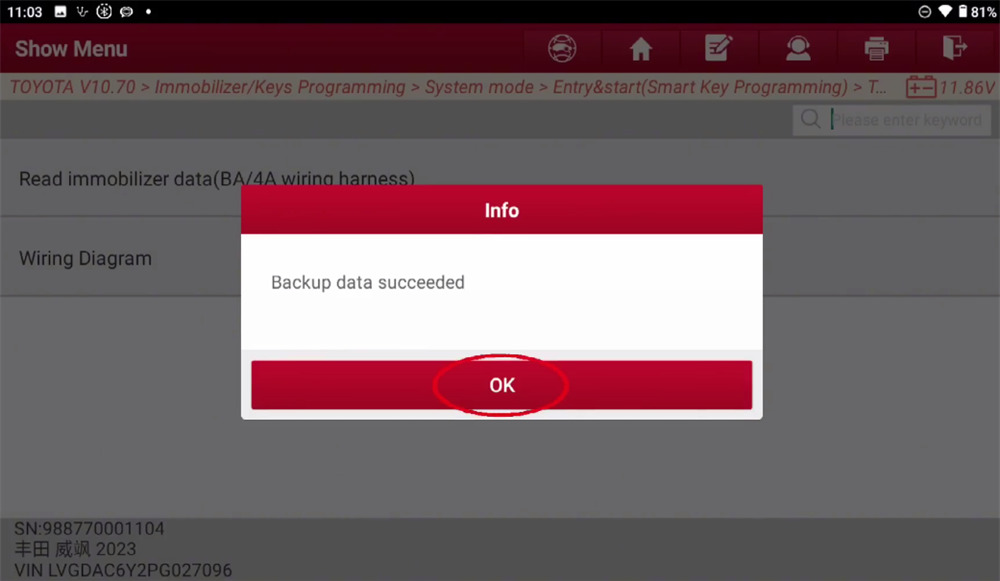


Step 3: Add Smart Key
Back to last interface to select Add Smart Key
Turn the ignition on
Confirm the VIN info is correct
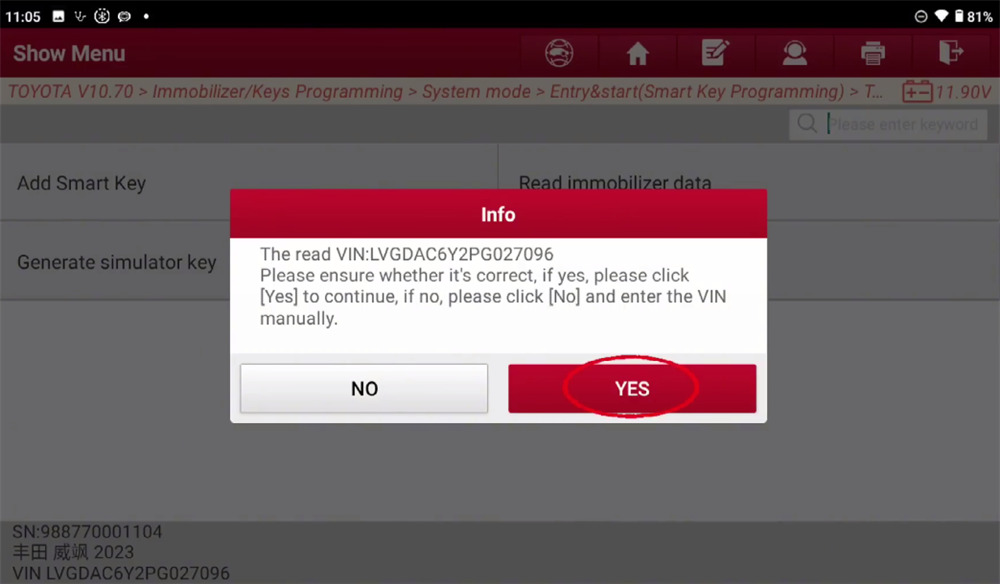
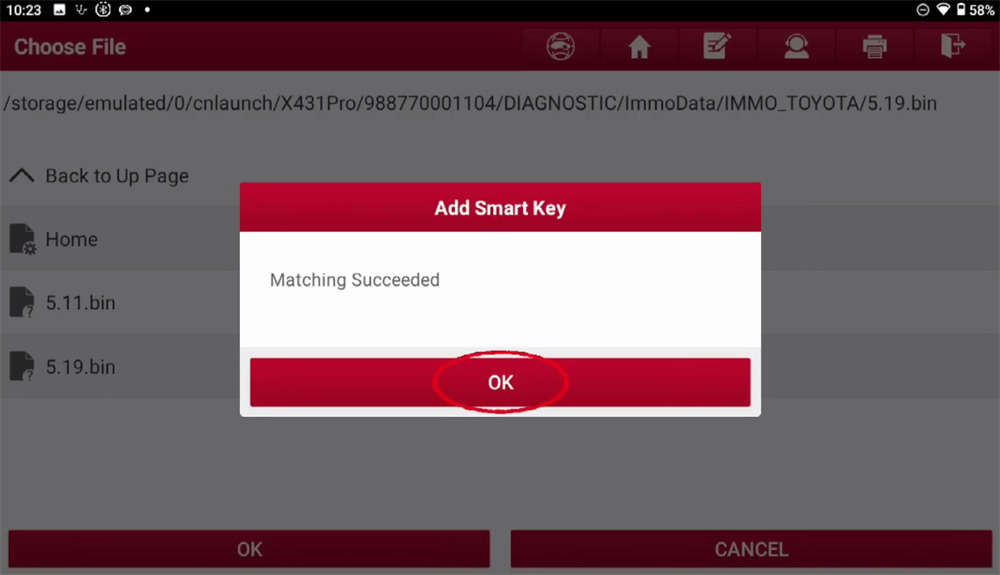
Choose the bin file just saved in Step2
Keep a matched key close to Start button
Wait the key matching is successful

Video guide:

www.launchx431.fr