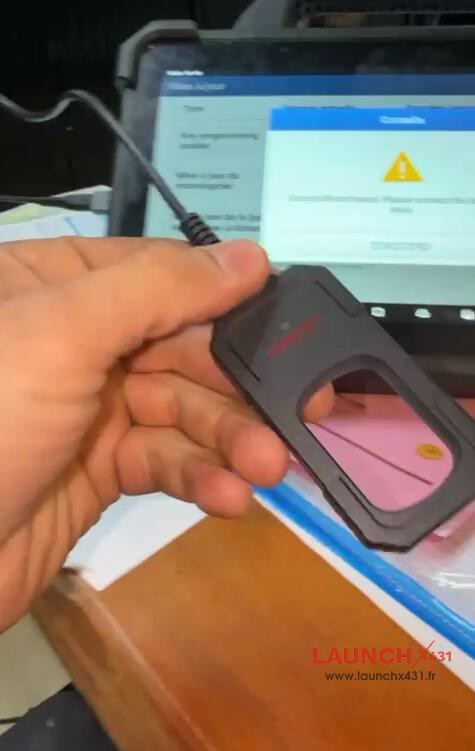
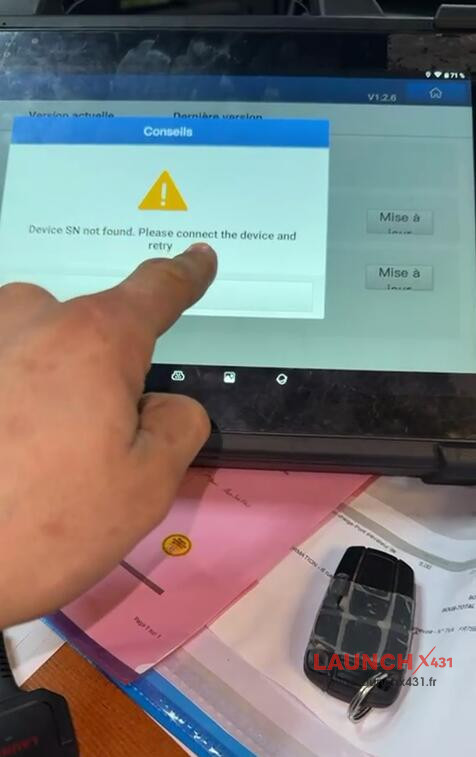
If your Launch X431 key programmer light isn’t turning on and appears “Device SN not found, please connect the device and retry”, it’s usually a connection or setting issue, not necessarily hardware damage; you need to use the USB conversion interface, enable USB Management in X431 tablet‘s settings. Check the detailed solution below.


Solution:
1.Use the Correct Cable:
Don’t connect the programmer’s Type-C cable directly to the tablet; use the Type-C to USB Converter that came with X431 key programmer.


2.Check Tablet Settings:
In X431 tablet’s settings, find the USB Management option and ensure the USB interface switch is turned ON.
Tech support:
- Email: sales@launchx431.fr
- WhatsApp: +86 18750906257