
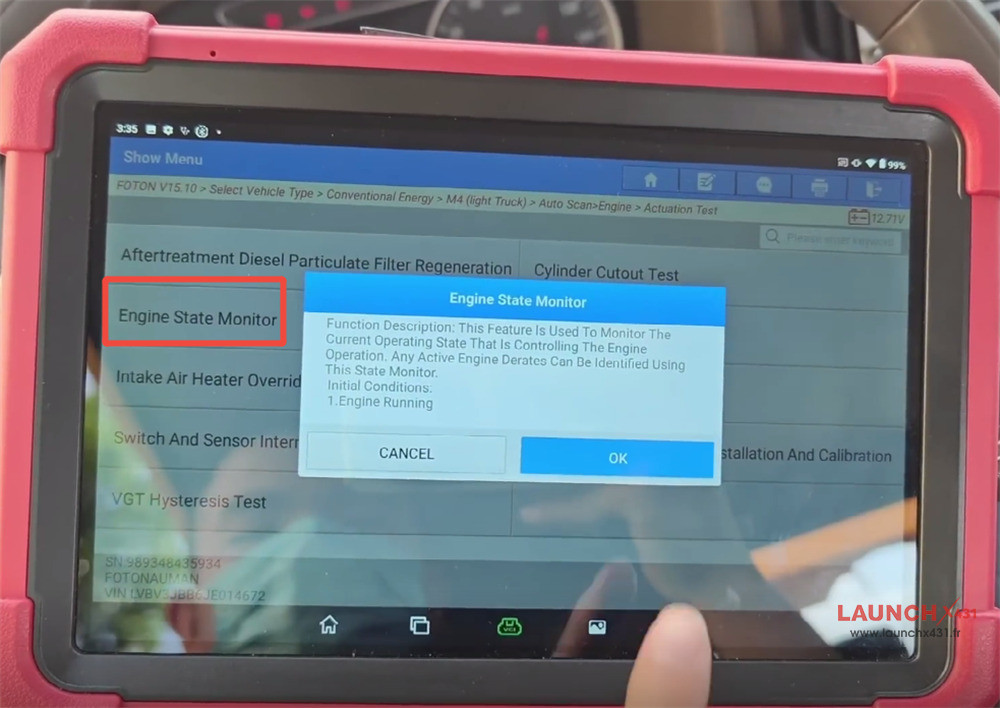
Monitoring real-time engine status is a critical first step for routine maintenance, diagnosing performance drops, or preparing for advanced service functions like DPF regeneration. In this step-by-step guide, we show you exactly how to analyze the engine state using LAUNCH X431 PAD5 LINK HD or PRO3 LINK HD.
- X431 PAD5 LINK HD= X431 PAD V Elite with SmartLink C and HD Truck Software Authorization Pack
- X431 PRO3 LINK HD= X431 V+ SmartLink HD
Step-by-Step Menu Path
To check the 2018 Foton Aumark engine state, connect your diagnostic tool and follow this exact menu path:
1.Local Diagnose: Navigate to the main menu on your X431 tablet.
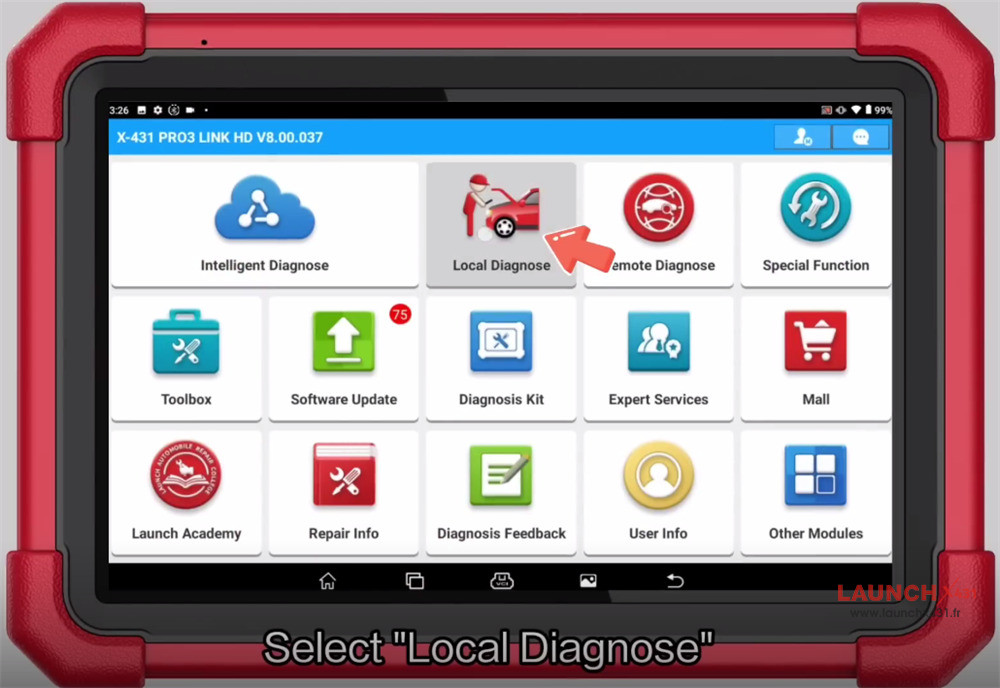

2.Vehicle Selection: Select HD -> Truck -> Foton -> FOTON software V15.10.
3.Model Selection: Choose Vehicle Type -> Conventional Energy -> M4 (Light Truck).
4.Scan System: Select Auto Scan -> Smart Detection.
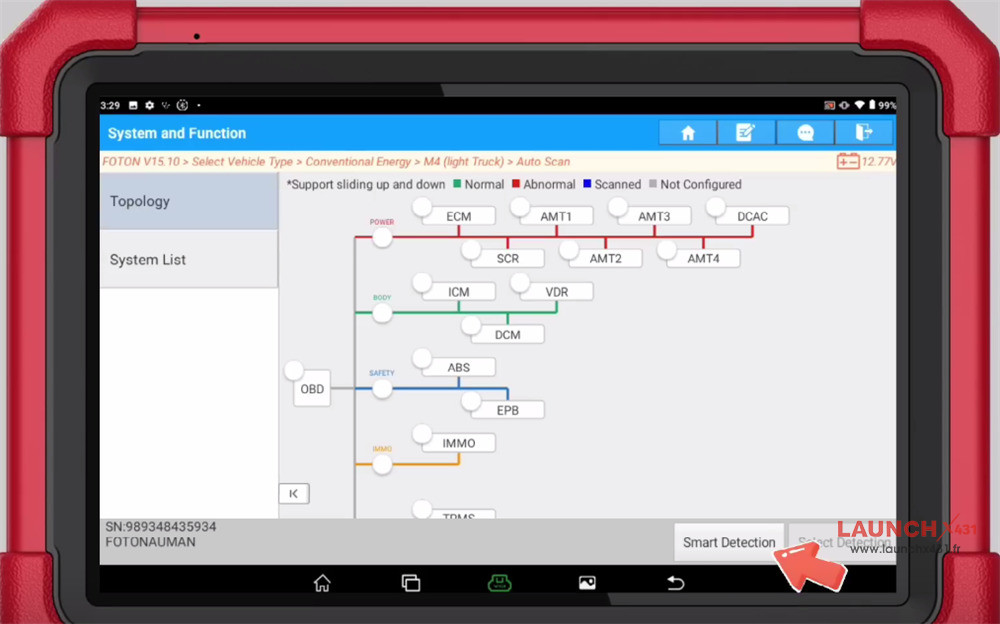

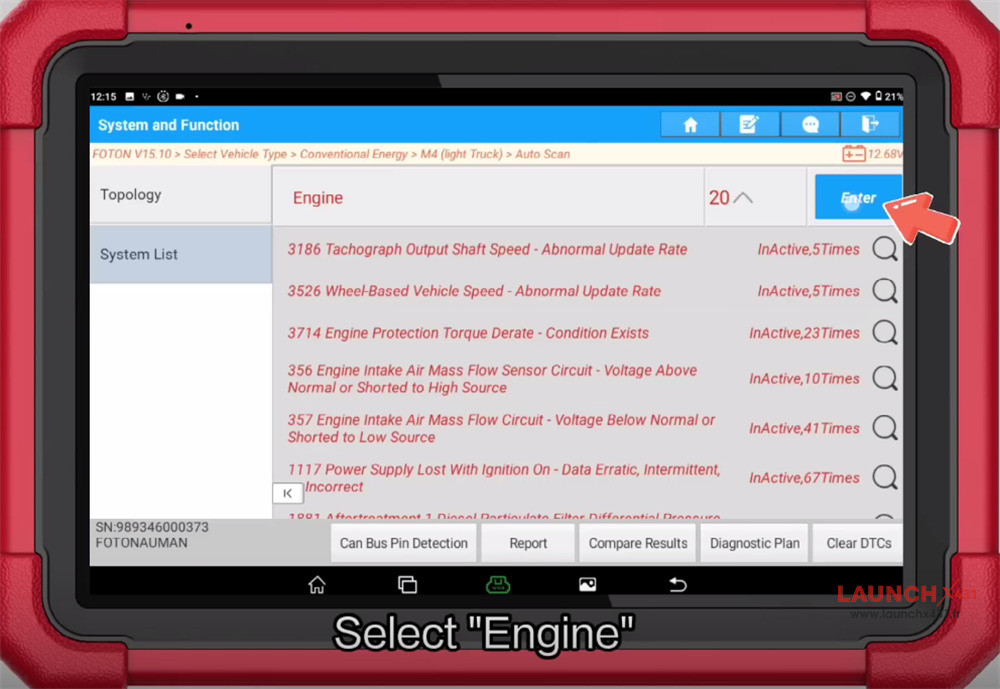
5.Access Engine: After scanning all systems, select Engine -> Enter, then confirm the vehicle info.
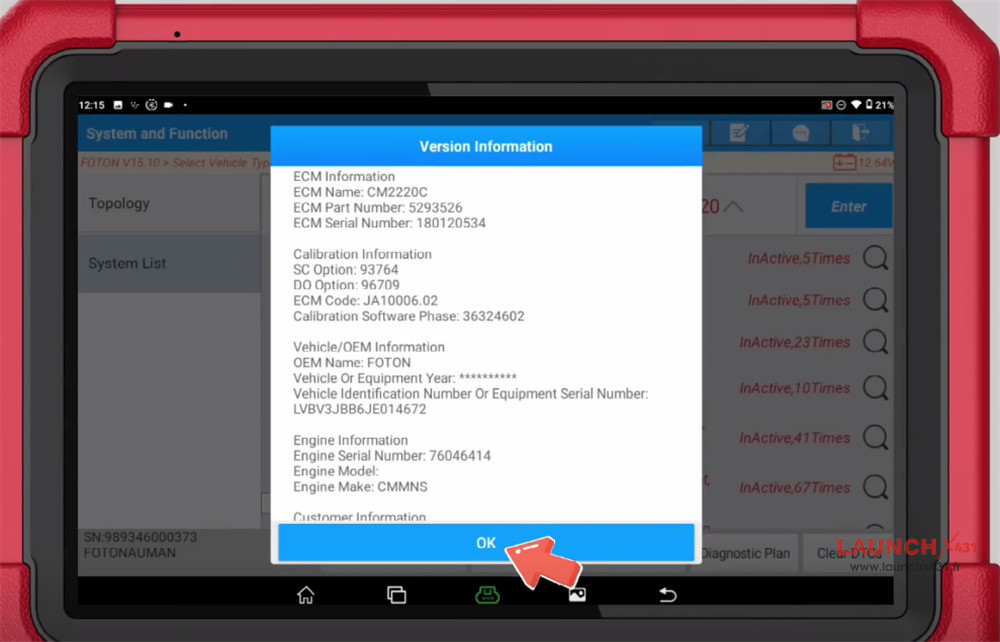


6.Execute Test: Choose Actuation Test -> Engine State Monitor.
7.Read Prompts: Pay attention to the on-screen prompt and click “OK” to continue.
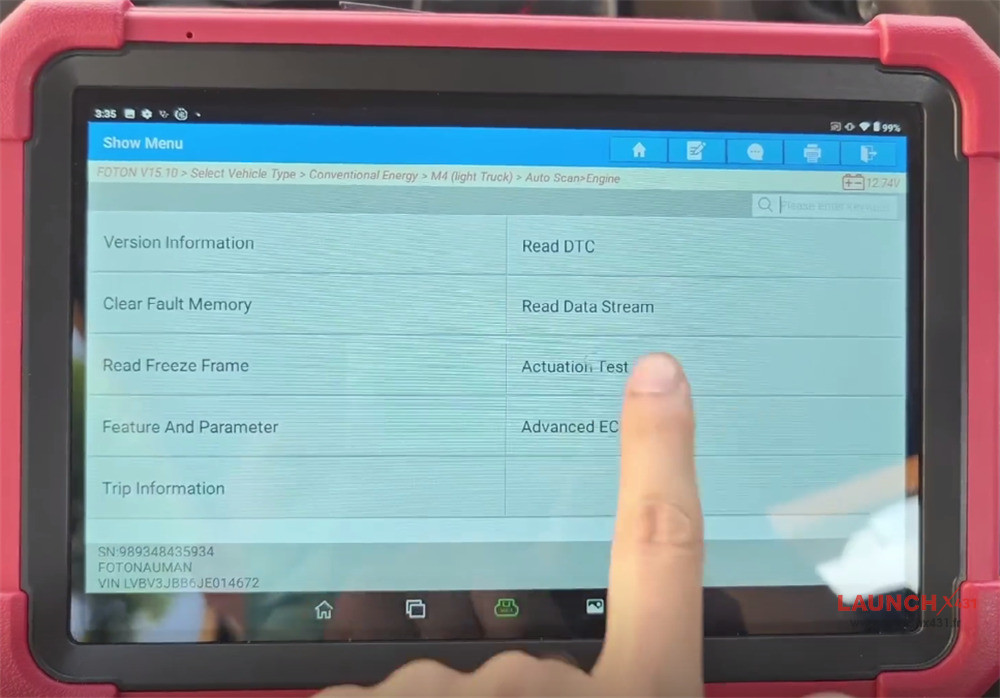

Understanding the Engine State Results
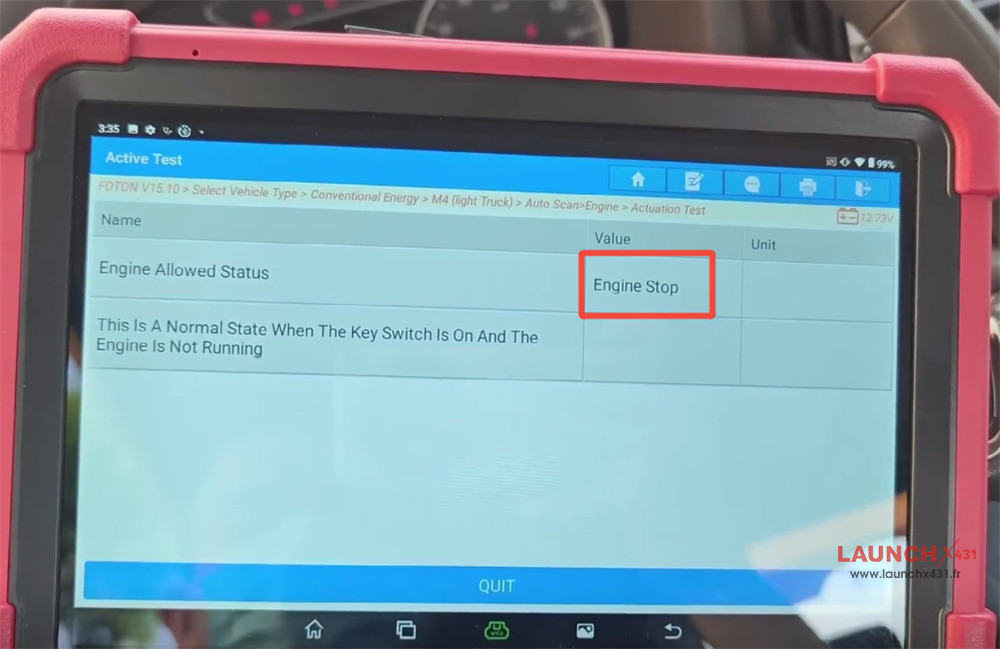
•Engine Off: For example, if the vehicle is not running, the screen will display the current engine allowed status as Engine Stop.
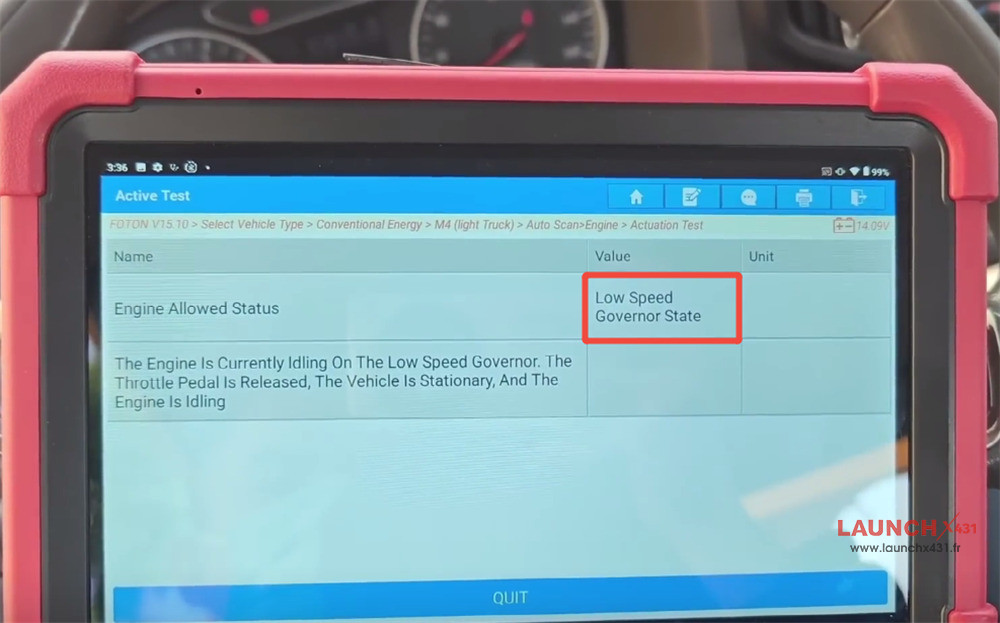
•Engine Running: Start the engine again and re-enter the interface on your X431 tool. The live status will update to Low Speed Governor State.


Video guide:
