This post shows how to read data stream on a 2020 Sany using Launch X431 PAD5 LINK HD. A step‑by‑step guide for monitoring real‑time vehicle data to improve diagnostic accuracy and efficiency.
Launch X-431 PAD5 LINK HD = X431 PAD V Elite with SmartLink C 2.0+ X431 HD Truck Software Authorization and Adapters Package
Note: X431 V+ SmartLink HD (PRO3 LINK HD) also can perform this function perfectly.
Simple guide:
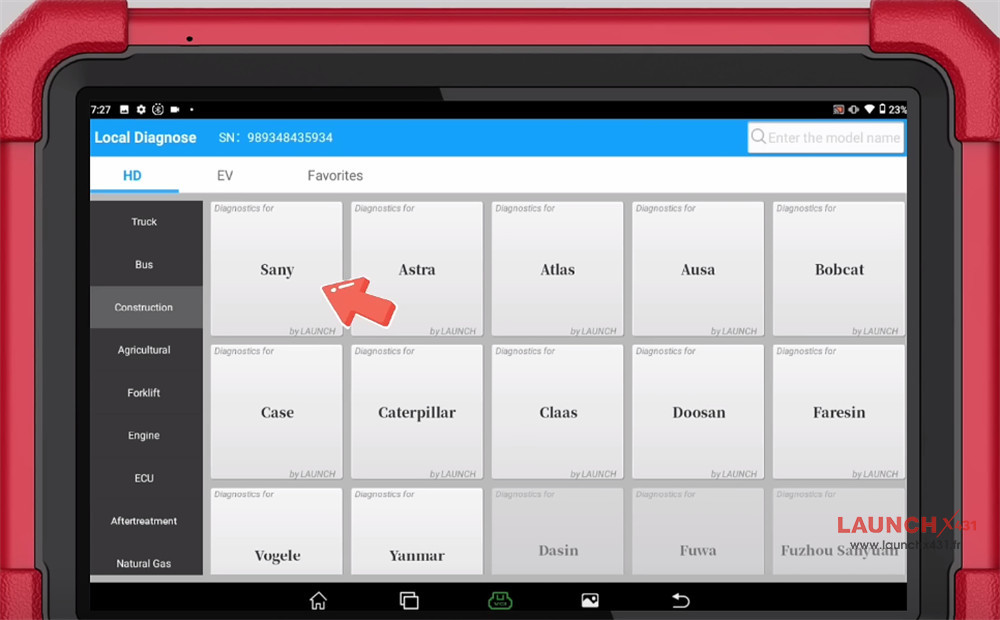
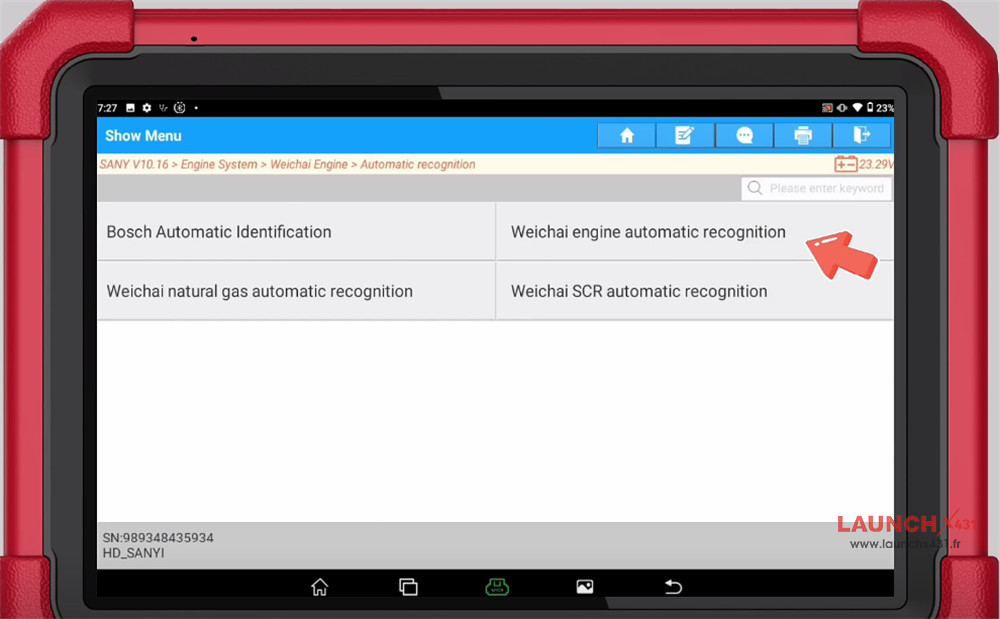
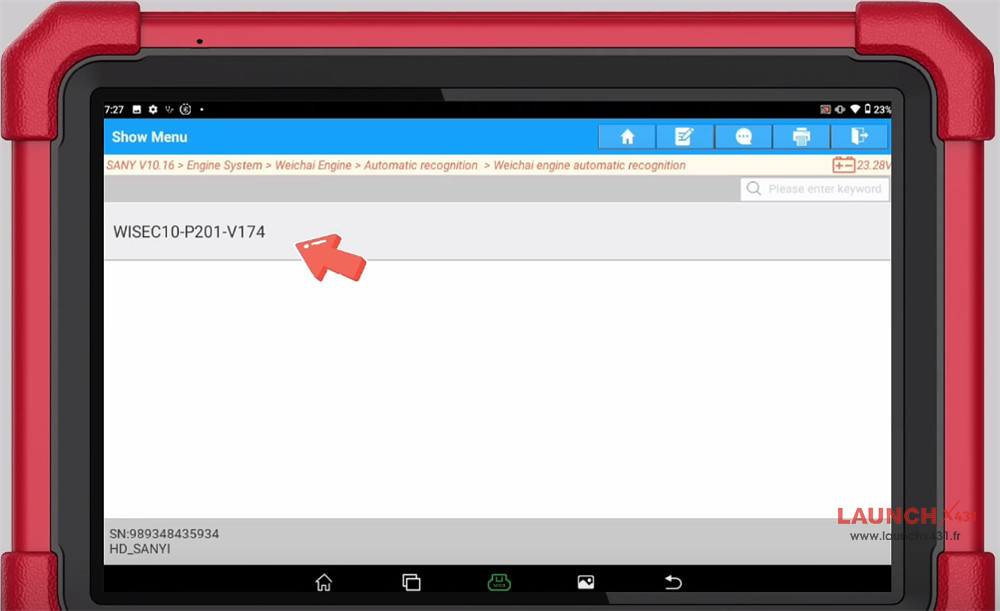
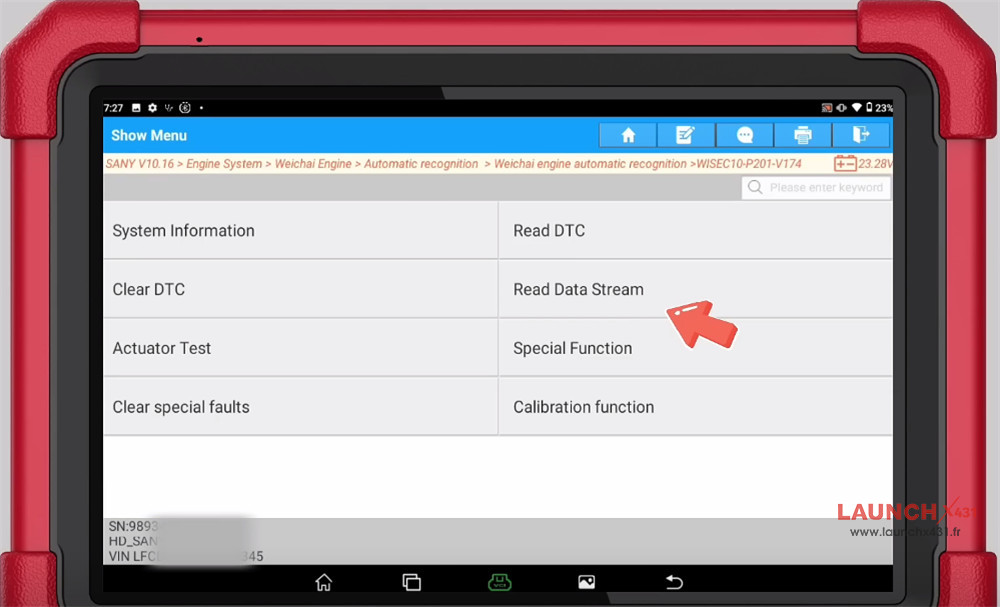
Navigate to Local Diagnose-> Construction-> Sany-> SANY software-> Engine System-> Weichai Engine-> Automatic recognition-> Weichai engine automatic recognition-> WISEC10-P201-V174
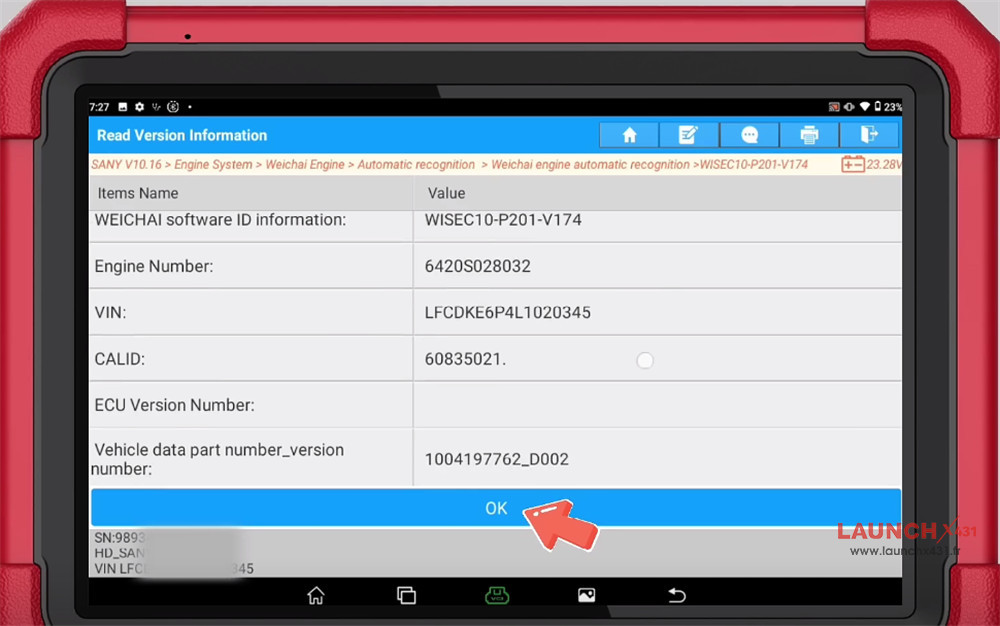
Confirm vehicle info identified
Select “Read Data Stream”
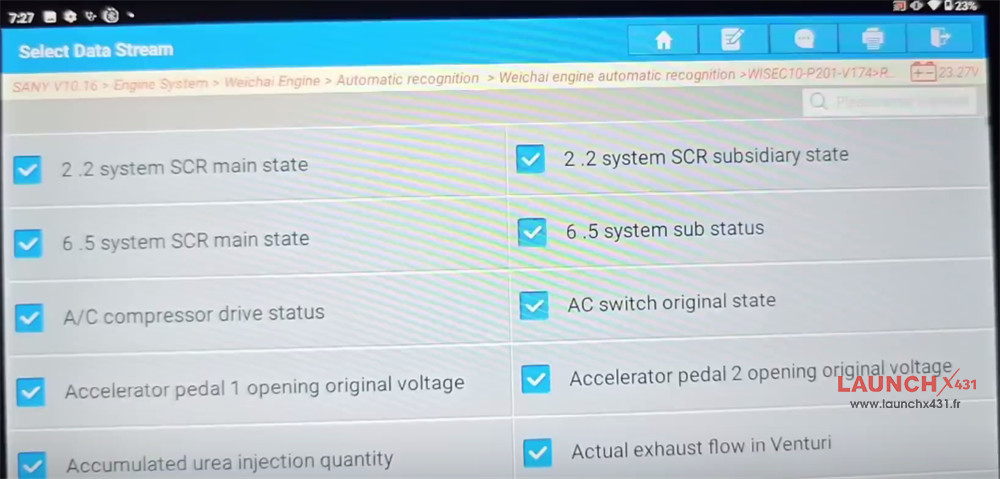
Select the required data and click “OK”
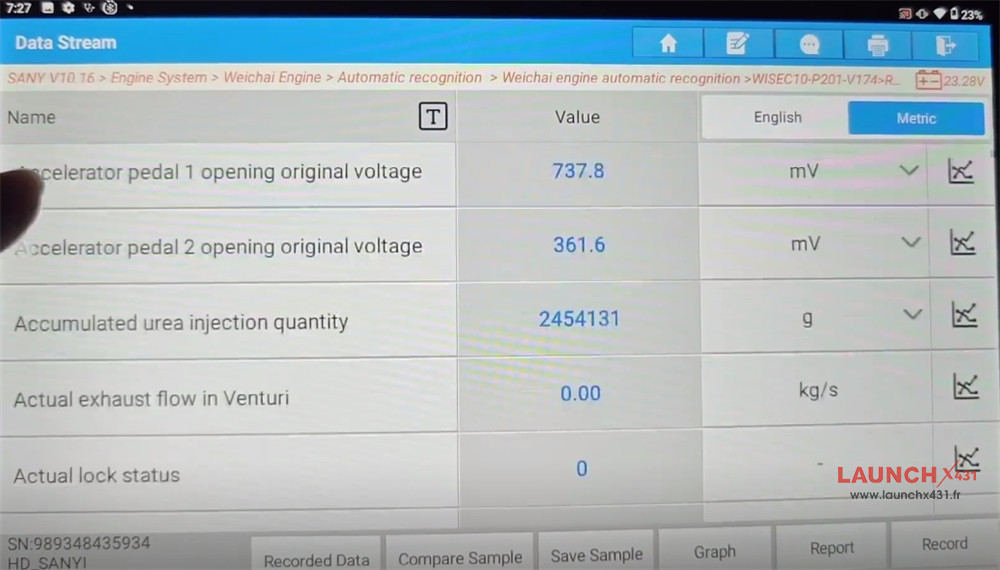
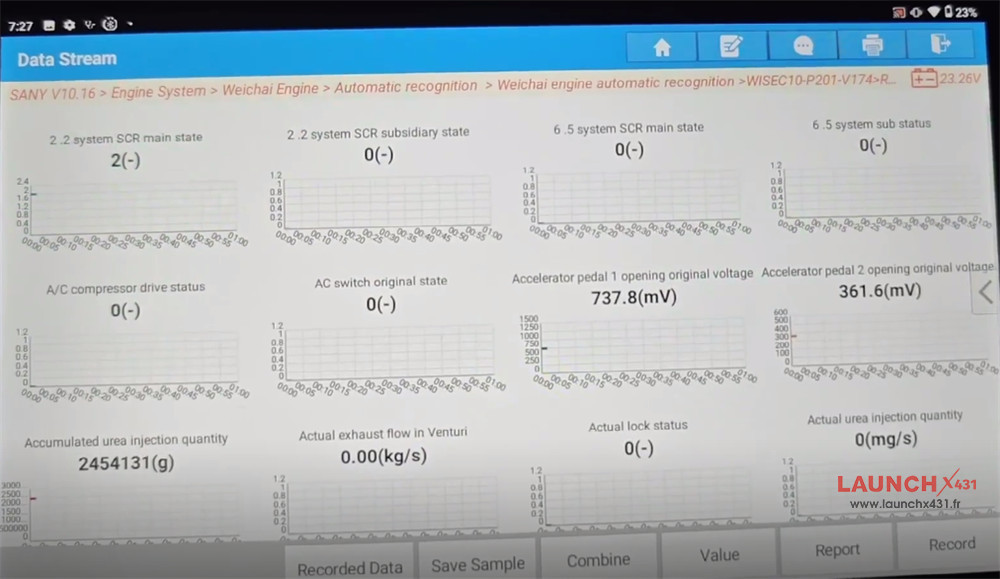
Check the value
Operation is completed.


Video guide:

https://www.launchx431.fr/