In this post, we’ll show you exactly how to use premium Launch heavy-duty diagnostic tools to write and program the VIN code on a 2022 Isuzu TAGA.
If you’re a technician or a DIYer looking to rewrite a vehicle identification number after a module replacement, this step-by-step walkthrough will help you ensure accurate vehicle info and get your diagnostics back on track!
Supported tools:
X431 PAD5 LINK HD= X431 PAD V Elite with SmartLink C and HD Truck Software Authorization Pack
X431 PRO3 LINK HD (V+ SmartLink HD)
Operation guide:
Navigate to Diagnose on the main menu
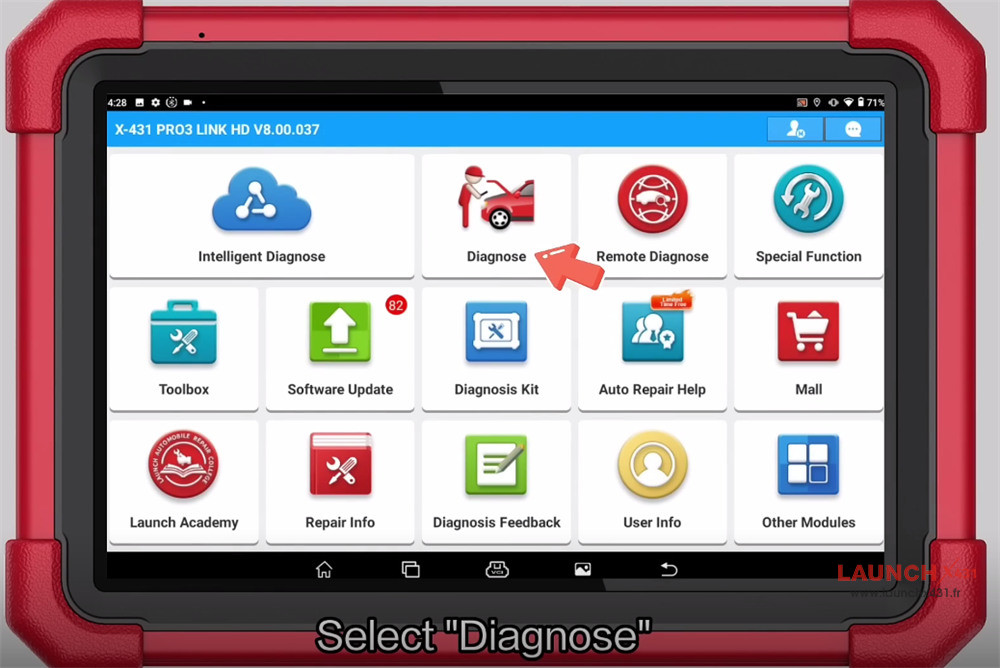

Select HD-> Truck-> ISUZU-> ISUZU diagnostic software (e.g.V17.02) -> Truck -> China And Rest Of World -> QingLing ISUZU Series -> Pickup Series -> Pickup (T + VI) -> Dakar H II-> Delphi National VI Diesel Engine
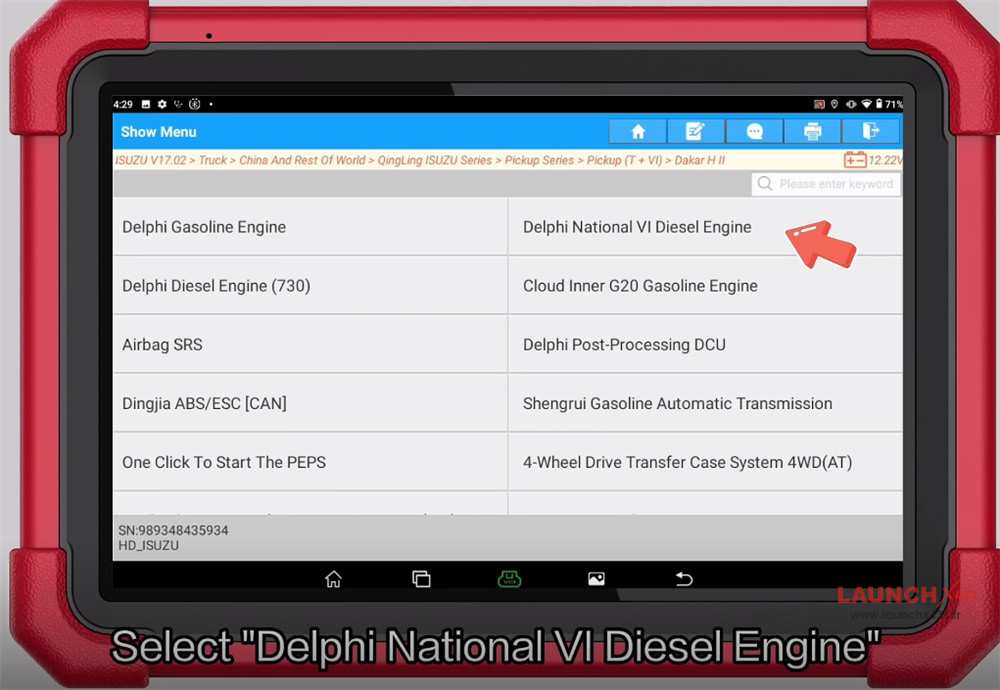

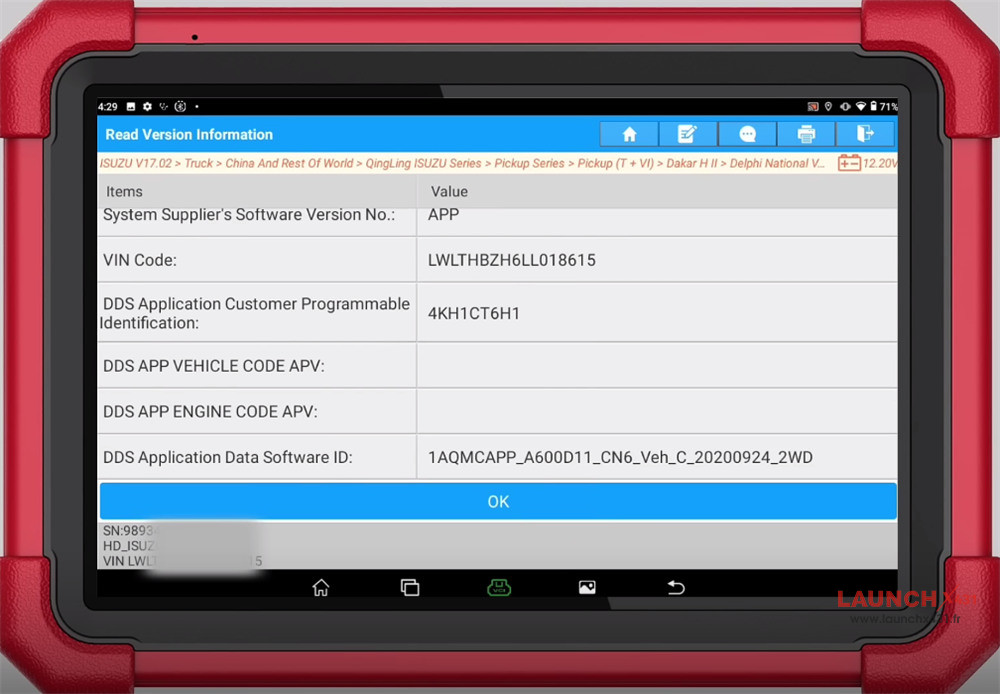
Confirm the vehicle info

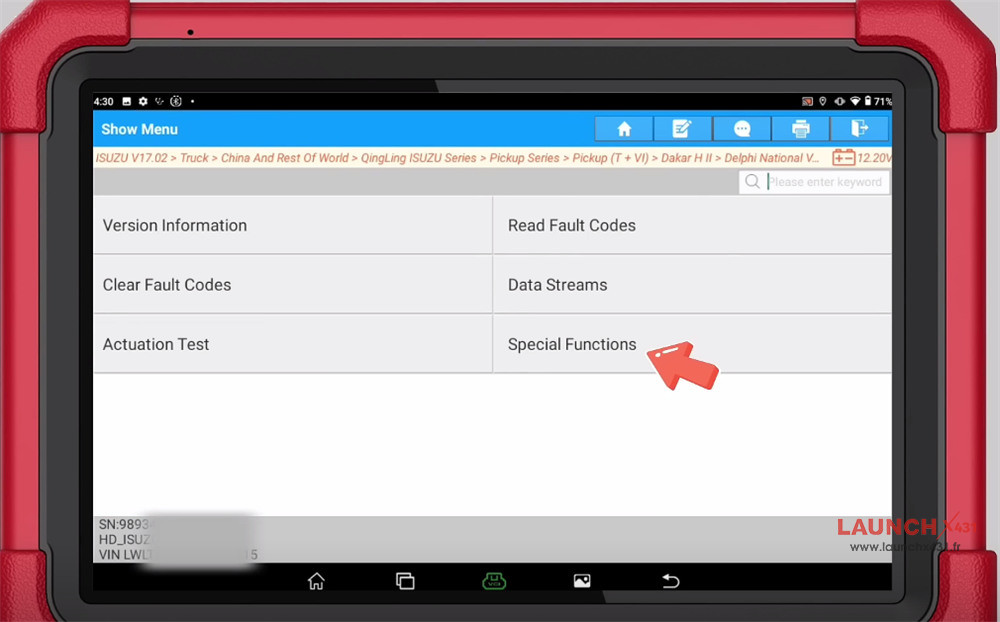
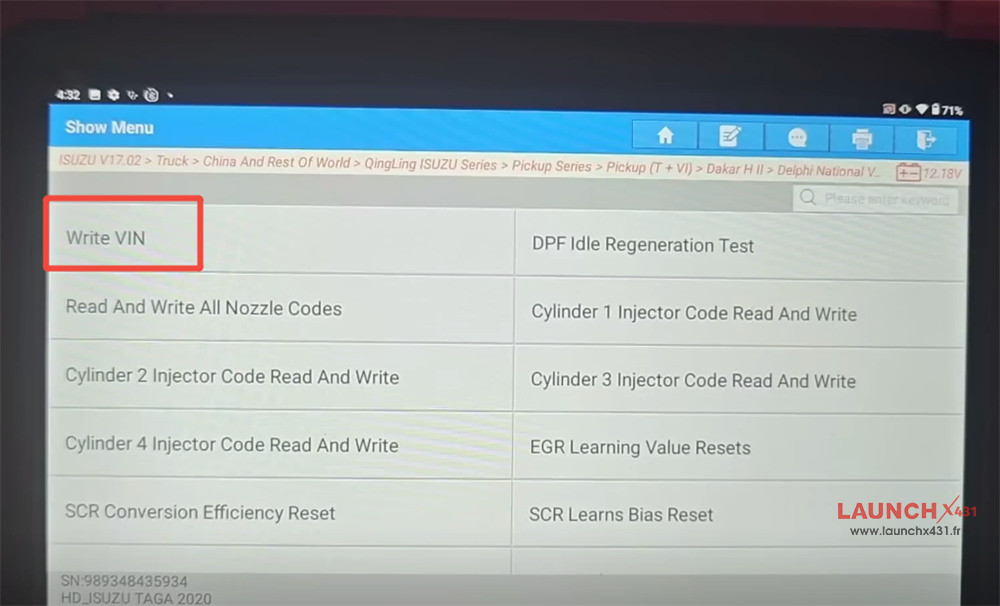
Select Special Functions-> Write VIN


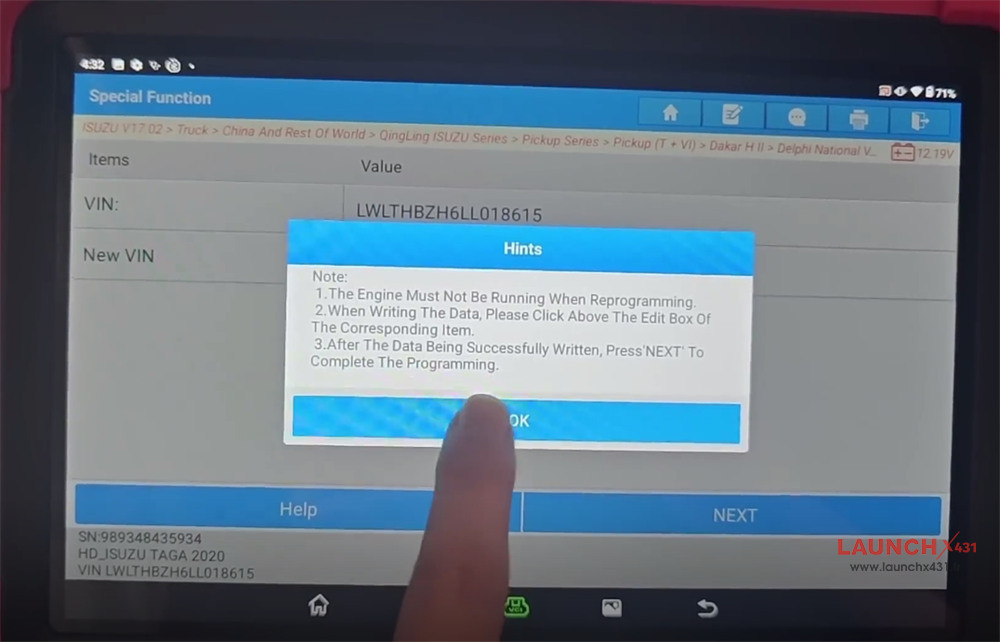
Note:
- The Engine Must Not Be Running When Reprogramming.
- When Writing The Data, Please Click Above The Edit Box Of The Corresponding Item.
- After The Data Being Successfully Written, Press’NEXT’ To Complete The Programming.
Click “OK” to next step

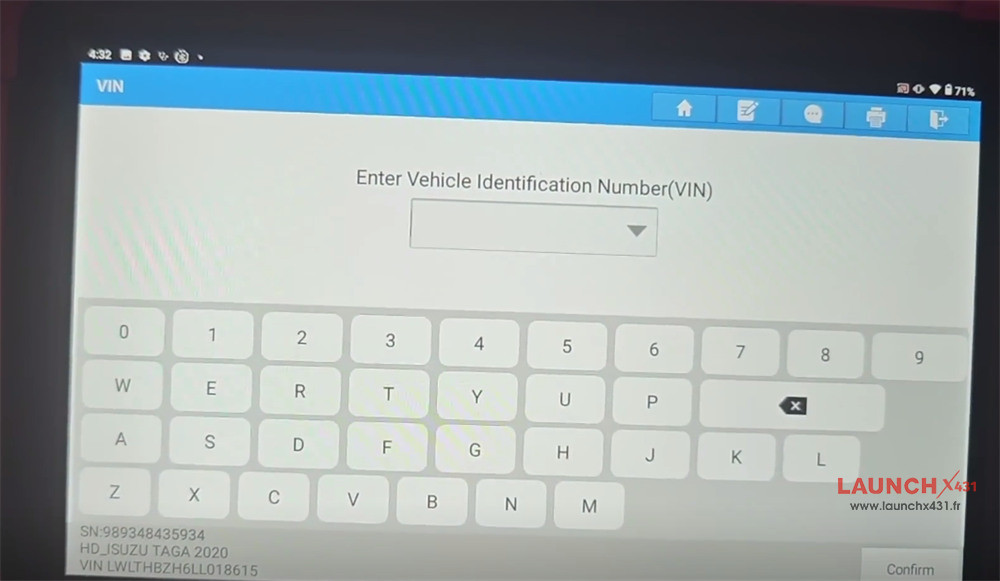
Enter the vehicle identification number (VIN)

Wait the process is completed.
Video guide:
