Having communication issues with your Launch SmartLink C V2.0? This guide walks you through repairing the connector firmware using X431 PRO3 LINK HD (X431 V+ SmartLink HD). Follow along to restore stable performance and keep your diagnostics running smoothly.
Method 1: Repair firmware on SmartLink C
1.Via OBD Cable
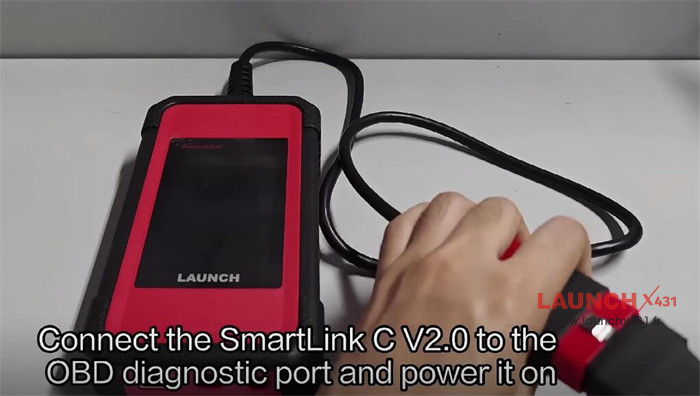
Connect SmartLink C V2.0 to the OBD diagnostic port and power it on

Waiting for the computer to boot up
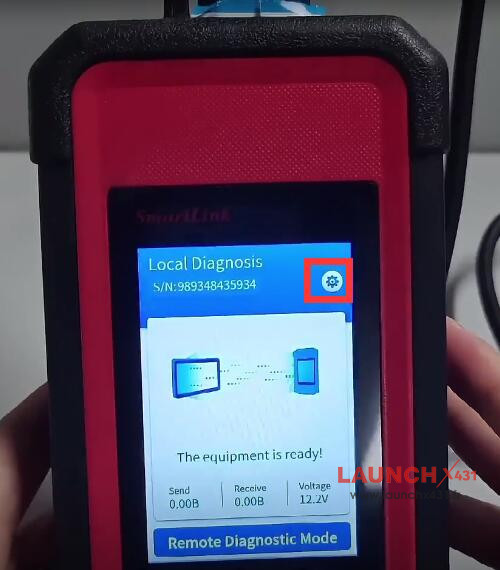
Click “Settings” icon in the upper right corner
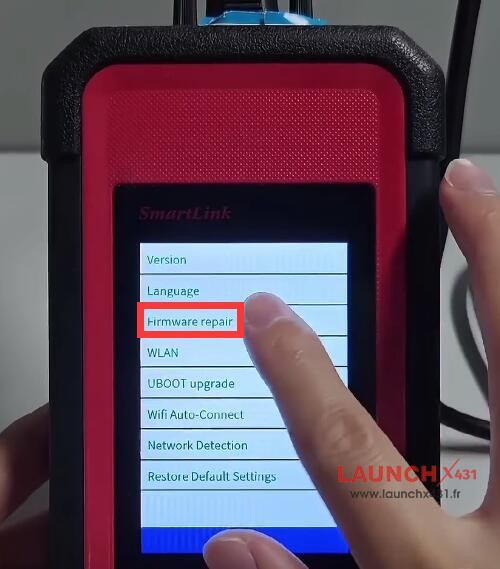
Select “WLAN”
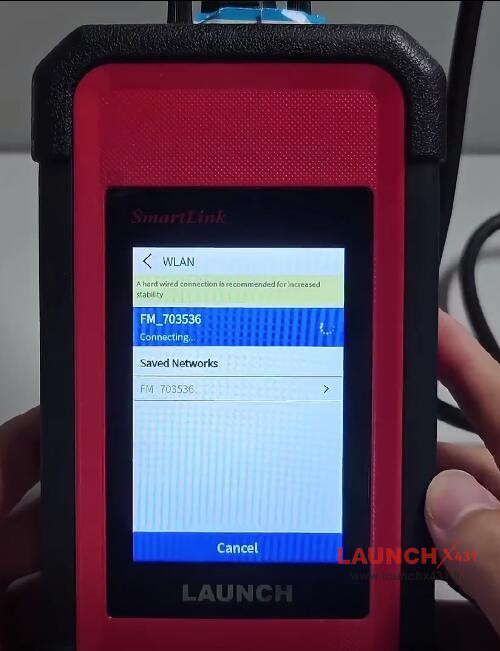
Connect to a stable WiFi
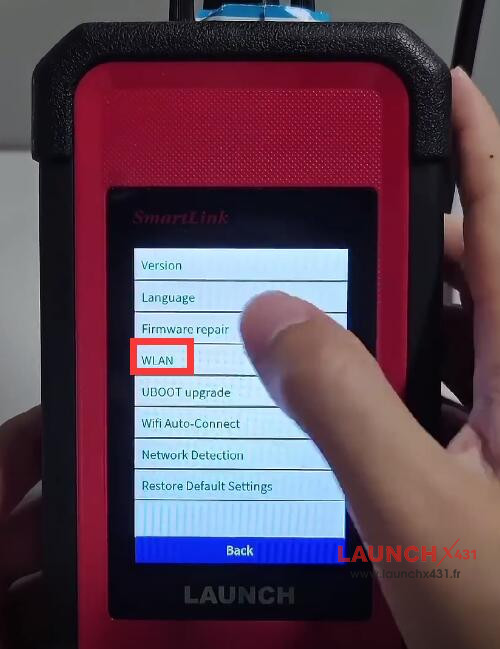


Select “Firmware repair”

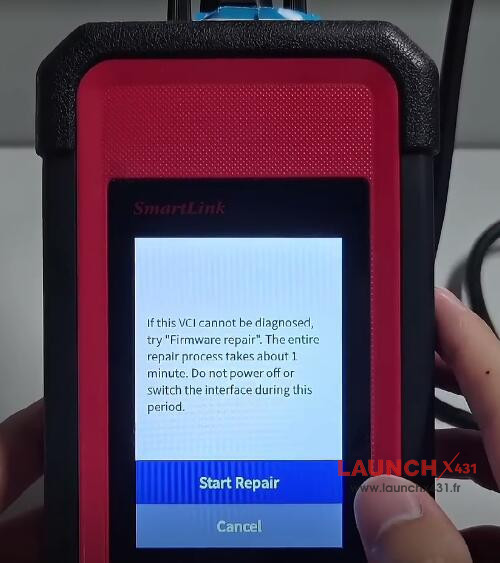
A message will appear on the screen “If this VCI cannot be diagnosed, try “Firmware repair”. The entire repair process takes about 1 minute. Do not power off or switch the interface during this
period.”
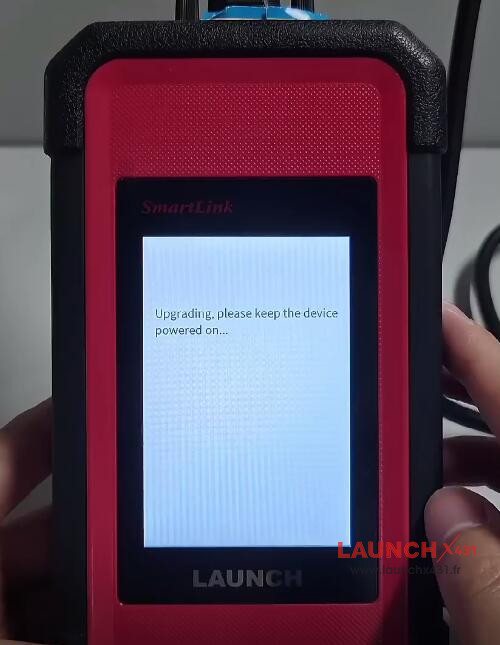
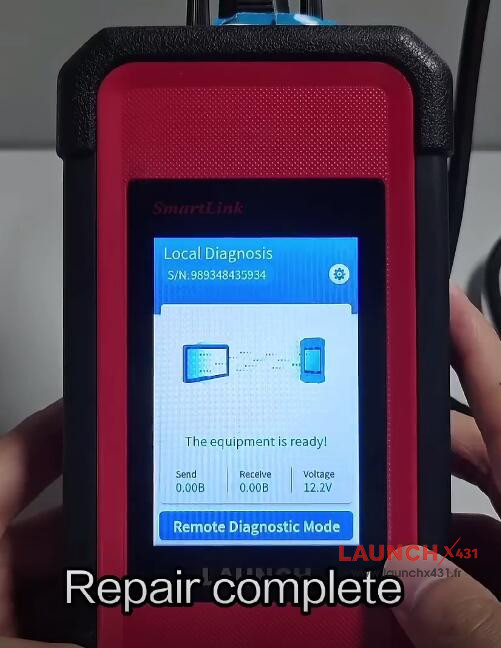
Click “Start Repair” and wait for the upgrade process is completed


2.Via Network Cable
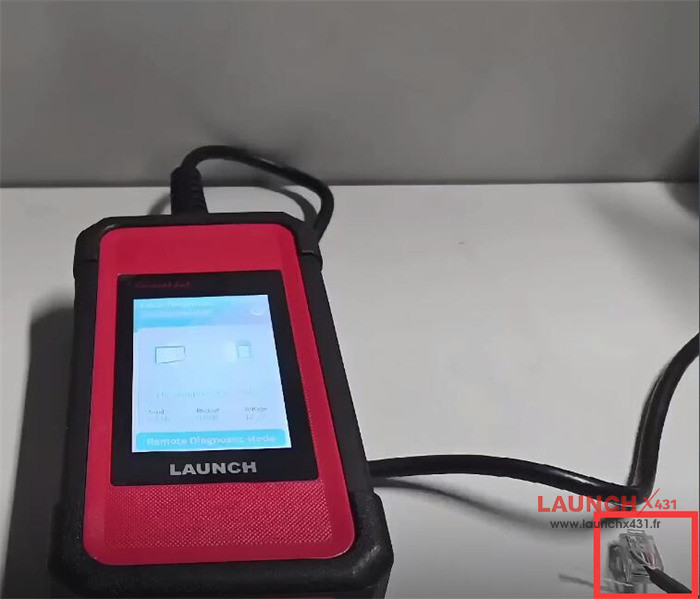
Connect a network cable to SmartLink C to update firmware
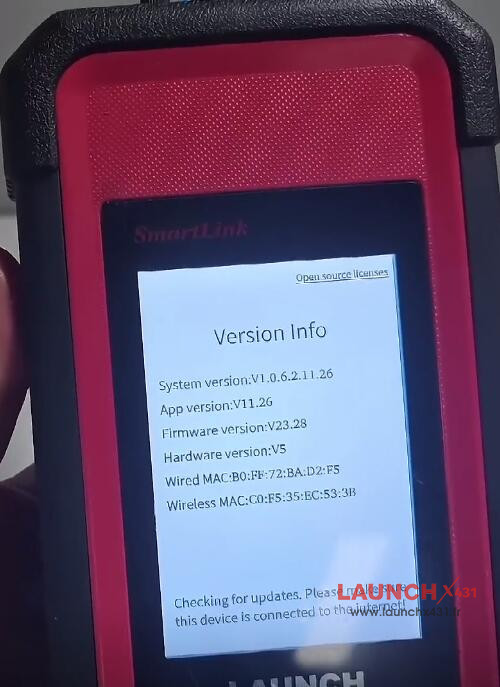
Navigate to Settings-> Firmware repair


Method 2: Fix Connector Firmware by Launch X431 V+ SmartLink HD
Connect Launch SmartLink C V2.0 and X-431 V+ SmartLink HD via Bluetooth
Select “Diagnosis Kit” on the main menu
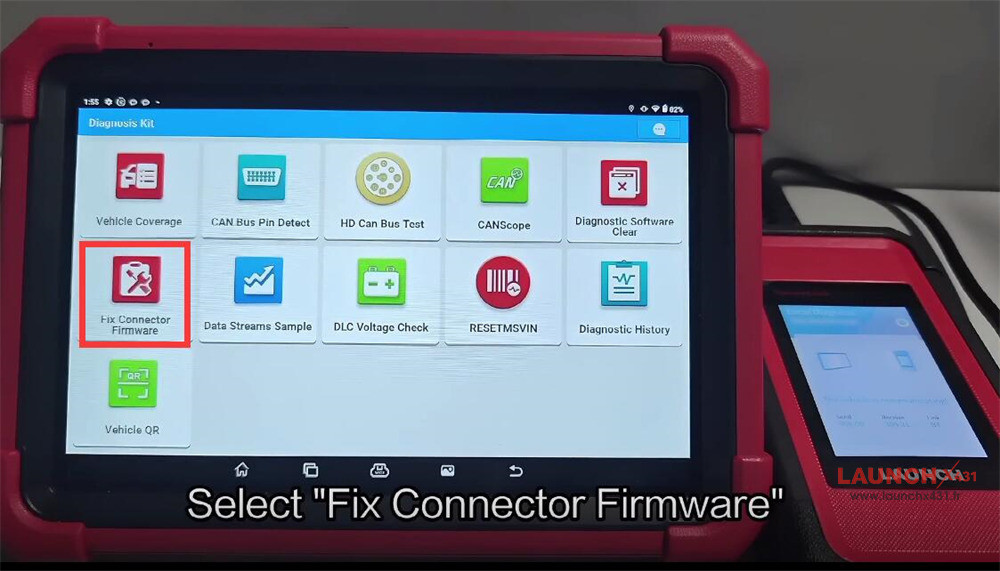
Select “Fix Connector Firmware”

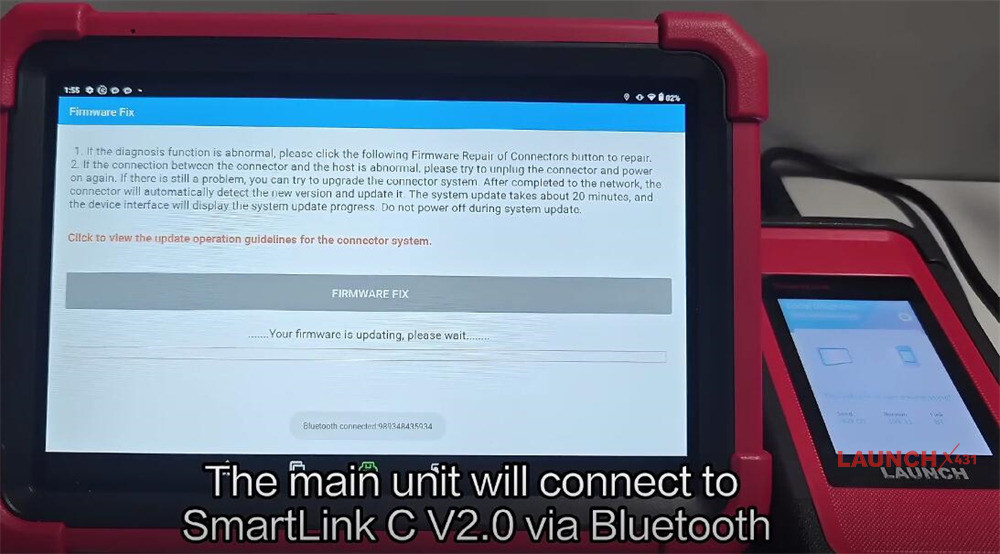
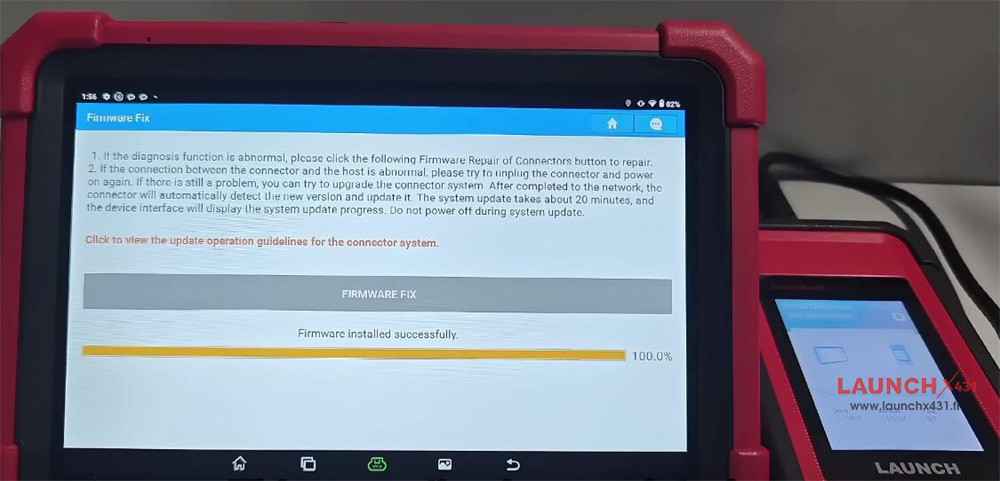
Click “FIRMWARE FIX”
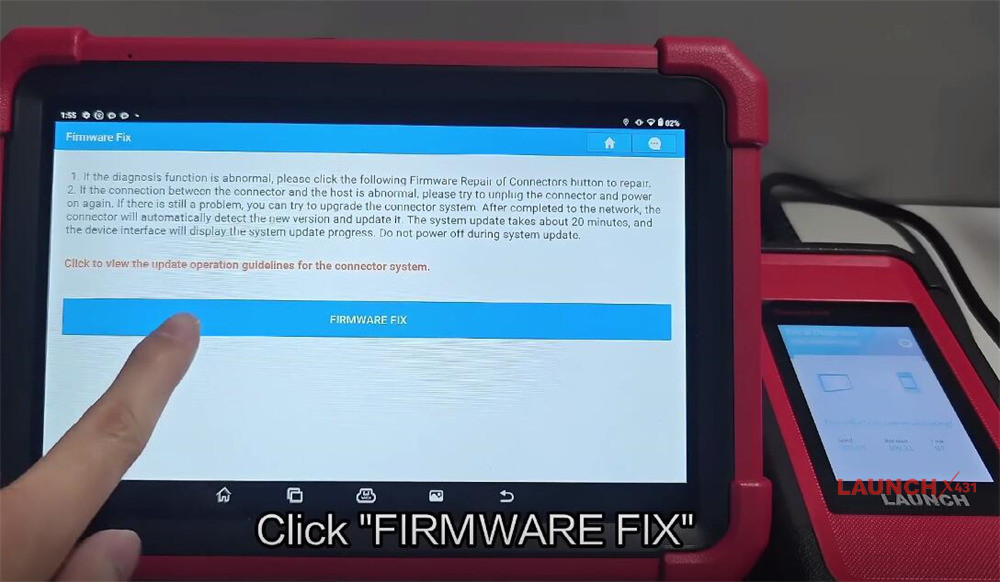

X431 V+ SmartLink HD diagnostic tool will connect to SmartLink C V2.0 via Bluetooth
The connector will automatically detect the new version and update it.
Wait a while and the device interface will display the system update progress
Do not power off during system update


Video guide:
