Today we walk you through how to refresh VIN on a 2020 JMC Kairui light truck using Launch X431 diagnostic tool. It’s recommended for professional technicians, auto repair shops and light truck & diesel specialists.
What you will learn:
How to re-read, update, and rewrite the vehicle identification number across control modules.
These are essential after module replacement, immobilizer issues, or VIN mismatch faults.
So the vehicle’s systems can communicate properly and run without warnings.
Device used:
Launch X431 V+ SmartLink HD (PRO3 LINK HD)
Note: X431 PAD5 LINK HD (X431 PAD V with commercial vehicle software license pack) also supports this function.
Procedure:
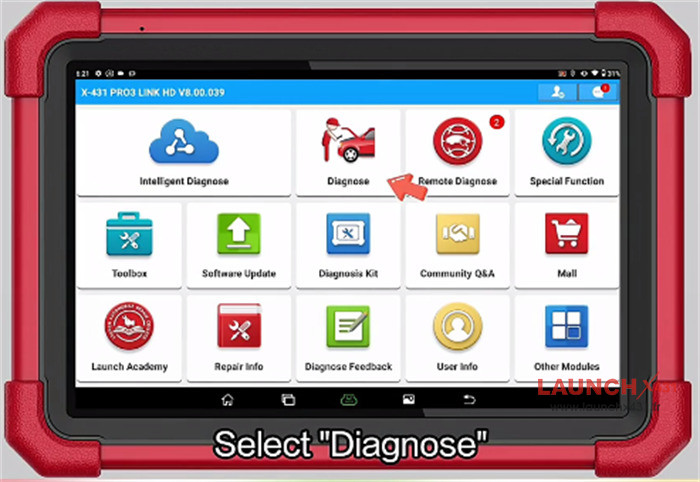
Tap “Diagnose” on the main menu

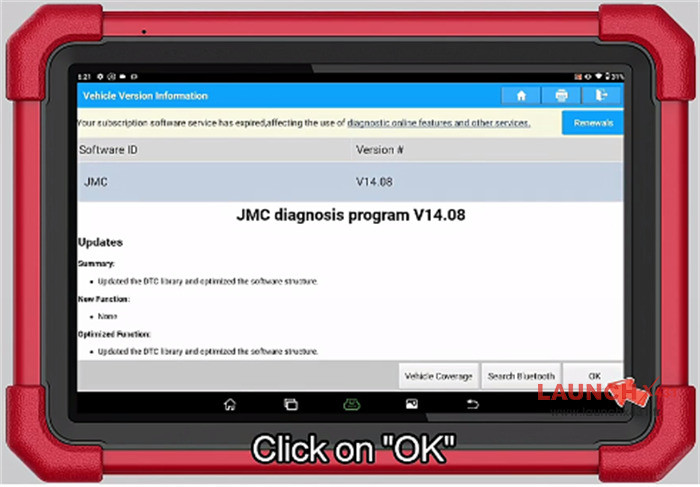
Select “JMC”
Select “JMC diagnosis program V14.08” or higher version

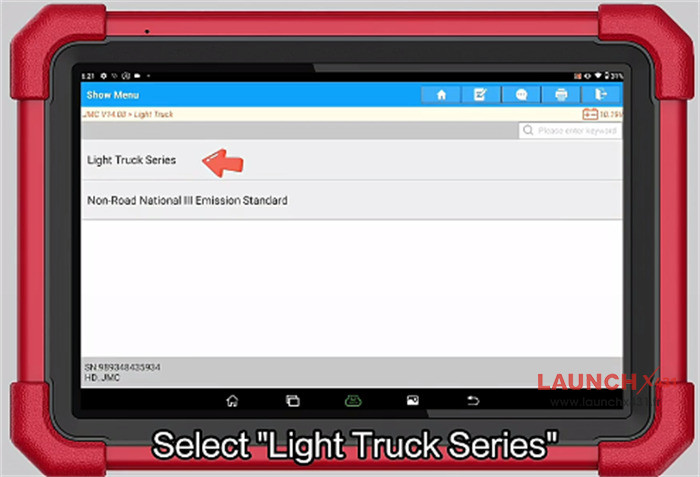
Select “Light Truck”
Select “Light Truck Series”

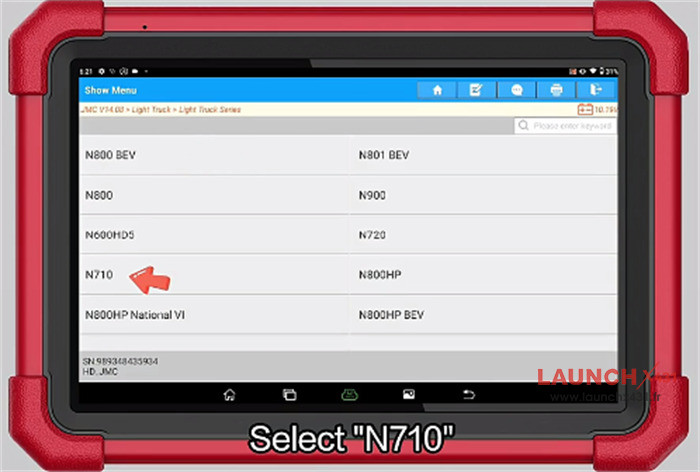
Select “N710”

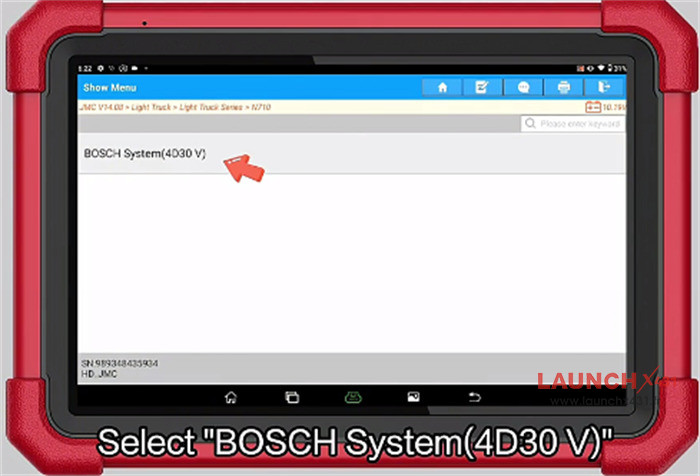
Select “BOSCH System (4D30 V)”

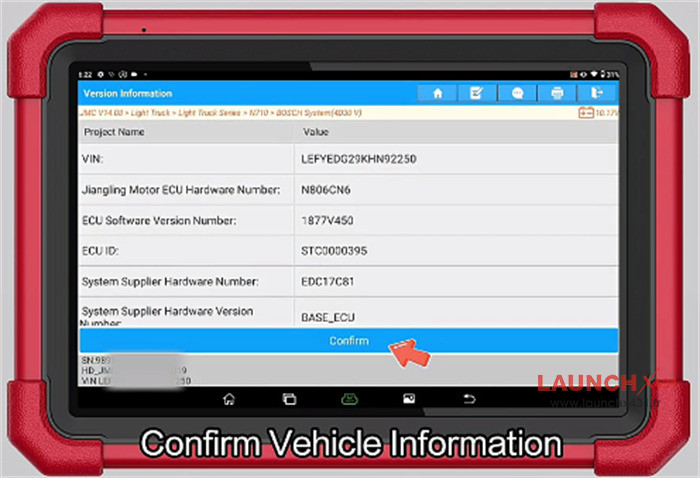
Confirm the vehicle info

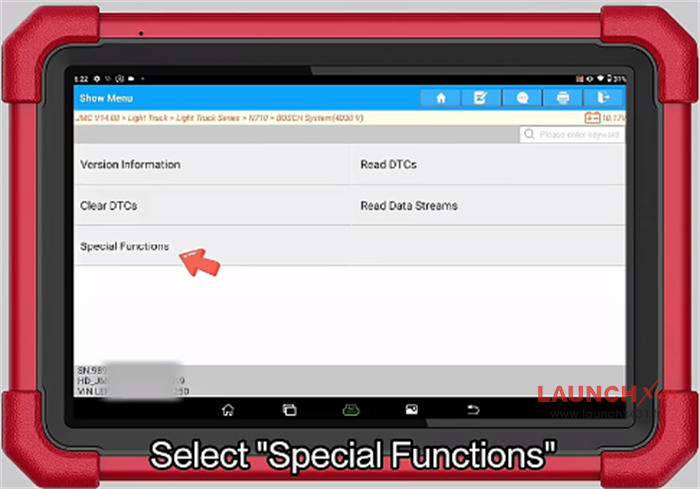
Select “Special Functions”

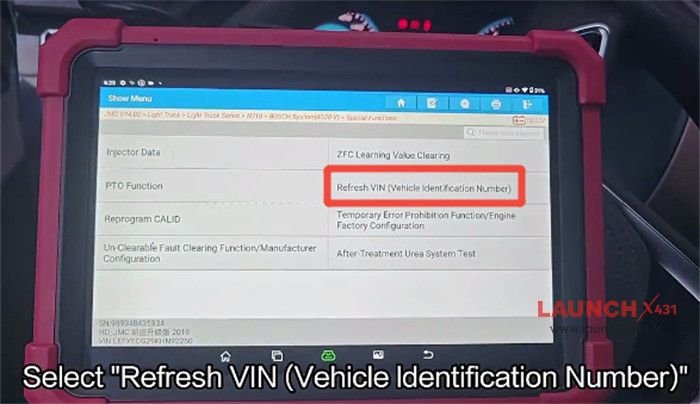
Select “Refresh VIN (Vehicle identification Number)”

Select “VIN After Reprogramming Or Recovery”
Select “Write VIN”
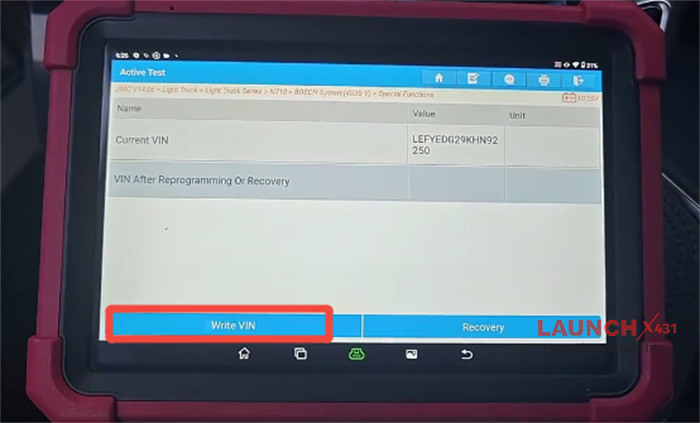

Enter the 17 digit VIN
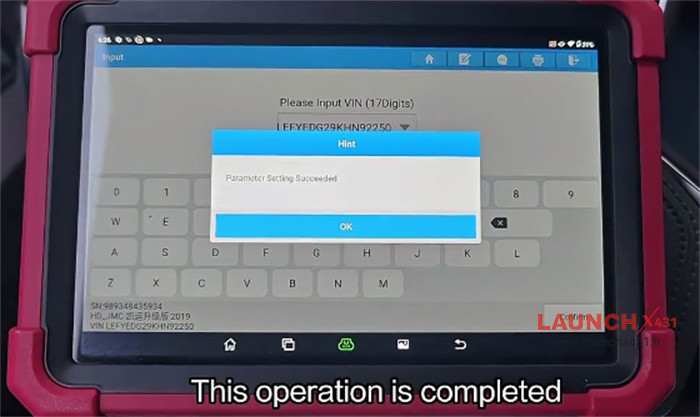
The VIN is refreshed successfully.

Video guide:
