Launch X431 X-PROG5 is a versatile 3-in-1 IMMO programmer. While it pairs seamlessly with X431 tablets like PAD V, PAD VII, and IMMO Plus for advanced ECU/TCU cloning, you can also run it directly on a Windows 8 or Windows 10 (64-bit recommended) PC.
Follow this rapid setup guide to download, install, and activate your XPROG5 PC software.
Step 1: Software Download
Head over to the official Launch portal: [https://en.cnlaunch.com/]
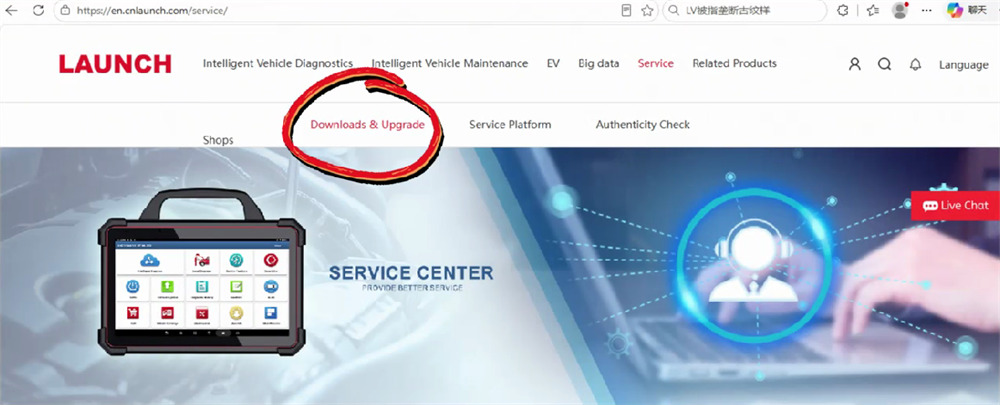
Navigate to Service > Download & Upgrade.
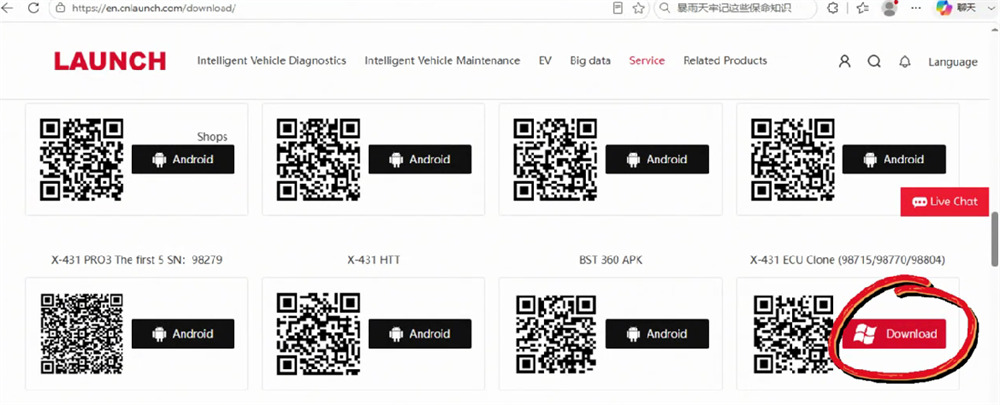
Enter the app download dashboard. Locate X-431 ECU Clone and click Download.
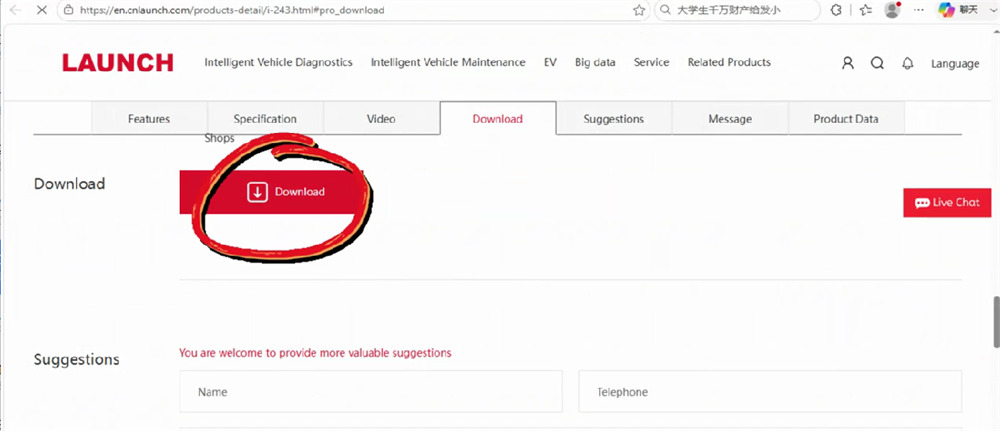
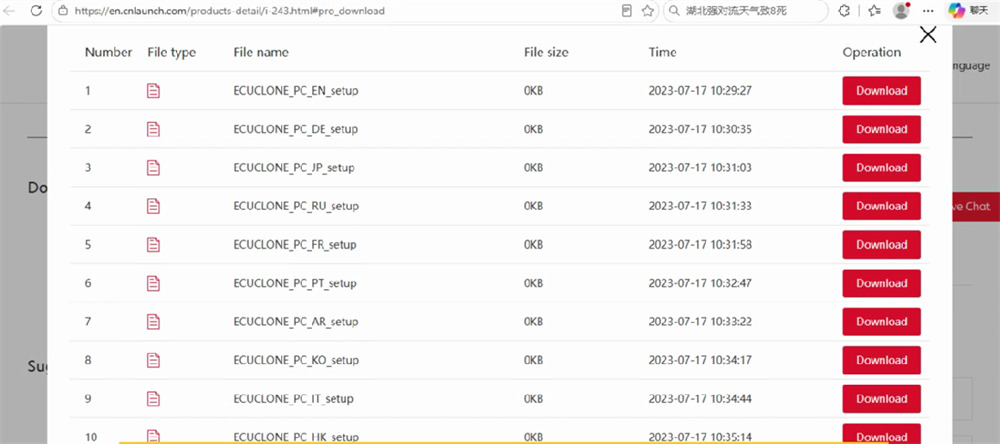
Hit the Download button again and choose your preferred language version.


Step 2: Installation
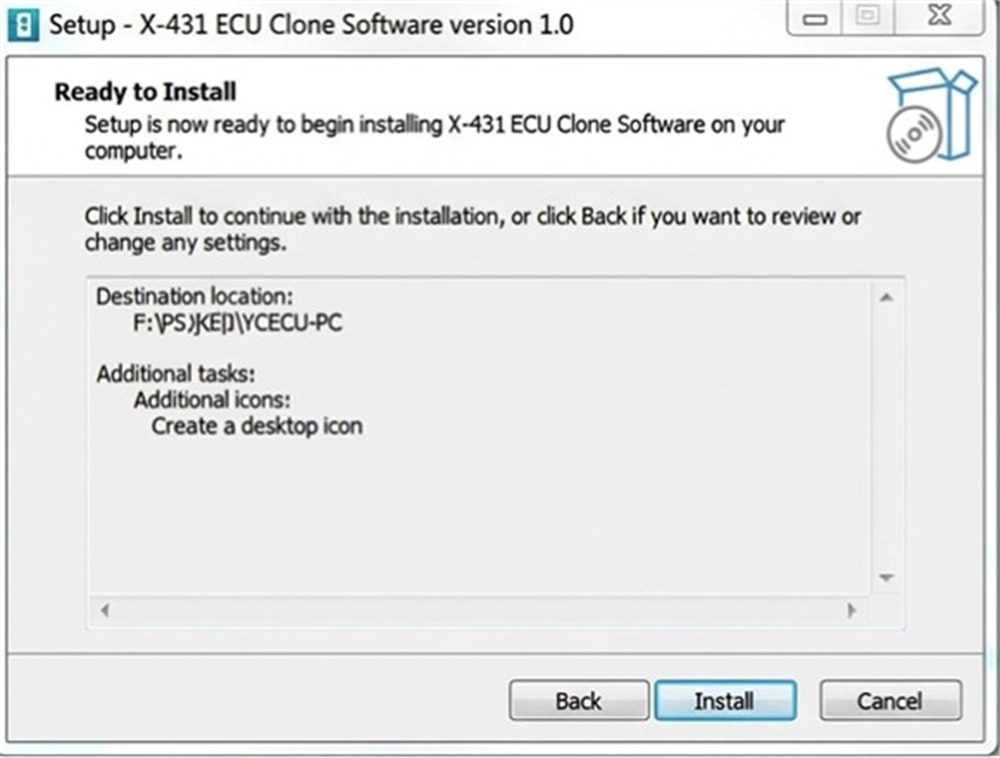
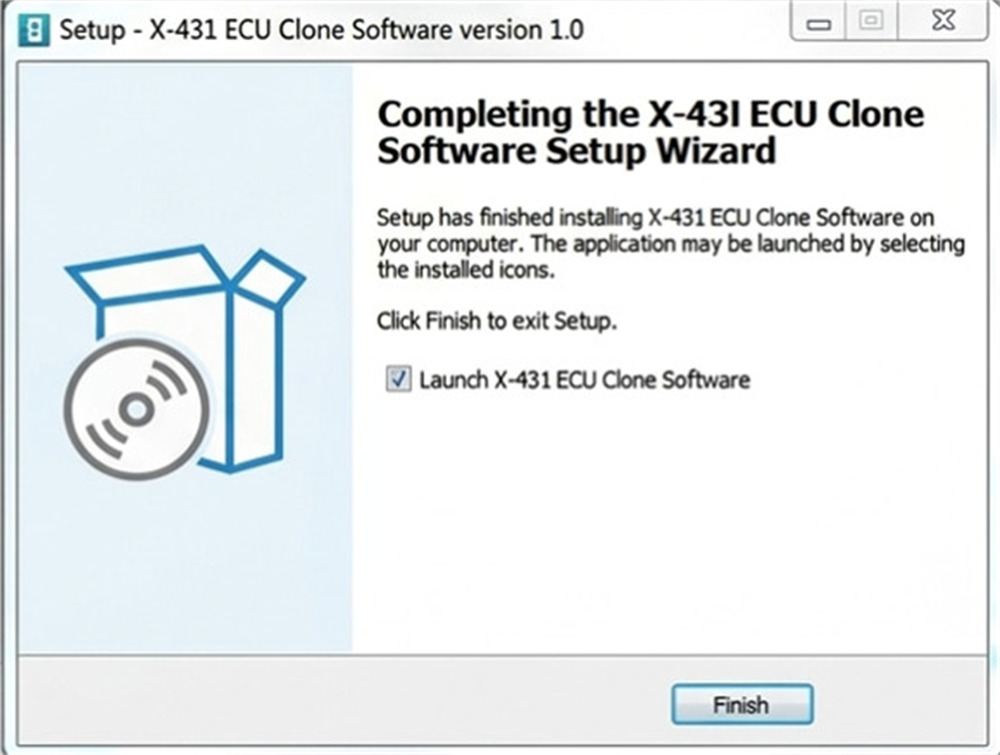
Run the downloaded file and follow the on-screen setup prompts to complete the installation.


Step 3: Hardware Connection
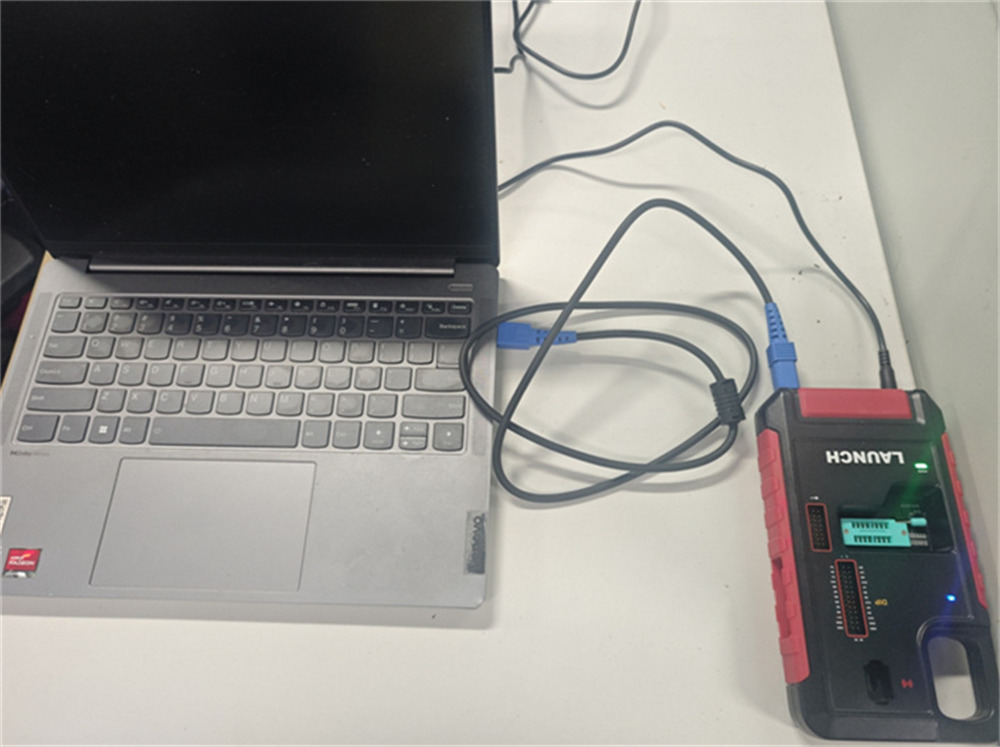
Connect your X-PROG5 programmer to your PC via USB.
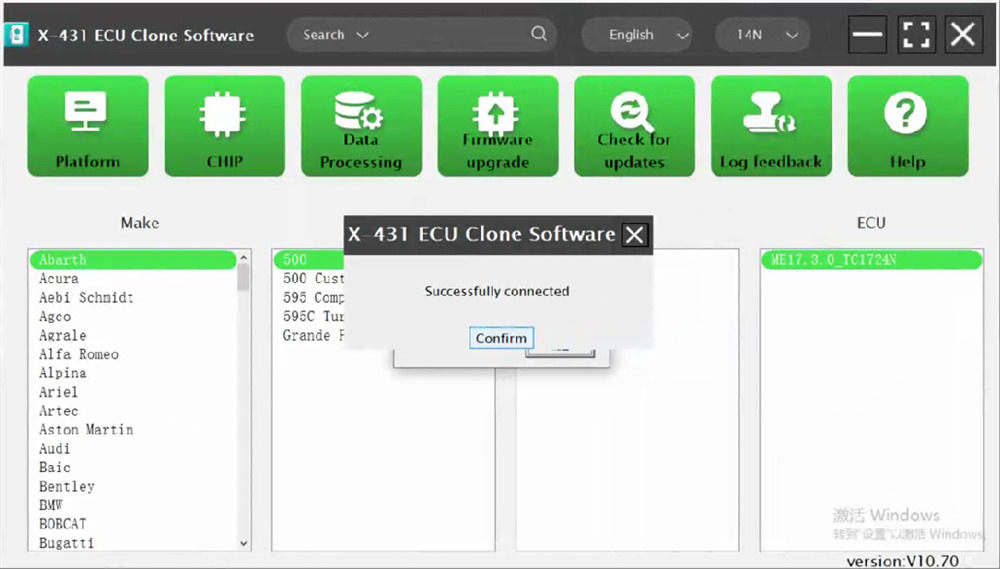
Launch X-431 ECU Clone Software.
Verify that the software displays “Successfully connected” to ensure a stable link.


Step 4: Account Registration & Activation
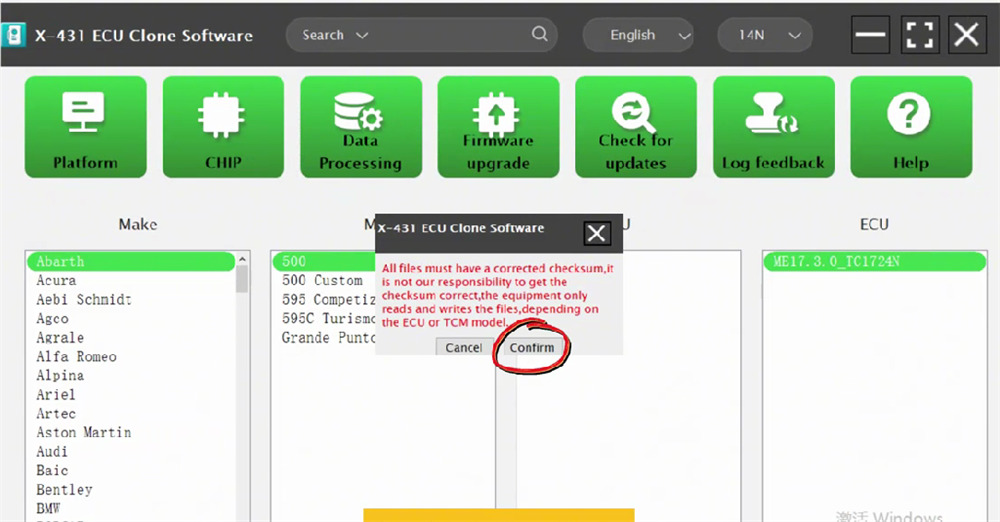
Crucial Note: Ensure all working files have correct checksums. Launch G5 reads and writes data based strictly on your specific ECU or TCU model.
Open the software and click Confirm.
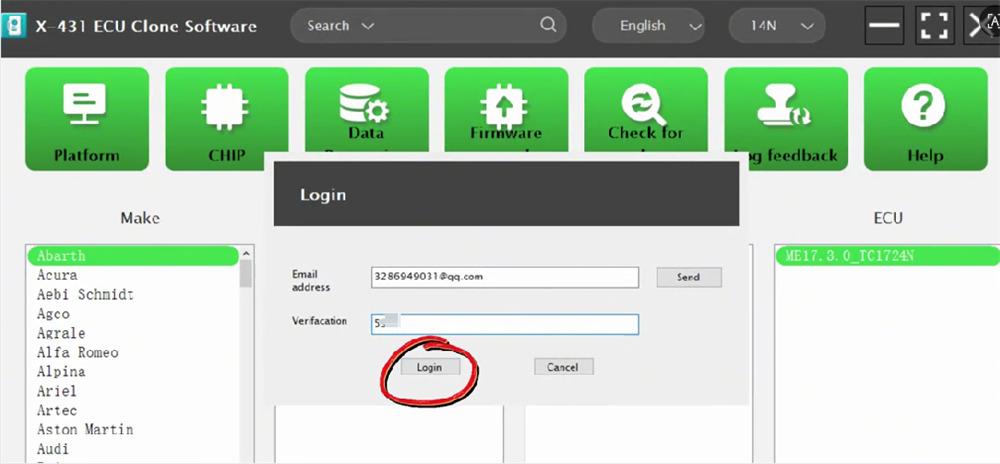
On the login screen, enter a valid email address and click Send.
Retrieve the verification code from your email, type it in, and click Login.
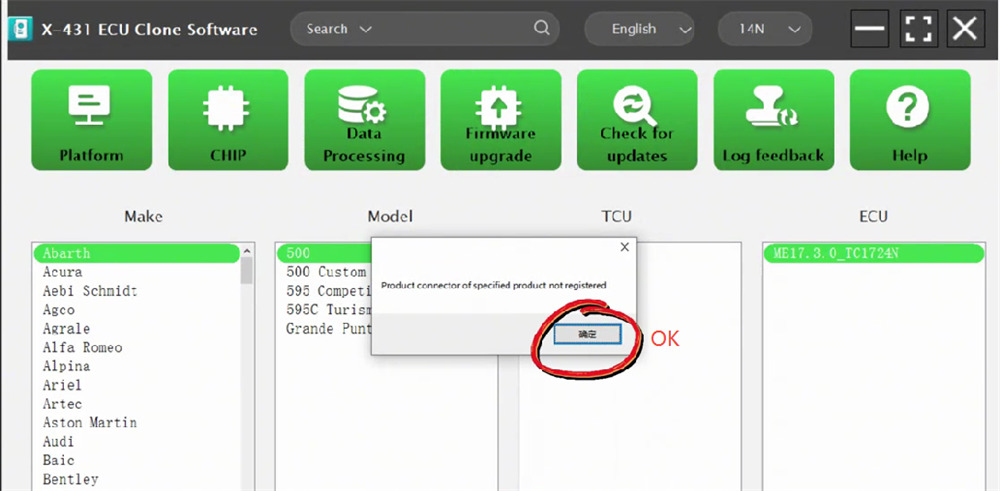
If your device is unregistered, a prompt will appear. Click OK.
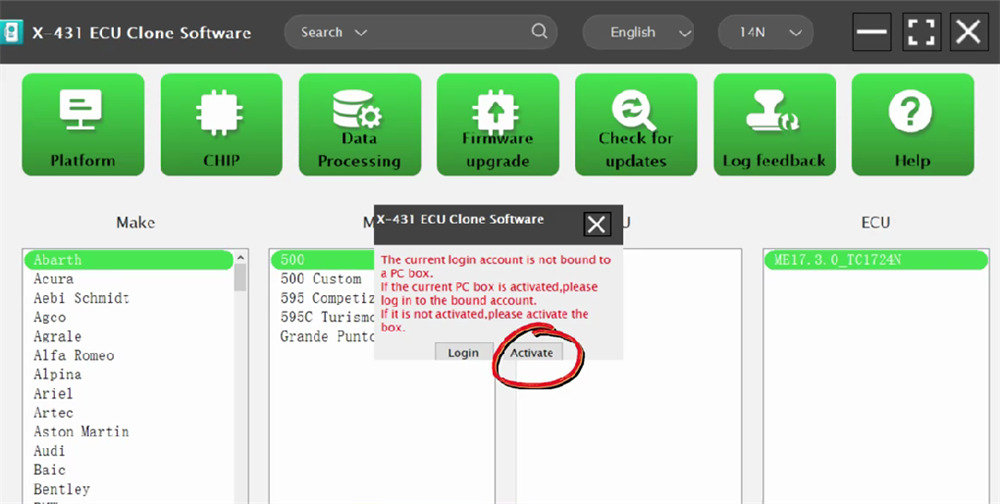
The system will ask you to bind your login account to your PC box.
If already activated: Log into your bound account.
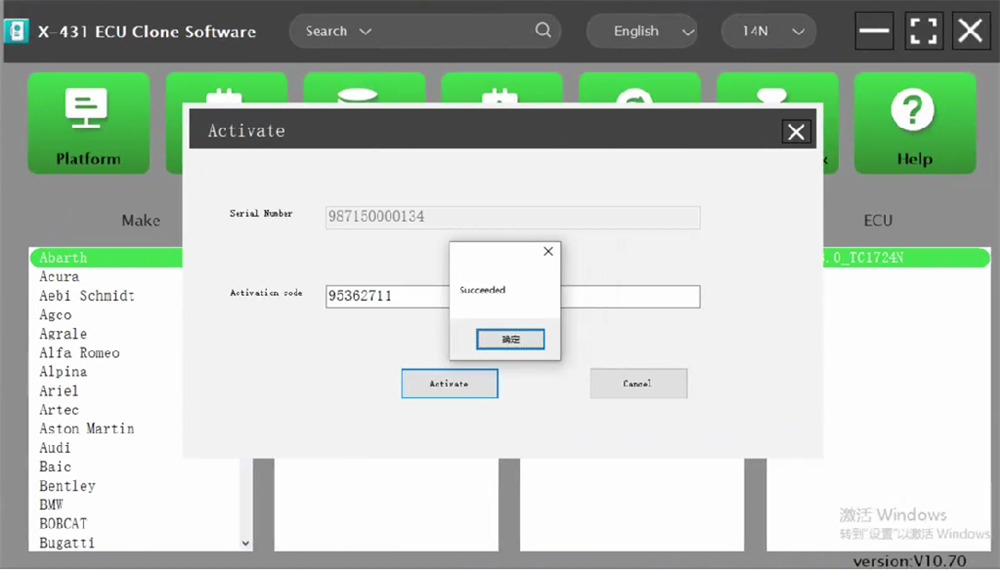
If not activated: Select Activate.
Your hardware Serial Number will auto-populate. Input the Activation Code (found on the accessory slip inside your original packaging) and click Activate.
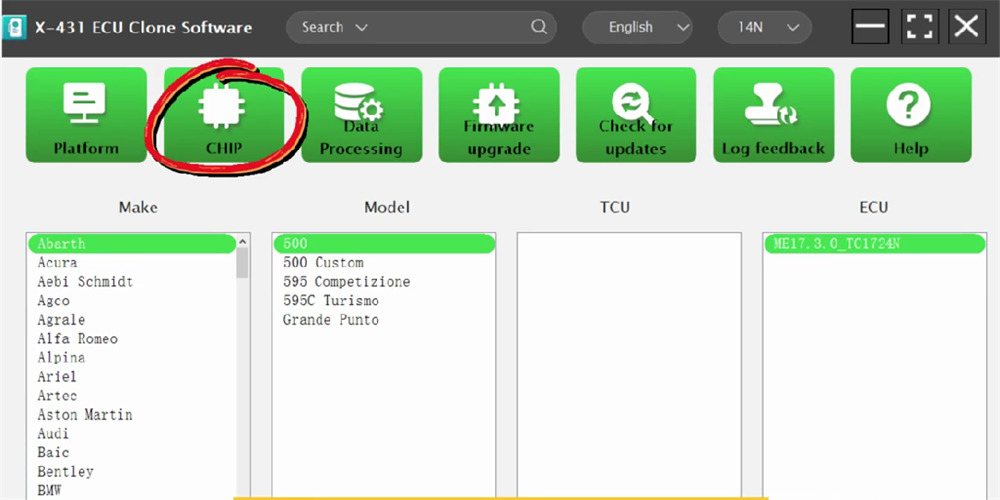
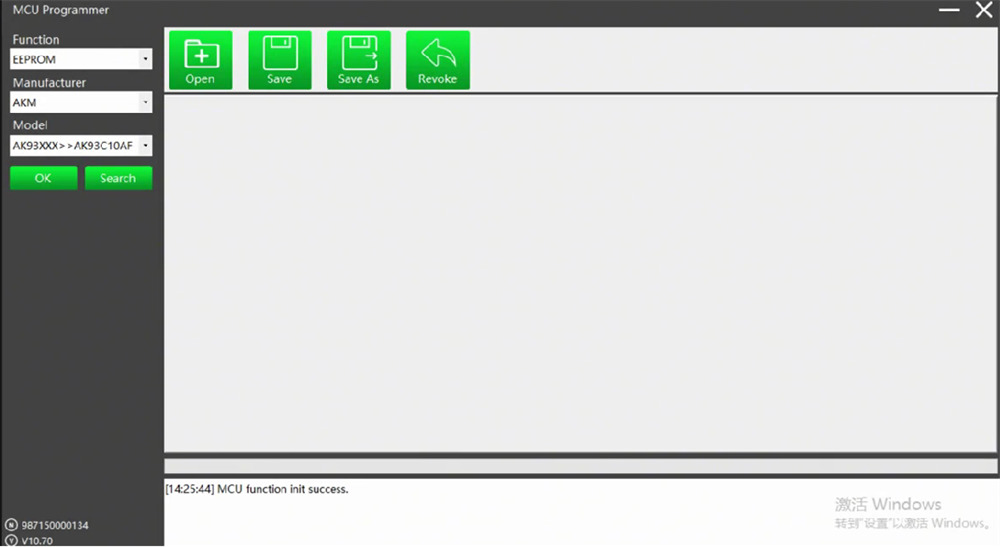
Your setup is complete! To access the newly added chip reading and writing features, simply click CHIP on the main dashboard.
www.launchx431.fr


