Question:
I am trying to modify the tire size parameters on a 2015 Ford Ranger 2.2 with my Launch X431 Pro Elite, but the option doesn’t seem to appear under the standard service menus. Is this configuration unsupported by the tool?
The Answer:
Don’t worry! X431 Pro Elite fully supports this adaptation! The option isn’t missing; it is simply nested inside the central configuration parameters rather than the generic service reset menus.
To adjust your tire dimensions, connect your scanner to the OBD2 port, power on the ignition, and navigate through the following path:
Local Diagnose-> FORD-> Ford newest software-> Automatically Search-> BCM-> Tire Size Configuration-> Tire / Rolling Circumference Setting
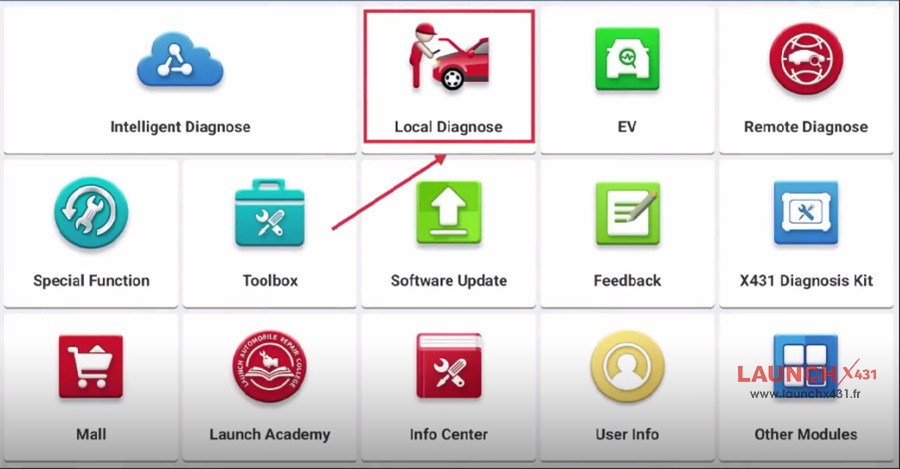
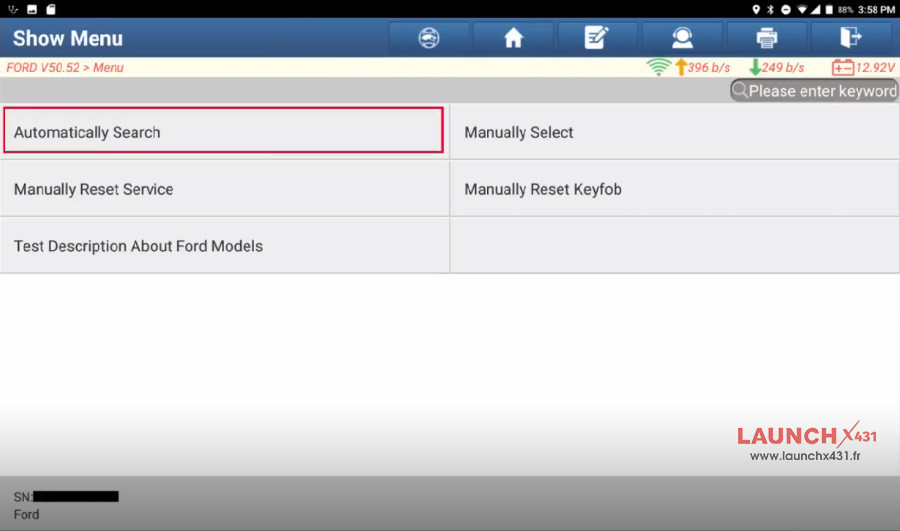
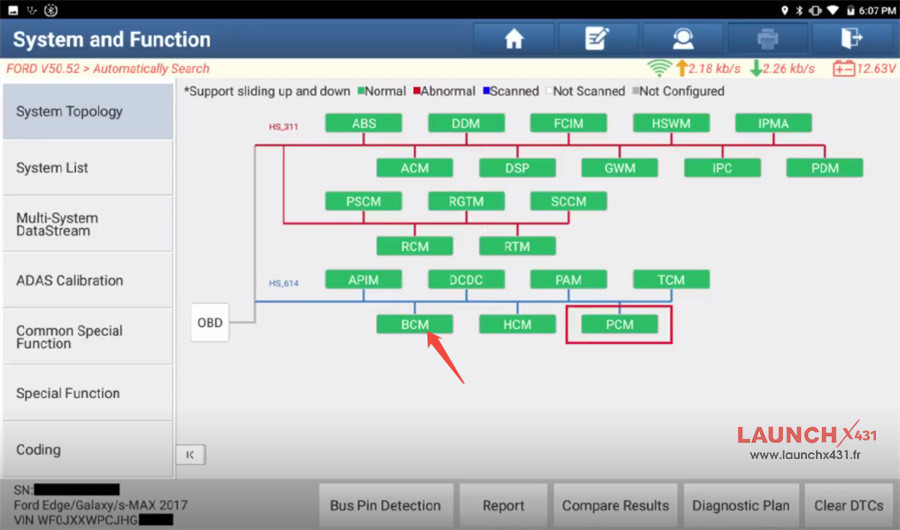
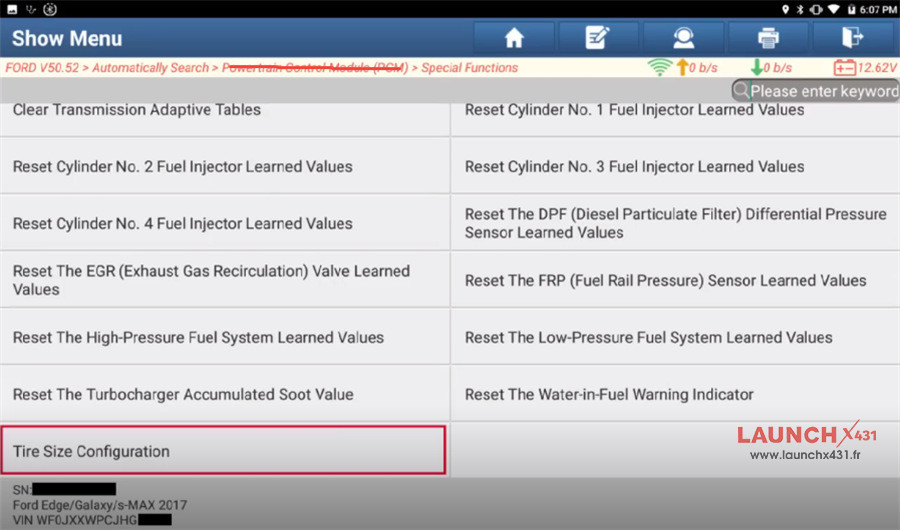
Once inside this menu, you can input your new rolling circumference or select the matching tire profile to update the vehicle’s central configuration seamlessly.
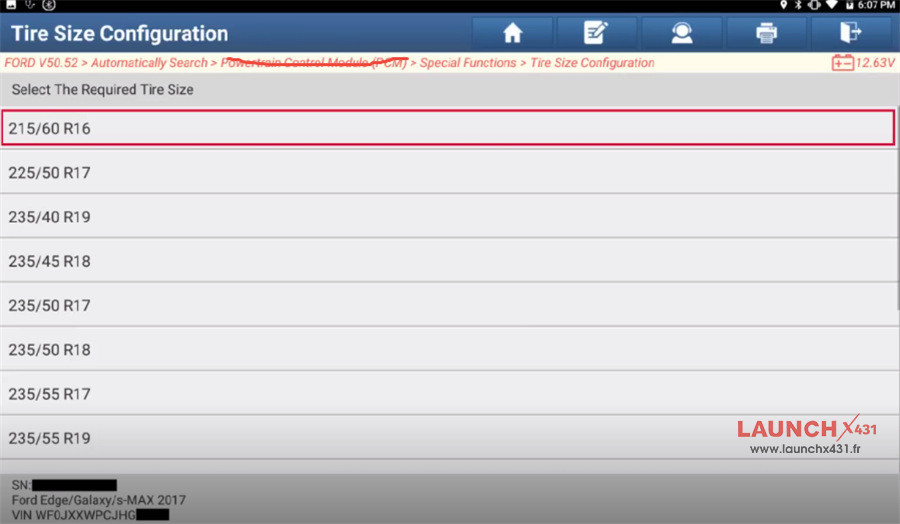
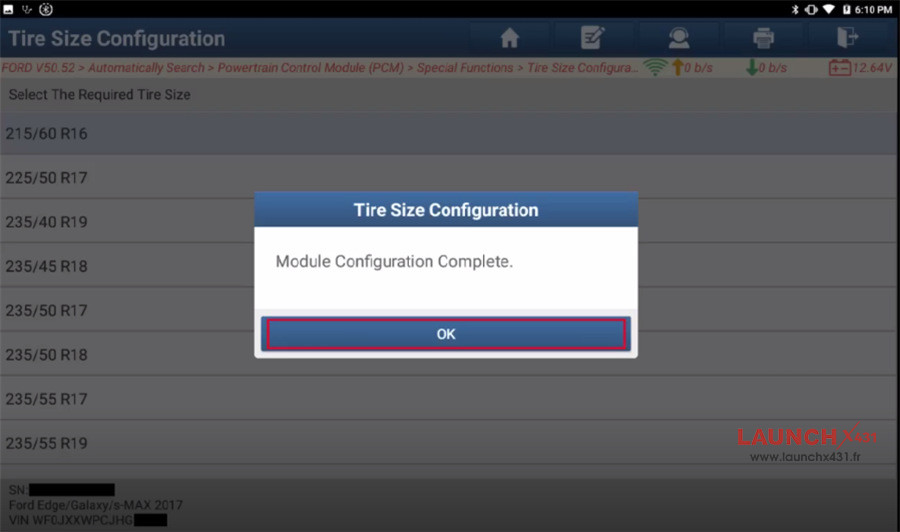


Note:
The images above are from X-431 PAD9 LINK and are for reference only. Please refer to the actual operation of X-431 PRO Elite/X-431 PROS Elite.
www.launchx431.fr