When performing routine maintenance, replacing components, or troubleshooting driveability issues on modern hybrid vehicles, resetting the adaptive data is a crucial step. Over time, the Engine Control Module (ECM) learns and adjusts parameters based on driving habits and component wear. Restoring these to factory-optimal settings ensures the vehicle operates at peak efficiency post-repair.
In this technical guide, we’ll walk you through how to quickly perform a Learning Value Reset on a 2024 Toyota Camry HV using LAUNCH X431 diagnostic scanners.
Function Overview
This procedure is specifically designed for Toyota models to completely reset all adaptive learning values tied directly to engine operations. Running this function allows the ECM to re-learn baseline data with new or serviced components, eliminating rough idles or performance lags after maintenance.
Tested Vehicle:
2024 TOYOTA Camry HV (Hybrid Vehicle)
Prerequisites & Execution Conditions
Execution Conditions:
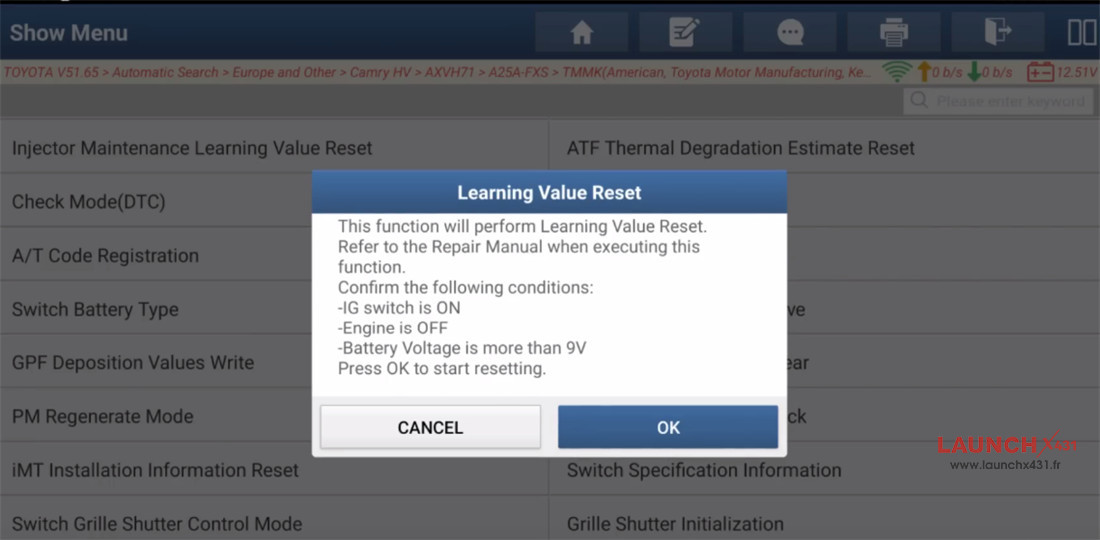
- Ignition switch ON
- Engine OFF
- Voltage above 9V
Compatible Diagnostic Tools
This function is widely supported across LAUNCH’s premium diagnostic lineup. Any comprehensive LAUNCH X431 tablet will get the job done, including:
…
Demonstrated in this guide: LAUNCH X-431 PAD9 LINK
Step-by-Step Guide:
1.Menu Navigation Path
Connect your LAUNCH scanner to the vehicle’s OBDII port, power on the device, and follow this exact software path:
Local Diagnose ➔ Select Toyota (Ensure you are on software version V51.65 or newer).
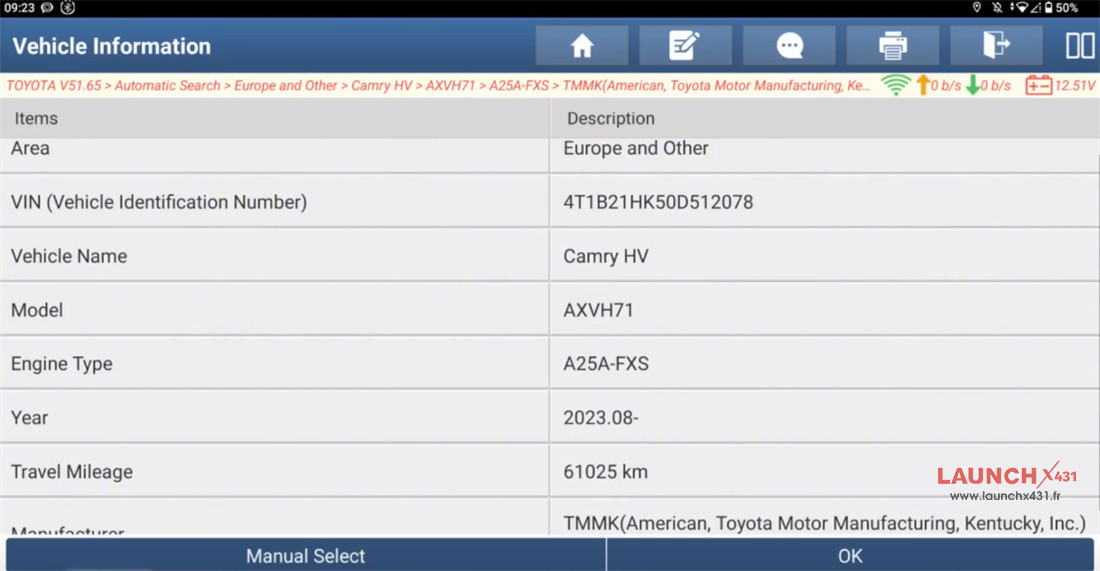
Choose Automatic Search (Europe and Other) ➔ 2023.08-
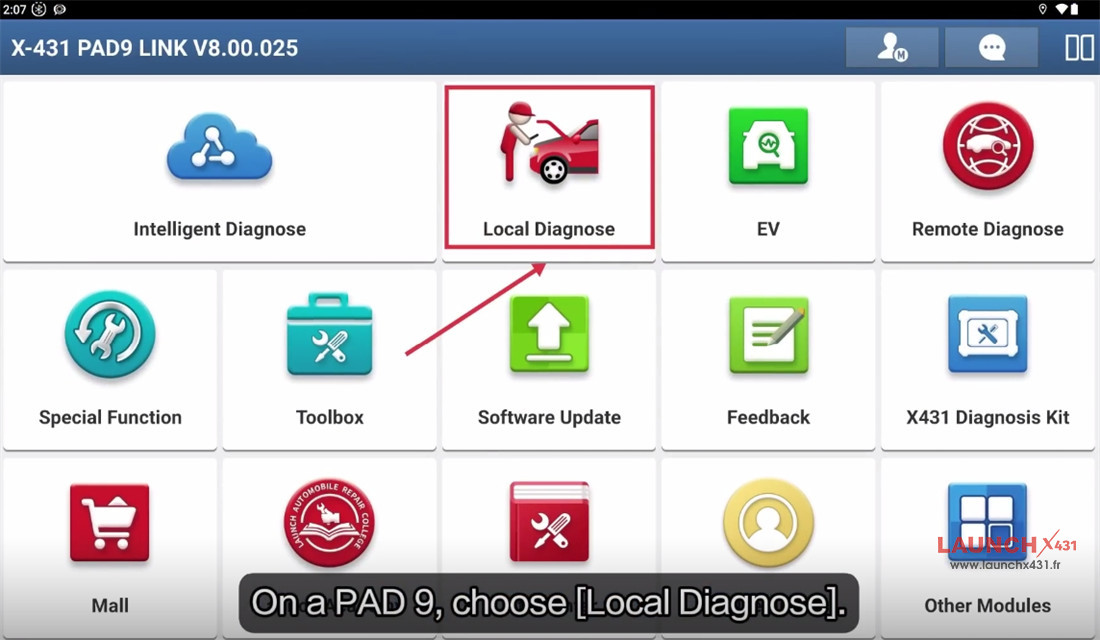
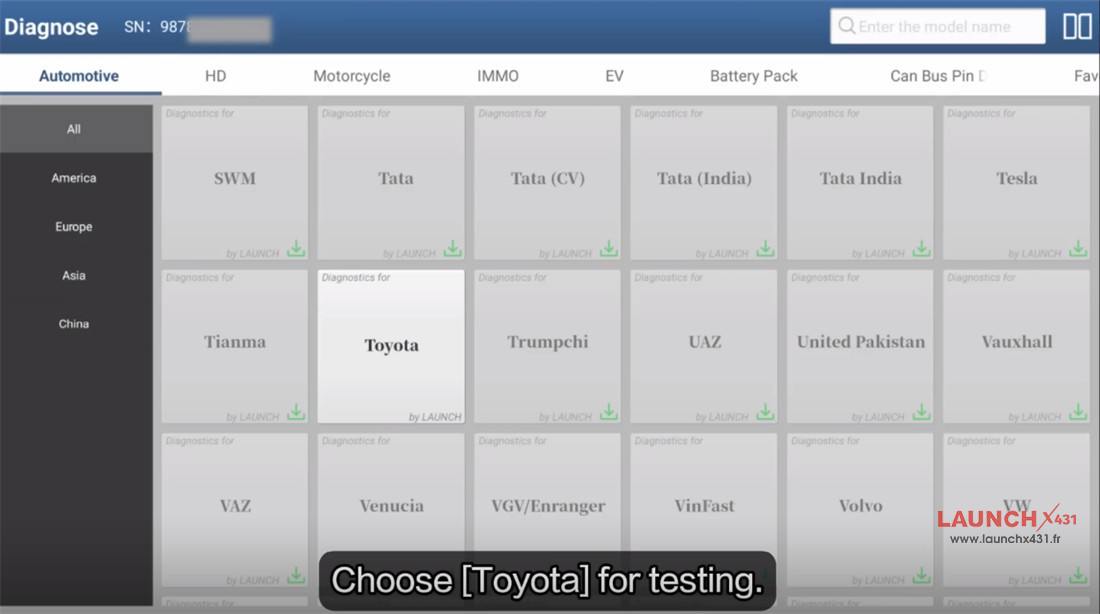
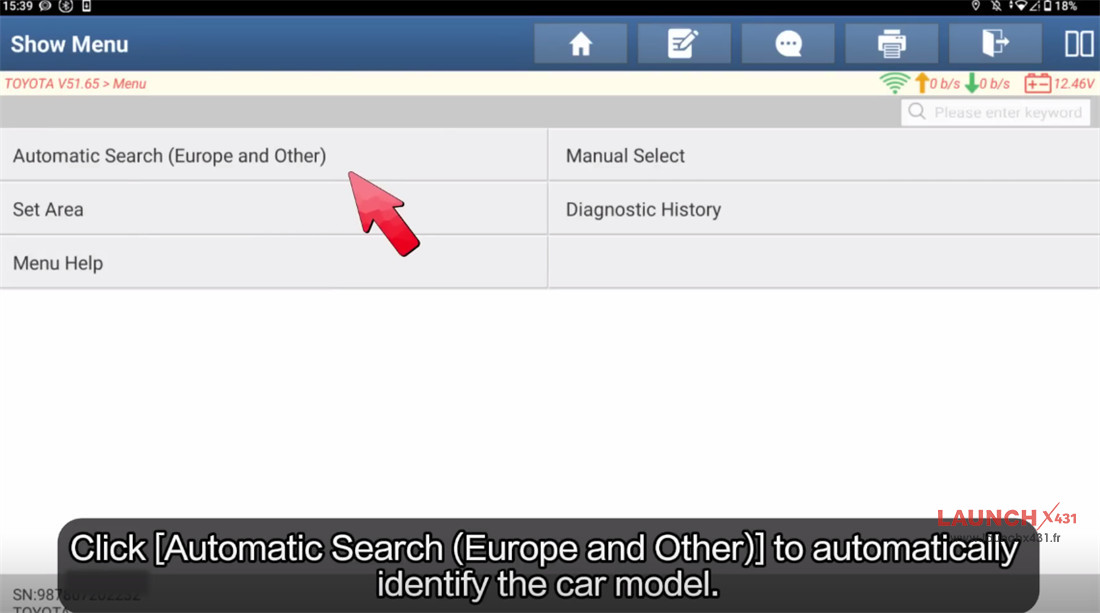
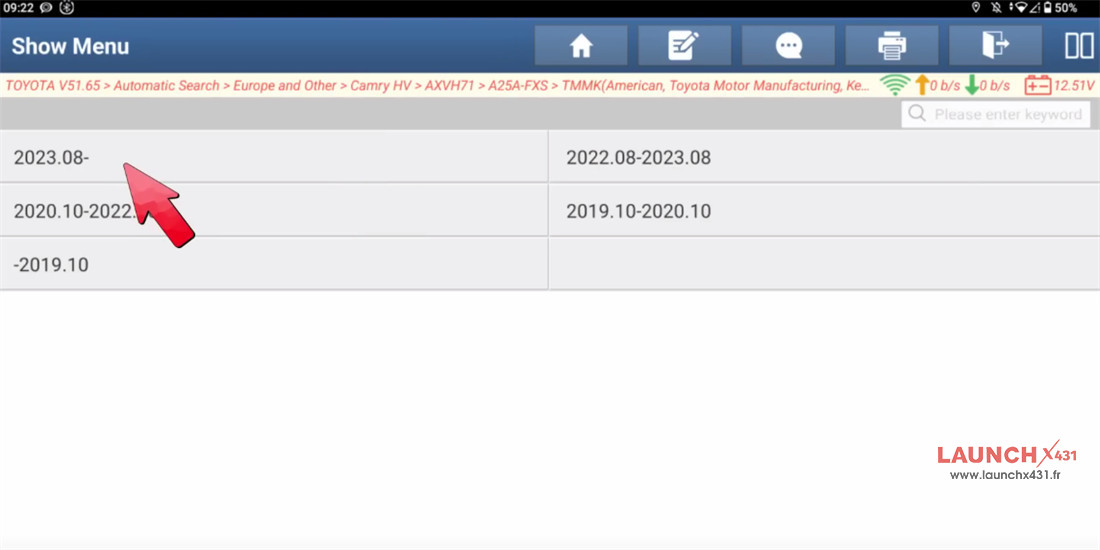


Confirm the vehicle information displayed on the screen to proceed.

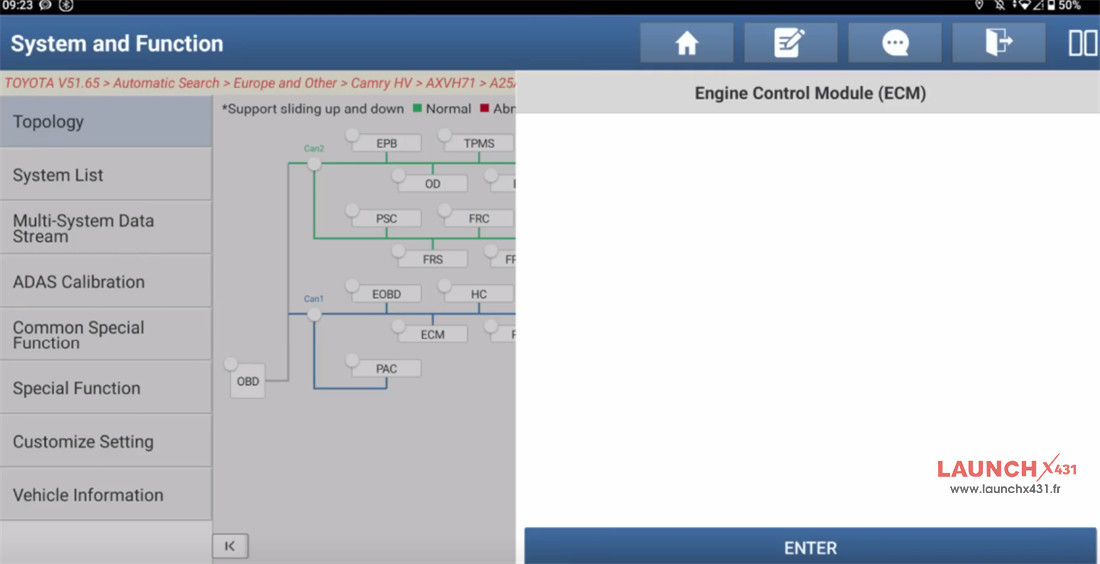
Select ECM (Engine Control Module) ➔ Tap Enter.

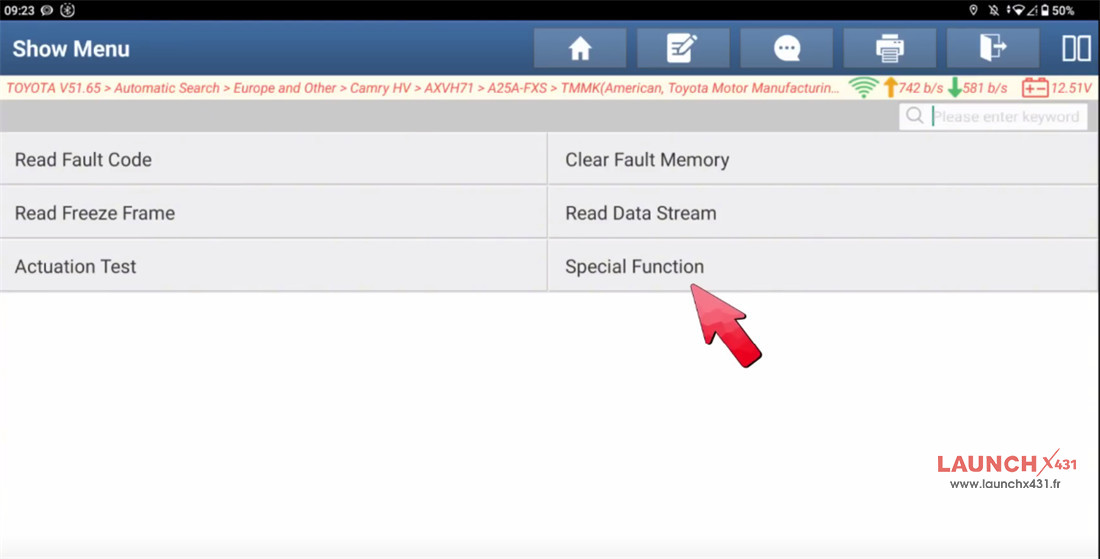
Go to Special Function ➔ Select Learning Value Reset.
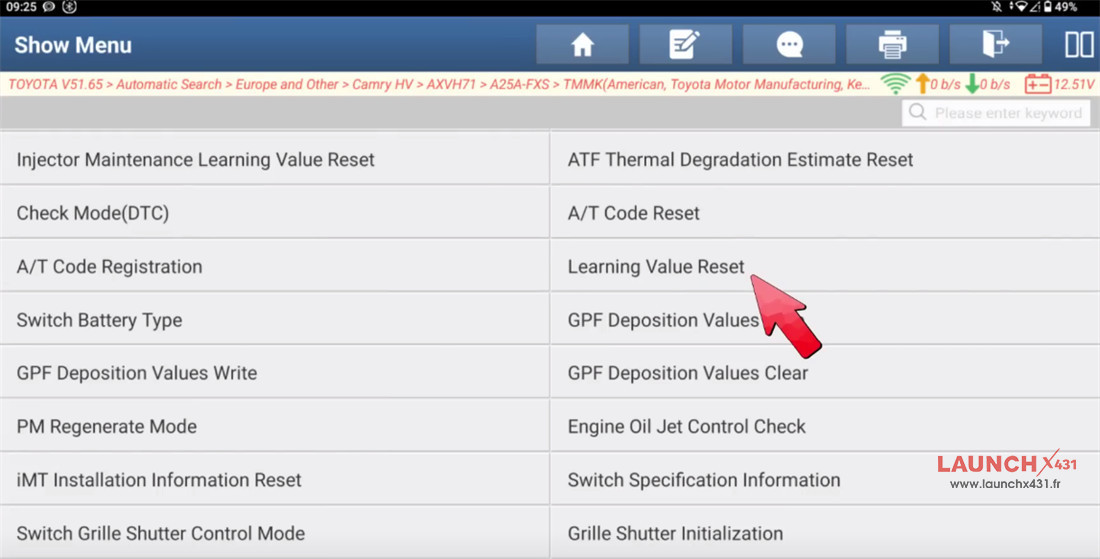

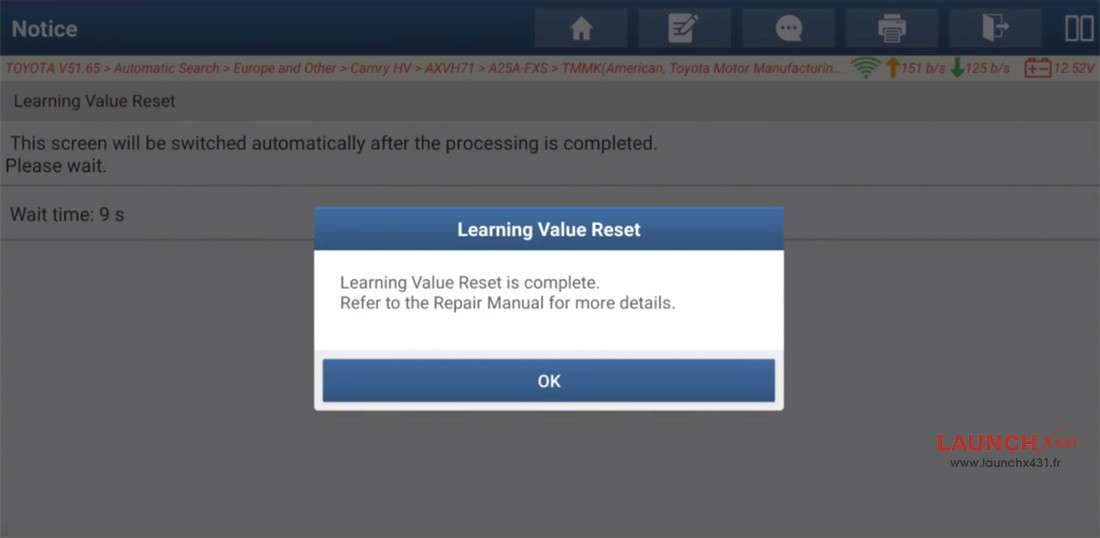
Follow the remaining on-screen prompts on your LAUNCH X431 tablet to finalize the reset.
The process takes only a few simple steps, instantly restoring your 2024 Camry HV’s engine parameters to factory defaults!


Video guide:
