If you are looking for a compact yet powerful diagnostic tool for your vehicle, LAUNCH AIOBD car diagnostic tool is proving to be a game-changer for DIYers and professional technicians alike. Today, we’re breaking down the setup process, costs, and advanced AI features on a 2011 Volvo C30 vehicle.
1.Launch AIOBD Mobile App Download
For new users, please download and install Launch AIOBD App on your smartphone.
- For iOS Devices: Search for “LAUNCH AIOBD” in the official Apple App Store.
- For Android Devices: Search for “LAUNCH AIOBD” in the Google Play Store.
- Quick Download: Alternatively, simply scan the QR code on the product packaging to go directly to your device’s app store page.
2.Launch AIOBD Activation
Simply open Launch AIOBD mobile app
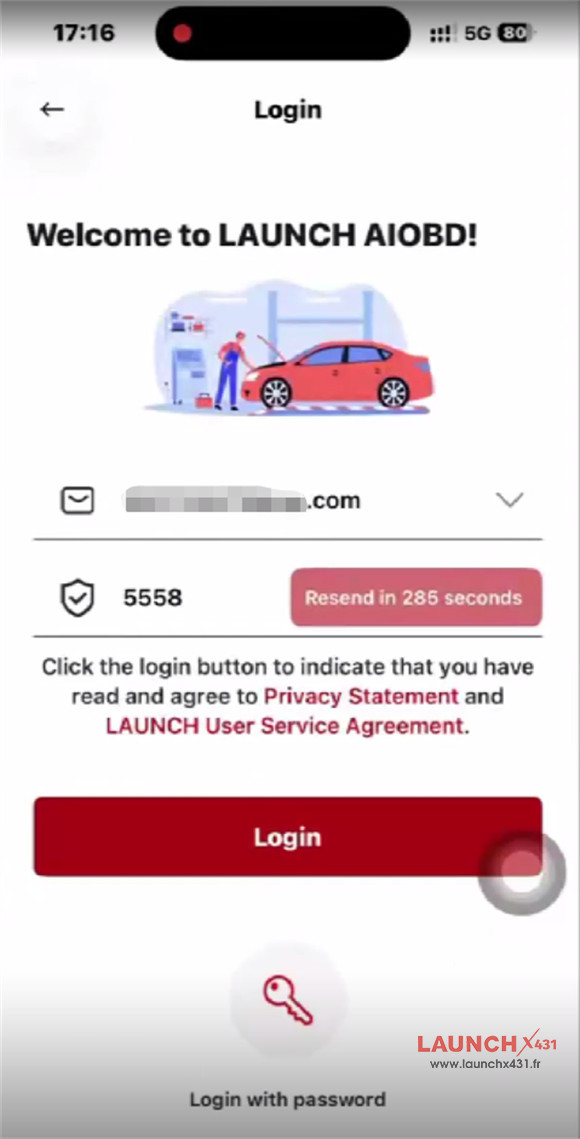
Log in using your email address, and the interface will automatically activate the hardware.
No complicated registration forms or external activation keys required.

3.Deep-Dive Diagnostics
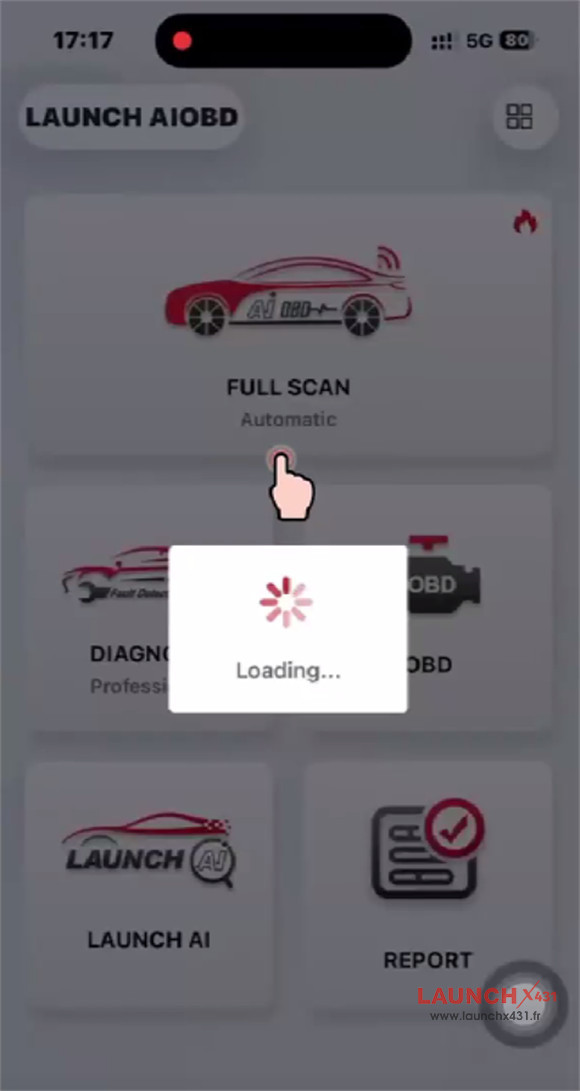
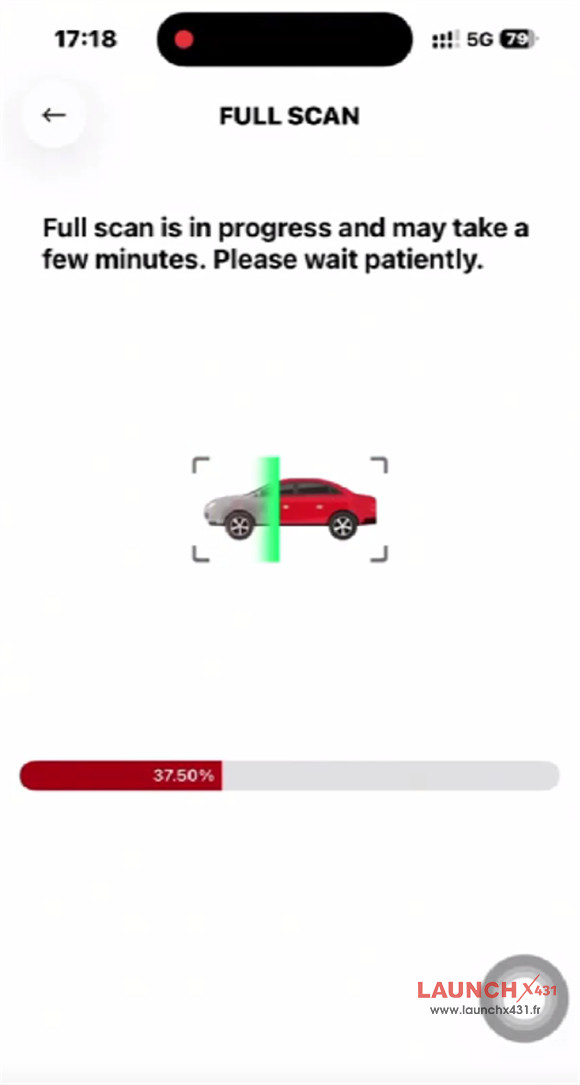
When you run a Full System Scan, the app maps out every module in the vehicle.


While a baseline OBD scan is entirely free, unlocking advanced, manufacturer-specific capabilities operates on a regional “smart pricing” structure:
- Preview Before You Buy: You can see exactly what the scan uncovers before committing to a purchase.
- Single-Brand Unlocking: You pay only to unlock the deep diagnostic and coding capabilities for the specific brand you need (e.g., Volvo).
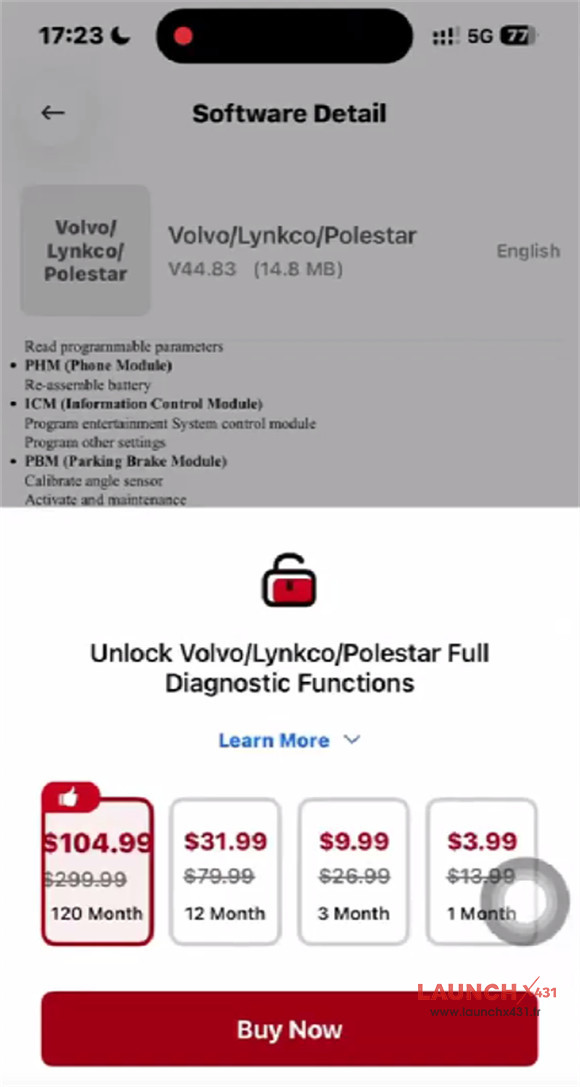

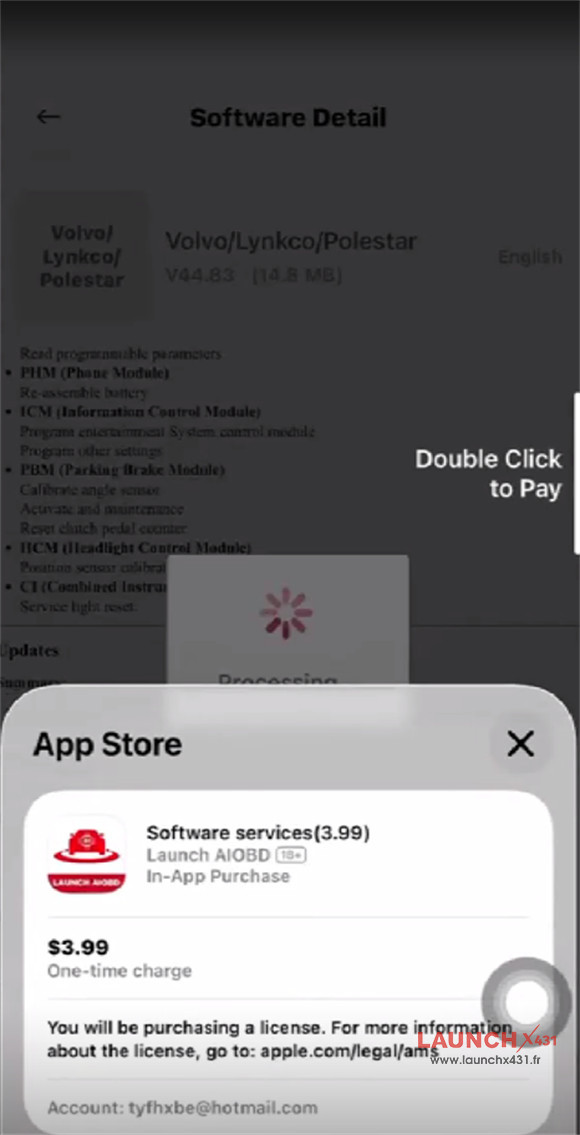

- Comprehensive Coverage: Unlocking grants you access to full-system diagnostics, including specialized bi-directional controls and advanced reports driven by LAUNCH AI analysis.
4.Advanced Module Capabilities
Once a specific vehicle brand is unlocked, LAUNCH AIOBD Diagnostic Connector transforms from a basic code reader into a professional-tier scanner. For each vehicle system, you can independently execute:
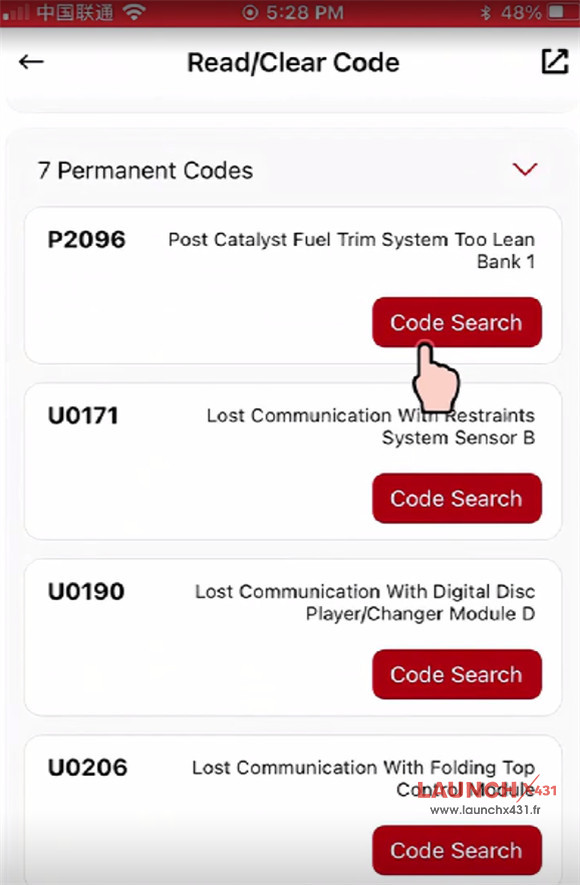
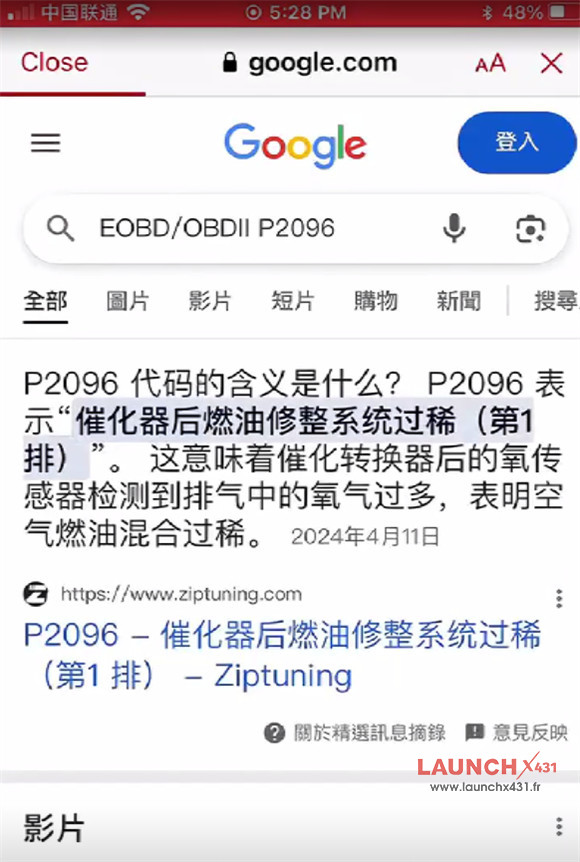
- DTC Management: Read and clear manufacturer-specific fault codes.
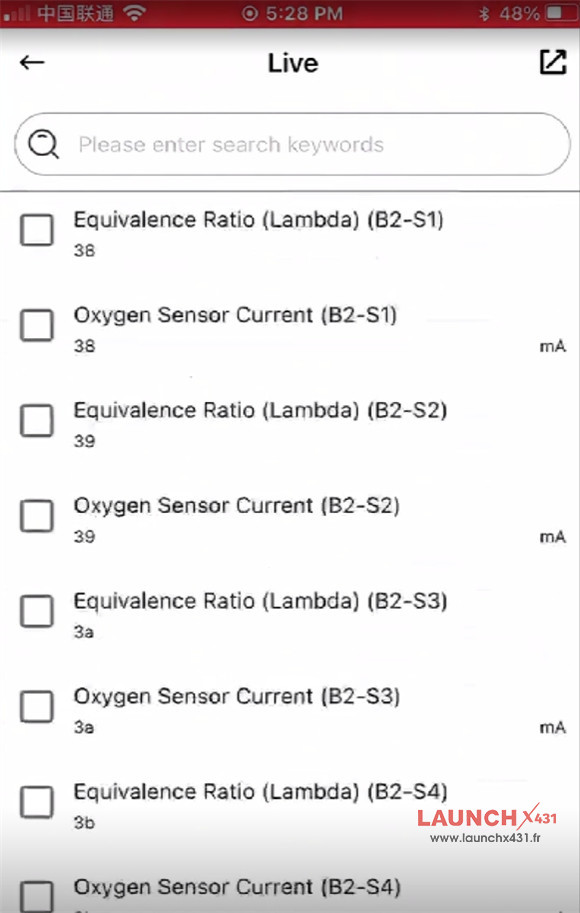
- Live Data & Graphing: Select real-time data streams and view them as dynamic line graphs for precise tracking.
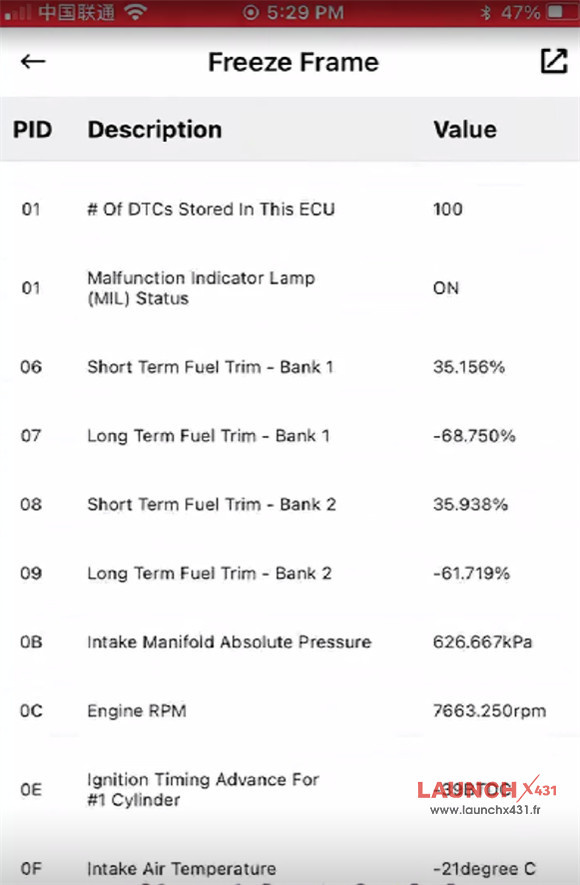
- Freeze Frame Analysis: Capture exact snapshots of vehicle data at the moment a fault occurs, preventing blind parts-swapping.
- Advanced Control: Perform active component tests, special reset functions, read hardware version information, and even execute ECU coding.
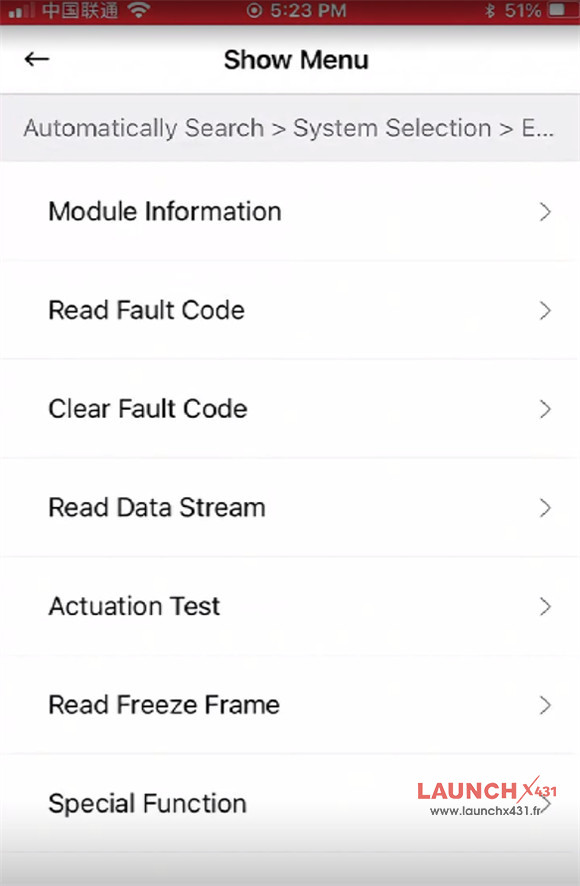

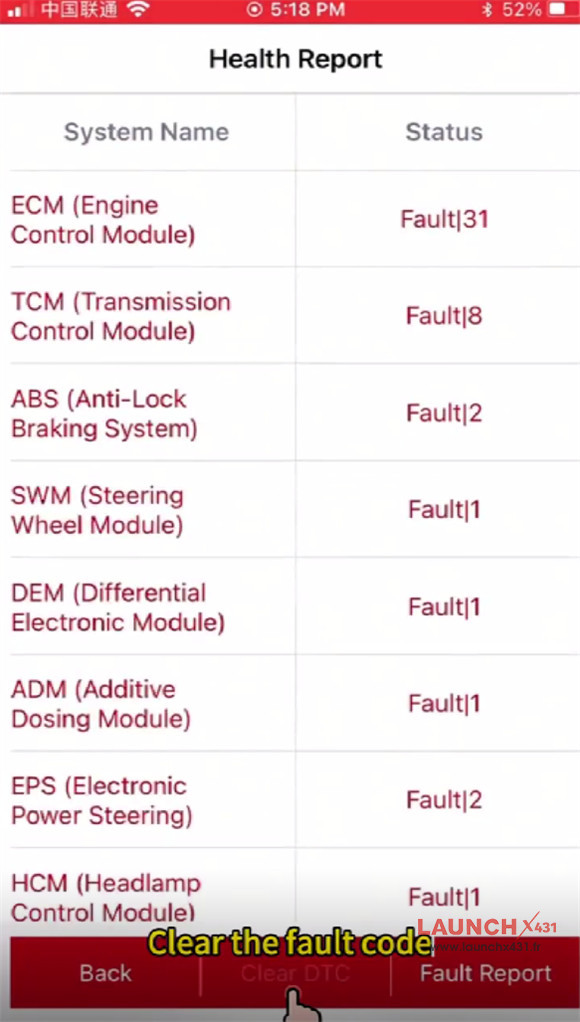

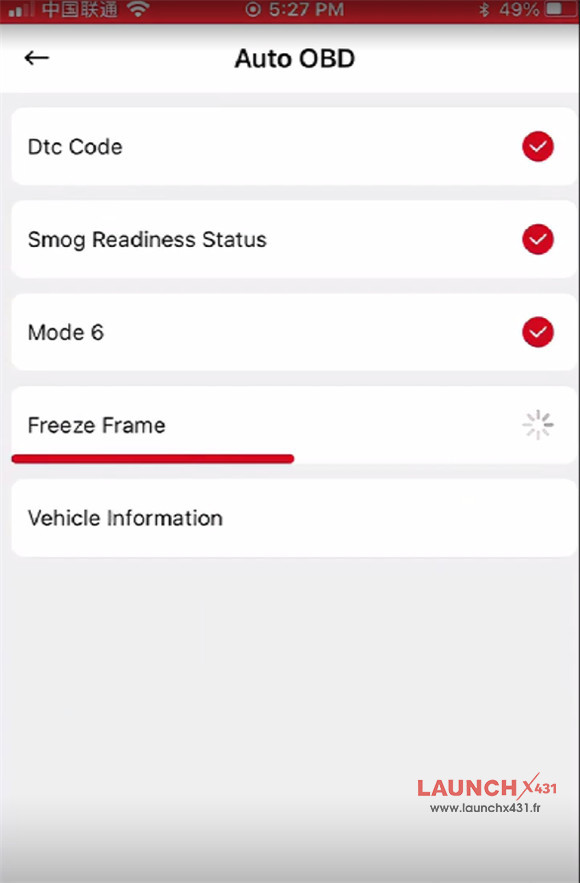
OBD function includes the options below:
- Auto OBD
- Live
- Smog Check
- Read/Clear Code
- Mode 6
- Freeze Frame
- MIL Status
- Mode 8
- OBFCM
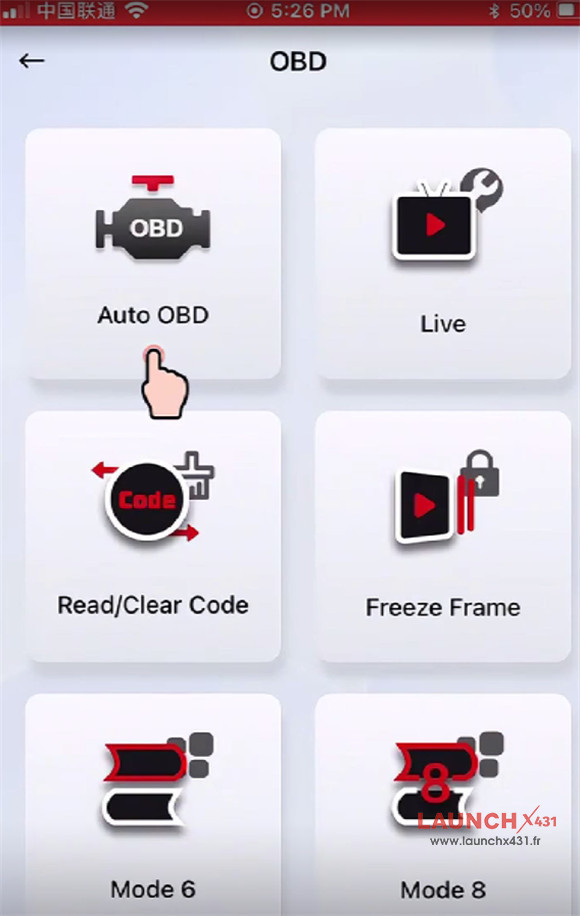


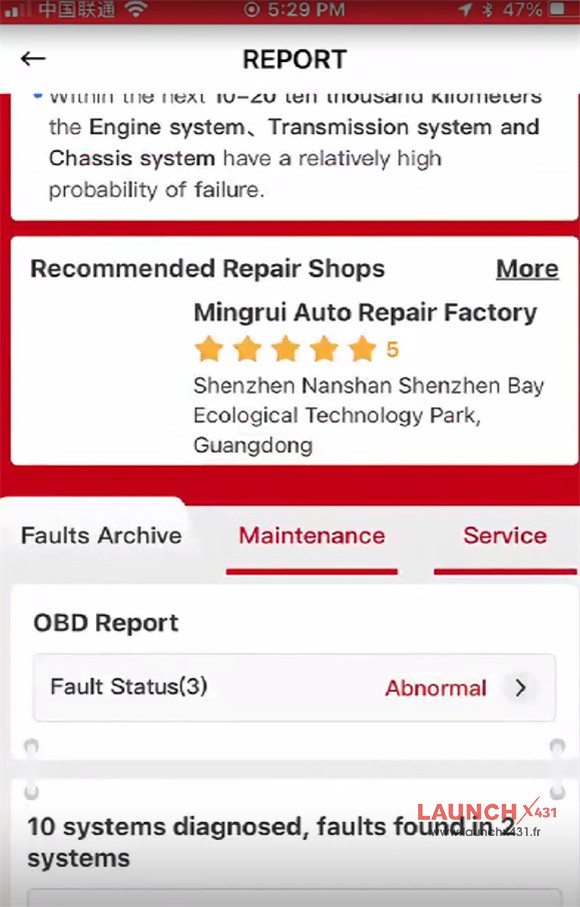
Report function:

5.LAUNCH AI & Smart Reporting
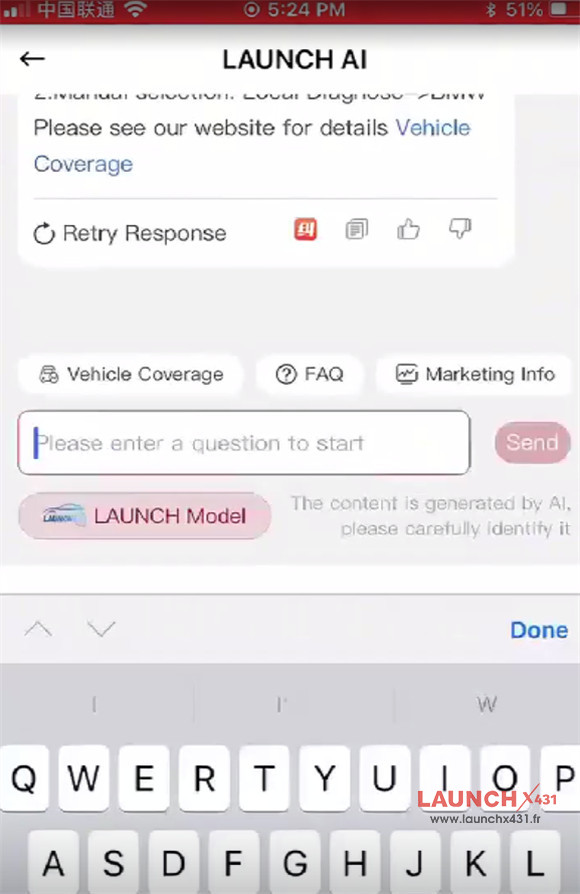
The real standout feature is the integration of a Large Language Model (LLM) within the LAUNCH AI module.
Mechanics and car owners can interact directly with the AI assistant, asking specific maintenance questions based on the retrieved fault logs.
Furthermore, the generated AI diagnostic reports don’t just list codes—they provide actionable repair insights, including:
- Estimated repair times and labor hours.
- Projected repair costs.
- Nearby service center recommendations.
- Comprehensive vehicle health summaries.

6.Shareable Data & History
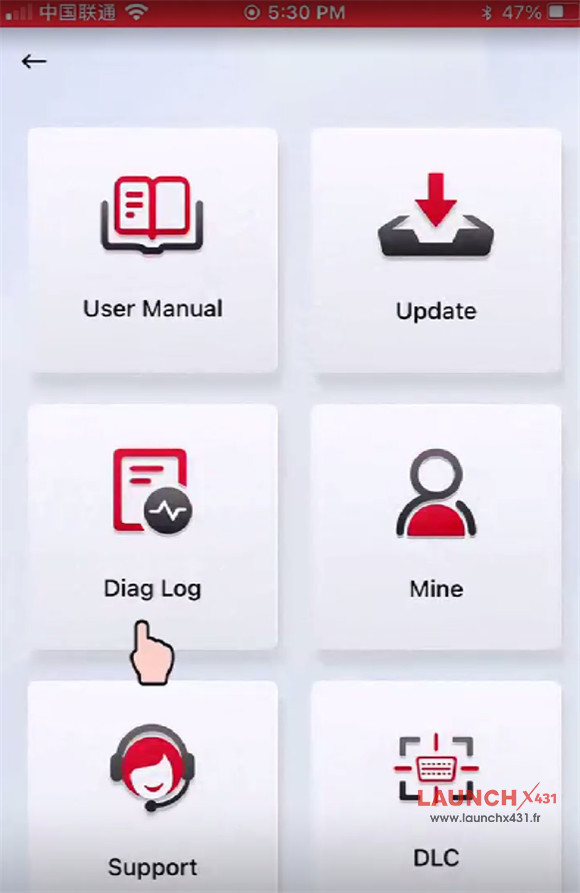
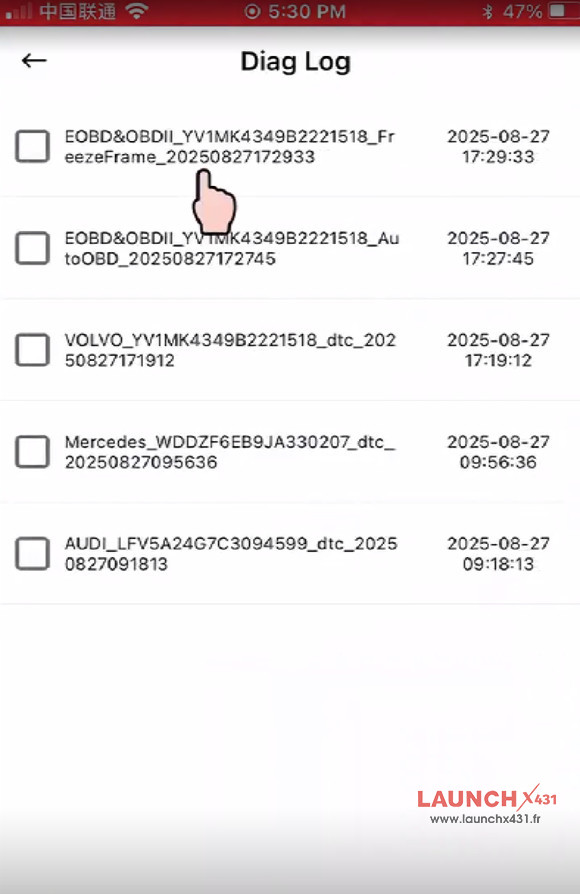
Every diagnostic log, whether it’s a free standard OBD report or an advanced full-system AI analysis, is stored in the “More” section.
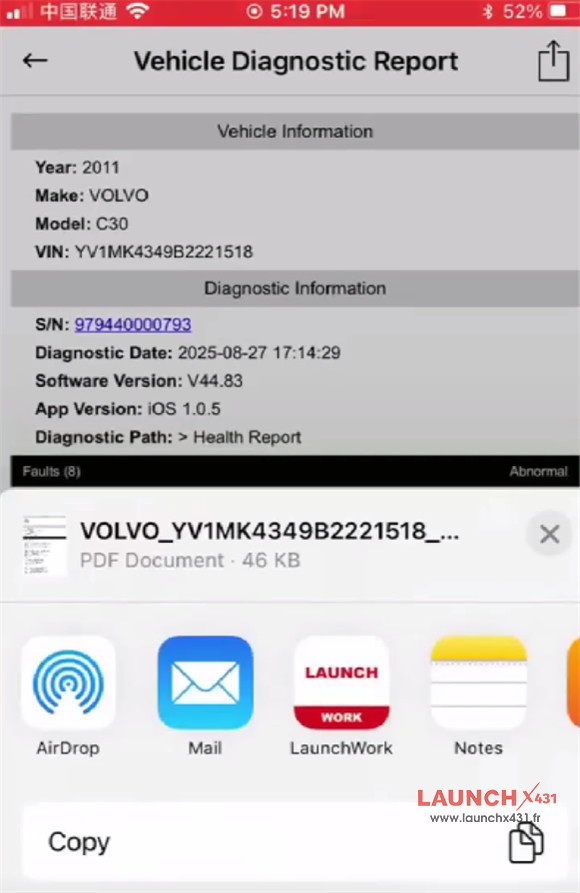
With a integrated one-click sharing button, users can instantly email reports or share them via external apps directly to clients, colleagues, or tech support.
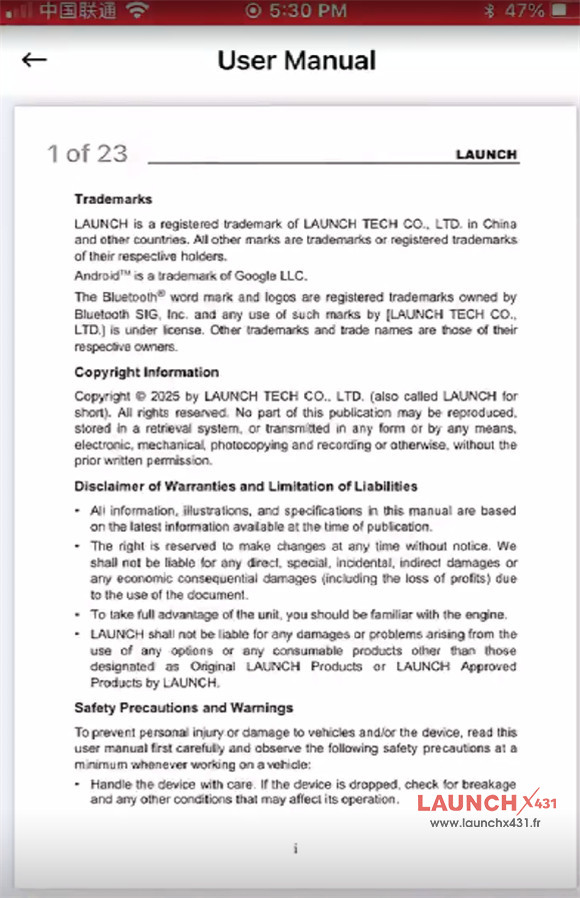
Plus, an interactive product user manual is permanently built into the app for quick reference.


Video guide:
