Use Launch X431 IMMO series tablet (IMMO Elite/IMMO Plus/IMMO Pro) with X431 X-prog3 to generate remote and add smart key to Jaguar KeylessGo ID49 successfully.
1.Generate remote
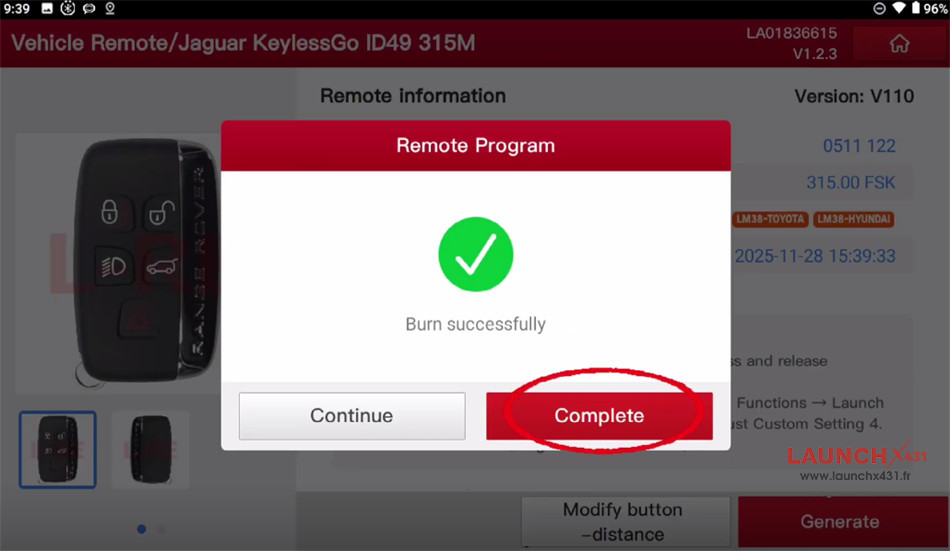
Navigate to Vehicle Remote-> Jaguar-> All remotes-> Jaguar KeylessGo ID49 315M


Put the key on the detection area of X431 X-Prog key programmer
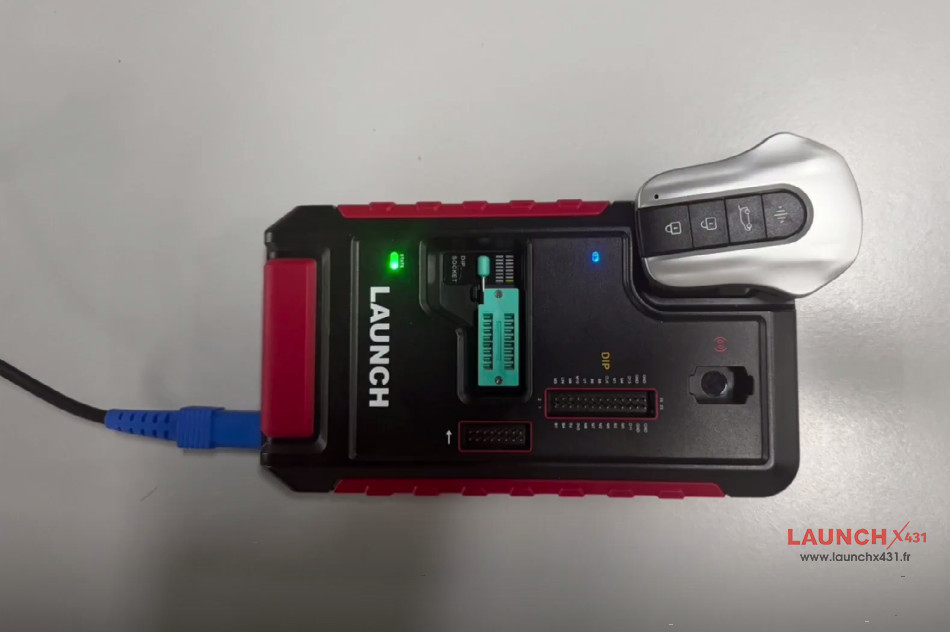

Click “Generate”
Burn successfully
2.Add smart key
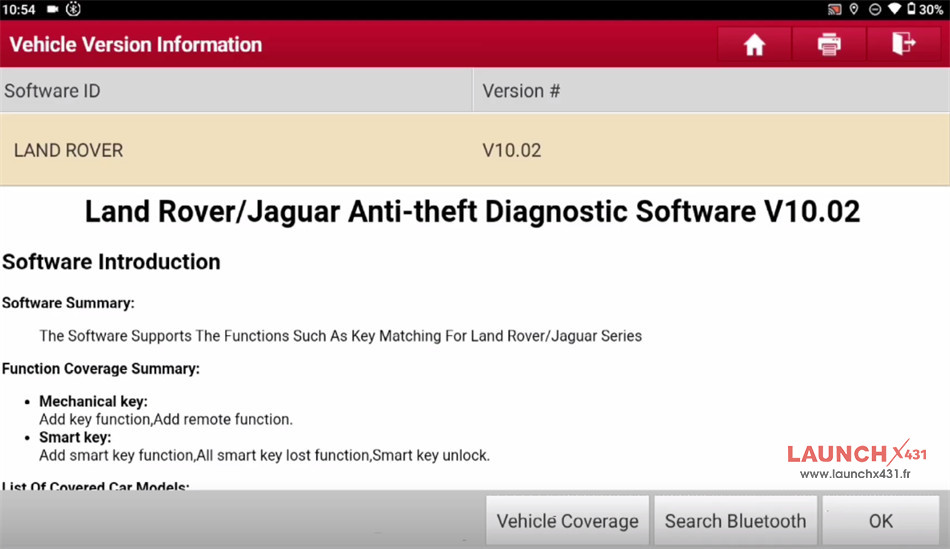
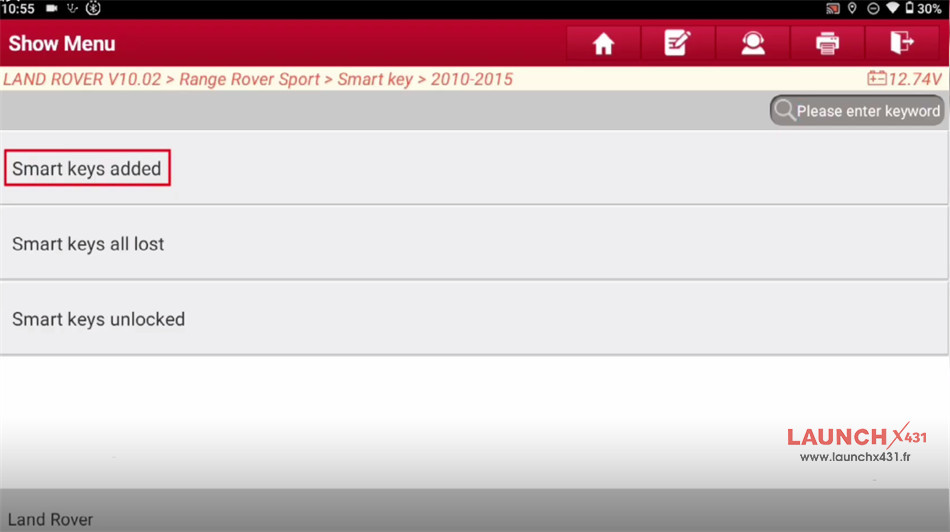
Navigate to Land Rover/Jaguar Anti-theft Diagnostic Software V10.02-> Range Rover Sport-> Smart key-> 2010-2015-> Smart keys added


Follow the on-screen prompt to operate
Press the START button
Turn off the ignition switch
Confirm the ignition is switched ON automatically


Identify the software version, part number and VIN successfully


The current matched key number is 2, confirm to match new smart key
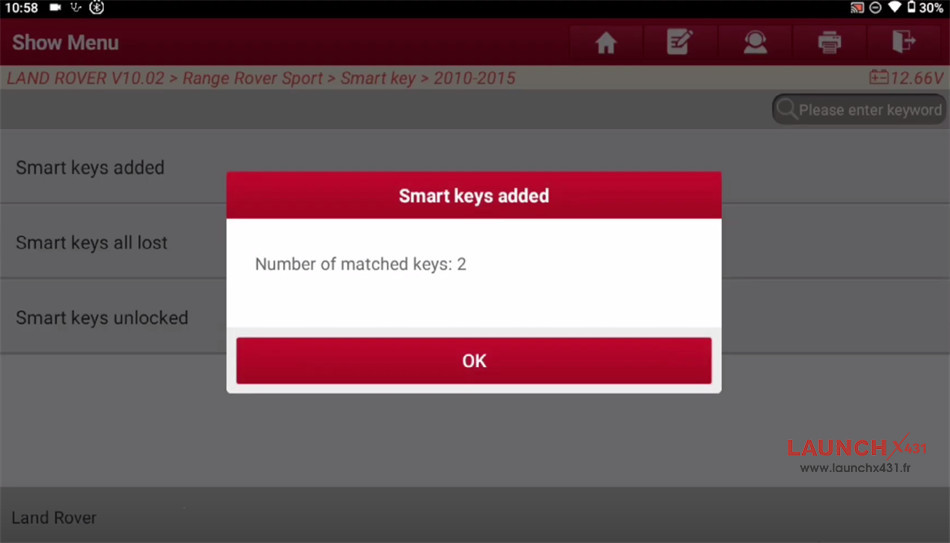


Take the smart key to be matched in hand
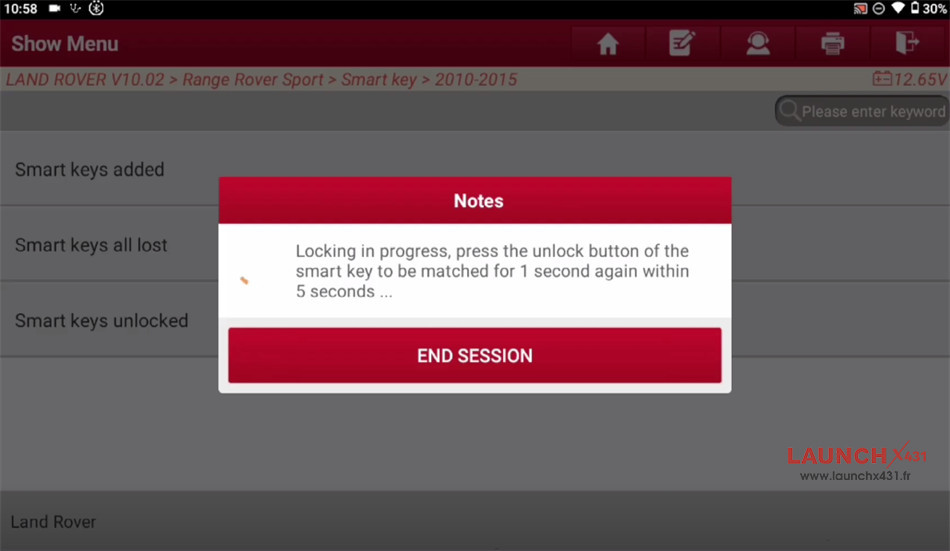
Matching in progress, press the unlock button of the smart key to be matched for 1 second within 5 seconds, and press for several times if vehicle has no response…


Locking in progress, press the unlock button of the smart key to be matched for 1 second within 5 seconds…
Match the new key successfully, and the matched key is 3 now.
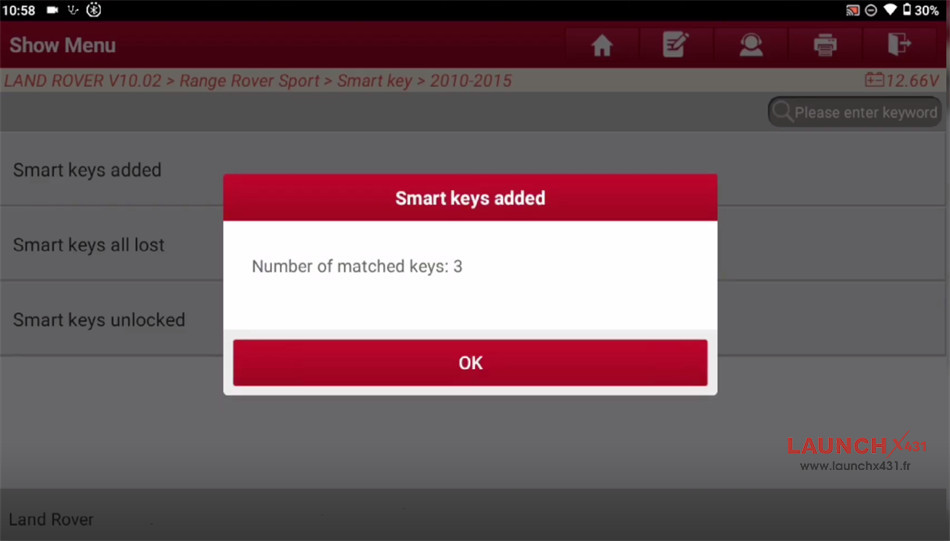

Done!
Jaguar KeylessGo ID49 Smart Key has been successfully added by X431 IMMO Plus/Elite/Pro.
Video guide:
