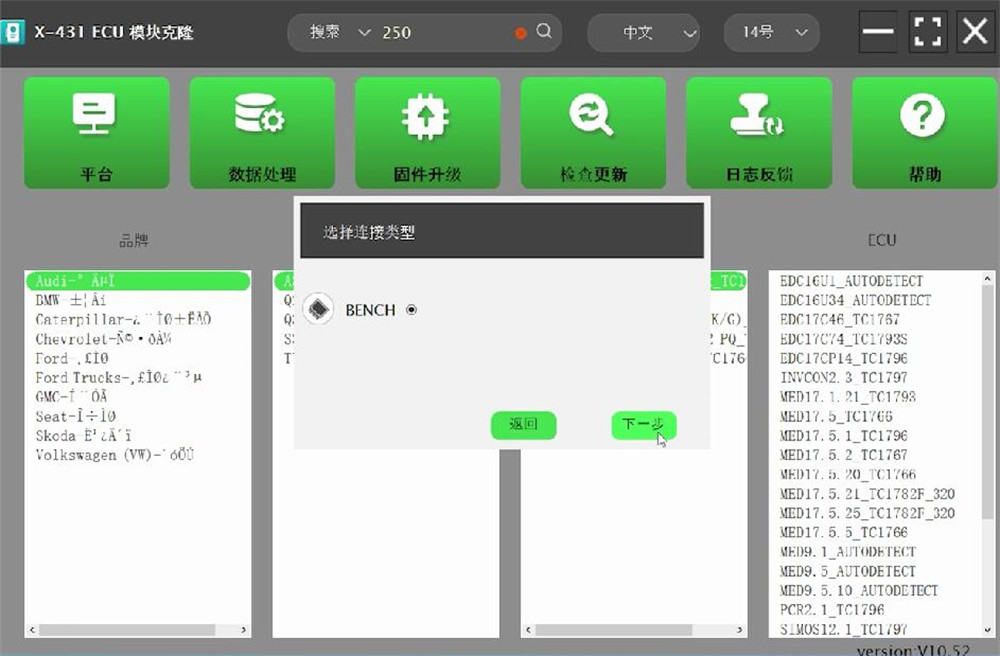
Use Launch X431 ECU & TCU Programmer and GODIAG Gearbox Cable 8-in-1 to read Audi DQ250 TC1766 ECU and EEPROM data successfully.
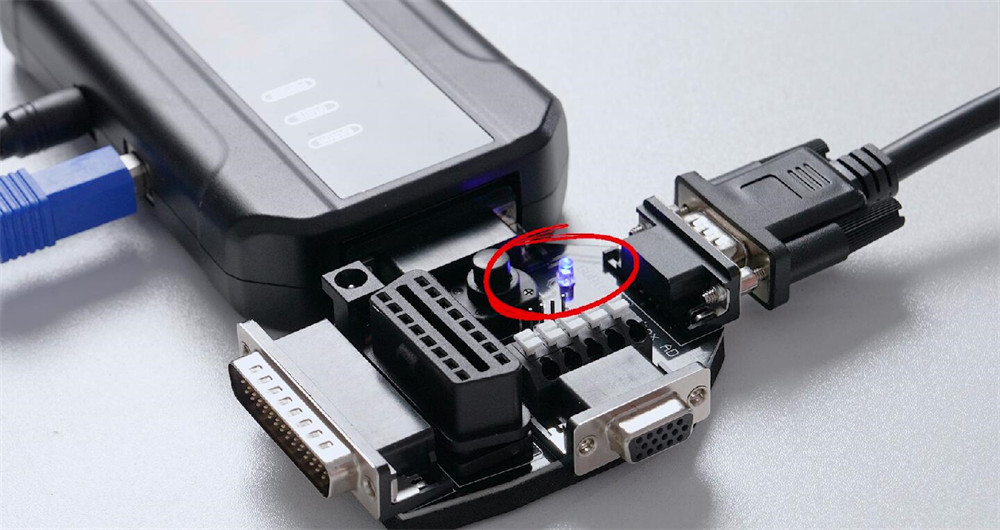
GODIAG Gearbox Cable 8-in-1 Set is equipped with an OBD2 BENCH adapter, it allows for connection to a wide range of devices.
The Gearbox adapter includes a DIY OBD2 CANBUS K-Line connection, allowing customers who wish to create their own OBD2 bench to use it.
Procedure:
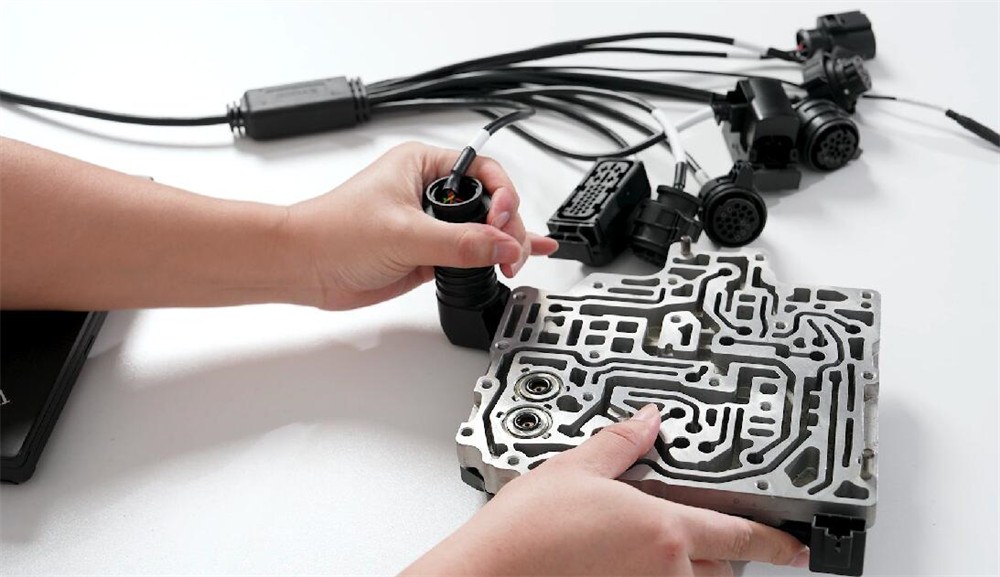
Connect X431 ECU Programmer and Audi DQ250 ECU using GODIAG Gearbox Cable and Adapter properly
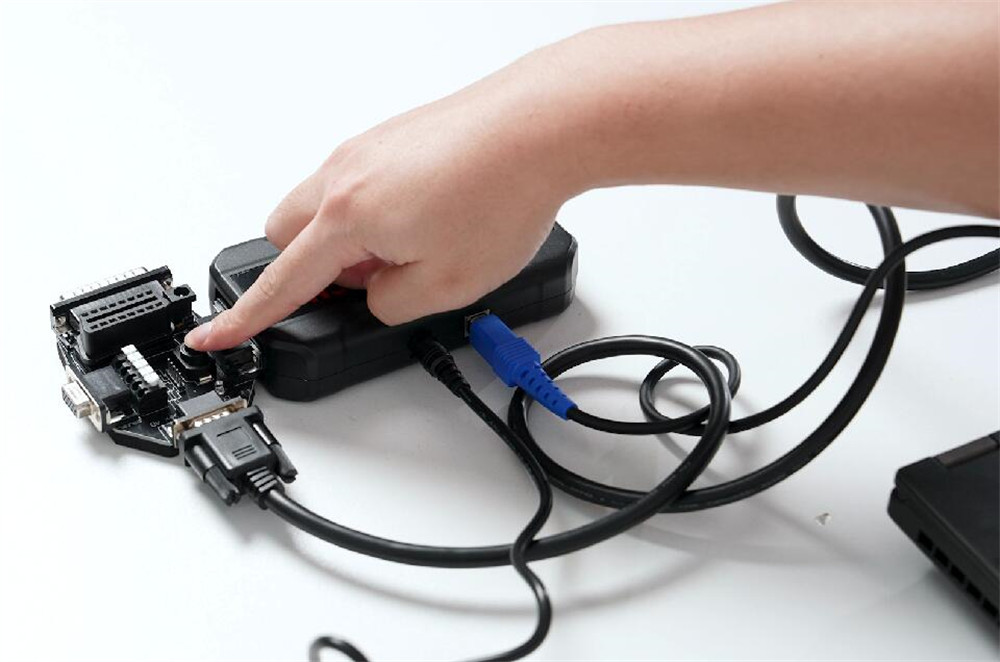
Press the power switch button on Gearbox Adapter
Supply power to X-431 ECU Programmer as well

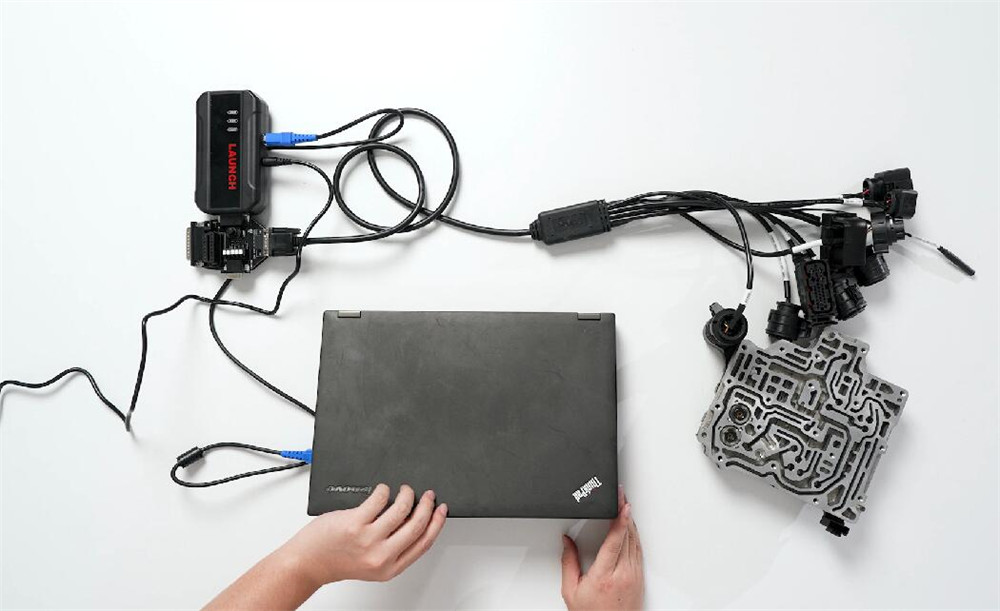


Run X-431 ECU Programmer PC software
Locate Audi DQ250 ECU type and select Bench mode
Read ECU Info, connect ECU and read EEPROM data OK
The power indicator flashes during reading ECU info.