Cloning a BMW DME requires reading and transferring the required ECU data from the original unit to another compatible unit. For BMW DME MSD81.2, Launch X431 X-PROG5 can be used with the X431 ECU Clone software to perform this operation.
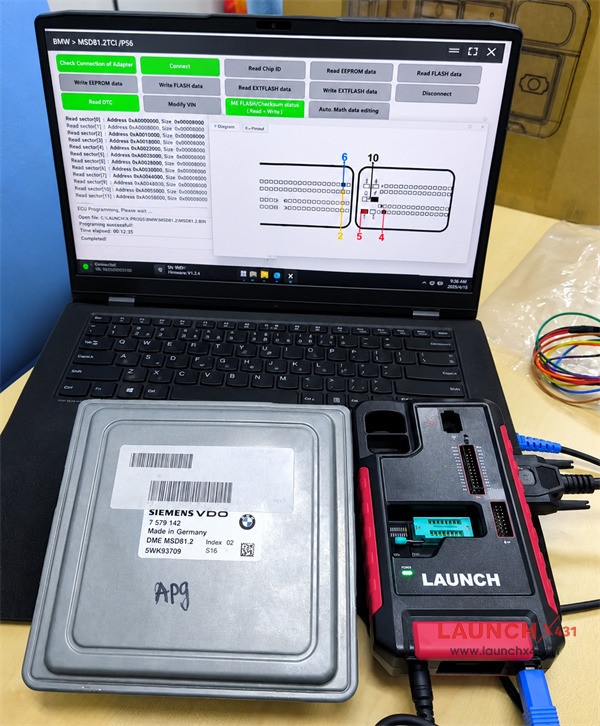

What You Need
The main tool used for this job is X431 X-PROG5 (PROG5/G5). It connects directly to a PC and works with the supporting software for ECU data operations and chip programming.
BMW MSD81.2 DME Cloning
1.Read original DME EEPROM, FLASH data and ISN
Connect X-PROG5 key programmer to the PC via USB cable and run the corresponding X431 ECU Clone software.
Select the BMW MSD81.2 TC1796 option and bench mode to check the wiring diagram
Connect Launch G5 to the original DME using the dedicated wiring harness correctly
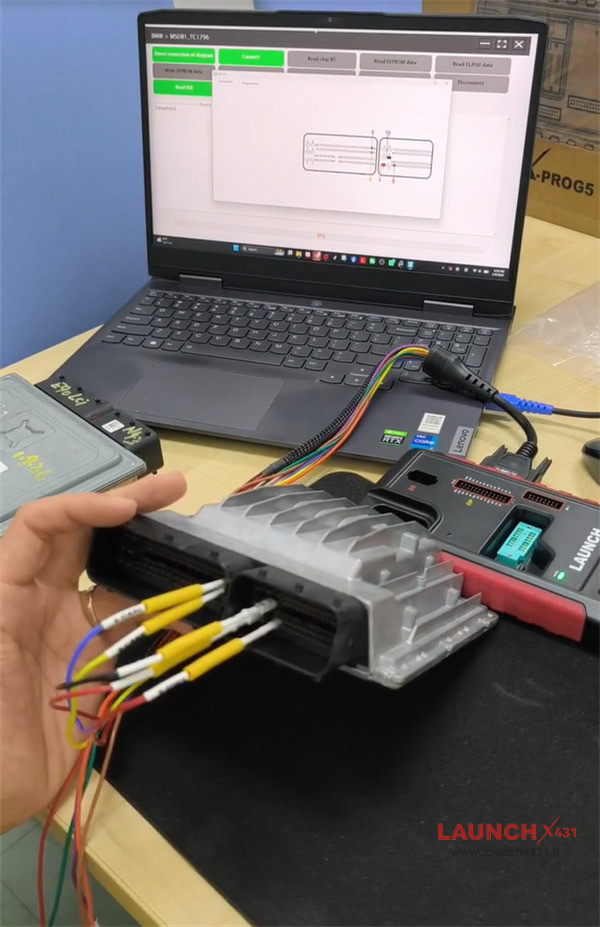

After connection, read chip ID, read and back up the original EEPROM & FLASH data separately
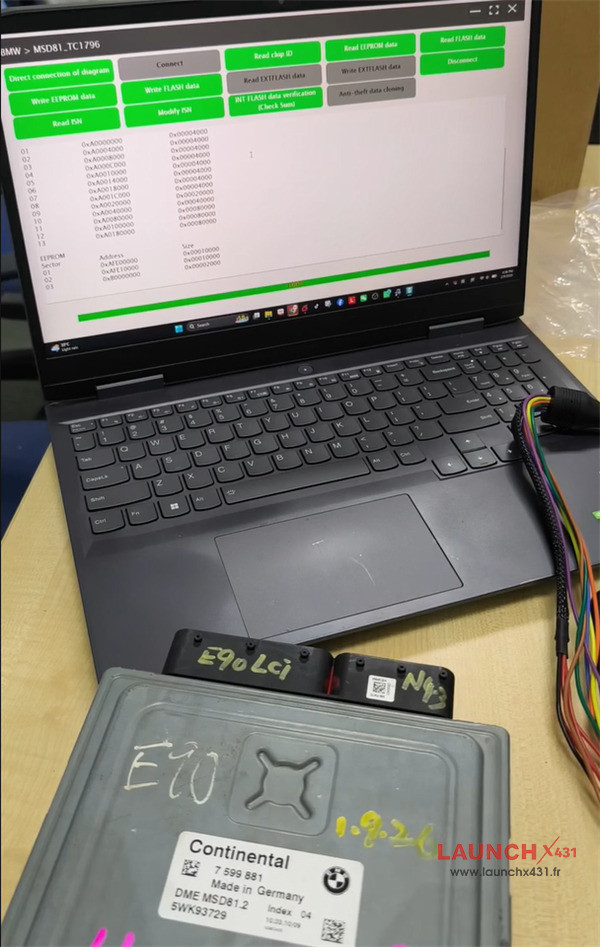
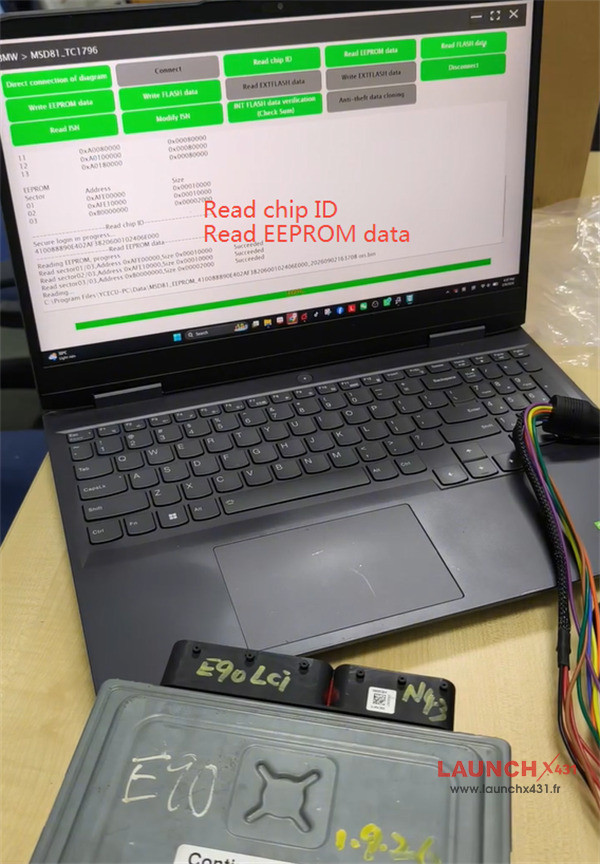
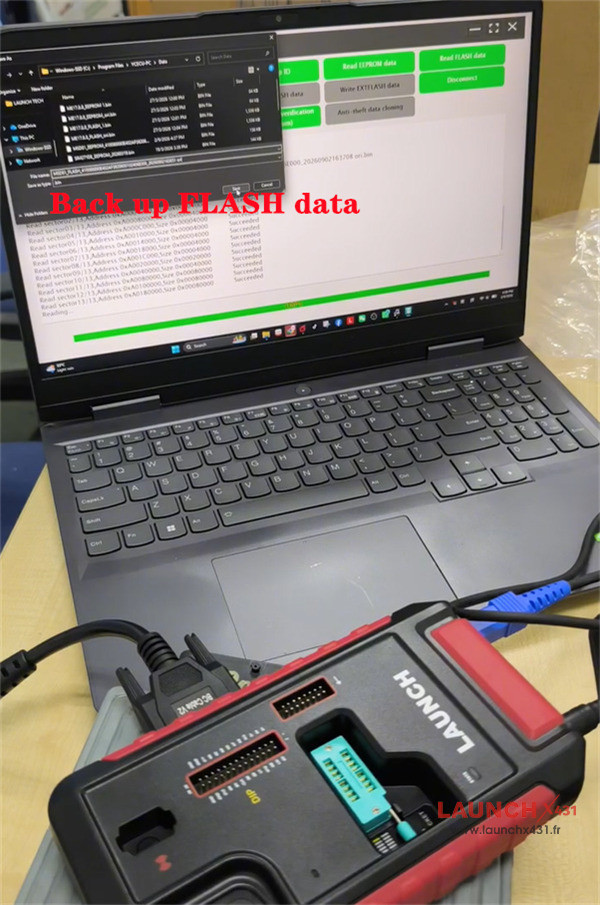


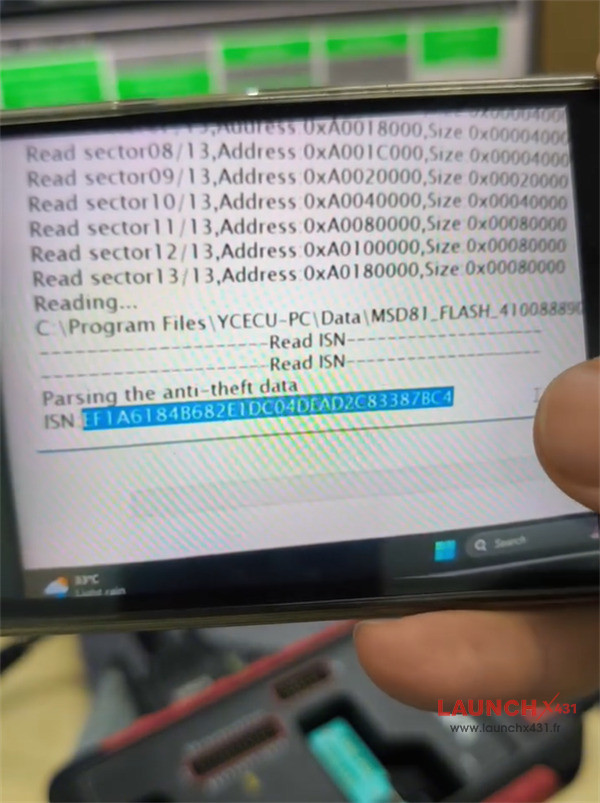
Read ISN OK

2.Write original data to donor
Connect X431 X-Prog5 programmer to the donor DME
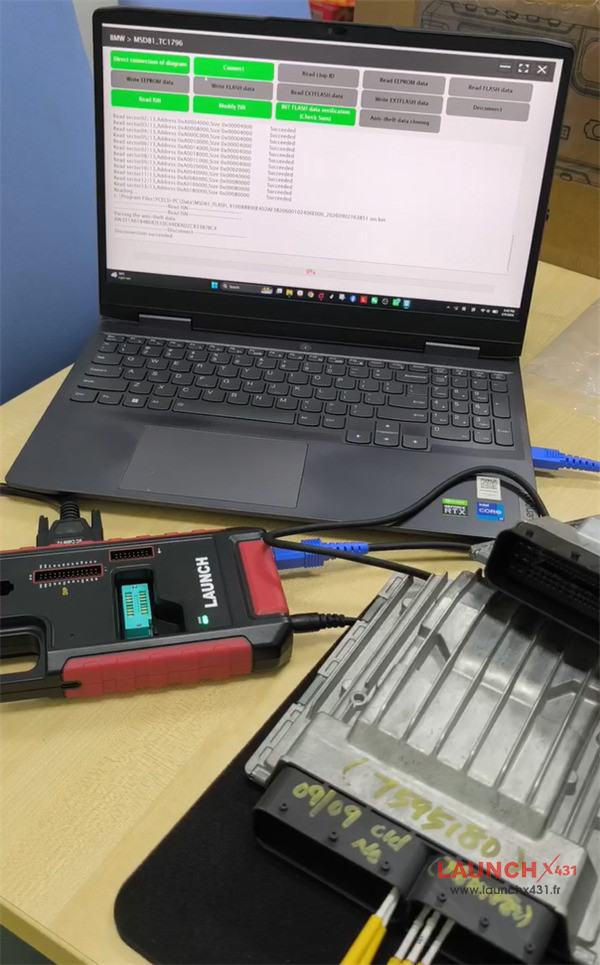

Select the original DME EEPROM and Flash data to write into the donor one
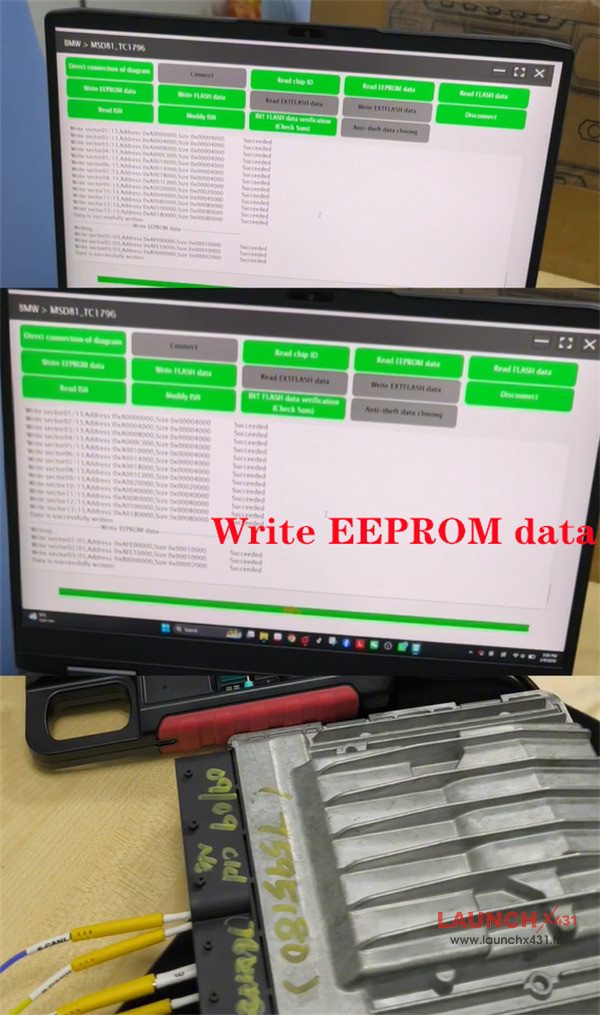

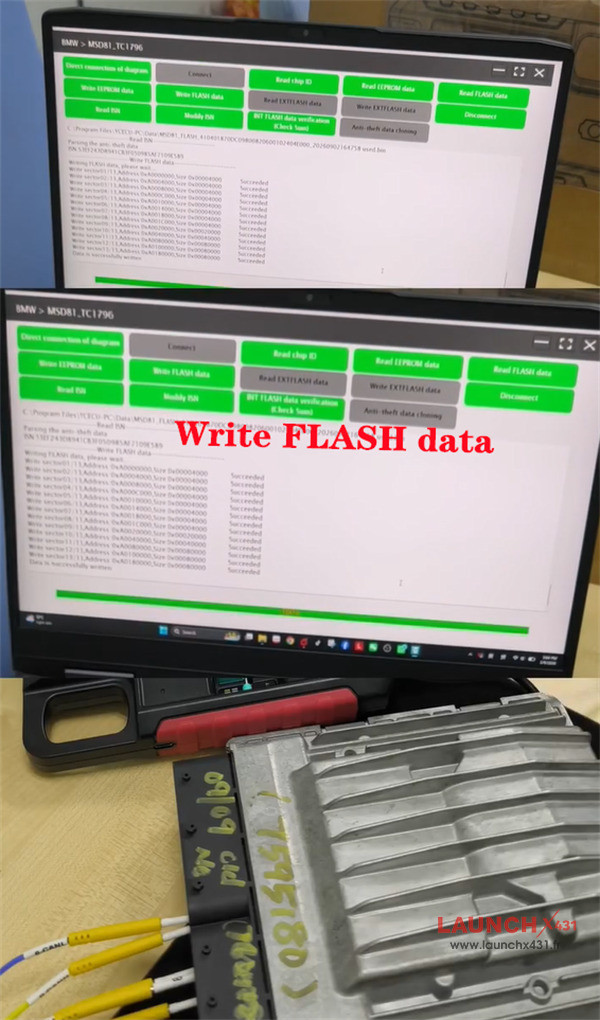

Then read ISN to compare it and the original ISN
There is no difference between them.
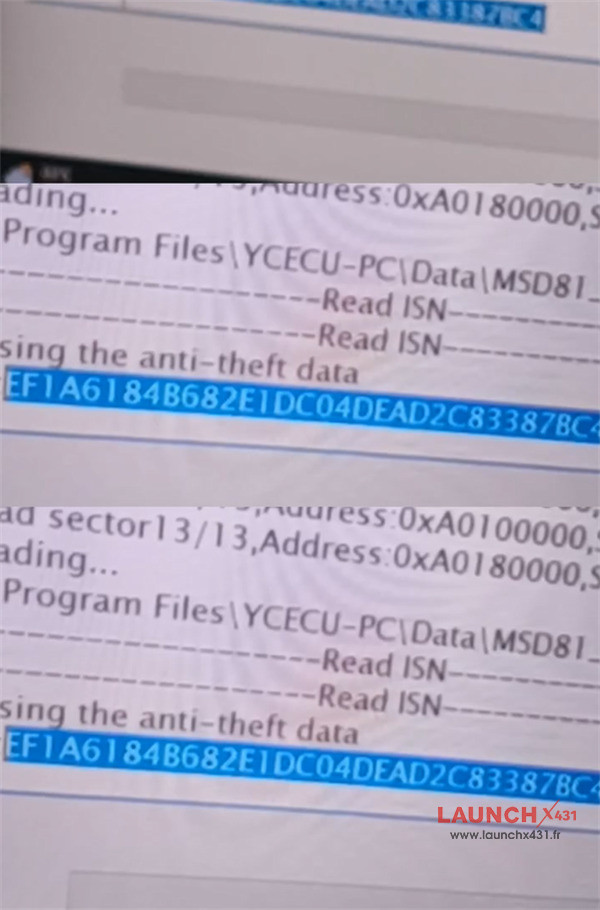

Result
The BMW DME MSD81.2 cloning was completed successfully with Launch X431 X-PROG5 key programmer.

In addition, Launch X431 IMMO Plus/Elite with X-Prog3 also can clone BMW DME MSD81.2 perfectly.