This guide explains how to diagnose and clear active TPMS fault warnings on a 2020 Tesla Model 3 using Launch Creader TPMS 5011 V2 / 511S V2. It covers how to identify faulty tire pressure sensors, program replacement Launch 433MHz sensors, perform OBD relearn procedures, and complete road test verification.
Step 1: Faulty Tire Pressure Sensor Diagnosis
Power on Launch TPMS 5011 V2
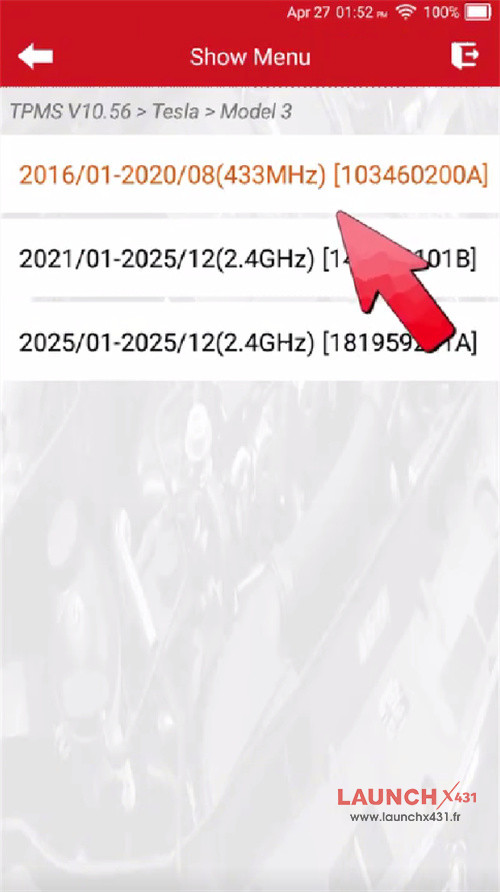
Select TPMS-> Tesla-> Model 3-> 2016/01-2020/08 (433MHz) [103460200A]

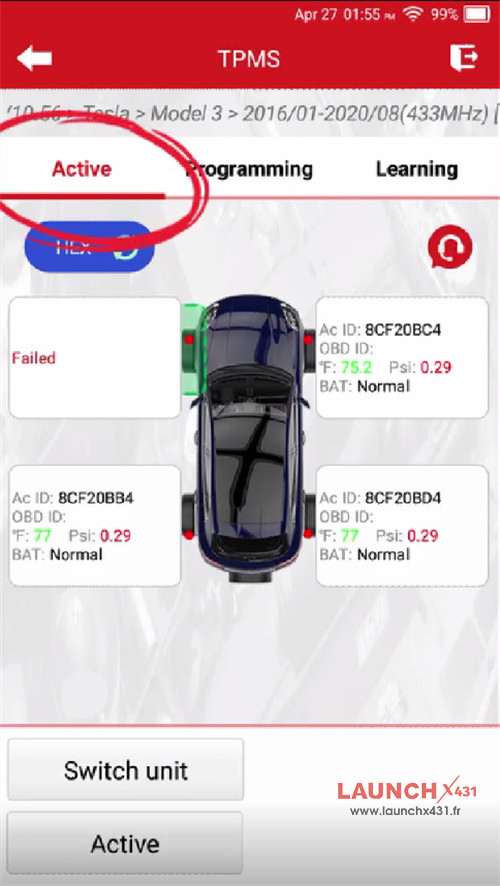
Select Active and trigger all four wheels sequentially.
Result: Front Right (FR), Rear Right (RR), and Rear Left (RL) respond normally. Front Left (FL) emits no signal, confirming a dead sensor battery requiring replacement

Step 2: Sensor Programming
Remove the depleted factory sensor from the FL wheel.
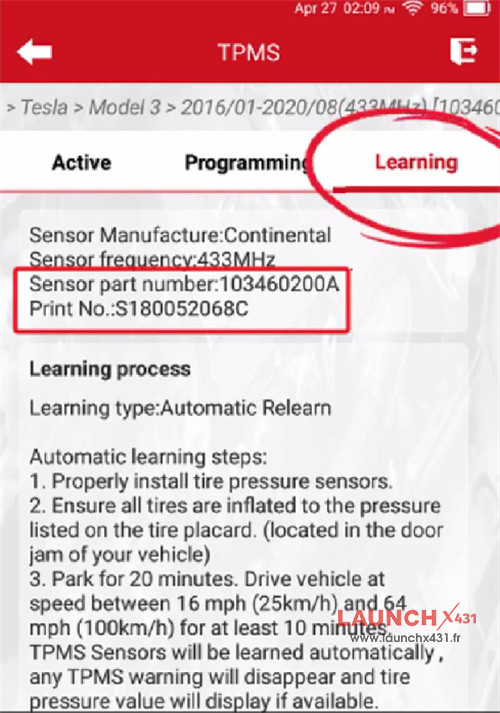
Access Learning on the scanner to confirm part number compatibility

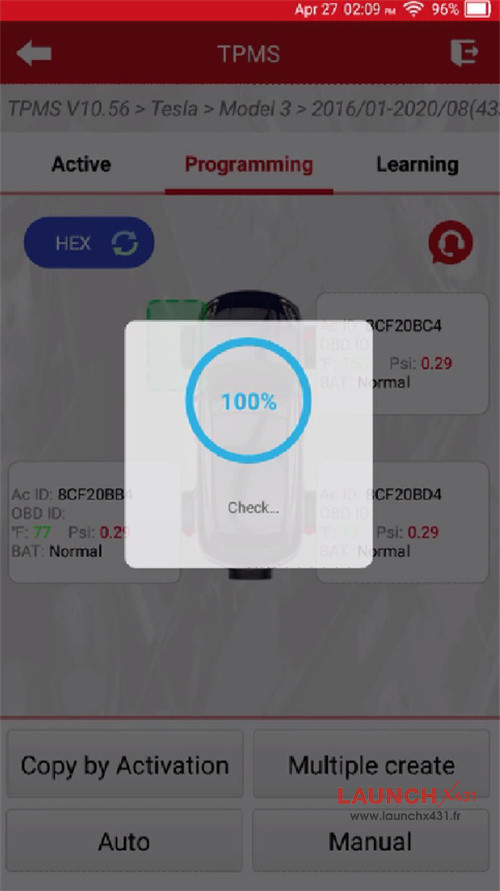
Enter Programming and choose Auto to generate a new sensor ID
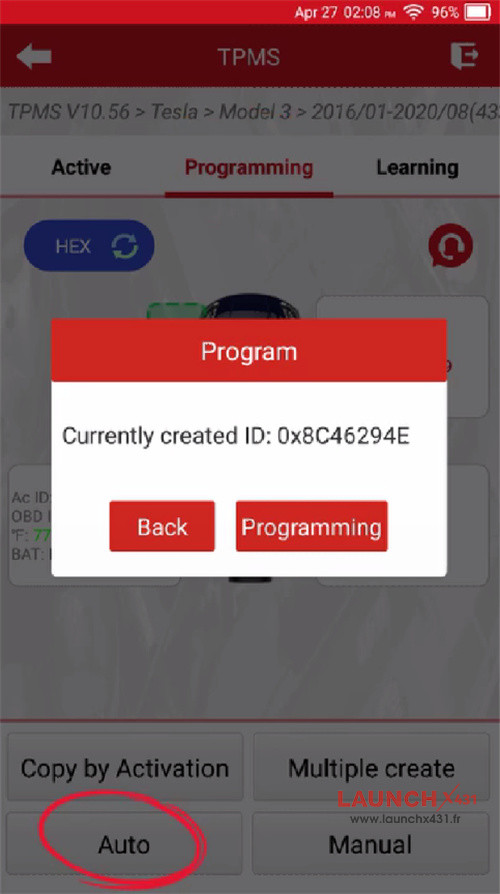

(Alternative modes: Manual entry or Copy by OBD cloning).
Place the Launch tool near the blank sensor until data transfer reaches 100%.

Step 3: Installation & Sensor Excitation
Install the programmed Launch sensor into the FL wheel assembly and inflate tire to OEM spec
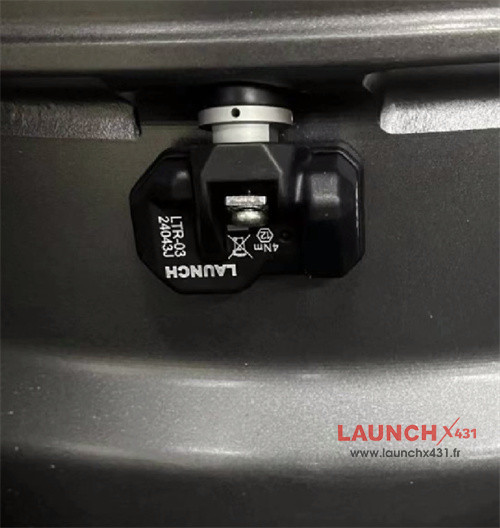

Select Active on the tool to trigger the new FL sensor and verify data broadcasting
Step 4: OBD Relearn & Drive Calibration
Enter Learning, select OBD Relearn, and complete on-screen prompts
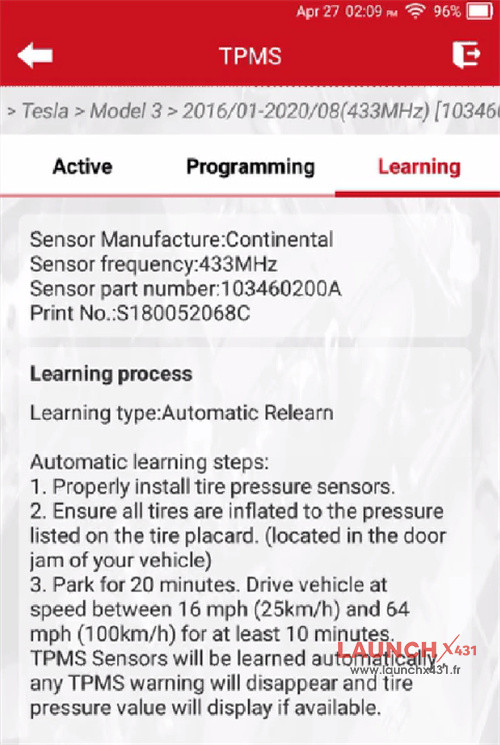

After locking the vehicle and letting it sit for 20 minutes, select the tire pressure reset function on the central control screen, and then conduct a road test at a speed higher than 25 kilometers per 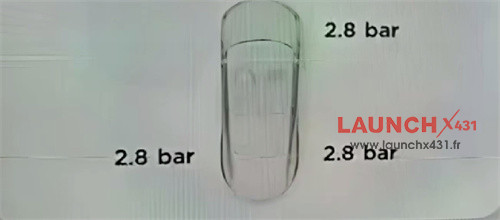

Video guide:
