




Customer problem:
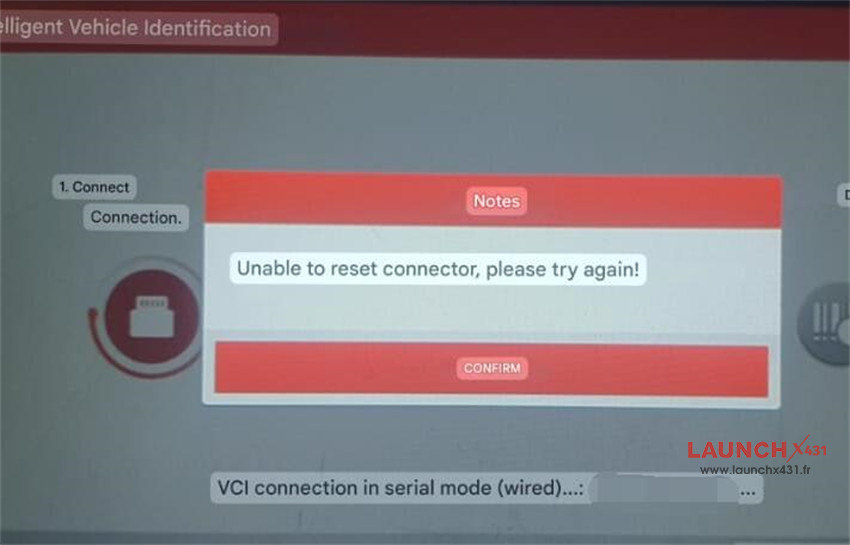
I just want to run a diagnostic on a vehicle, and every time I connect Launch X431 PROS Elite to the OBD port, as soon as I start the automatic vehicle scan it shows this message “Unable to reset connector, please try again!”
Solution:
Reset X431 PROS Elite/X431 PRO Elite to factory settings and try again.
Step 1: Turn on X-431 Pros Elite tablet
Step 2: Tap “Setting” on the home page
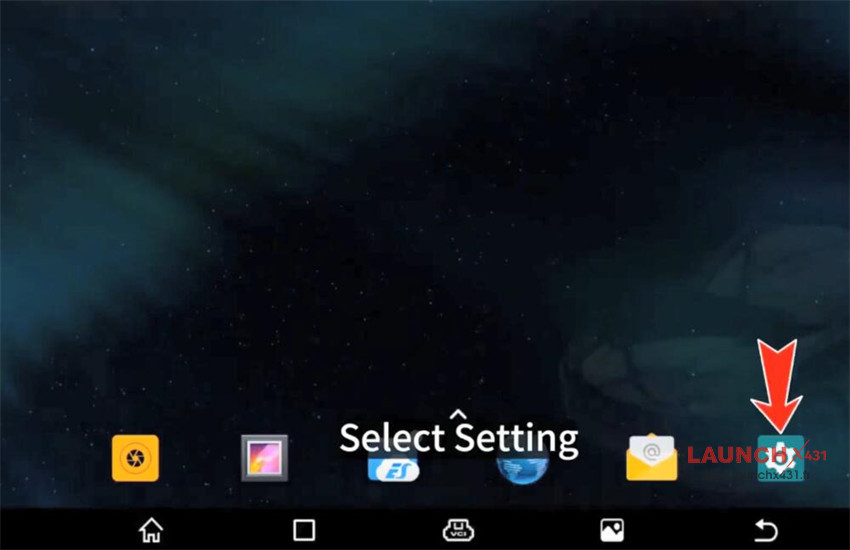
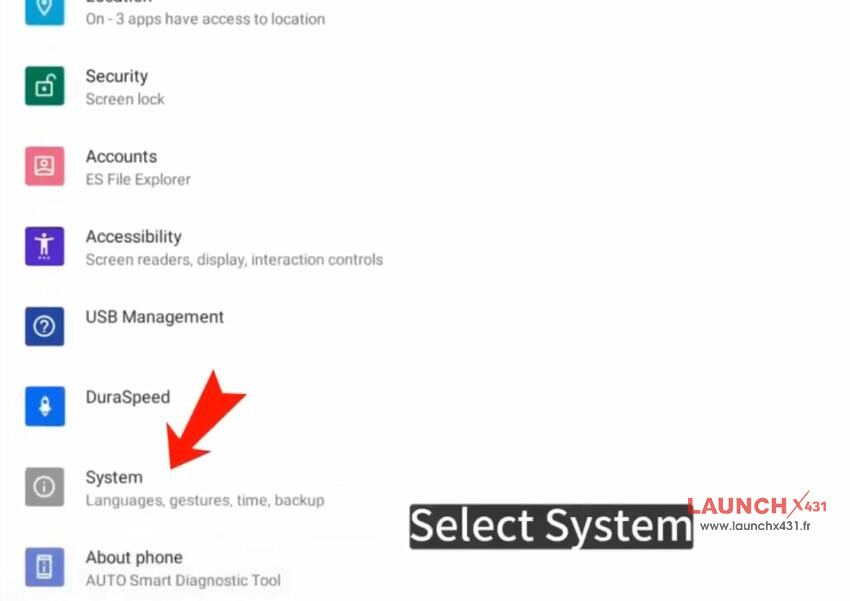
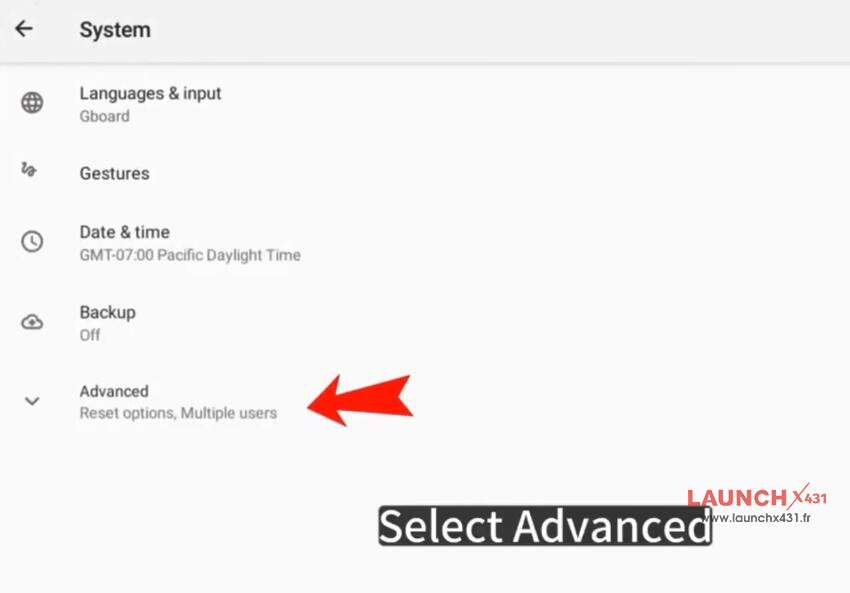
Step 3: Navigate to System-> Advanced-> Reset Options-> Erase all data (factory reset)-> Erase all data
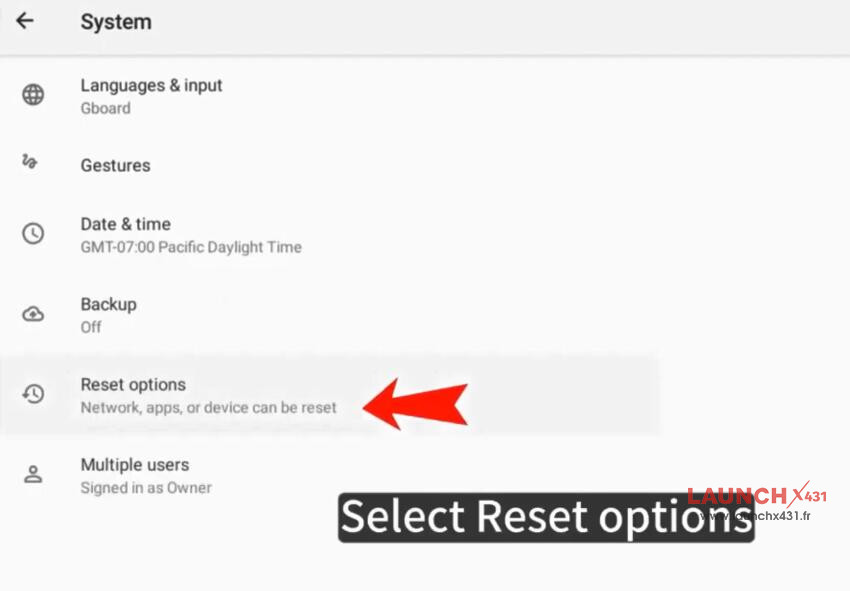
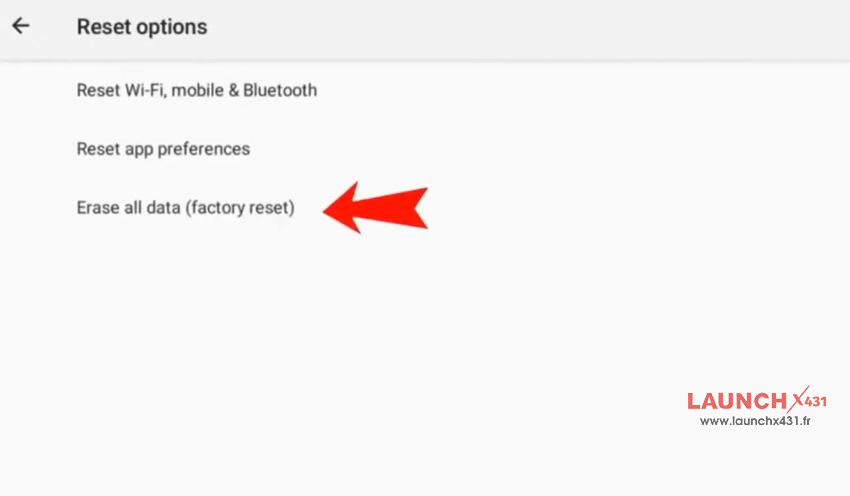
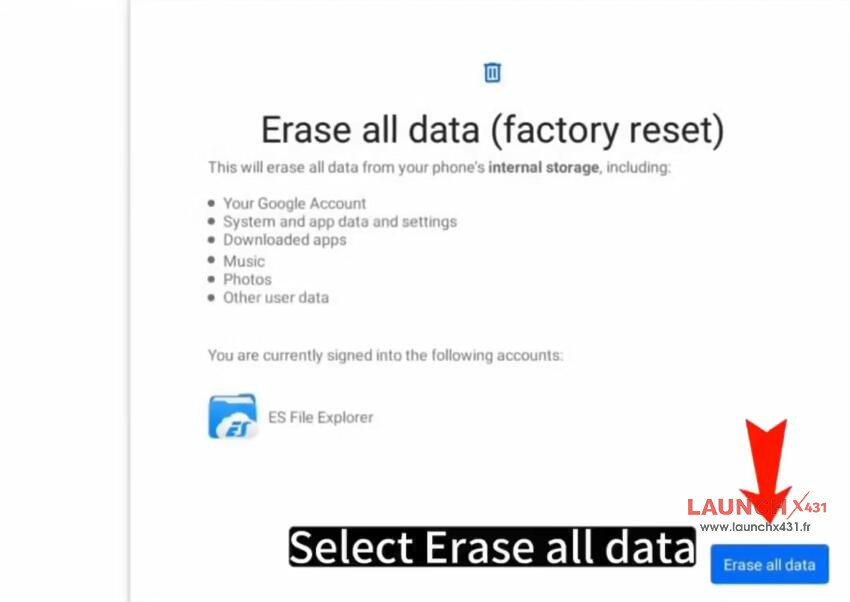
After the reset, follow these steps:
Install X431 PROS Elite APP using your device’s SN and 12-digit serial number
Log in with your existing username and password
Update all vehicle diagnostic software via the “Software Update” option
Video guide: