




This post will demonstrate the remote activation process for the newly installed reversing camera on a Ferrari 458 using Launch SmartLink C and SmartLink B.
Currently, the rearview camera has been physically mounted, but the display remains inactive when shifting into reverse gear.
Using Smartlink C, we can remotely enable this feature. Once activated, the image will appear on the instrument panel. Let’s begin by connecting to the customer’s device through Launch SmartLink B.
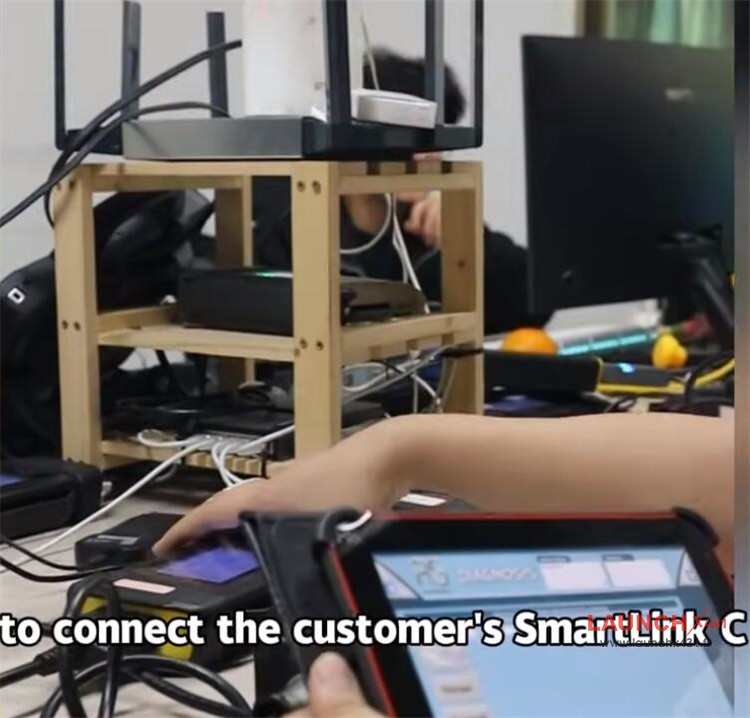
Step-by-Step Activation Procedure:
1.Module Selection
Access the Ferrari module menu.
Select 458 model, then choose BCM (Body Control Module).
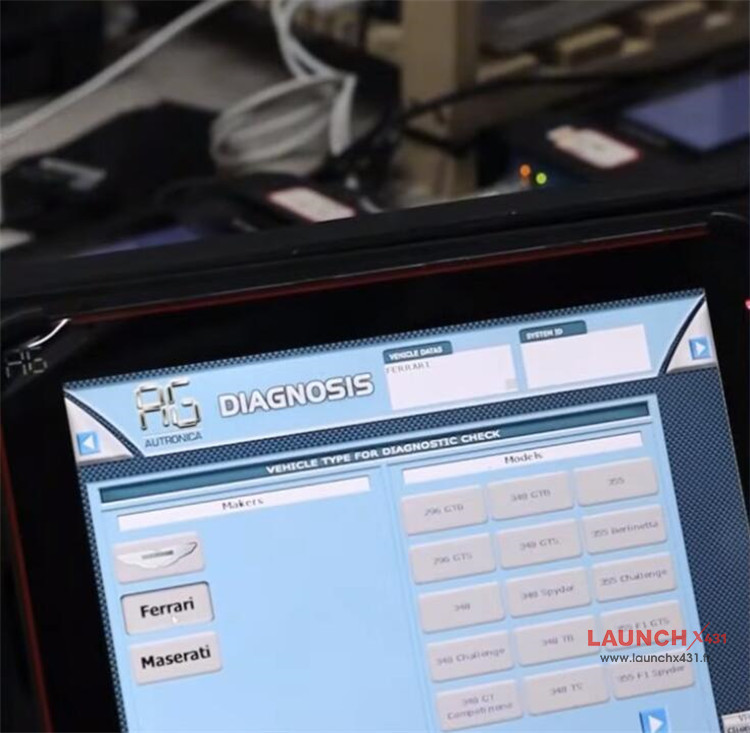
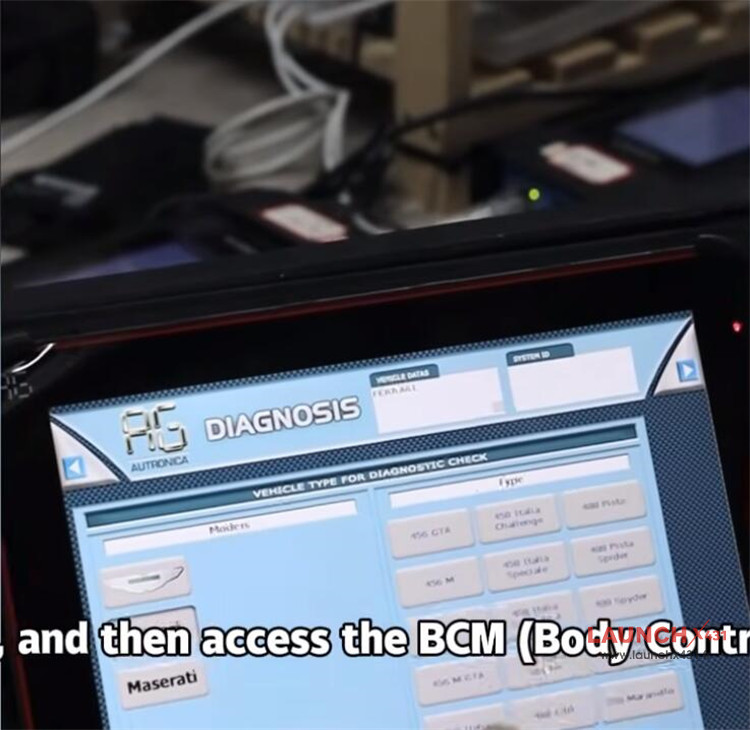
2.Configuration Adjustment
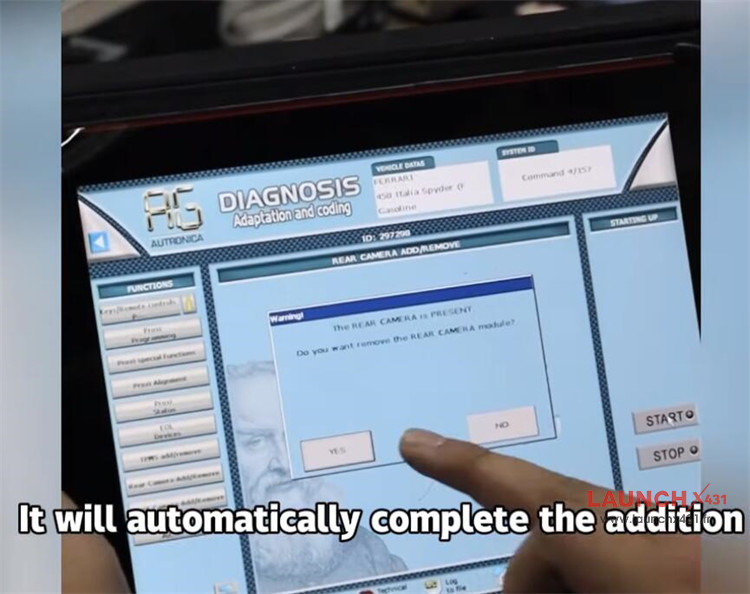
Navigate to the configuration function within BCM.
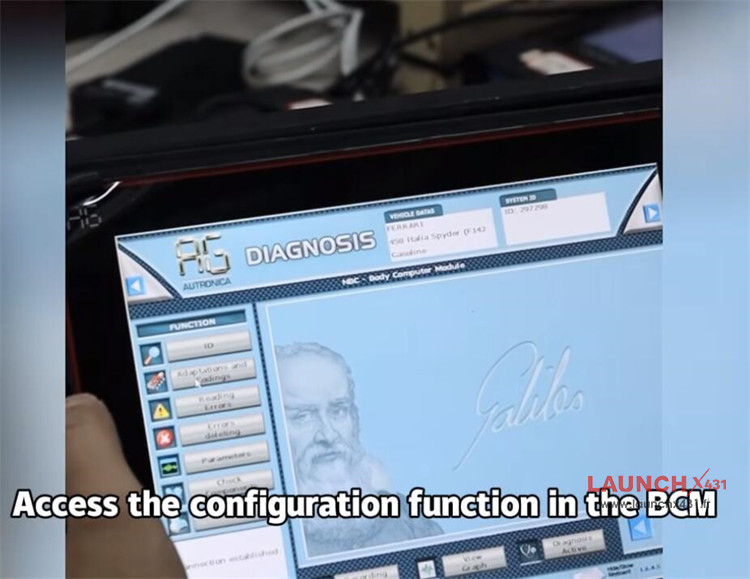
Locate and select “Add Rear View Camera”.
Click “Start” – the activation will complete automatically.
3.Finalizing Setup
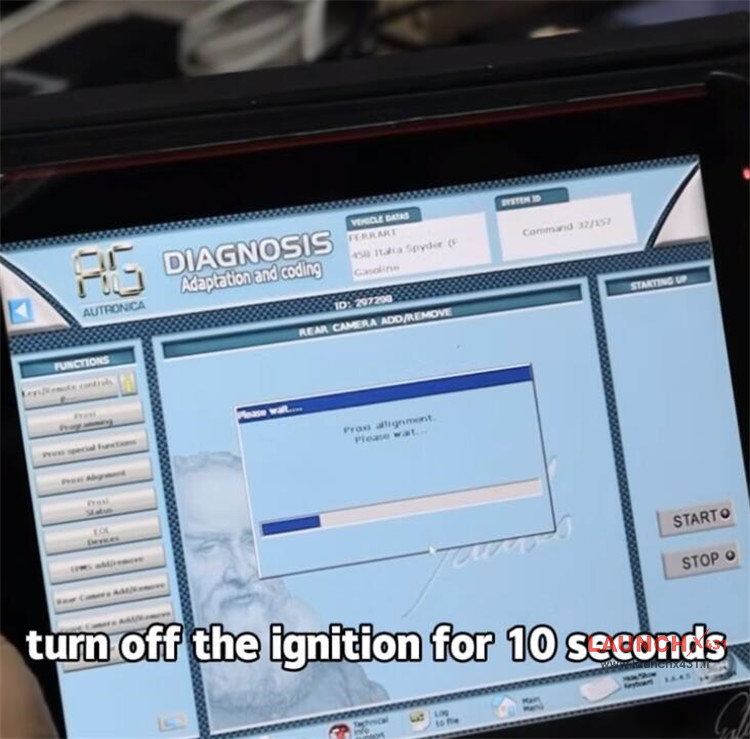
Turn the ignition OFF for 10 seconds, then restart the vehicle.
Request the customer to shift into reverse gear for verification.
The reversing camera image should now be displayed successfully.
Video guide: