




Today we’ll walk you through the process of resetting Case Clutch Overtemperature Counter on a 2021 GM Chevrolet Suburban using Launch X431 diagnostic tool.
Function Description:
This function needs to be executed when the transfer case hardware is repaired or replaced, or when the transfer case clutch overtemperature protection mechanism is triggered and deactivated.
Tested Model:
2021 / GM Chevrolet / Suburban
Compatible devices:
All comprehensive Launch X431 diagnostic scanners
e.g. X431 PRO3 LINK HD (X431 V+ SmartLink HD)
Operation guide:
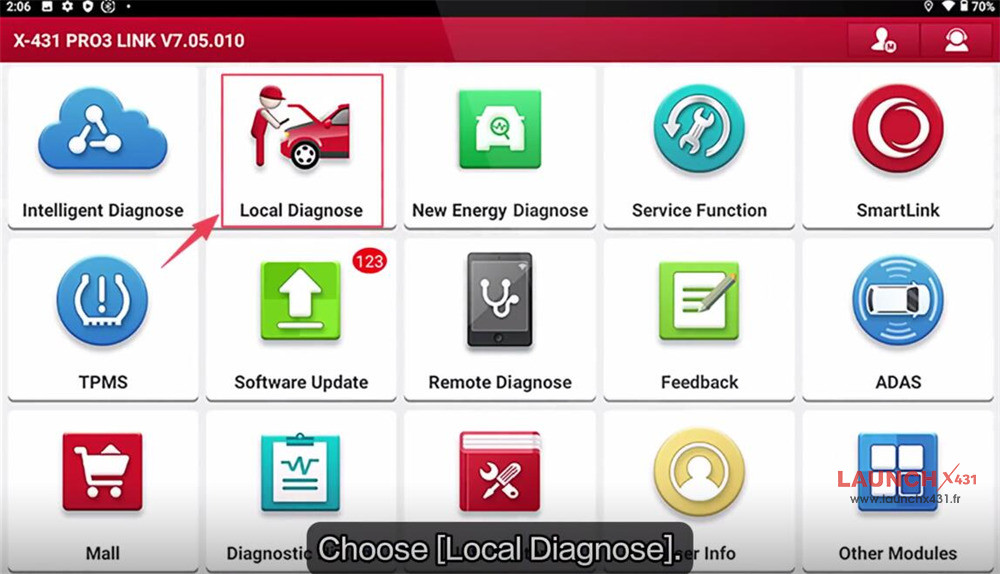
Navigate to “Local Diagnose” on the main menu
Select GM-> GM V50.10-> Automatically Search
Read VIN automatically
Turn Ignition ON (Turn The Key To On Position.
For Push-Start Vehicle, Please Long Press The Start Button For 5-10s To Turn Ignition On).
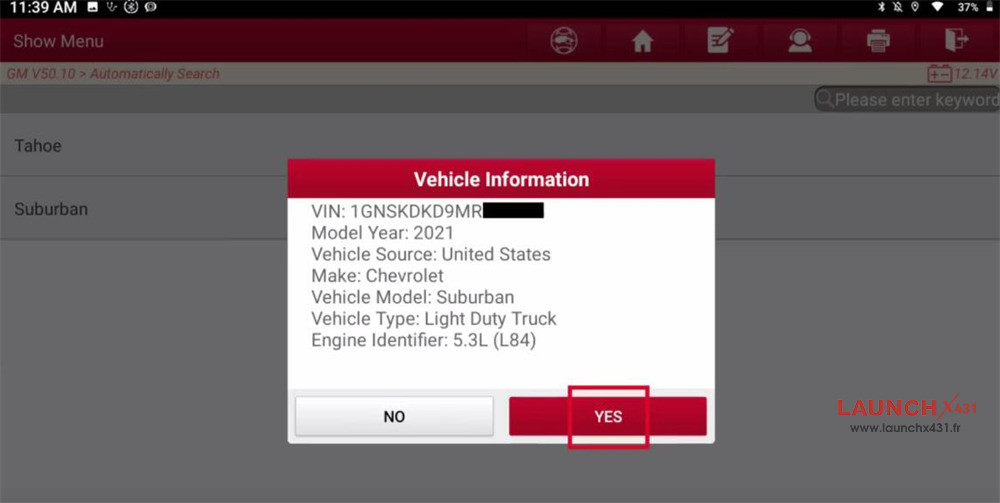
Confirm the vehicle info
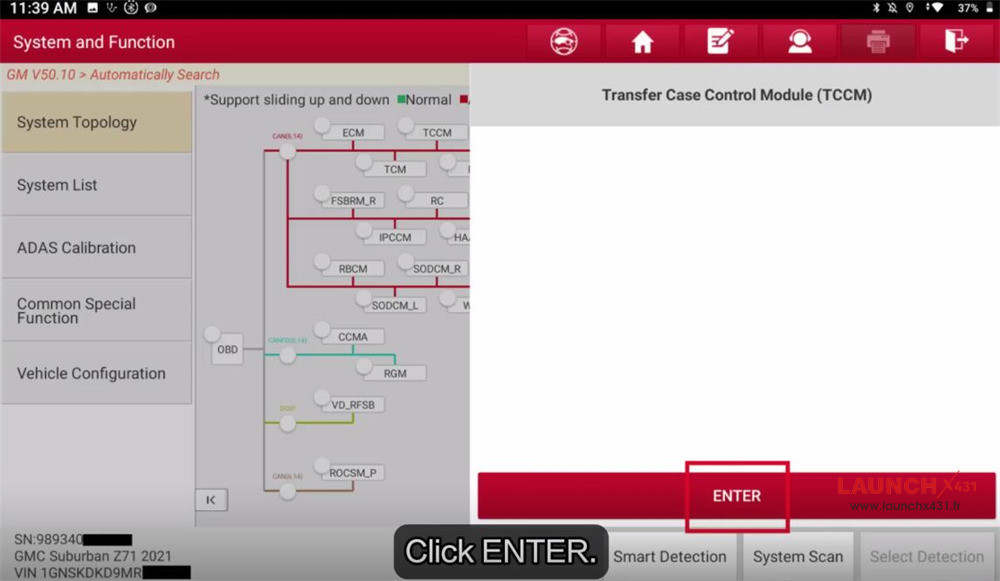
Select “TCCM” to access the system
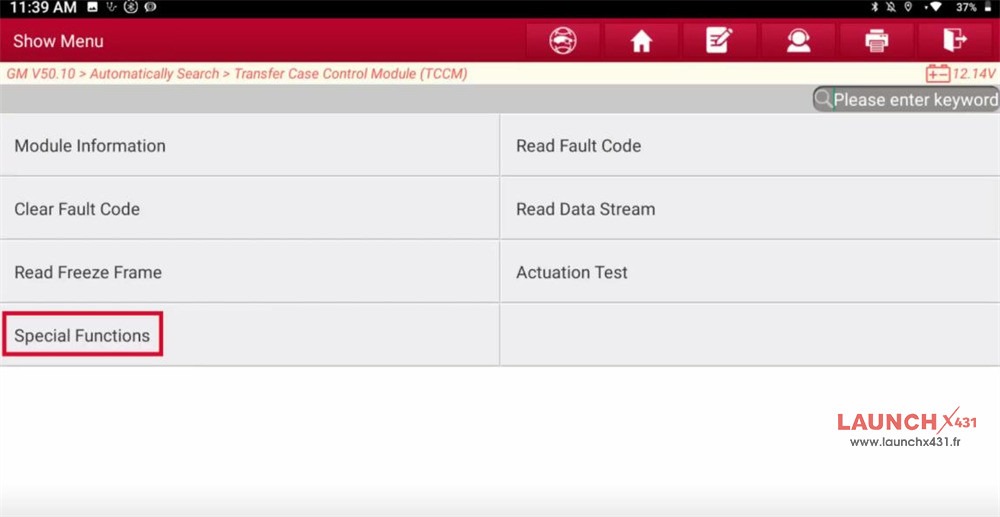
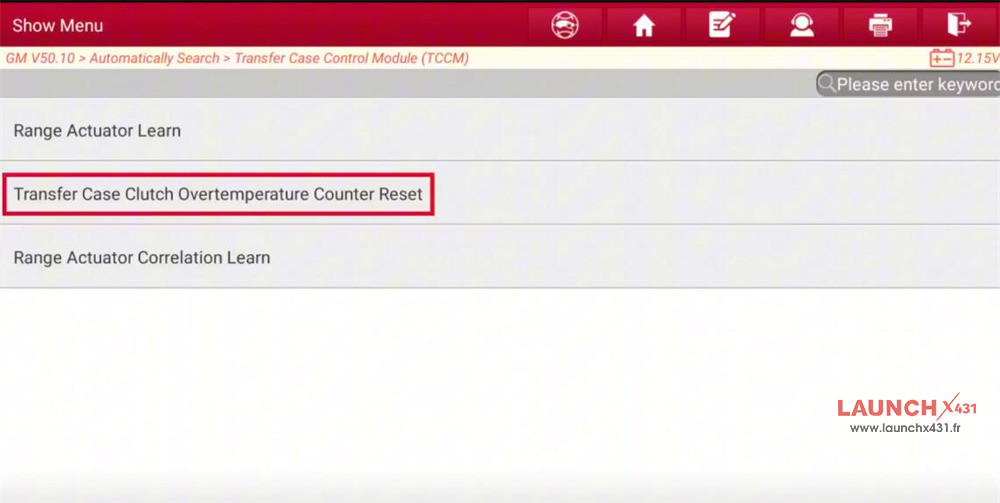
Select Special functions-> Transfer Case Clutch Overtemperature Counter Reset
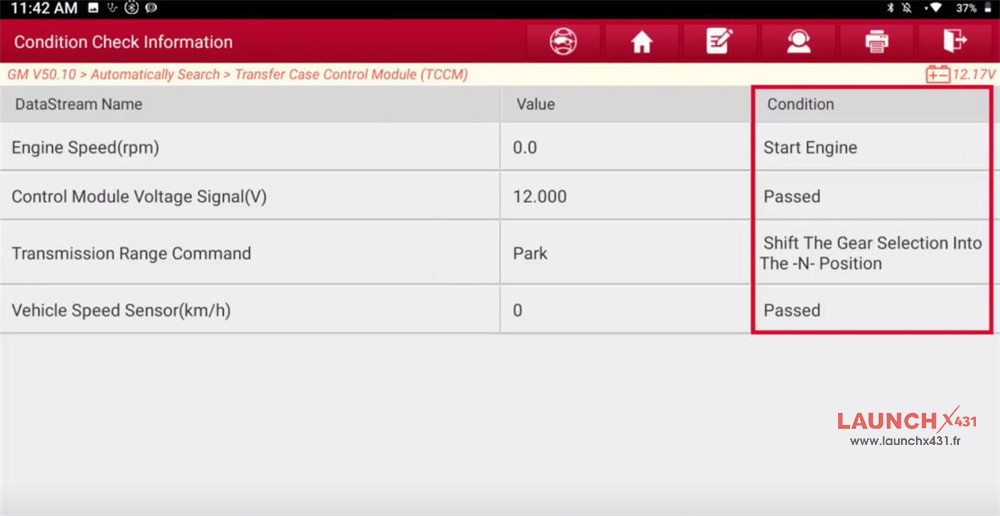
Ensure that the conditions are met
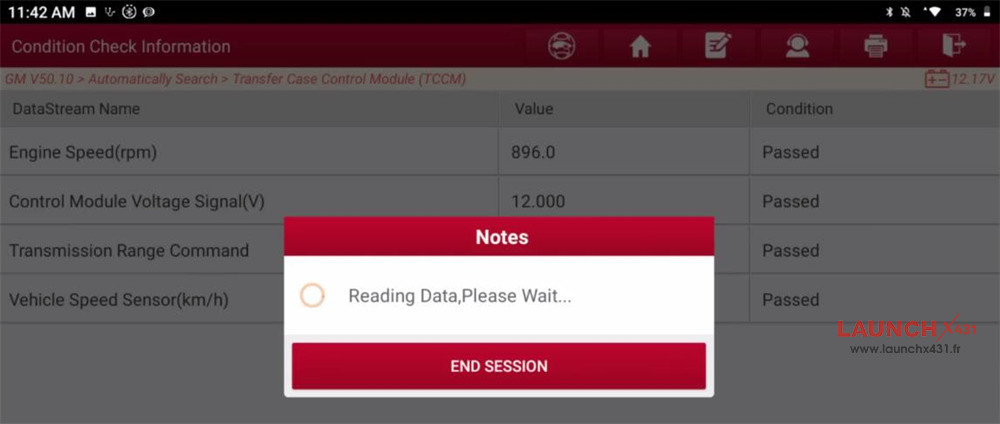
Reading data…
Before the function reset, the status is “None”, click “Reset”
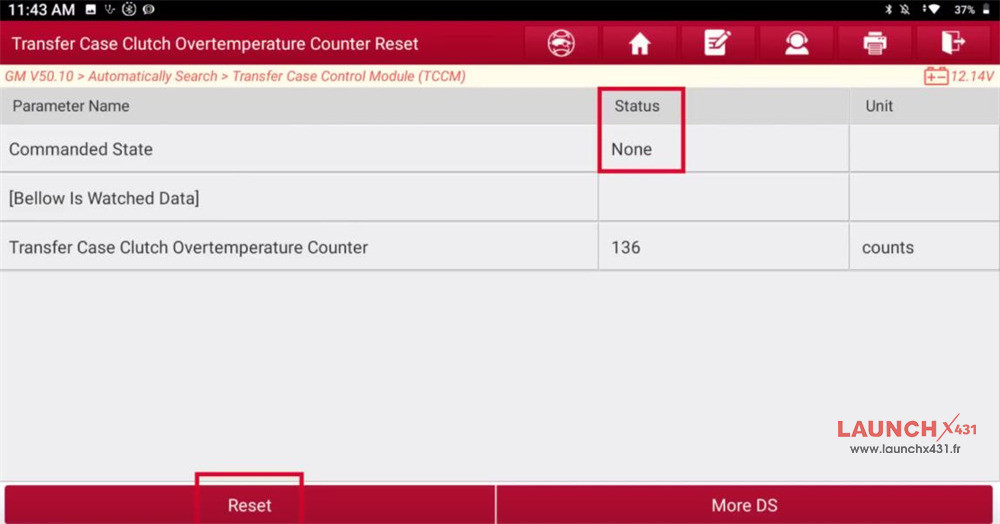
The status changes to “Reset”
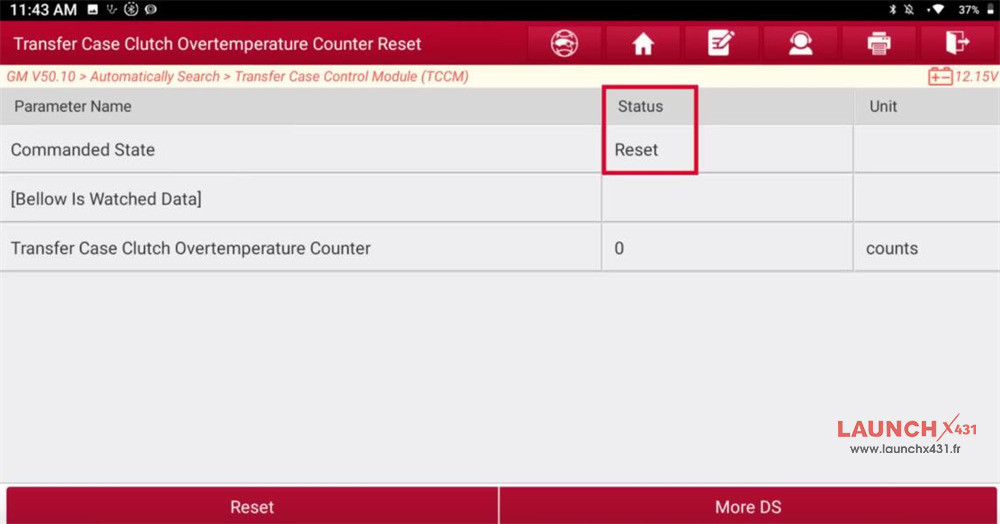
The reset is successful by X431 tool.