





In this post, we walk through performing service information reset on a 2020 FIAT Argo using Launch X431 diagnostic tool.
This function clears maintenance alerts and ensures precise service interval monitoring.
Function Description:
After repair is completed for FIAT, service information reset is required.
Tested Model:
2020 / Fiat / Argo
Supported equipment:
LAUNCH’s full range of comprehensive diagnostic equipment
(such as X431 PAD V, PAD VII, Pro5, PRO3 V+ Elite, PRO3S+ Elite)
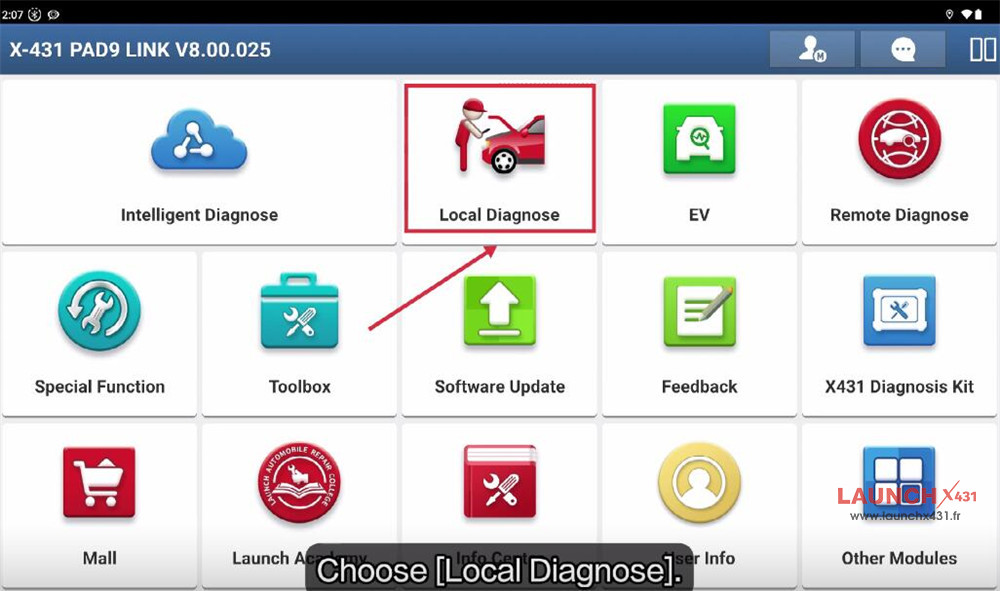
e.g.X-431 PAD9 LINK
Menu path:
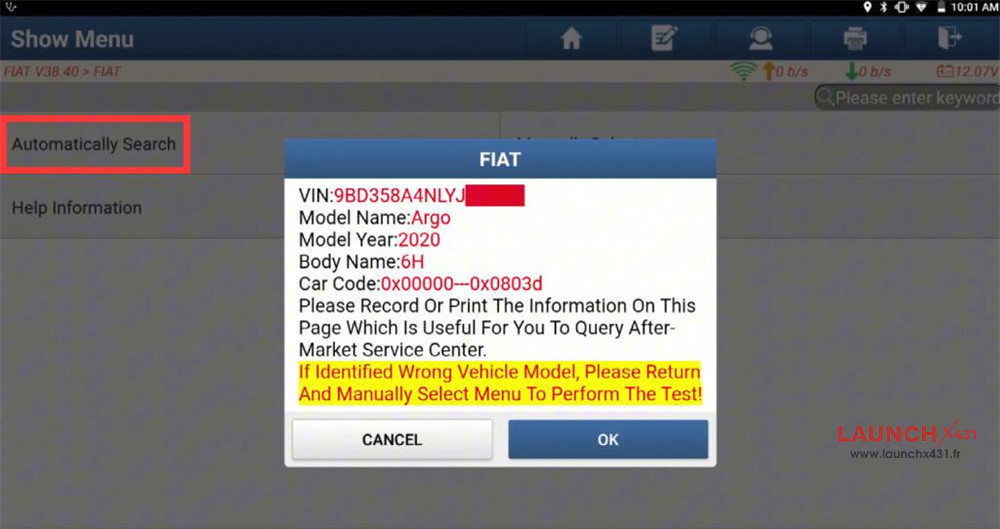
Navigate to Local Diagnose-> FIAT-> FIAT software (e.g.V38.40)-> Automatically Search
Confirm the vehicle info identified
If identified wrong vehicle model, please return and manually select menu to perform the test!
Kindly notice:
The Vehicle Is Equipped With SGW (Security Gateway) Module.
Please Login with FCA Account to Unlock SGW (Security Gateway) Module
**Supports European Region Or North American Region (USA & Canada & Mexico). It Depends On The Business Area Of Your Dealer.**
Click *YES* – Login with FCA Account, Unlock the SGW (Supports ‘Version Information’, ‘Read DTC’, ‘Read Data Stream’, ‘Actuation Test’ And ‘Special Function’)
If click *NO* – Not Unlock SGW (Only supports ‘Version Information’, ‘Read DTC’ And ‘Read Data Stream’)
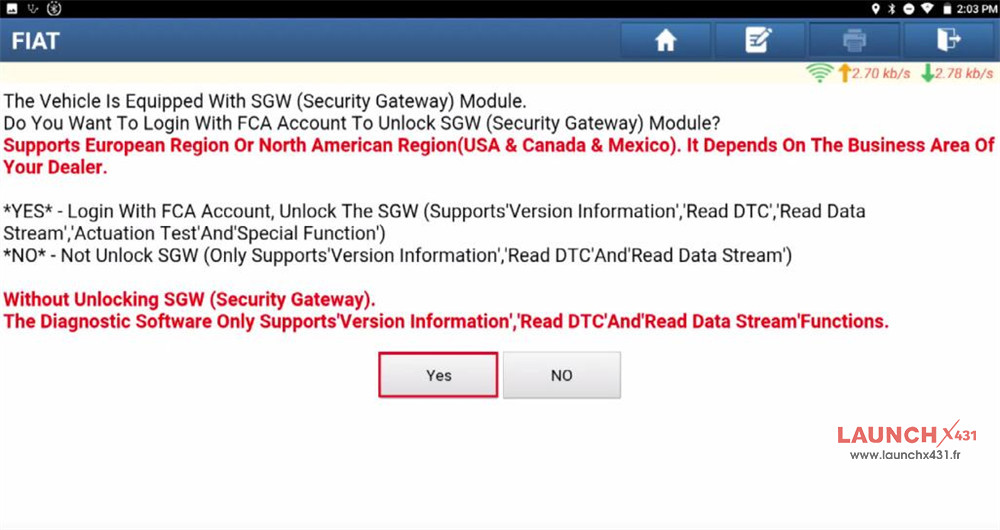
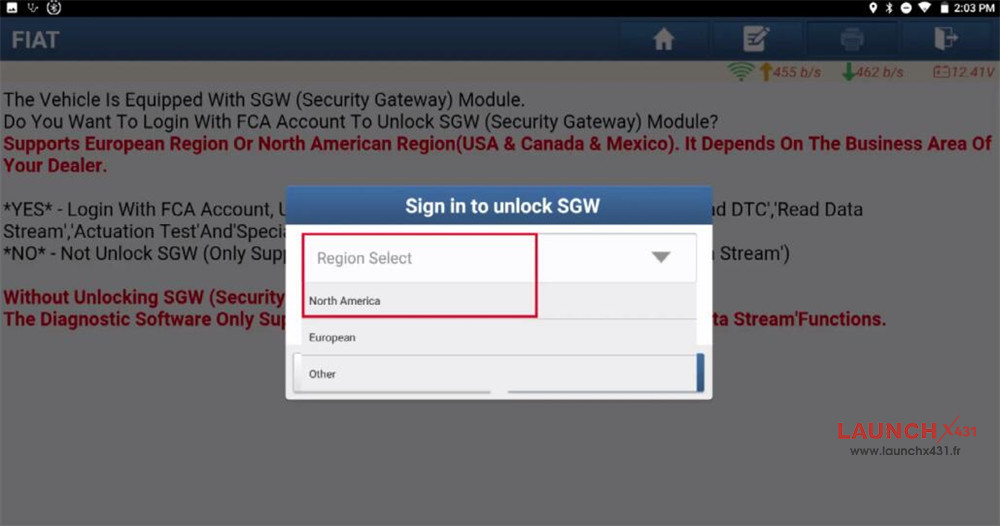
Here we sign in to unlock SGW:
Select the corresponding region
Input username and password
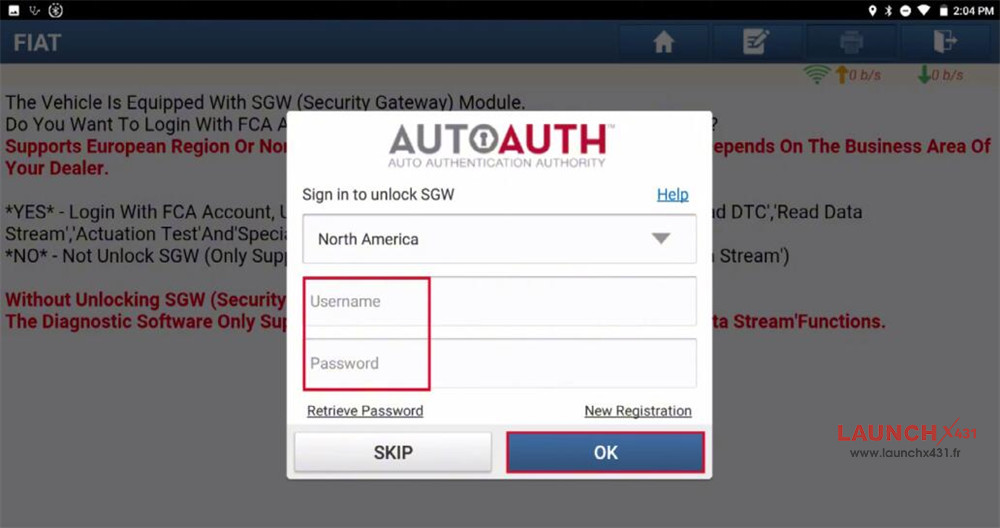
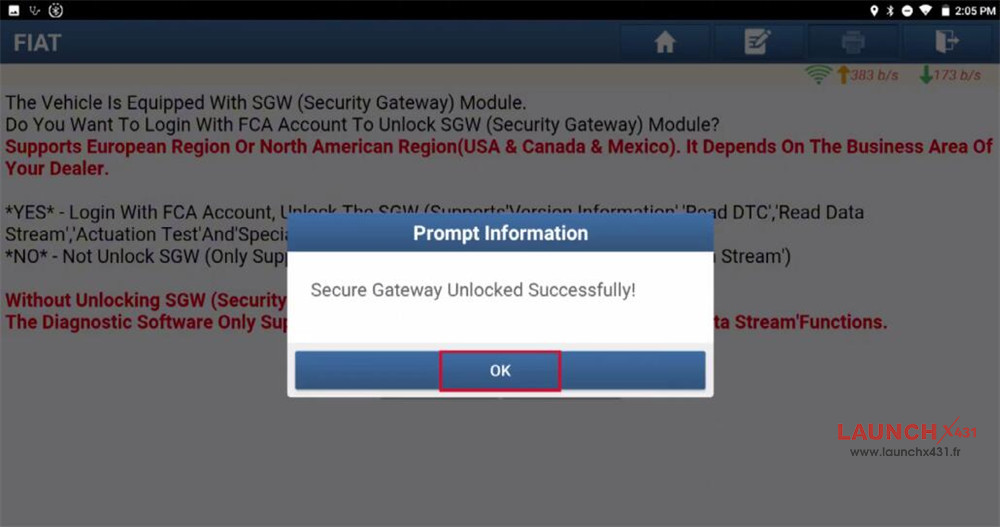
After secure gateway has been unlocked successfully, continue to perform resetting function.
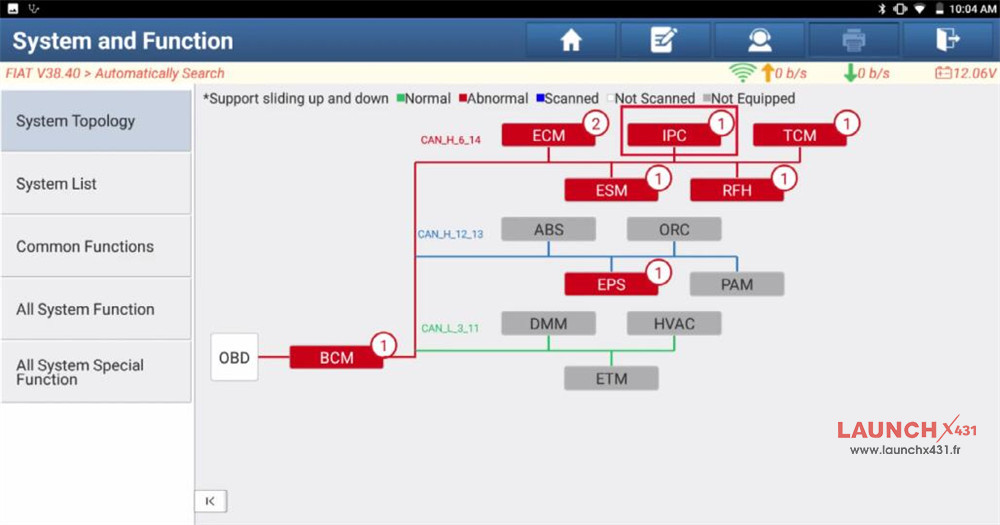
Select “Smart detection” to scan all systems, then enter IPC (Instrument Panel Cluster) system
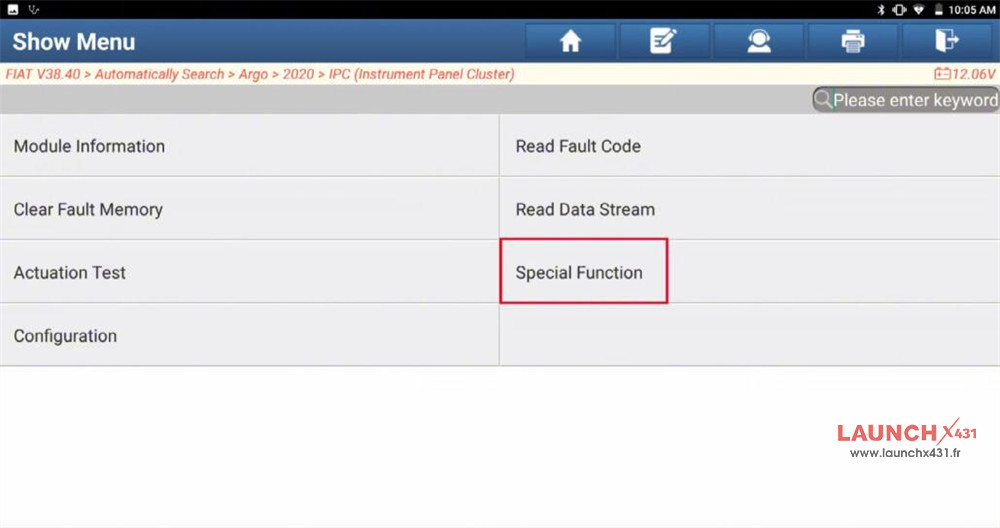
Select “Special Function”
It will change the status of vehicle.
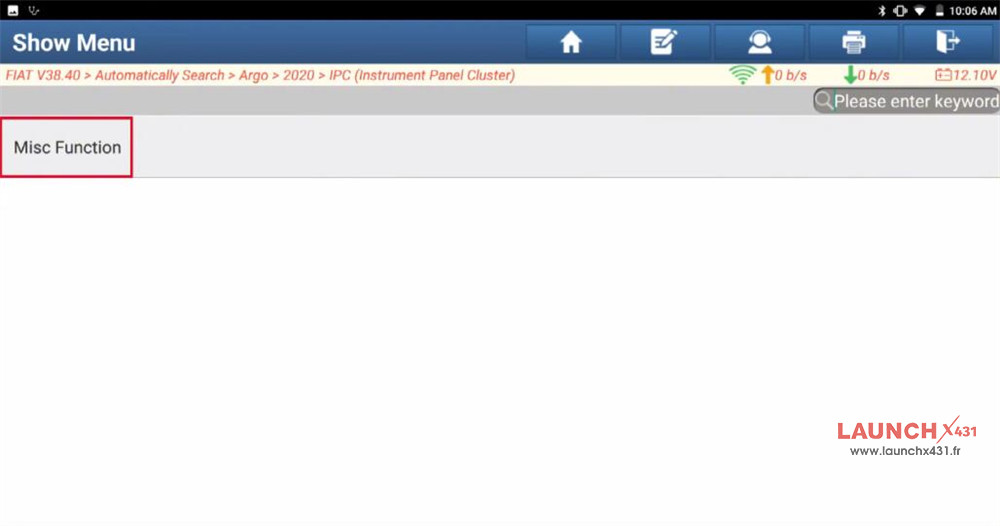
Select Misc Function-> Reset Service Information
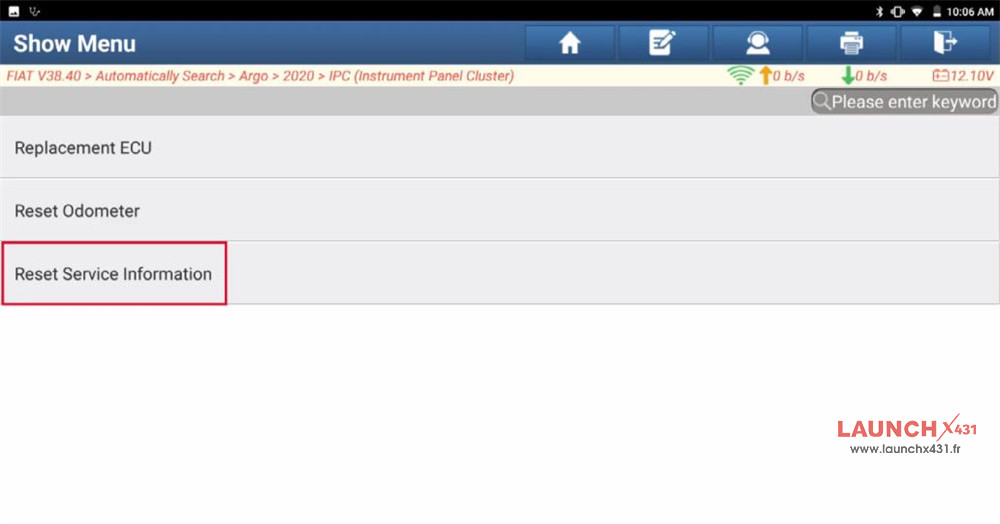
Read “Reset Service Information”
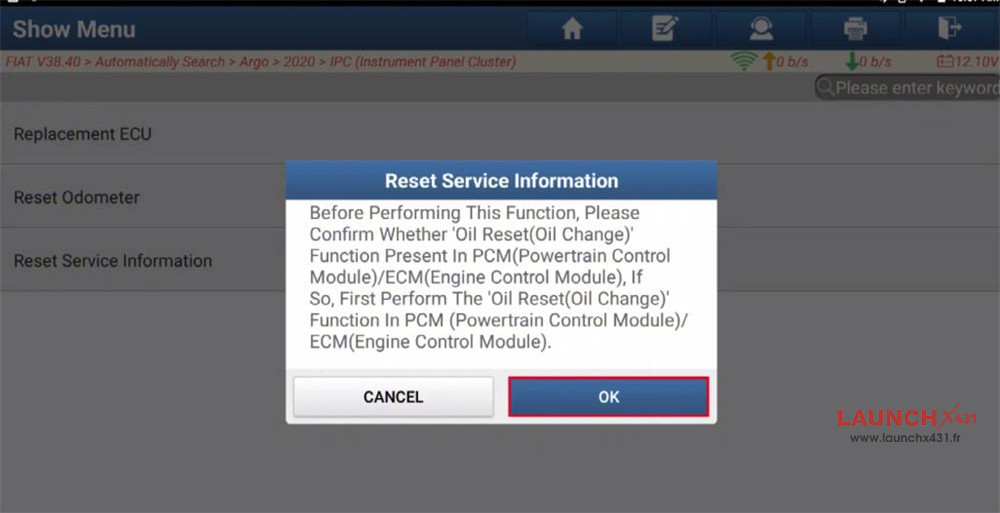
Before Performing This Function, Please Confirm Whether ‘Oil Reset (Oil Change)’ Function Present In PCM (Powertrain Control Module)/ECM (Engine Control Module).
If So, First Perform The ‘Oil Reset (Oil Change)’ Function In PCM (Powertrain Control Module)/ECM (Engine Control Module).
Click “OK” to continue
This Routine Will Reset The Service Information After A Service Has Been Performed.
This Procedure Must Be Done Every Time Coupon Servicing Is Performed.
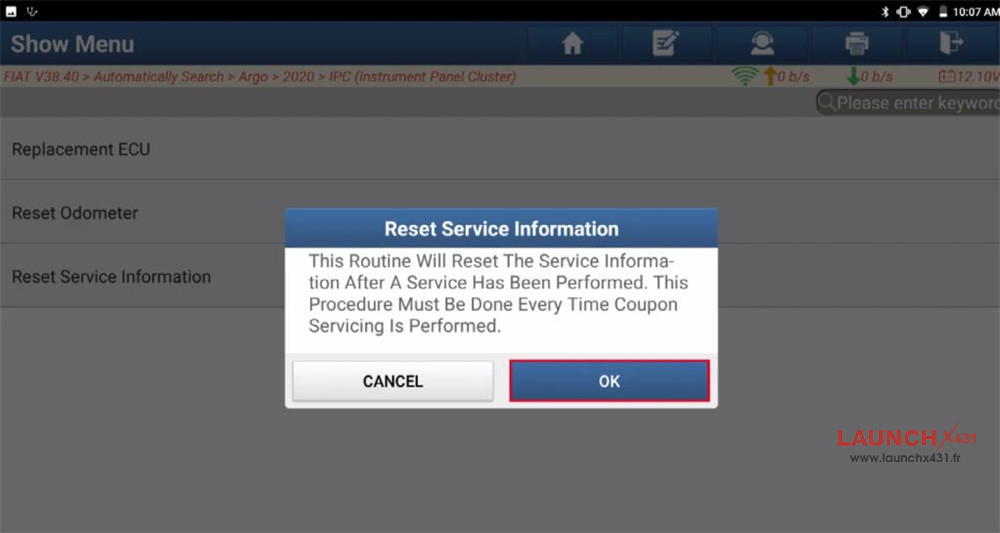
Click “OK” to reset
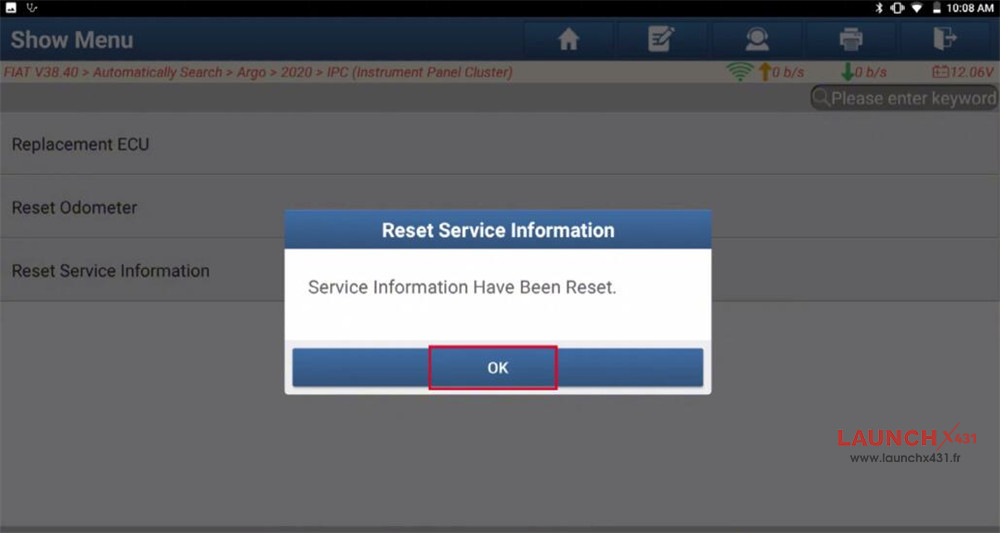
Service information has been reset by Launch X431 diagnostic scanner.
Video guide: