






Need to check the rear differential on a 2021 GM Suburban?
This guide shows you how to use Launch X431 V+ SmartLink HD (PRO3 LINK HD) to perform a functional test. It’s the perfect way to confirm that the differential is working correctly, troubleshoot any drivetrain noises or issues, and ensure your vehicle is performing at its best.
Function Description:
This function needs to be executed after the rear differential and related components are repaired or replaced.
Tested Model:
2021 / GM / Suburban
Supported equipment:
All Launch X431 diagnostic tools
Operation guide:
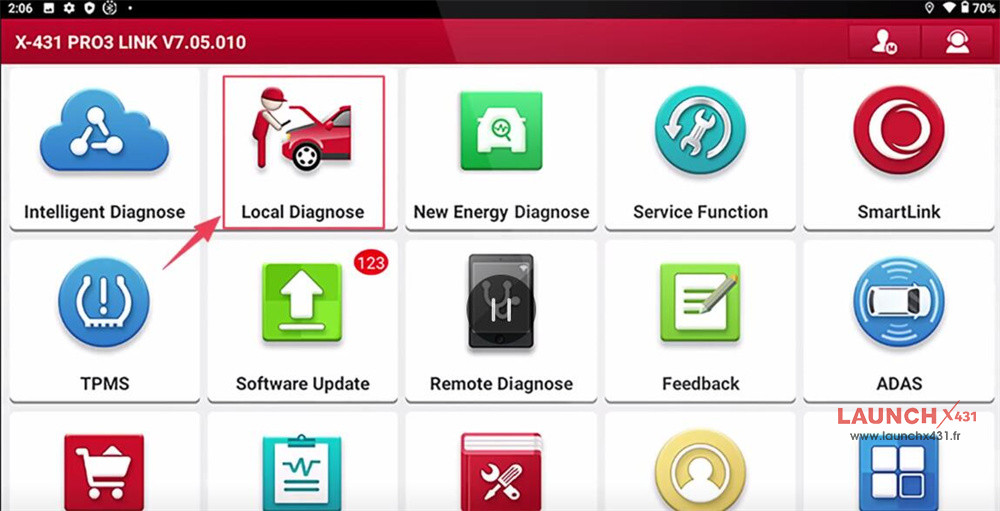
Select [Local Diagnose] on the main menu of X431 tablet (e.g. X431 V+ SmartLink HD)
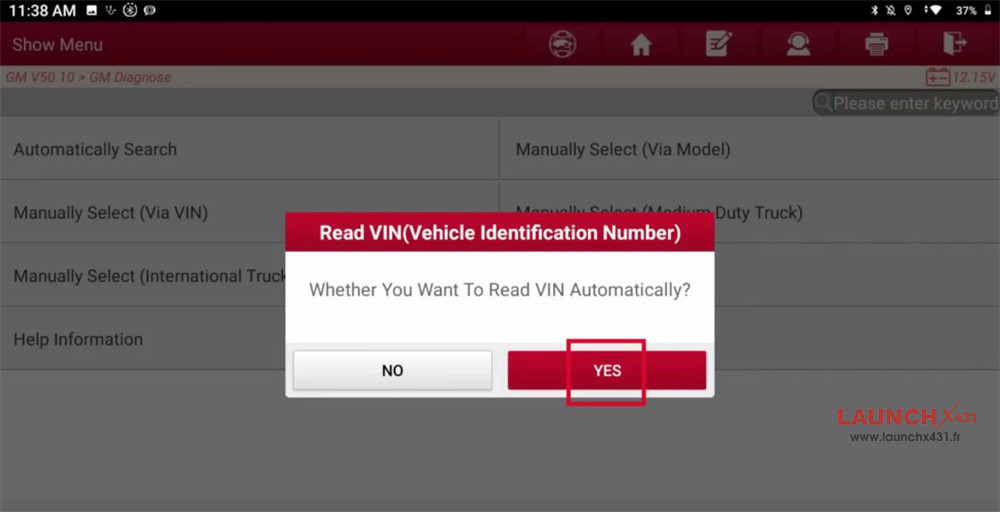
Select GM-> GM V50.10-> Automatically Search
Identify car models automatically
Click [Yes] to read VIN automatically
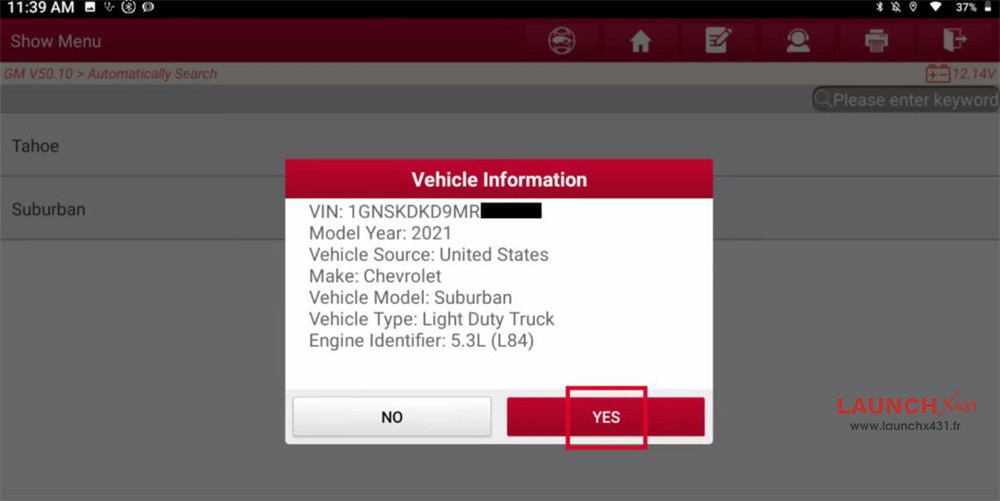
Turn ignition on (turn the key to ON position)
For Push-Start Vehicle, please long press the start button for 5-10s to turn ignition on
Confirm the vehicle info
Click [DCM] to access the system
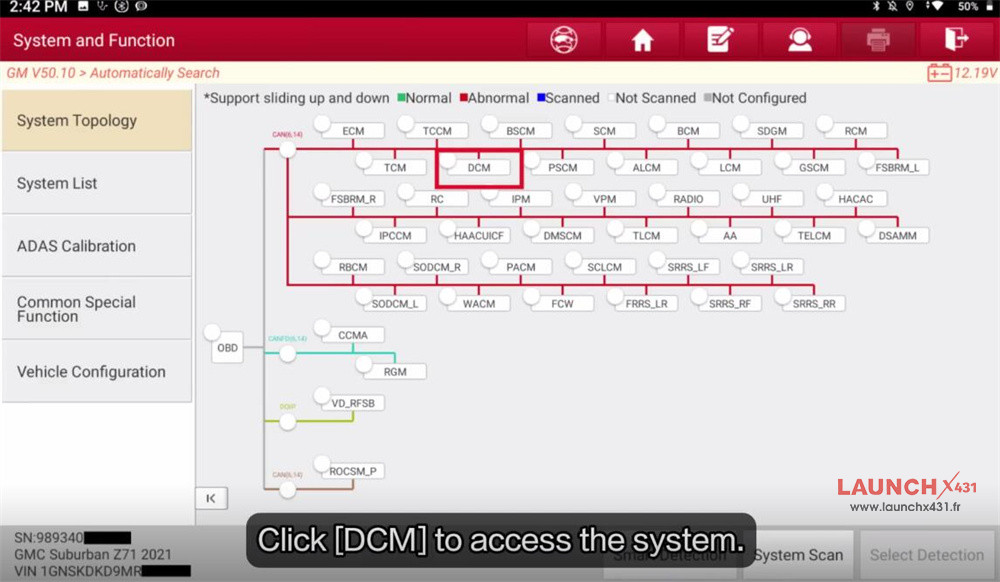
Select Special Functions-> Rear Differential Functional Test Command
Confirm the execution conditions and click [OK]
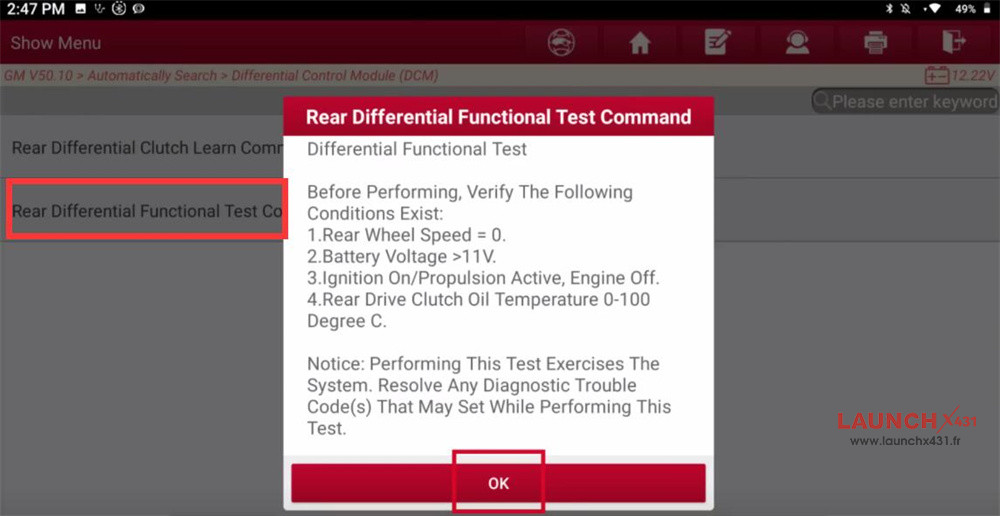
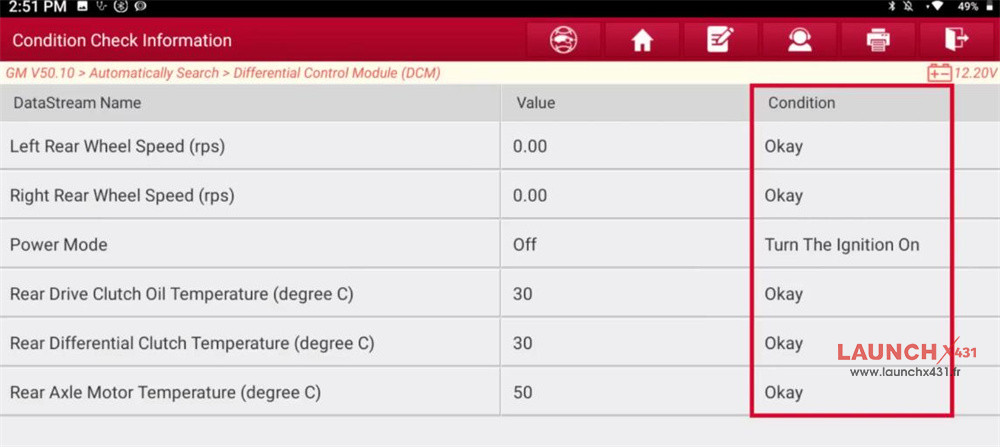
Confirm the conditions are met:
l Rear wheel speed=0
l Turn the ignition on, etc
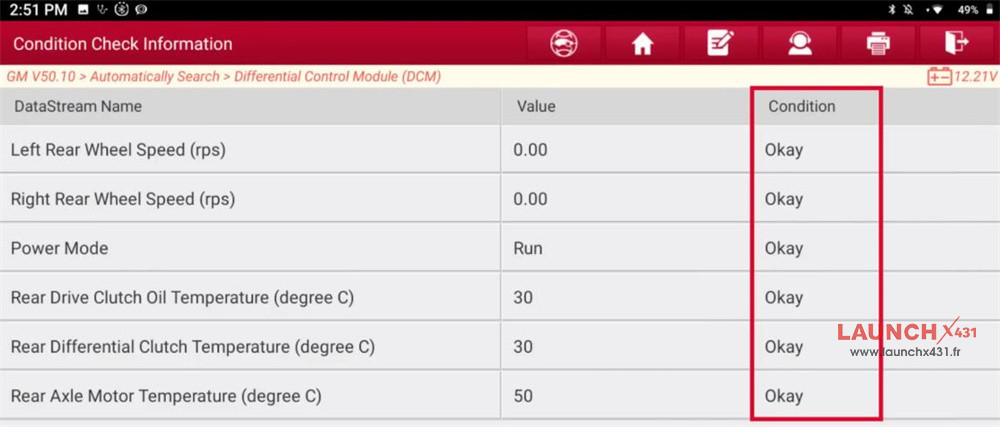
All are OK
Processing…
Click [Continue]
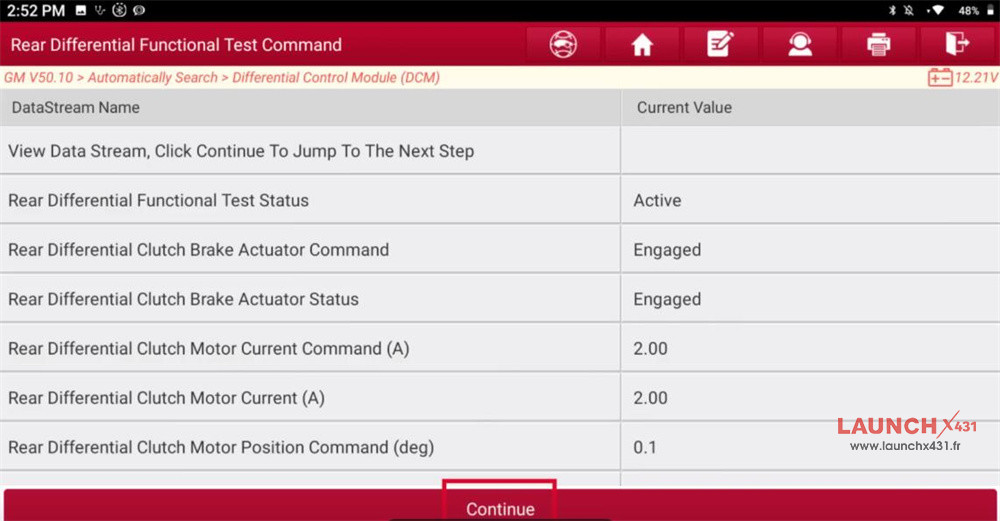
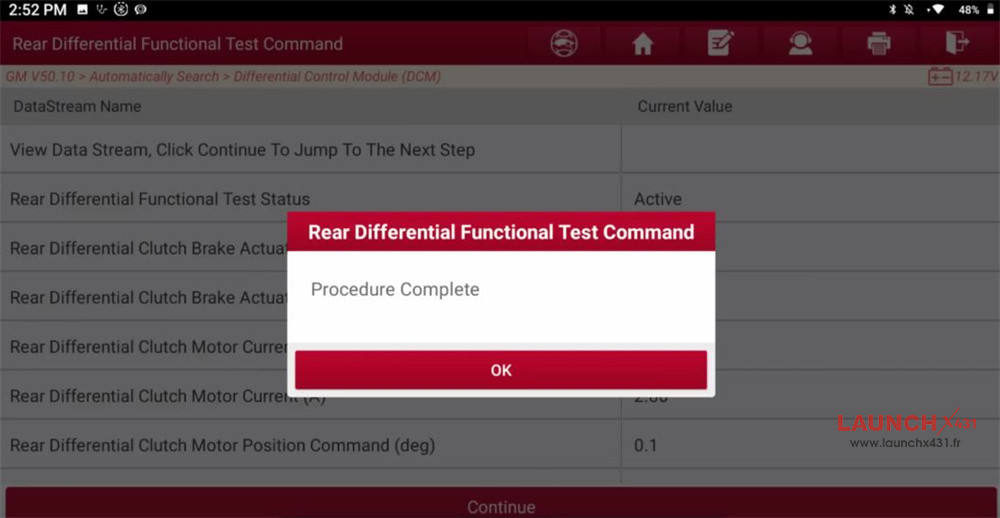
Perform rear differential functional test successfully
Video guide: