



To add a key to a Subaru BRZ using Launch X431 IMMO Plus/IMMO Elite/IMMO Pro, connect the programmer to the vehicle’s OBD-II port and follow the guided immobilizer registration menu.
Step 1: Generate Remote
1.Plug Launch X431 IMMO programmer into the car’s OBD-II diagnostic port.
2.Navigate to Key Programming-> Vehicle Remote-> Subaru-> BRZ-> HYQ12BBY 13-16 3btn 1429 (select the supported key model you desire)
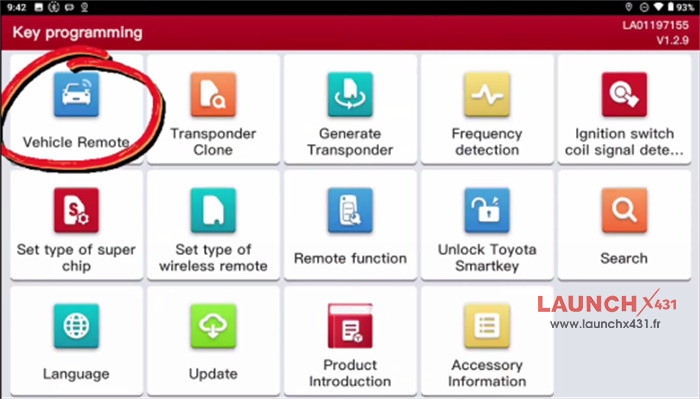
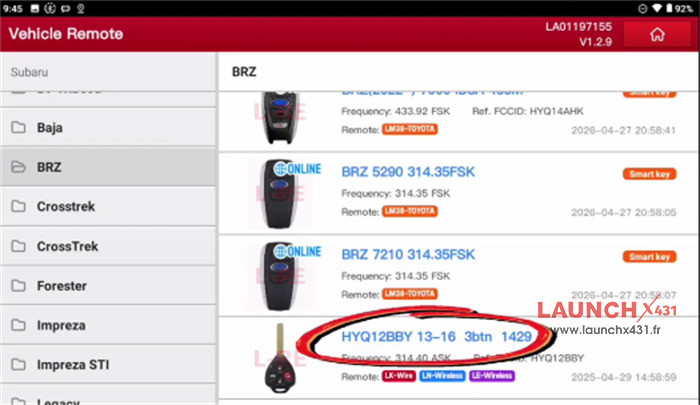
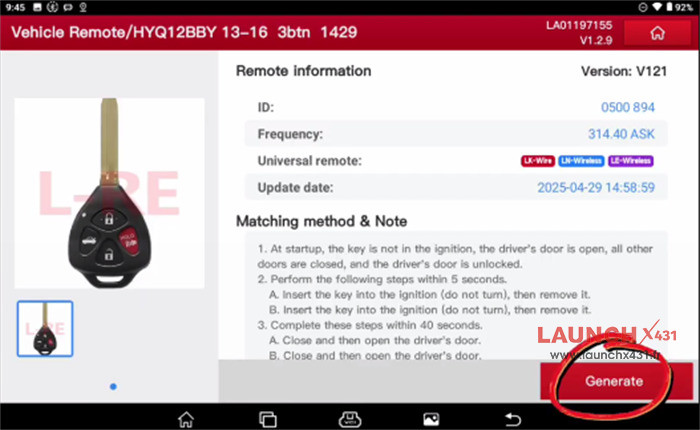
3.Follow the matching method and note, and click “Generate”
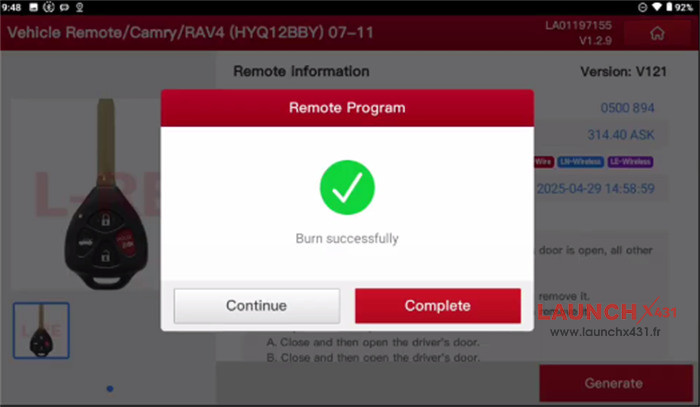
4.Wait the remote is generated successfully
Step 2: Register key
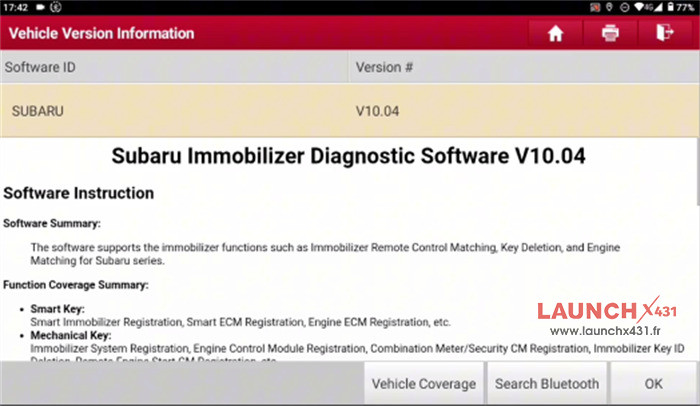
1.Go to Subaru Immobilizer Diagnostic Software V10.04 or above version
2.Select Immobilizer Key Matching-> Smart Scan
3.Check if the ignition switch is turned on, door close
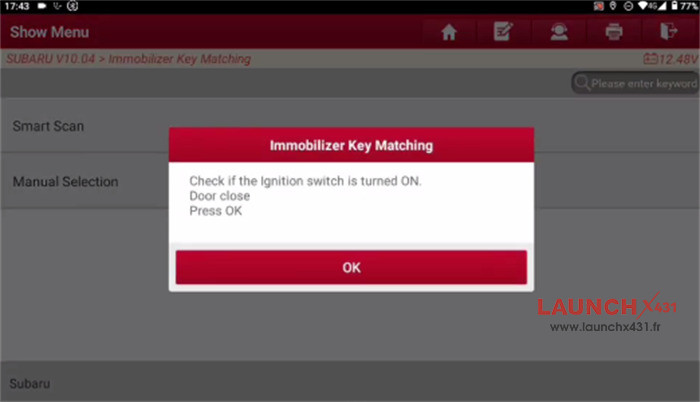
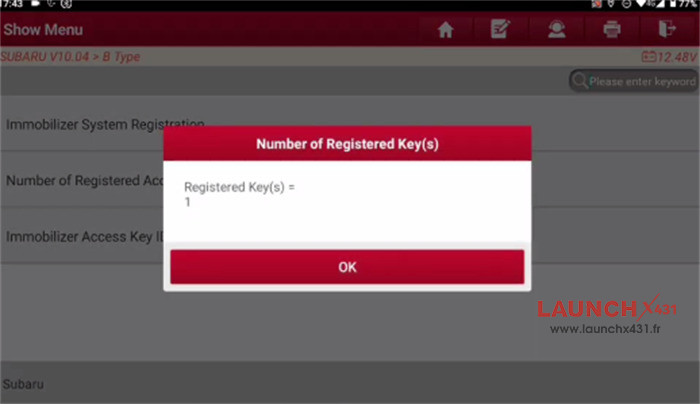
4.Click “Number of registered key (s)” to check the current key number (e.g. 1)
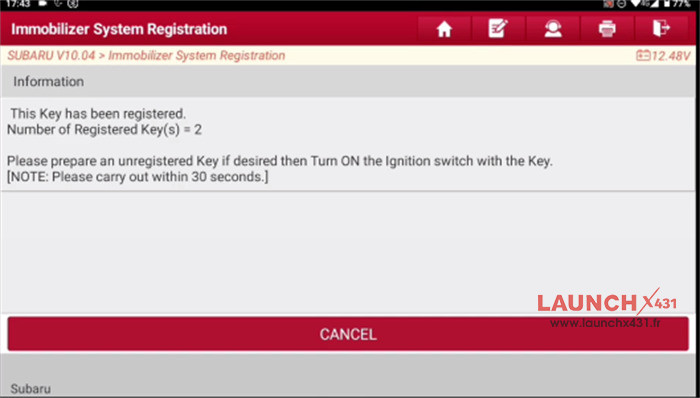
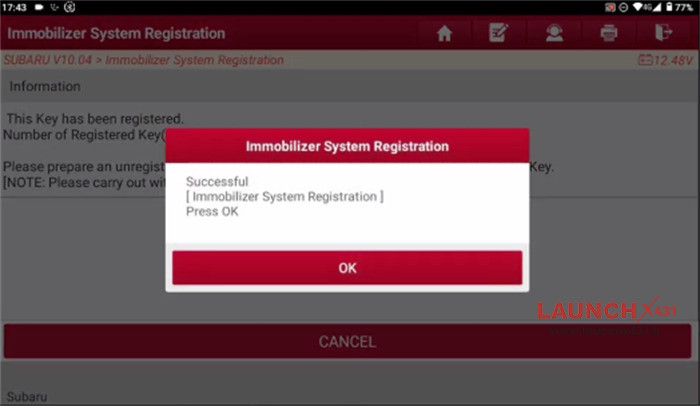
5.Click “Immobilizer System Registration”, follow the on-screen instruction to operate
6.Register the key successfully, the key registered is 2 now.
Video guide: