




Learn how to use Launch X431 tool to perform a successful BMS/Battery Status Information Update in the ECU after replacing or servicing the hybrid battery pack.
Support Tools:
All comprehensive X431 diagnostic tools
1. Launch X431 PAD series (PAD VII, PAD V)
2 .Launch X431 PRO3 LINK HD (V+ SmartLink HD)
3. X431 PRO series: X-431 V+ 5.0 (pro3)
X-431 PRO3S+ V5.0 / PRO3 APEX / PRO3 ACE
4. Launch CRP919 series: CRP919E, CRP919X, CRP919EBT, CRP919XBT, CRP919EV
5. LAUNCH X-431 IMMO series: IMMO Plus, IMMO Elite
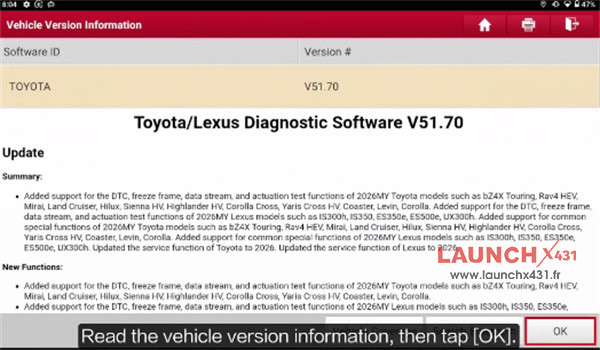
Make sure Toyota/Lexus Diagnostic Software to V51.70 or higher version
Example: X431 V+ SmartLink HD
Menu Path:
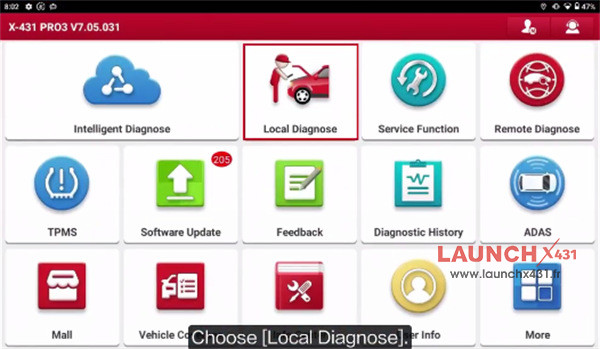
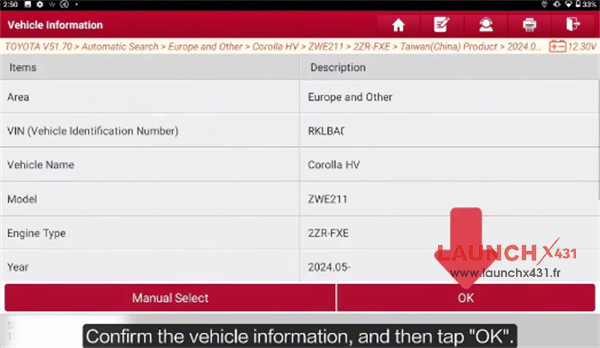
Local Diagnose-> Toyota -> Toyota/Lexus Diagnostic Software V51.70-> Automatic Search-> 2024.05
Confirm the vehicle info
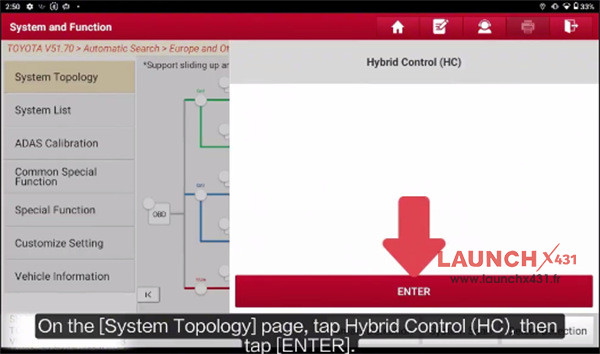
On the System Topology page, tap Hybrid Control (HC), and tap ENTER
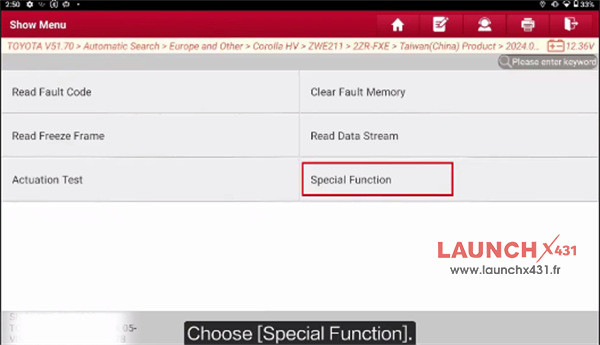
Choose Special Function-> Battery Status Info Update
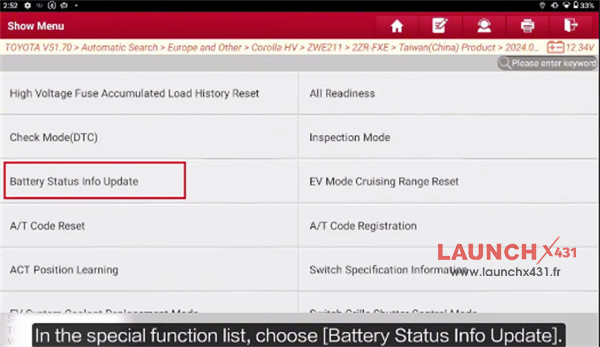
Read the on-screen instruction
Confirm that no HV/EV or battery related DTC is stored
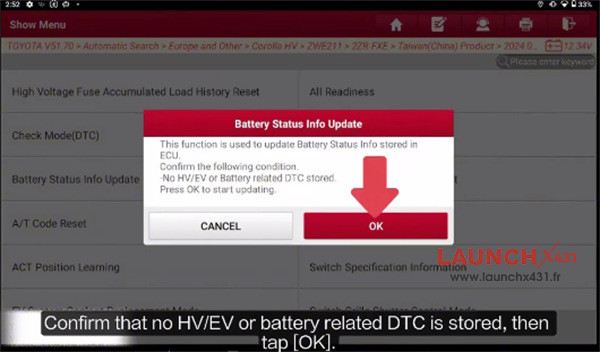
Execution Time: The update takes approximately 12 minutes. Keep the ignition ON (IG ON) throughout the process and do not power off.
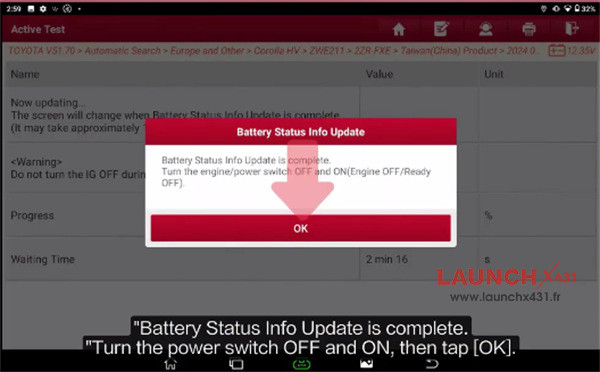
Complete Reset: When prompted with successful update, turn ignition OFF (IG OFF) as directed, wait a few seconds, turn ignition ON (IG ON), then tap OK to finish.
Video guide: