





In this post, we’ll introduce a new Launch X431 diagnostic tool- LAUNCH CR HD V2.
CR HD V2 represents a new generation of heavy-duty truck diagnostic tools. Built on an ARM platform, it is specifically tailored for DIY enthusiasts. This tool provides robust support for HD OBD and EOBD standards, integrating essential functions like rapid fault code retrieval and erasure, live data stream and graphical monitoring, voltage measurement, data printout, and I/M readiness status verification. It is designed to fulfill diverse requirements, from routine vehicle upkeep to in-depth troubleshooting.
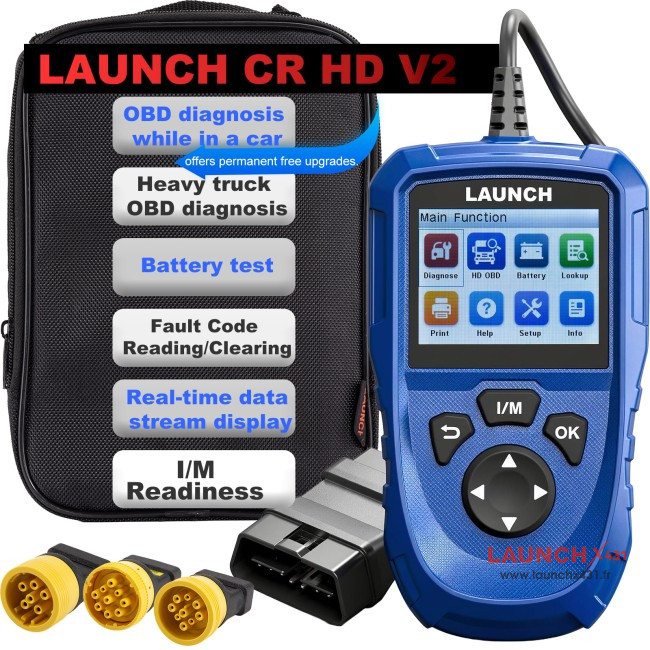
Compatible with key industry protocols including J1708, J1939, J1979, J1850, PWM, and VPW, LAUNCH CR HD V2 diagnostic tool delivers comprehensive diagnostic data and fault code analysis. Users also benefit from complimentary lifetime software upgrades.
LAUNCH CR HD V2 Menu Function Display:
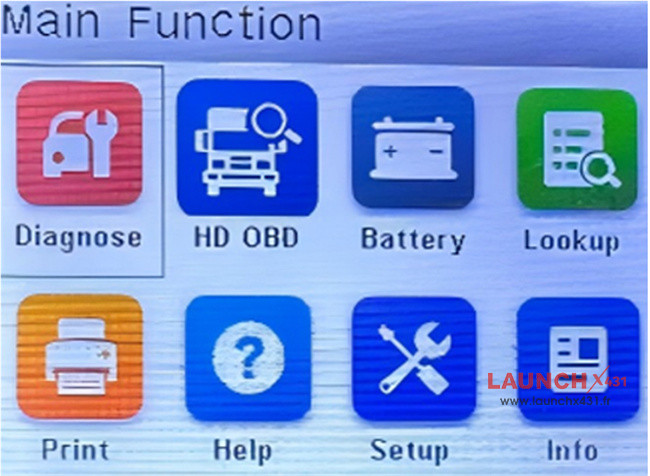
1.Diagnose (Passenger Vehicle OBD Diagnostics)
Employs globally recognized automotive communication protocols, ensuring broad vehicle compatibility and reliable performance.
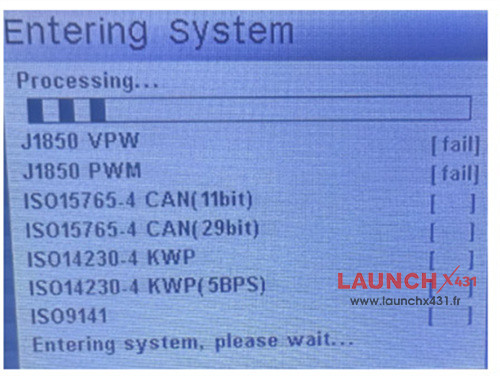
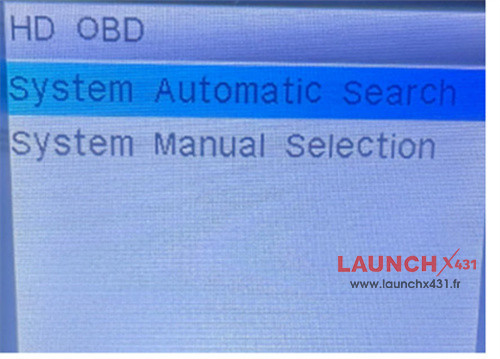
2.HD OBD (Heavy Truck OBD Diagnostics)
-Specialized functionality for heavy-duty truck diagnostics
Dual-Mode Intelligent Diagnostics:
- System Automatic Search:
Initiates a one-click automatic scan to identify the vehicle’s communication protocol, enabling fast and effortless connection.
- System Manual Selection:
Allows experienced users to manually choose specific systems, offering greater precision and flexibility for diagnosing unique or complex vehicle models.
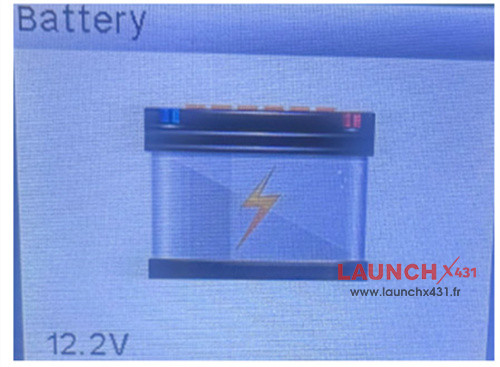
3.Battery (Battery Check)
Read battery voltage directly via the OBD-II port.
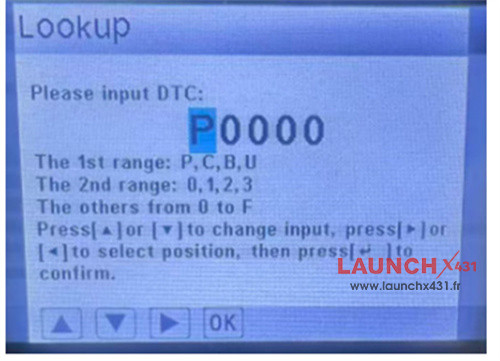
- Lookup (Fault Code Lookup)
Enables quick and precise fault code diagnosis through a simple three-step process:
1).Input the fault code.
2).Adjust characters as prompted.
3).Press [OK] to confirm and retrieve detailed information.
5.Print
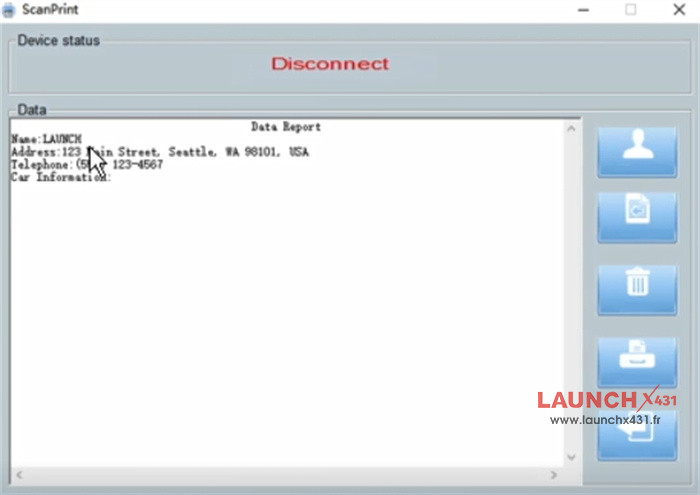
Print the diagnostic report
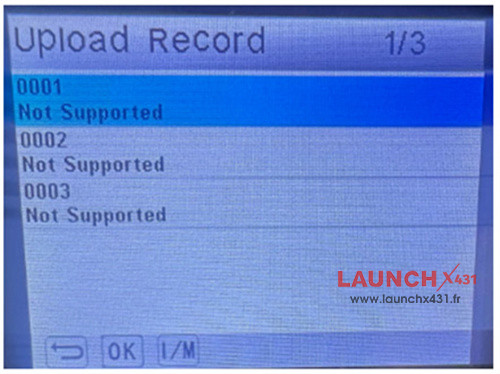
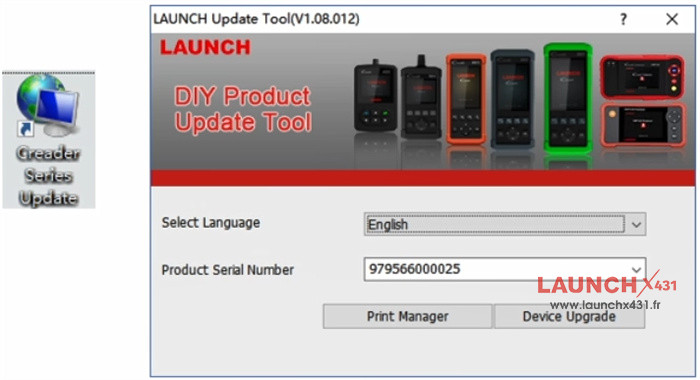
Need to use Launch Update Tool, and select “Print Manager” to print
6.Help
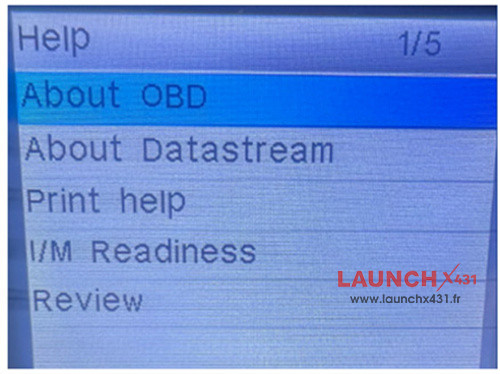
Provides key reference information including:
- OBD-related definitions
- Data stream terminology
- Print help
- I/M readiness state terminology definitions
- View recorded data
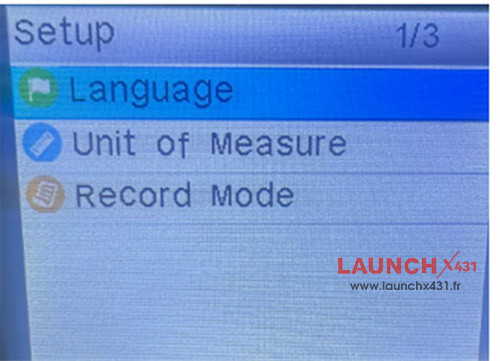
7.Setup
- Language: Switch between three multilingual interfaces to accommodate users in different regions.
- Units of Measure: Customize measurement units for data display according to user preference.
- Record Mode: Easily enable or disable data logging with a single toggle.
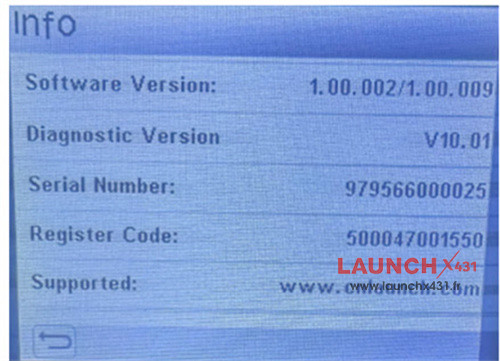
8.Info (Device Information)
Displays essential tool details:
- Current Software Version
- Installed Diagnostic Firmware Version
- Device Serial Number
- Registration Code
- Links to Launch Official Support Channels
LAUNCH CR HD V2 Truck Diagnostic Tool is available now.
https://www.launchx431.fr/wholesale/launch-cr-hd-v2-truck-diagnostic-tool.html