



Need to add a spare key to a Buick Regal? Using Launch X431 IMMO series—including IMMO Plus, IMMO Elite, and IMMO Pro—you can generate the smart remote and complete anti-theft key matching in two straightforward stages. The walkthrough below uses X431 IMMO Pro as an example, though the exact same steps apply across all X431 IMMO tablets.
Part 1: Generate the Vehicle Remote
Before pairing the key to the car, prepare the remote data using your key programmer:
1. From the main menu, go to Key Programmer > Vehicle Remote > Buick > Enclave (2018-2019) keylessGo ID46 433.
2. Place the new key into the key programmer slot and tap Generate to write the remote data.
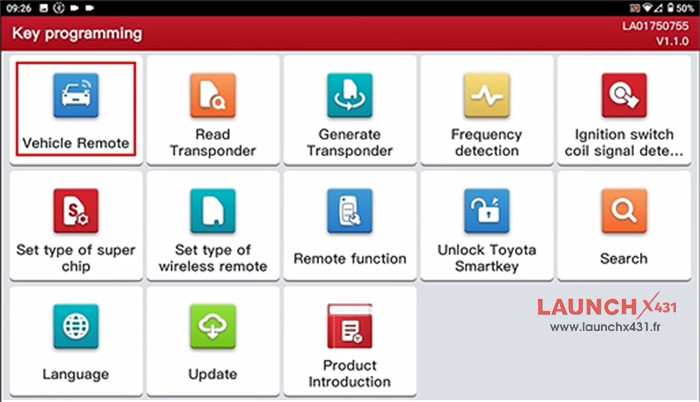
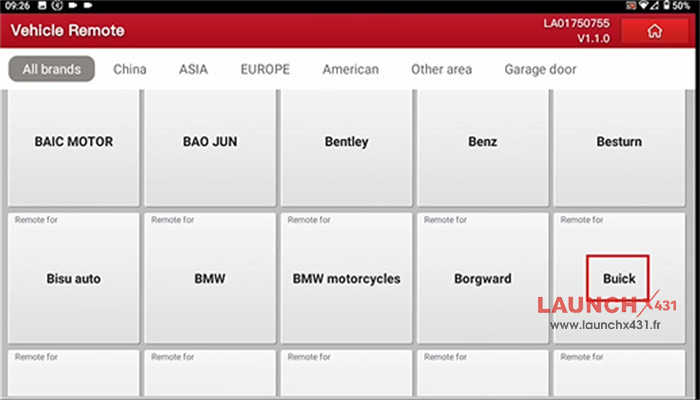
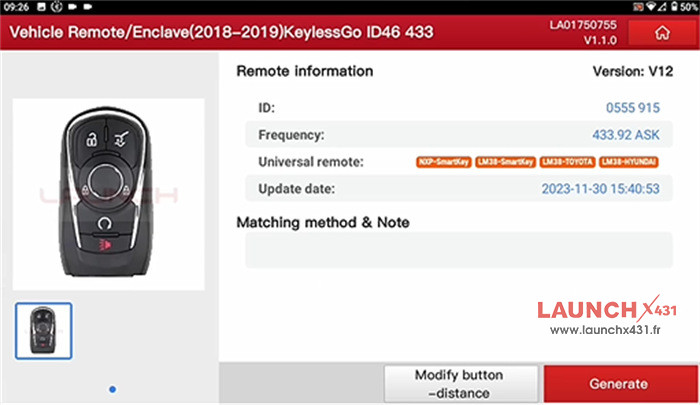
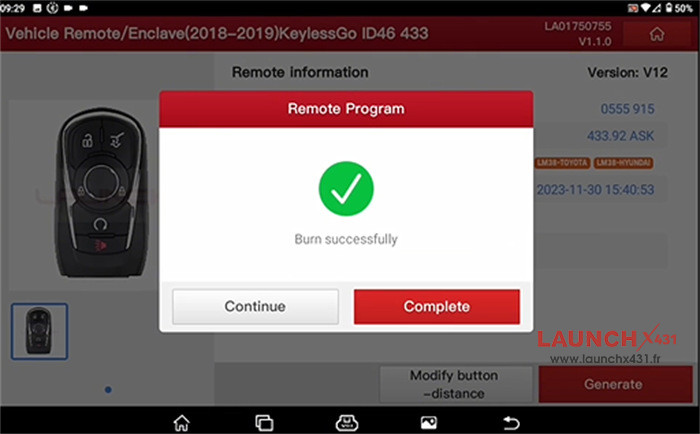
Part 2: Match the Smart Key to the Vehicle
Once remote generation finishes, connect your tablet to the vehicle to program the key:
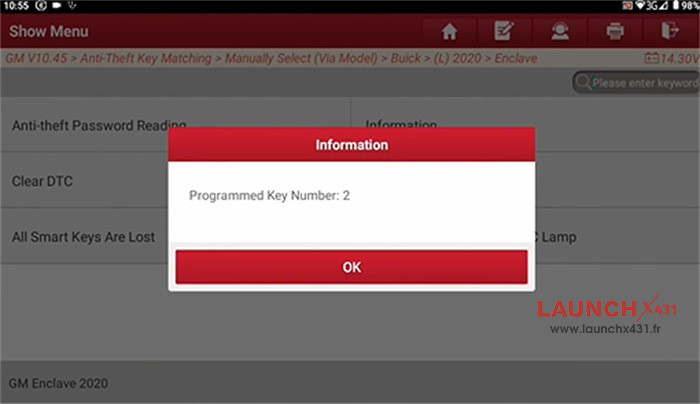
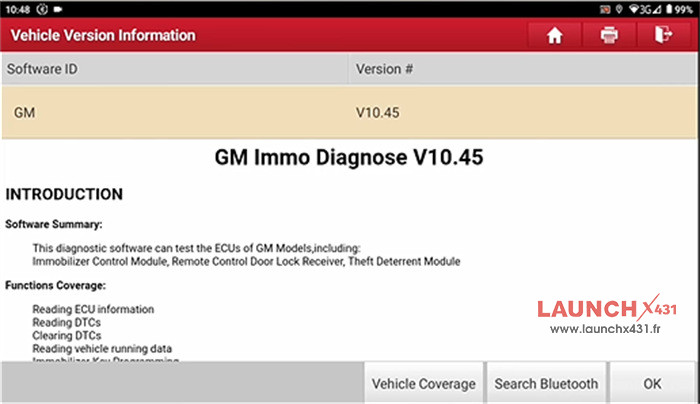
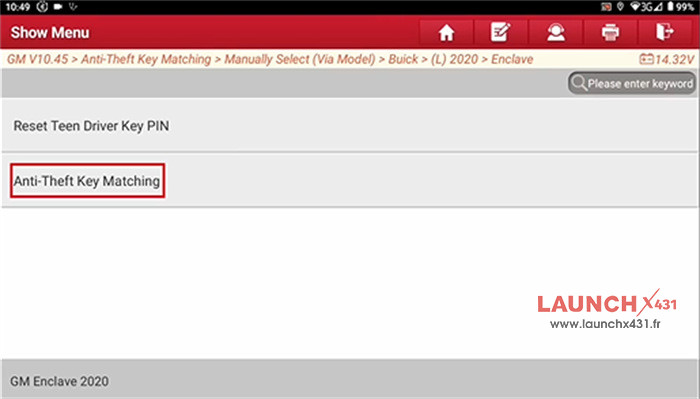
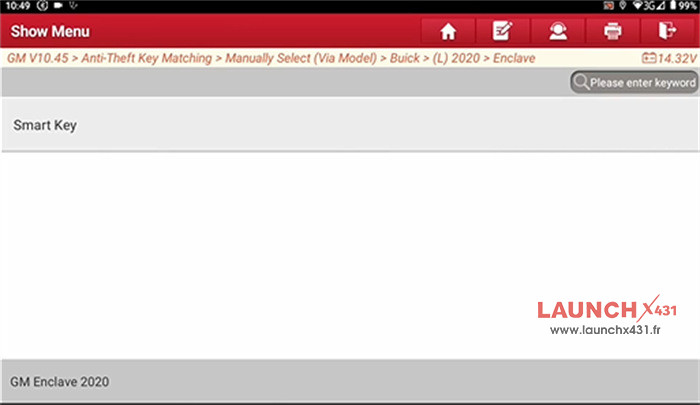
1. Navigate to IMMO > GM > GM IMMO Diagnose V10.45 or above > Anti-theft Key Matching > Manually Select (Via Model) > Buick > (L) 2020 > Enclave > Anti-theft Key Matching > Smart Key > Add Smart Key. 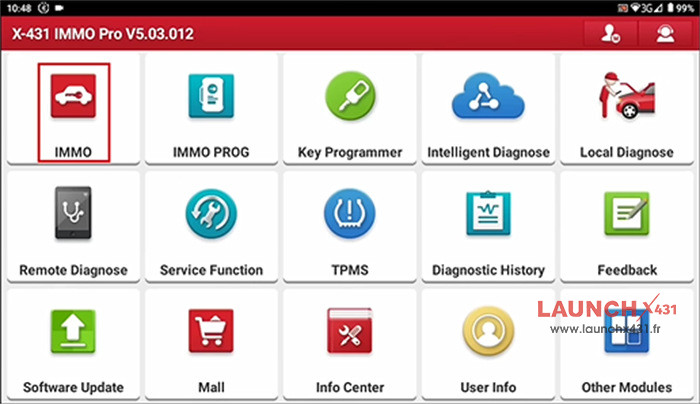
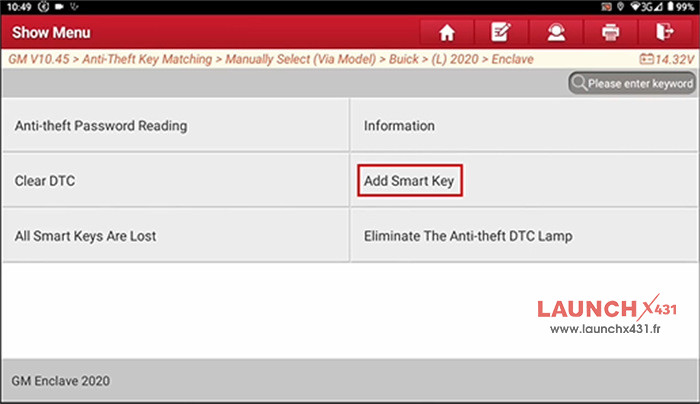
2. Follow the on-screen prompts carefully to prepare the vehicle.
3. Enter the vehicle’s 4-digit PIN and confirm that it is accurate.
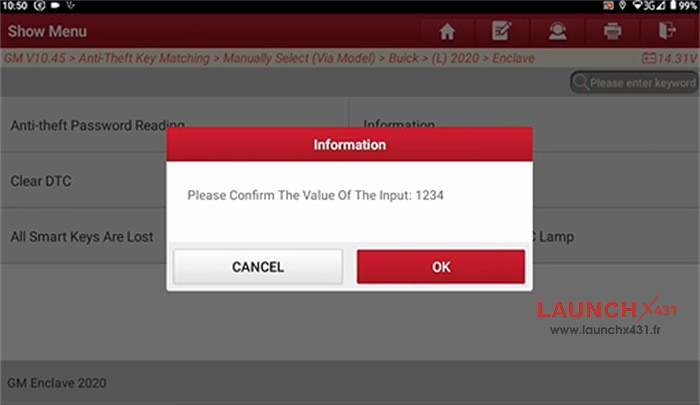
4. Begin the key programming sequence. After the first key finishes learning, you can continue adding additional keys if needed until the tablet confirms programming is successful.