

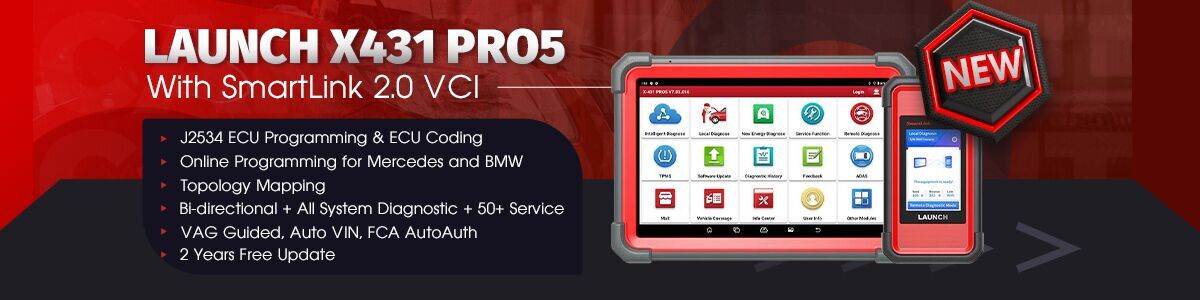





Learn how to use LAUNCH X431 CRP919XBT to perform the “Activation of Park Assist” function on an Audi vehicle.
Operation guide:
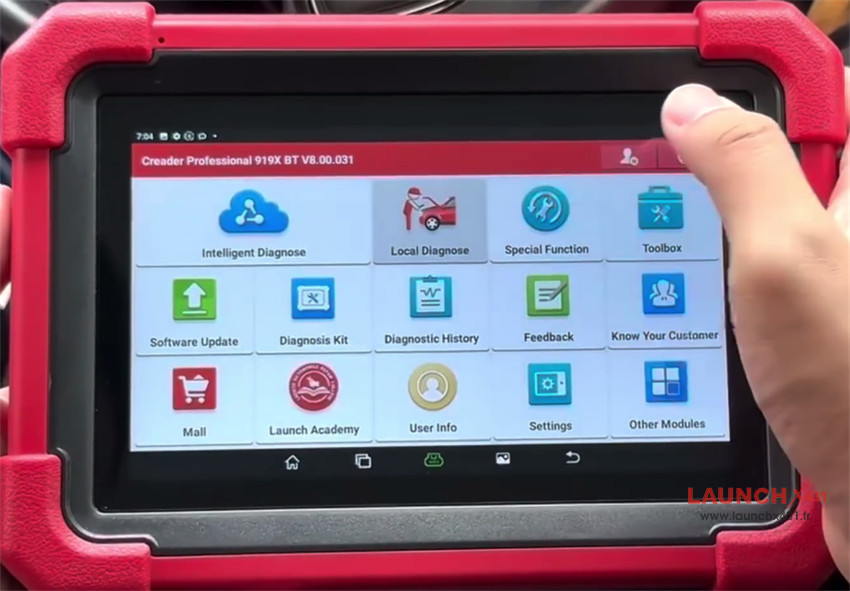
1.Navigate to Local Diagnose-> Audi-> Audi diagnostic software V29.17 or higher.
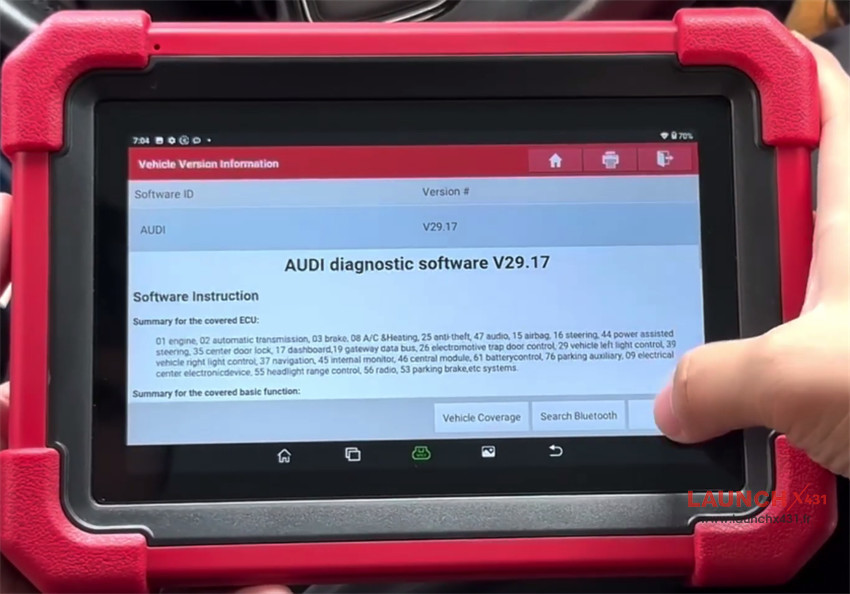
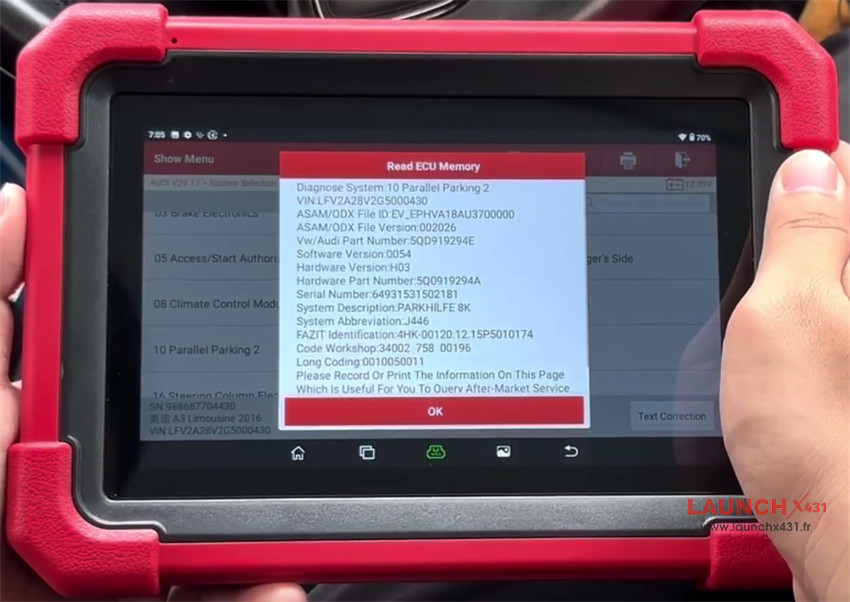
2.Click System Selection -> Parallel Parking 2
3.CRP919XBT tool will automatically scan the vehicle information
4.Confirm the details, tap OK
5.Select Actuation Test and make sure the following conditions are met:
Please confirm that the ignition key is in the “on” (open) position.
The engine is turned off.
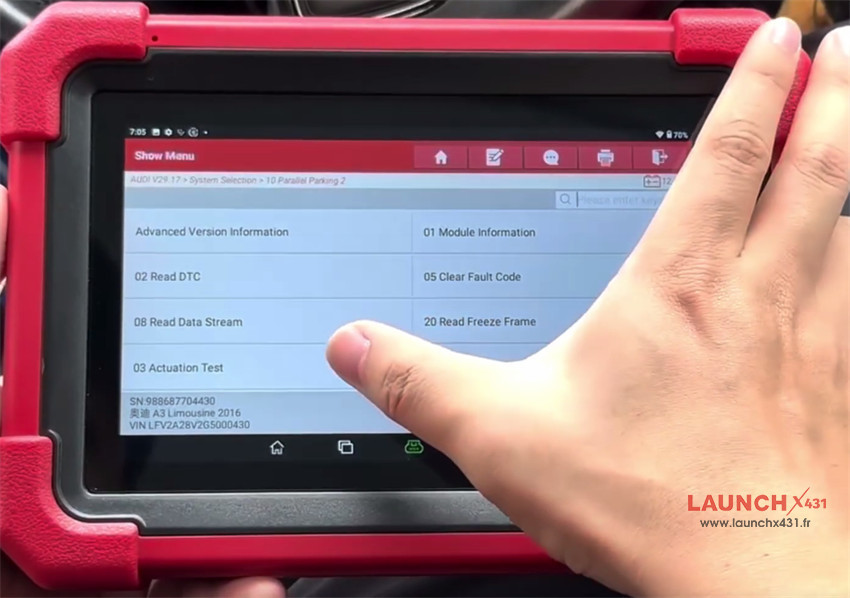
6.Select Activation Of Park Assist and click OK
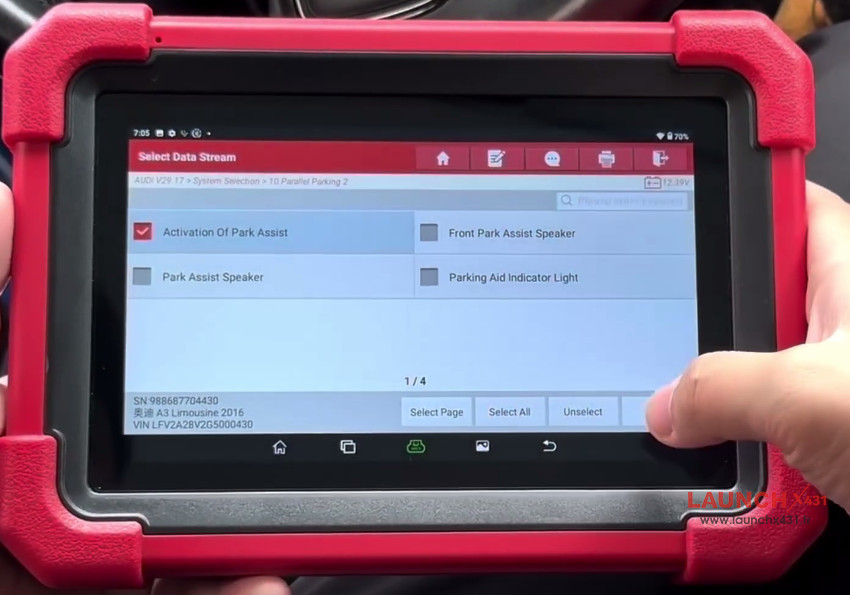
7.Click Start, the vehicle’s central control screen will then display the park assist interface.
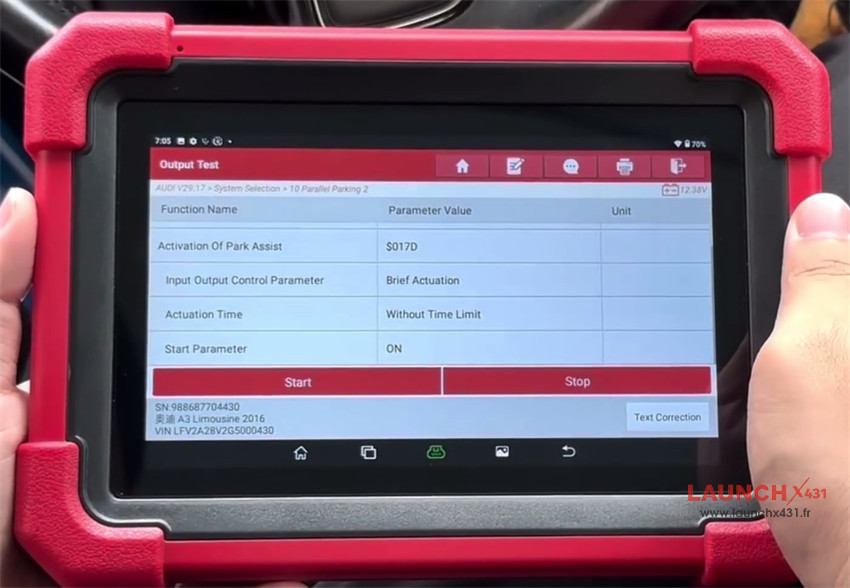
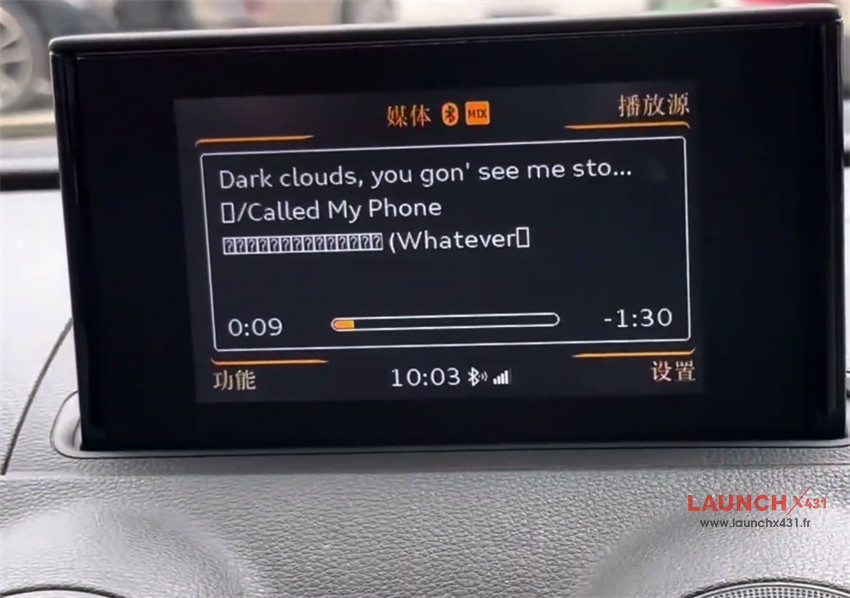
8.Click Stop, once the vehicle’s central control screen returns to its default state, you may exit the function interface.
Video guide: