




Problem:
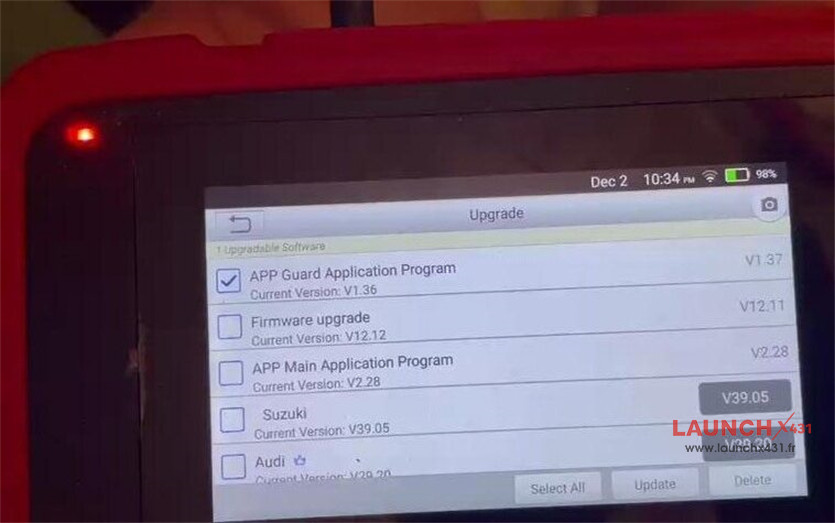
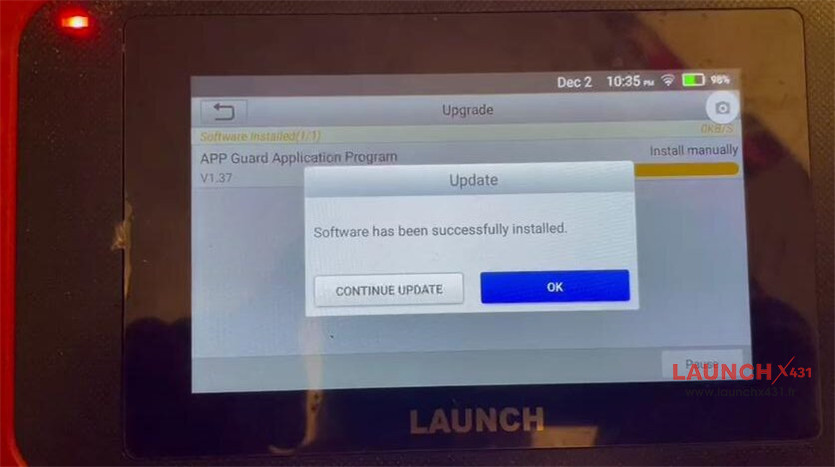
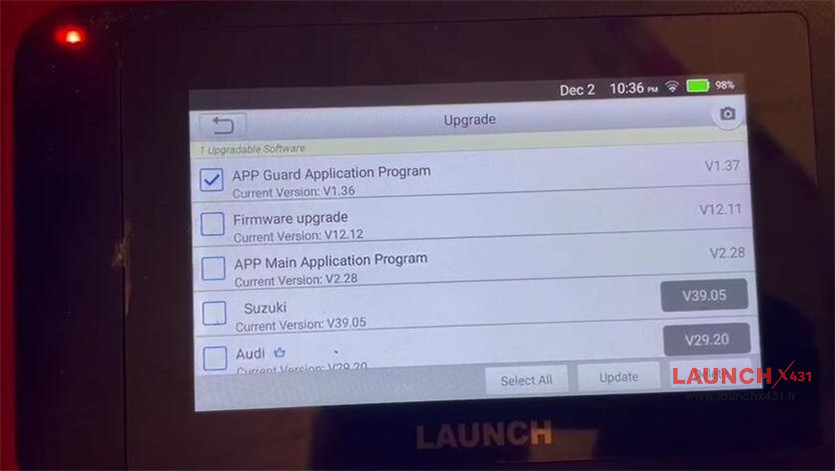
One customer reported that his Launch CRP123X prompted “Software has been successfully installed” after upgrade, but when he refreshed the interface, the software version did not change.
The solution:
If the firmware repair process fails, please follow these steps to resolve the issue:
Note: The solution applies to Launch CRP919E/CRP919X, CRP919EBT/CRP919XBT, CRP909E, Creader TPMS 5011 V2 and other X431 tools support firmware V12.12
as well.
Step 1: Re-download Firmware
Ensure your CRP123X is connected to the network.
Navigate to the “Update” section.
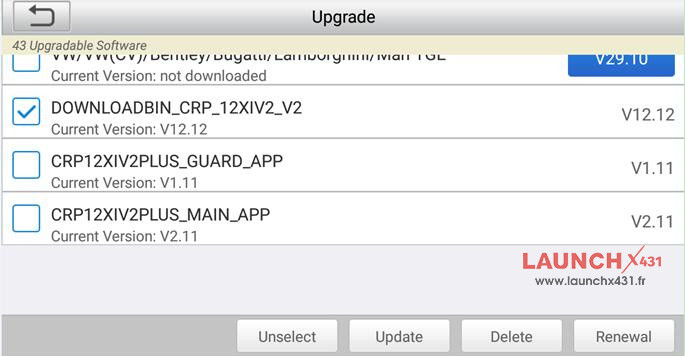
Locate and select the required firmware file “V12.12” for re-download.
Click “Update” to initiate the download.
- DOWNLOADBIN_CRP_12XIV2_V2 (V12.12)
- Firmware upgrade (V12.12)
- Firmware upgrade Program (V12.12)
- DOWNLOADBIN_CRE_X_V2 (V12.12)
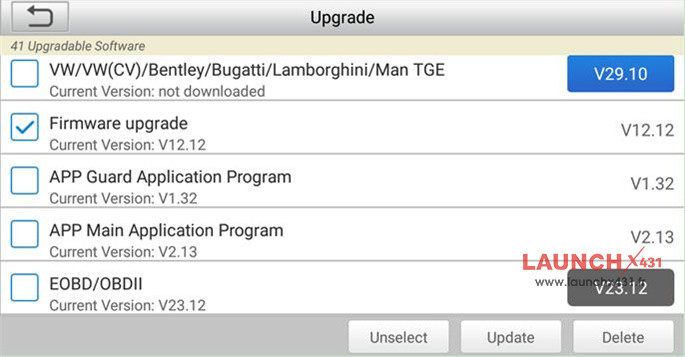
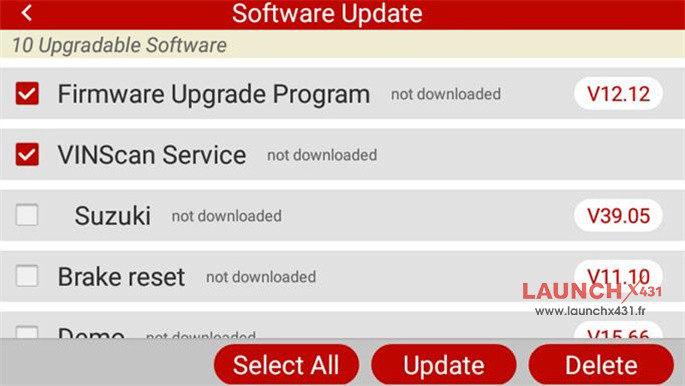

Step 2: Re-run the Firmware Fix Tool
Return to the main interface of Launch CRP123X Elite OBD2 scanner.
Click “DATA”.
Navigate to “Firmware Fix”.
Execute the “Firmware Fix” process again.
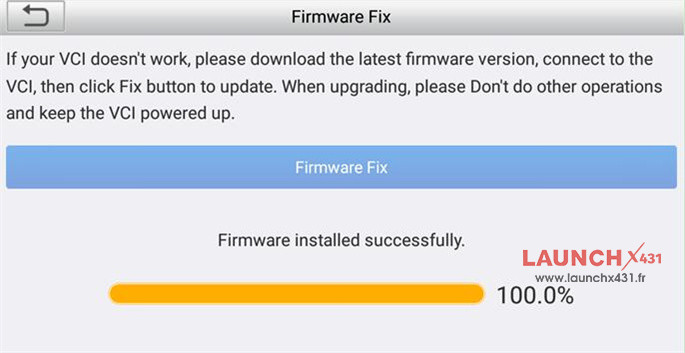
Tech support:
- Email: sales@launchx431.fr
- WhatsApp: +86 18750906257