




What is Launch SmartLink Token? What can tokens be used for? How do I check my token balance?
Don’t worry! This post will explain everything in simple steps.
What is Launch SmartLink Token?
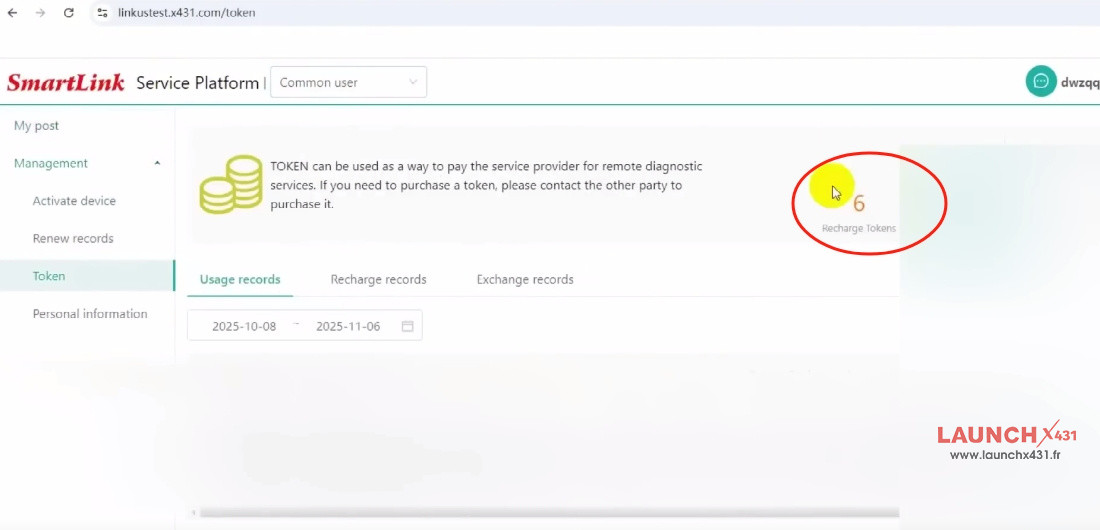
TOKEN can be used as a way to pay the service provider for remote diagnostic services by Launch SmartLink C. If you need to purchase a token, please contact the other party to purchase it.
How to use SmartLink Token?
Check the step-by-step guide below.
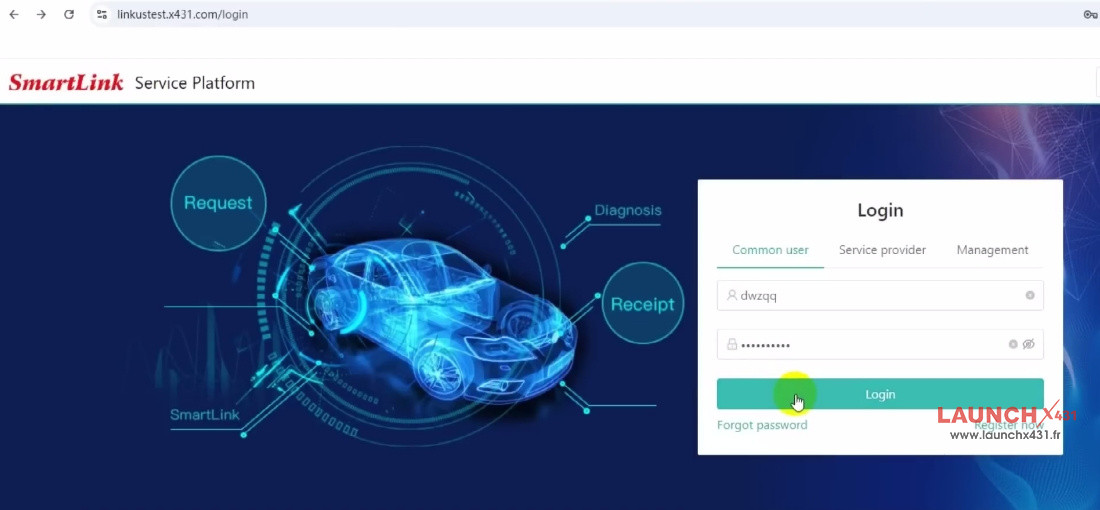
Step 1: Log In
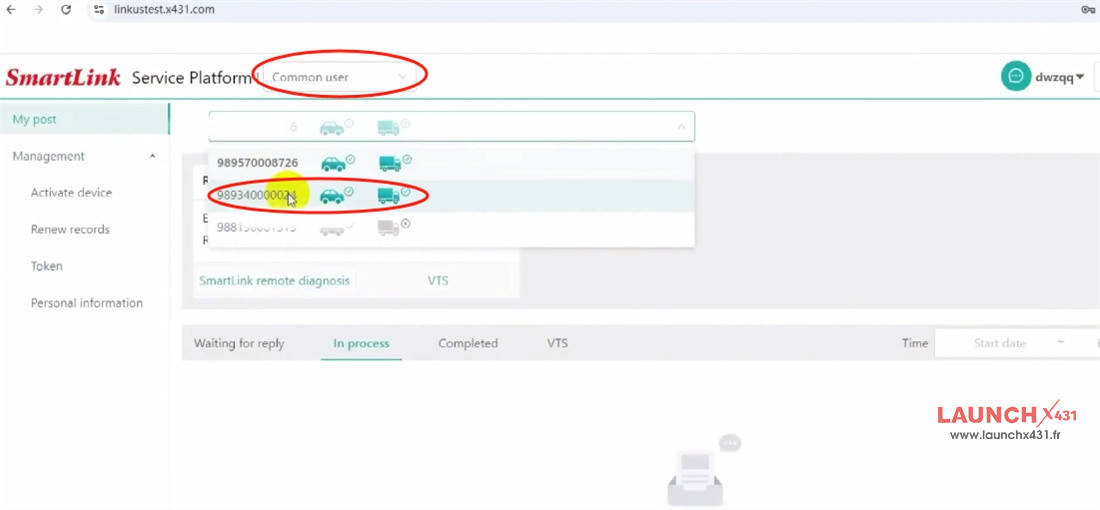
Select “Common User.”
Enter your account and password to log in.
Step 2: Check Your Token Balance
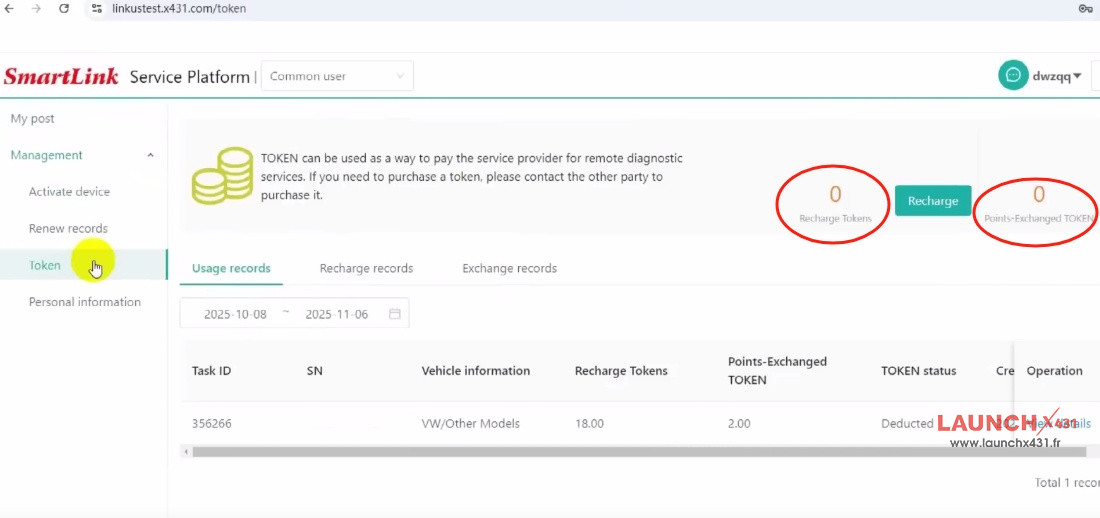
Go to Management-> Token
Here you’ll see two types of tokens:
- Recharge Tokens: Purchased with money.
- Points Exchange Tokens: Exchanged using reward points.
Tip: When placing an order, you can use Points Exchange Tokens to reduce the number of Recharge Tokens needed.
Step 3: Add Tokens (Recharge)
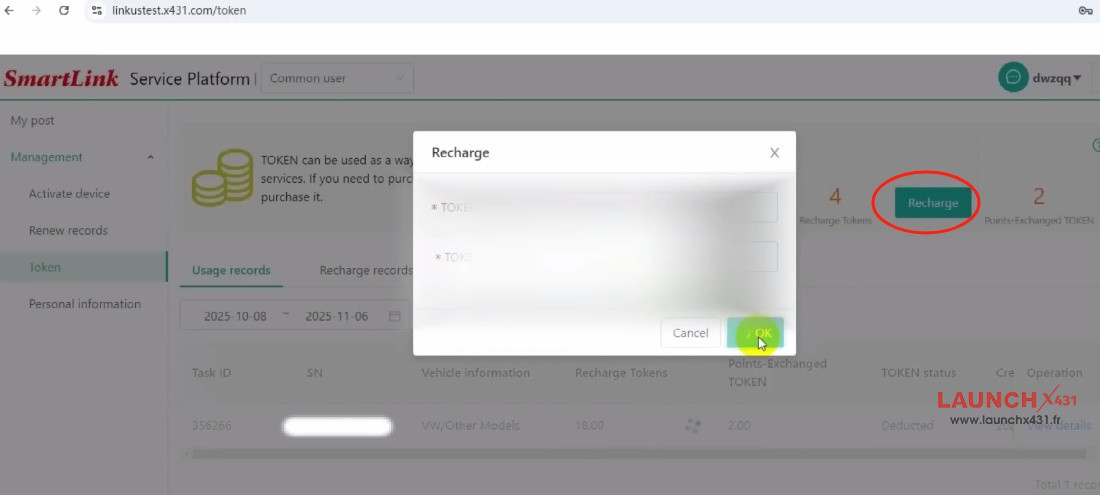
Click “Recharge.”
Enter your Token Card code and complete the top-up.
Step 4: Post a Service Request
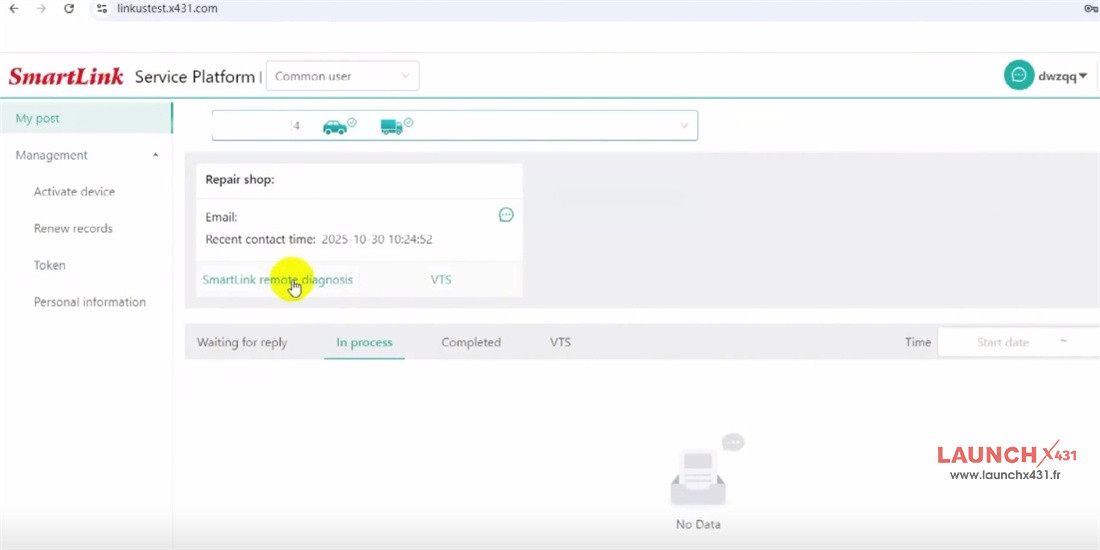
Click “My Post.”
Select your Smart C device and the technician you prefer.
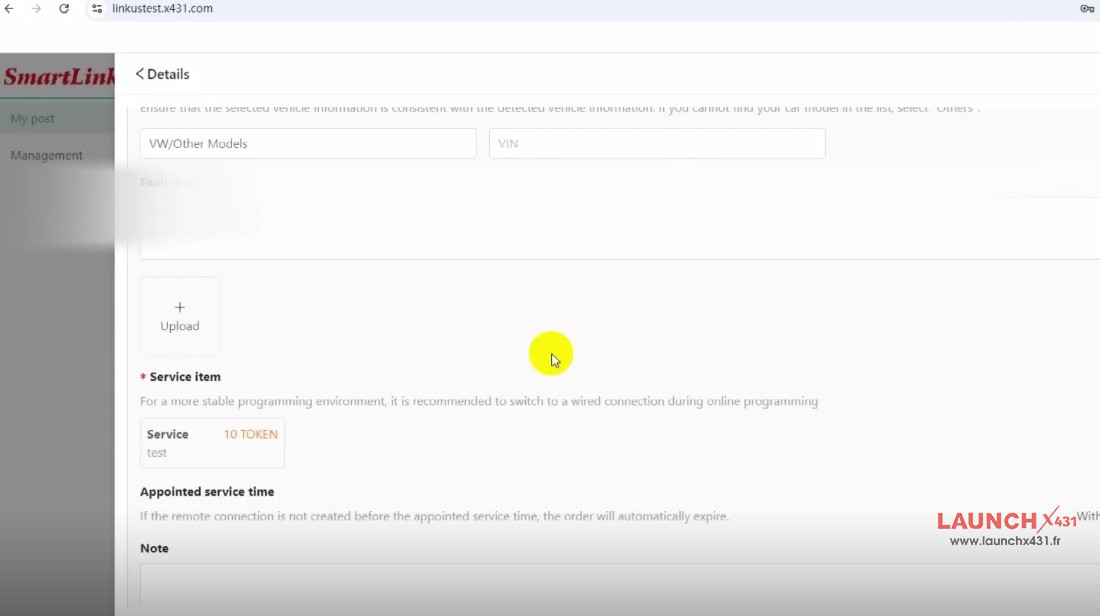
Fill in your personal details and vehicle information.
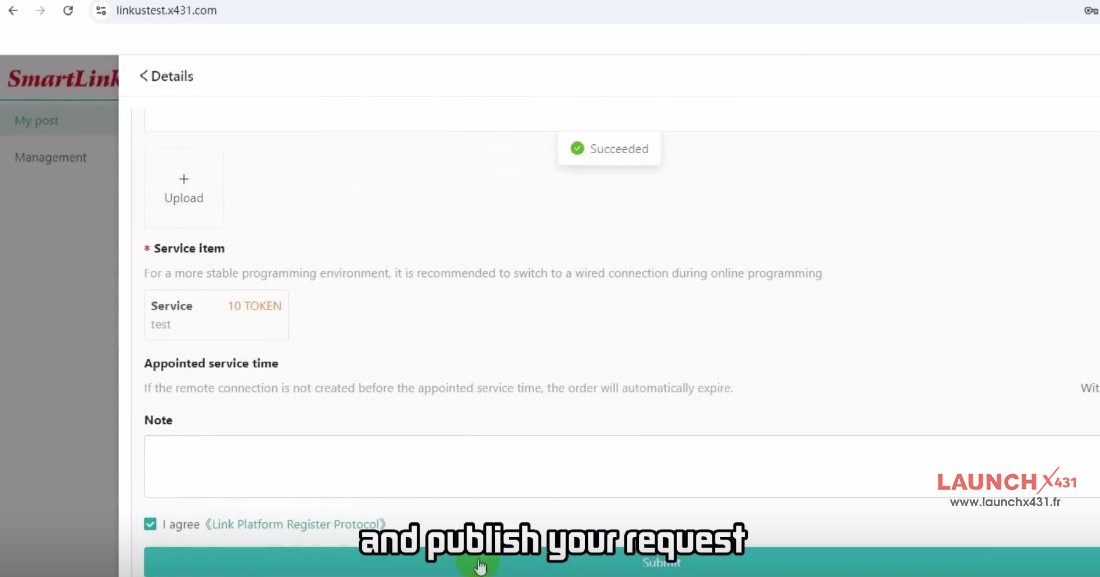
Choose the service you need.
Publish your request.
Step 5: Complete the Service
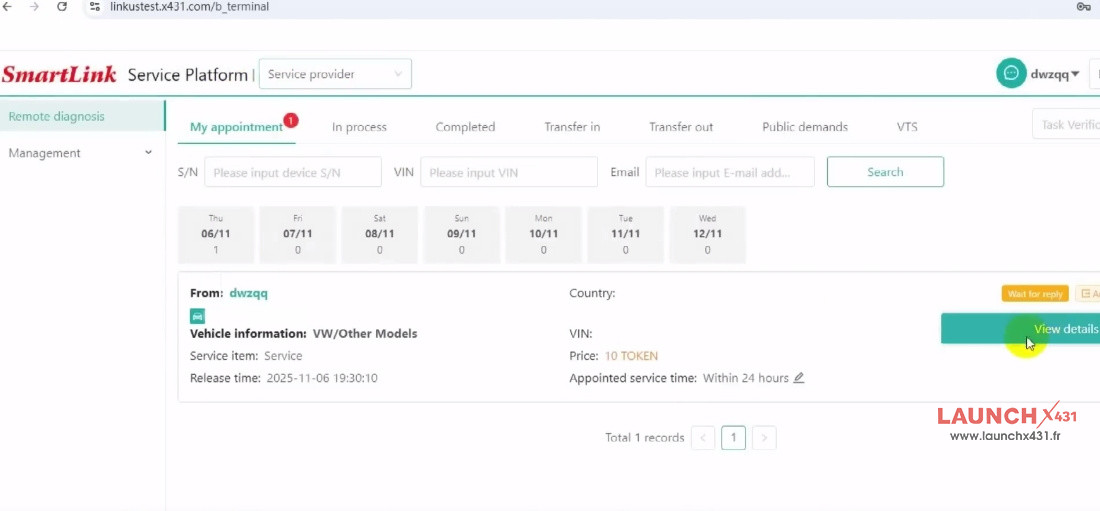
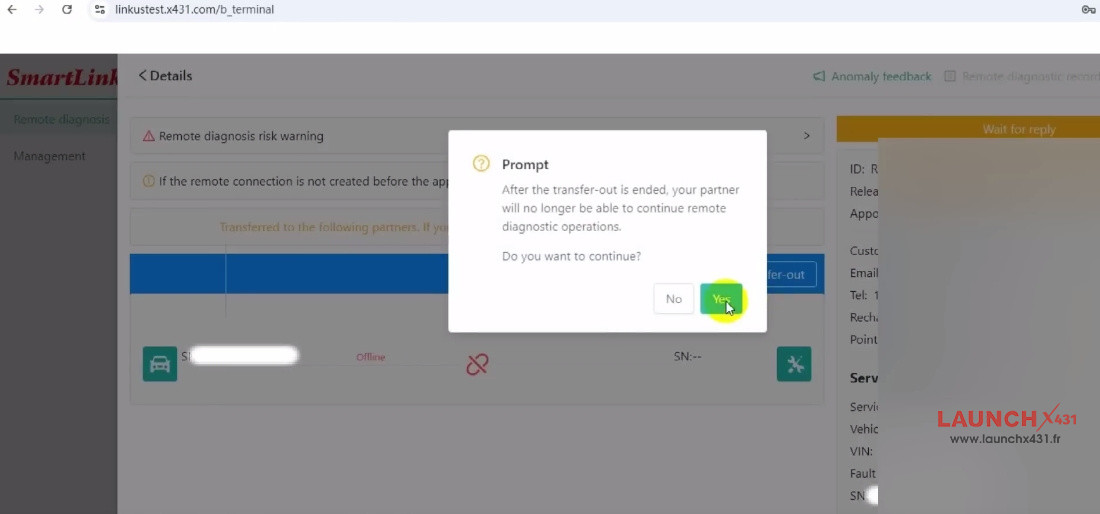
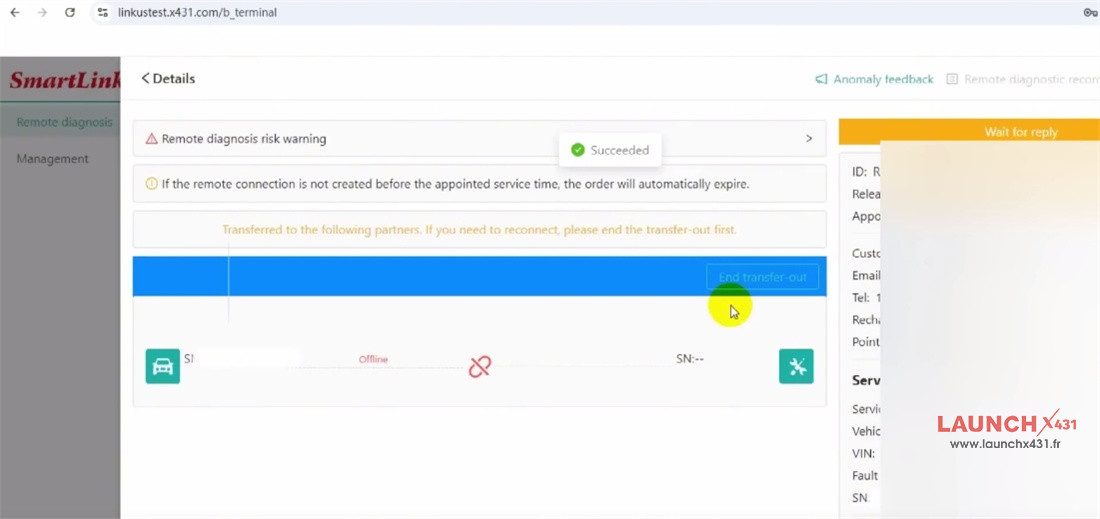
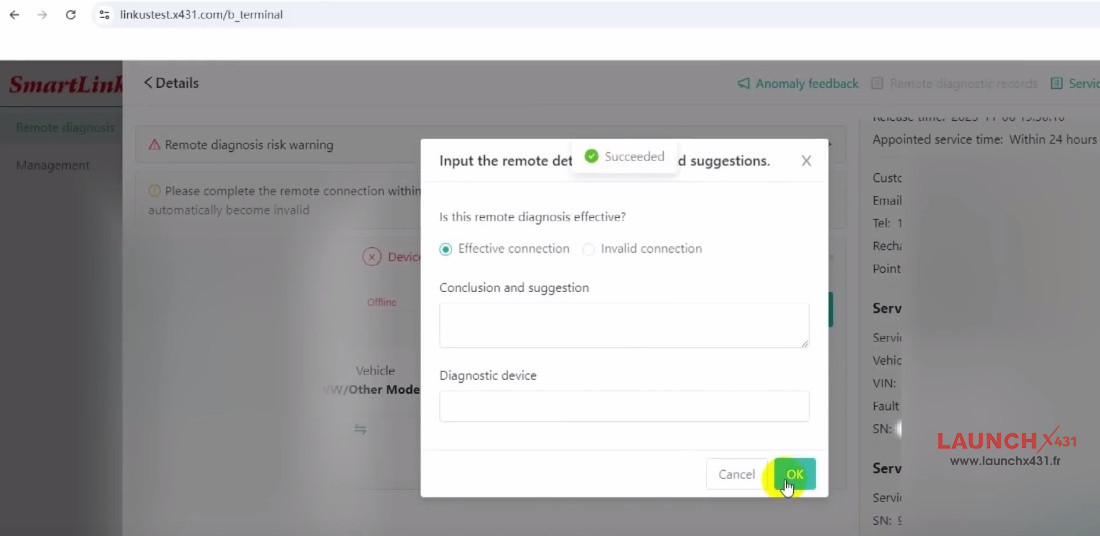
Once a technician accepts your task and finishes the service, they will click “Finish.”
The required tokens will be automatically deducted from your balance.
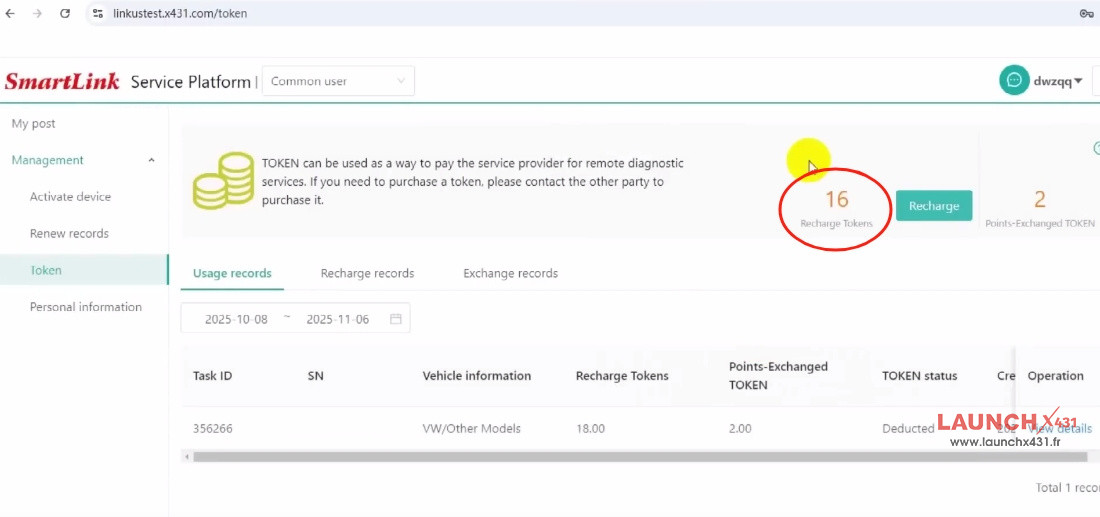
Step 6: Check Your Updated Balance
Go back to “Manage Tokens” to see your updated token balance.
That’s it! Using Launch Smart Service Platform is simple and efficient.
Whether you’re facing a technical issue or your equipment has limitations, you can:
- Post a request with one click
- Get connected with certified automotive experts
- Receive remote assistance
No need to invest in expensive high-end tools—solve tough vehicle problems anytime, anywhere with Launch SmartLink C Super Remote Diagnosis.