



Here is the solution for Launch AIOBD screen freeze and ECU communication failure.
Applies To
Launch AIOBD Car Diagnostic Tool
Fault Symptoms
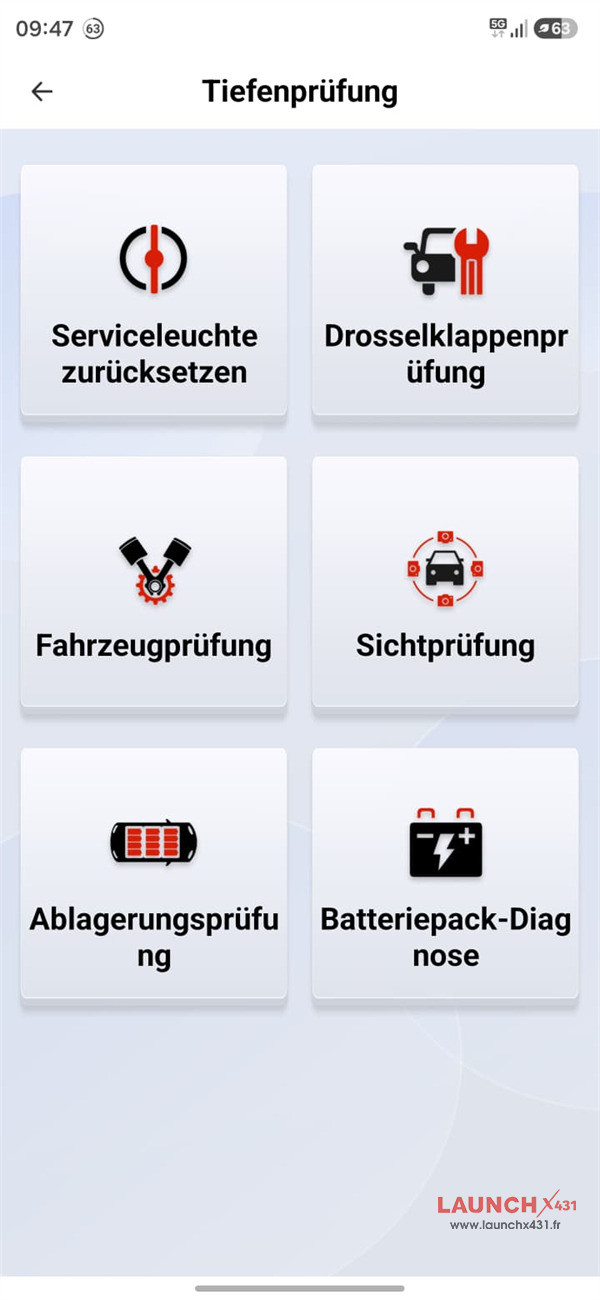
- Screen Freeze: Tapping “Full Scan (Automatic)” triggers an abnormal screen layout change and unresponsiveness across all onscreen buttons.
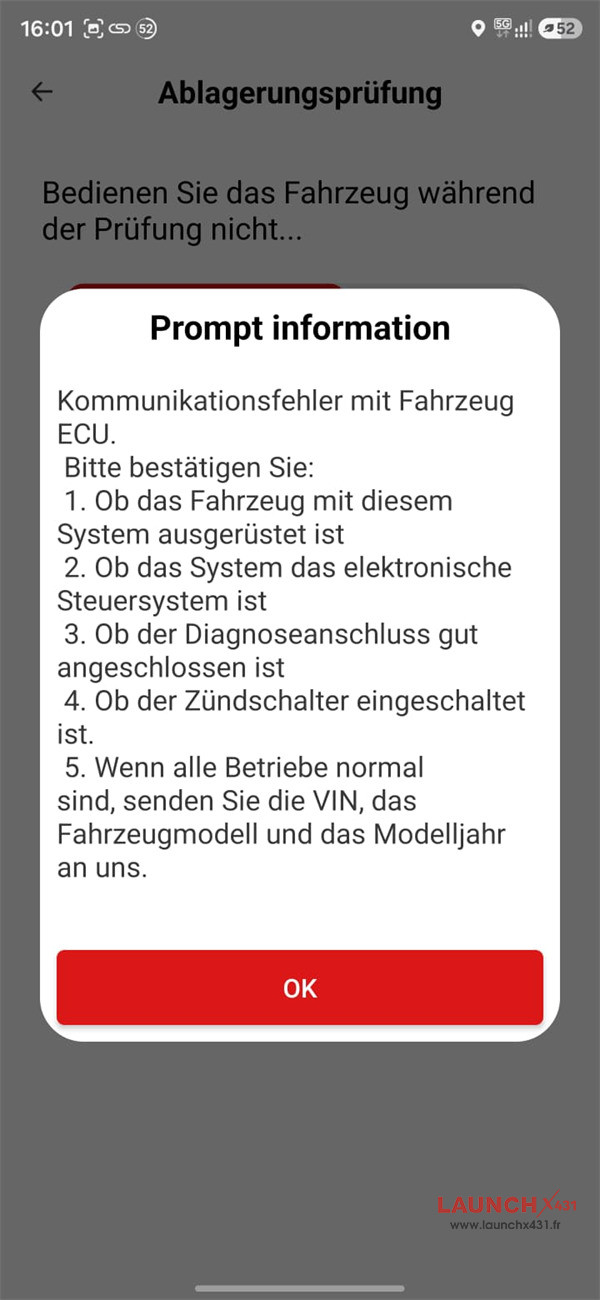
- Error Pop-up: An ECU communication error appears after a brief delay.
- Missing Features: Functions migrated during a previous update fail to open or load within the current software section.
- Hardware Status: Normal. Vehicle ECU and diagnostic hardware pass physical checks.
Root Cause
A software routing bug in older app versions prevents updated diagnostic modules from opening properly.
Resolution Steps
1.Close Launch AIOBD application completely.
2. For iOS devices, search for “LAUNCH AIOBD” in the official App Store.
For Android devices, search for “LAUNCH AIOBD” in the official Google Play store.
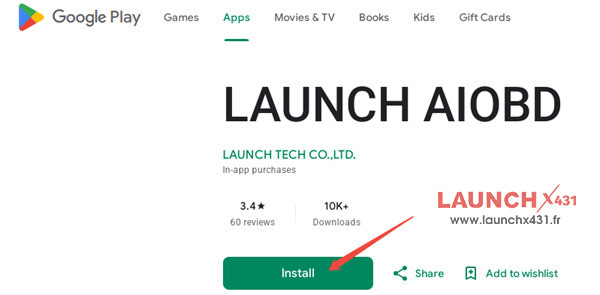
3.Download the latest version of Launch AIOBD app.
4.Relaunch the app and retry the “Full Scan (Automatic)” test.
Tech support:
Email: sales@launchx431.fr
WhatsApp: +86 18750906257