





How to use Launch X431 ECU Programmer to clone KIA MEG17.9.12 Bosch ECU?
It can be done on bench. No need X431 tablet.
Operation guide:
Connect X-431 ECU Programmer to a PC
Run X-431 ECU&TCU Programmer software
Search “meg17.9.12”, find the corresponding ECU model: Kia Cee’ d2013-2016 1600 MEG17.9.12-TCU_ST10F275
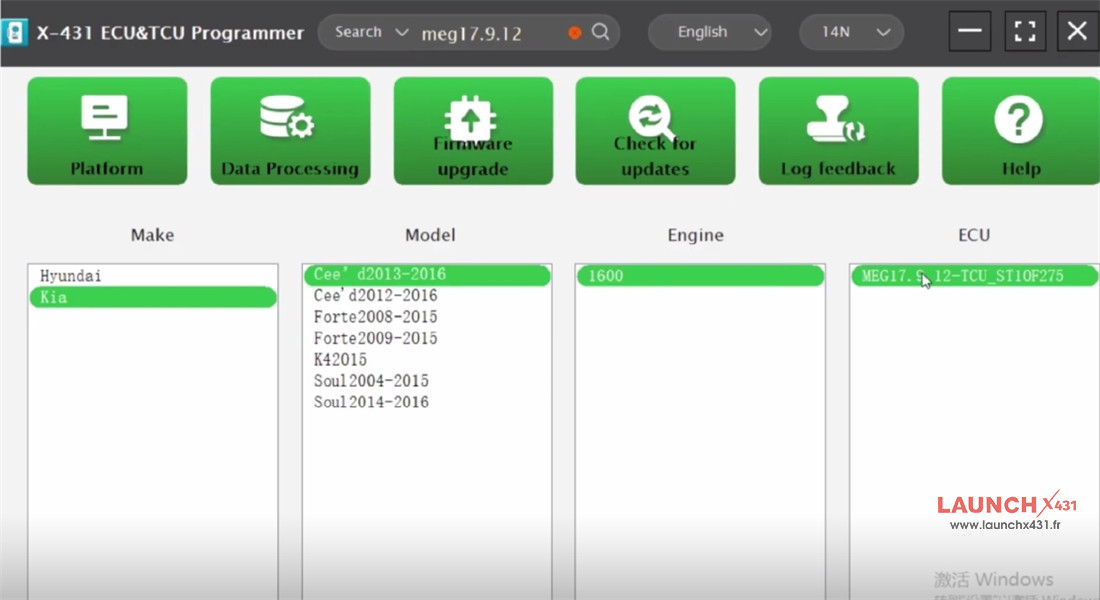
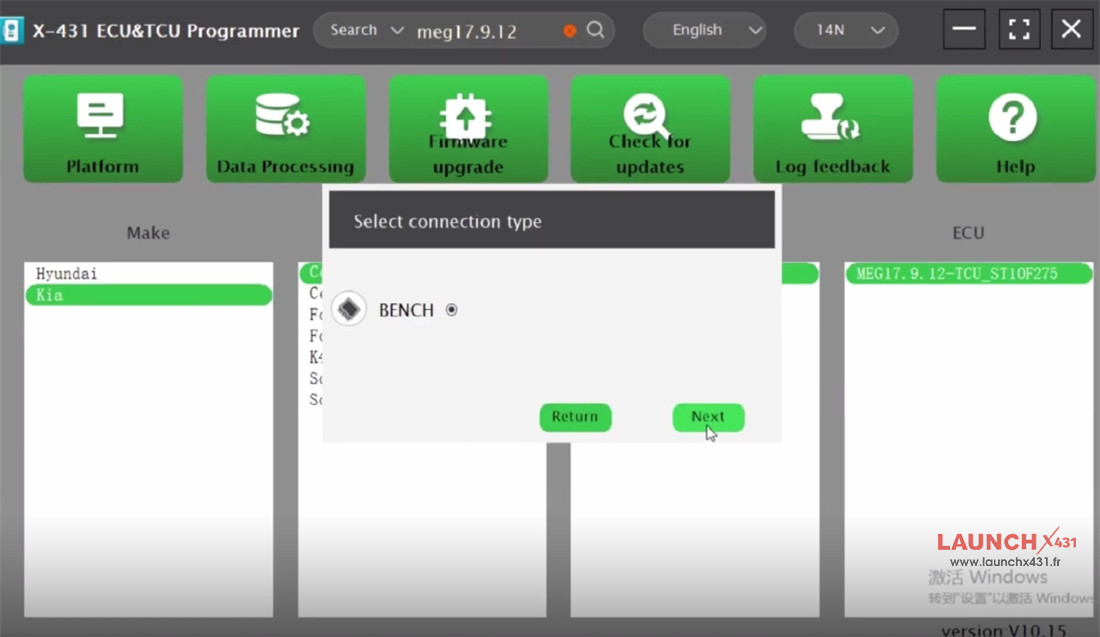
Select connection type “BENCH”
Check the direct connection of diagram
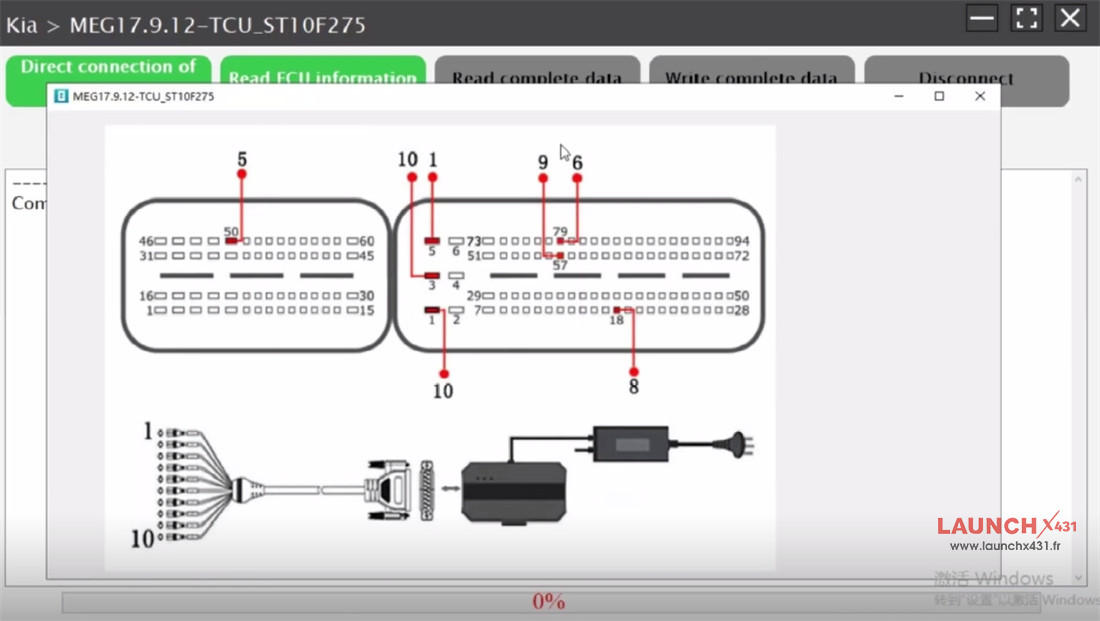
Follow it to connect Launch X431 ECU &TCU Programmer to the original KIA Bosch ECU properly
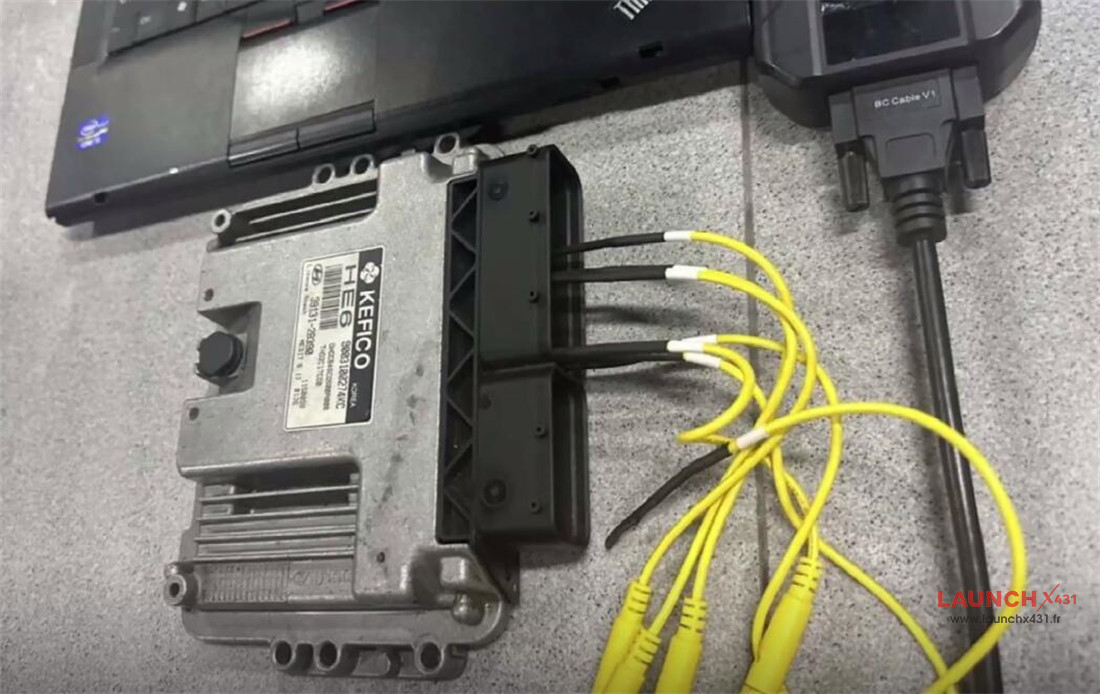
Then read ECU Information and complete data
After reading, save the data successfully
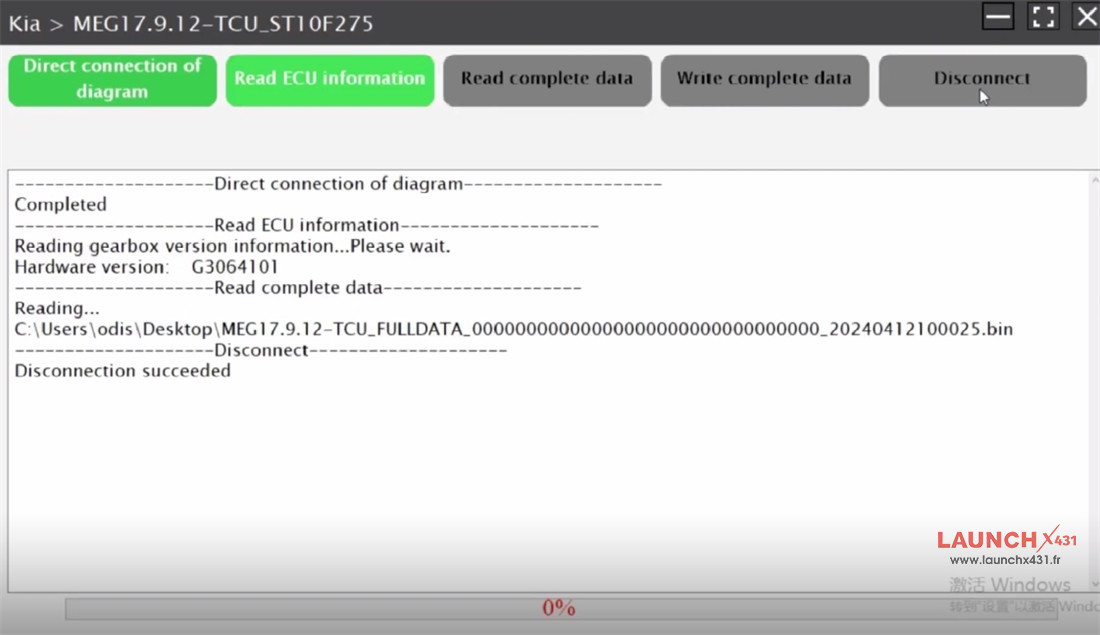
Disconnect the original ECU, and connect the new ECU to X431 ECU Programmer on bench
Read ECU Info OK
Select the original ECU data and write into the new ECU
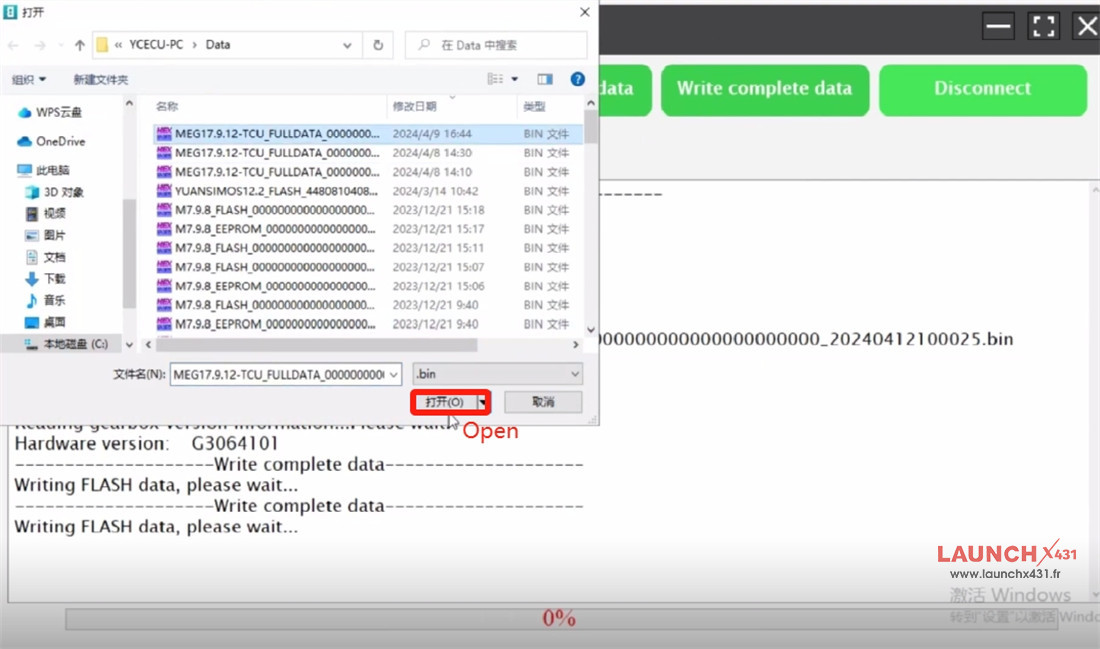
Write data successfully
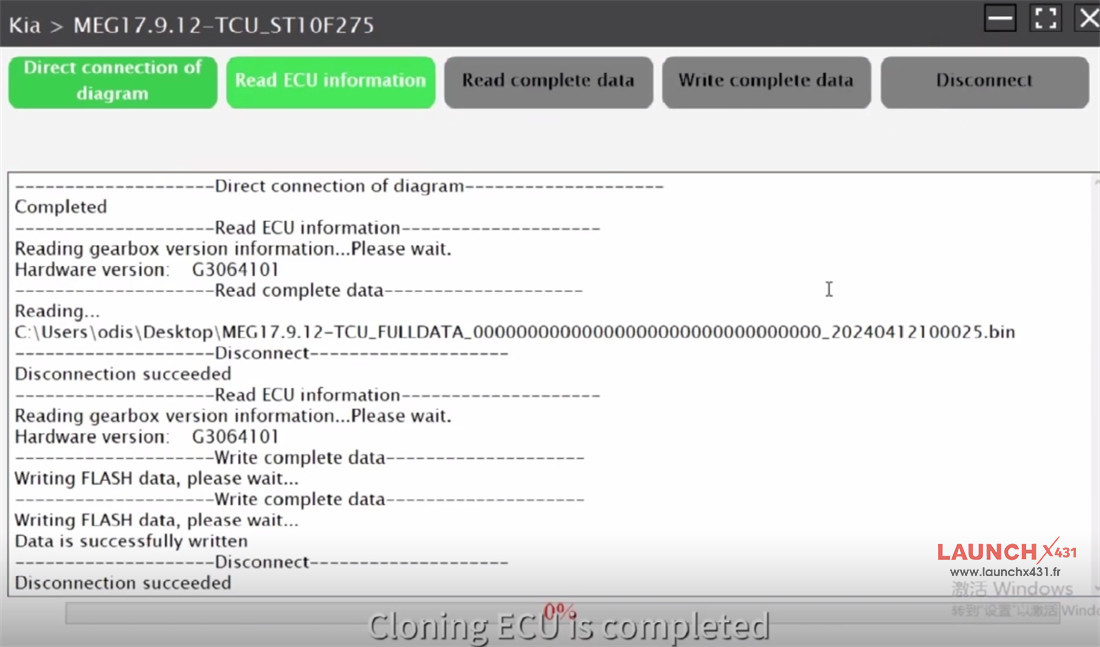
KIA MEG17.9.12 Bosch ECU has been cloned by Launch X-431 ECU &TCU Programmer on bench successfully.
Video guide: