




Launch X431 PAD5 LINK HD read and write VIN on a 2025 JAC Junling A7 heavy-duty truck successfully.
X431 PAD5 LINK HD= X431 PAD V Elite with SmartLink C 2.0 and HD Truck software authorization and adapter pack
Step-by-Step Procedure:
1.Select Local Diagnosis – Choose the “JAC” brand.
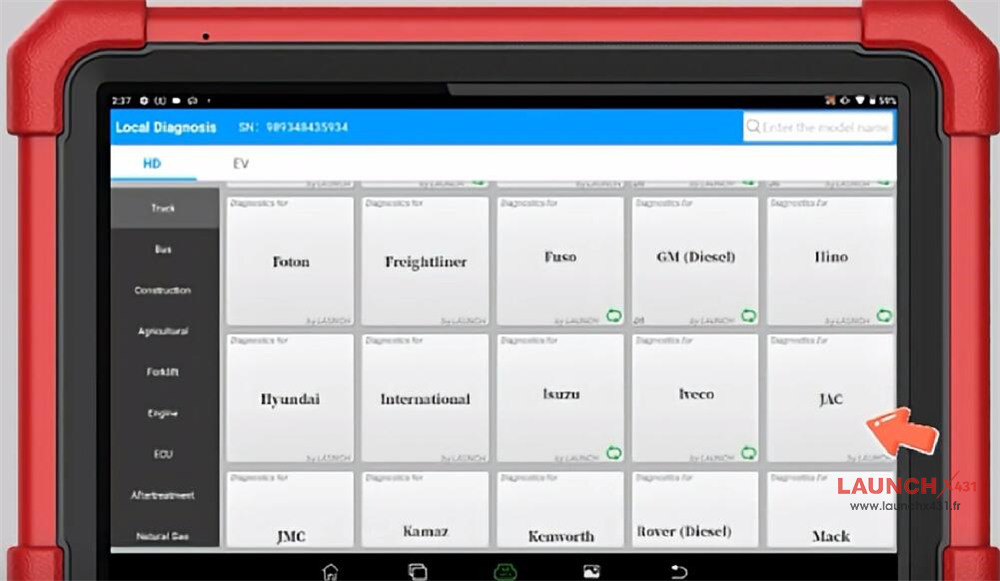
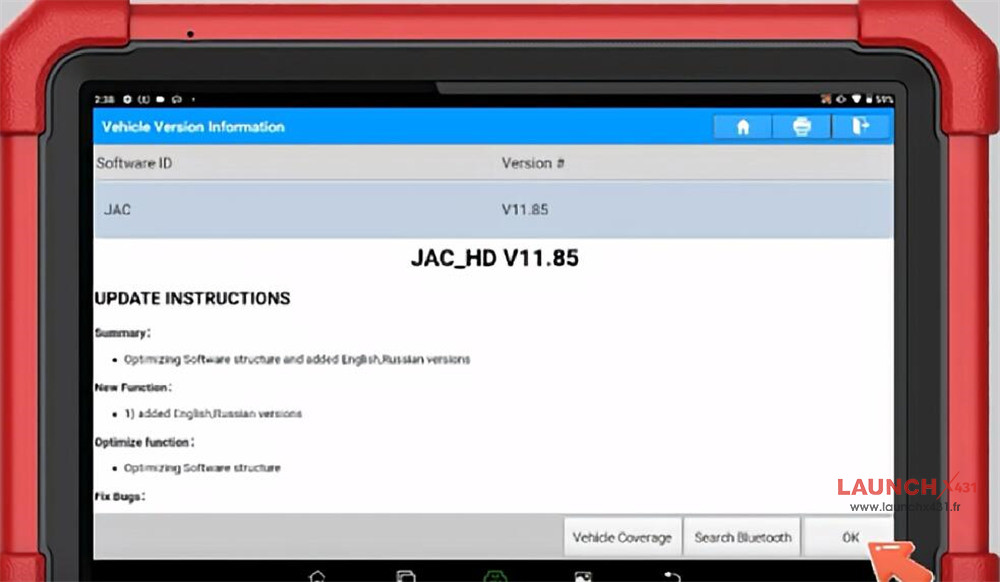
2.Enter JAC_HD V11.85 – Navigate to the HD truck diagnostic module.
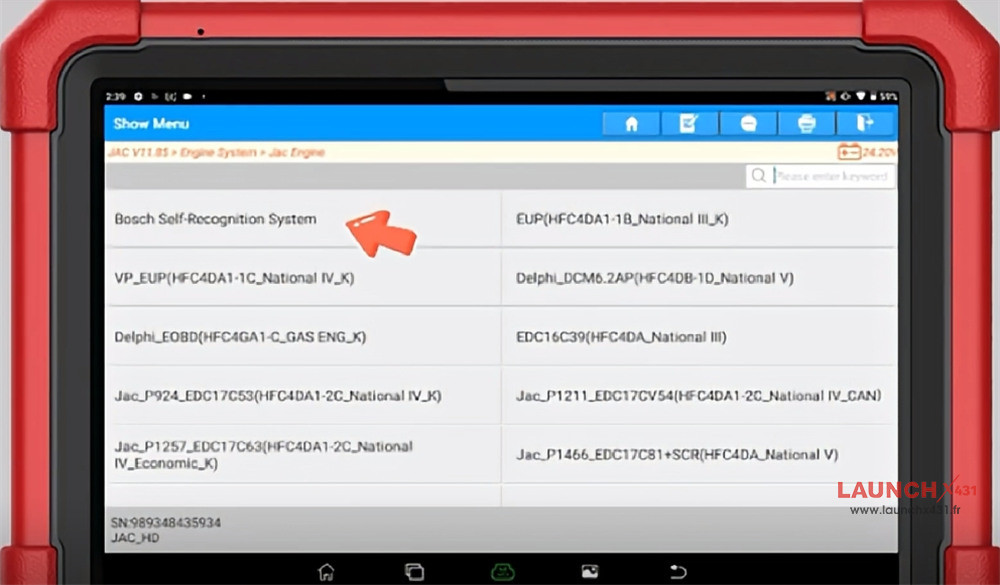
3.Access Engine System – Select “Jac Engine.”
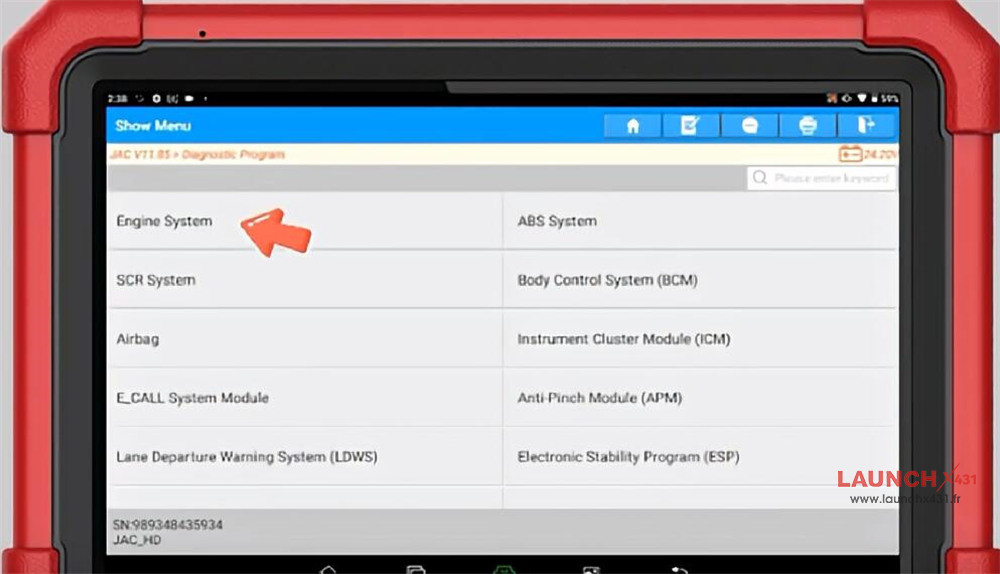
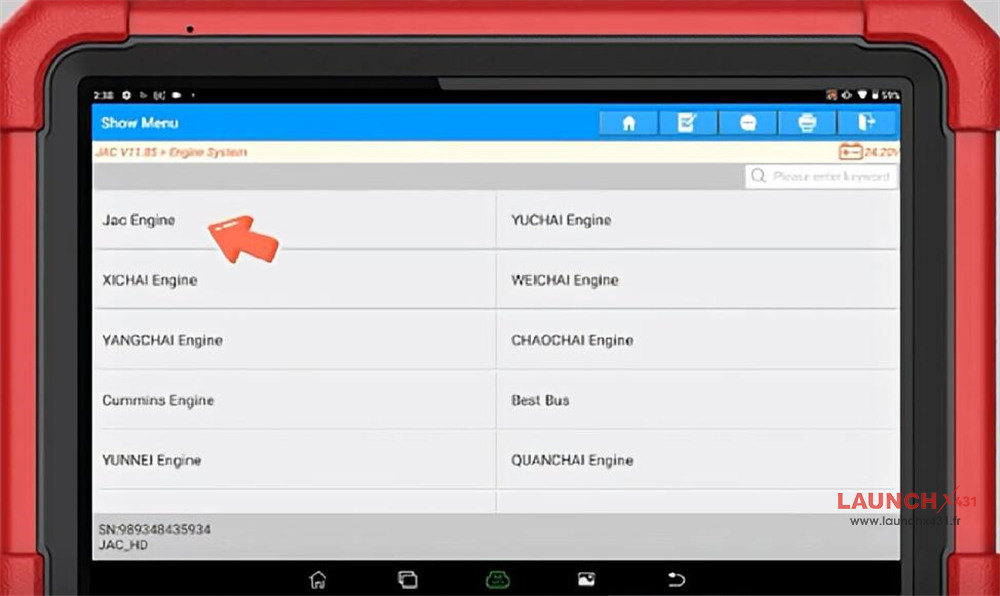
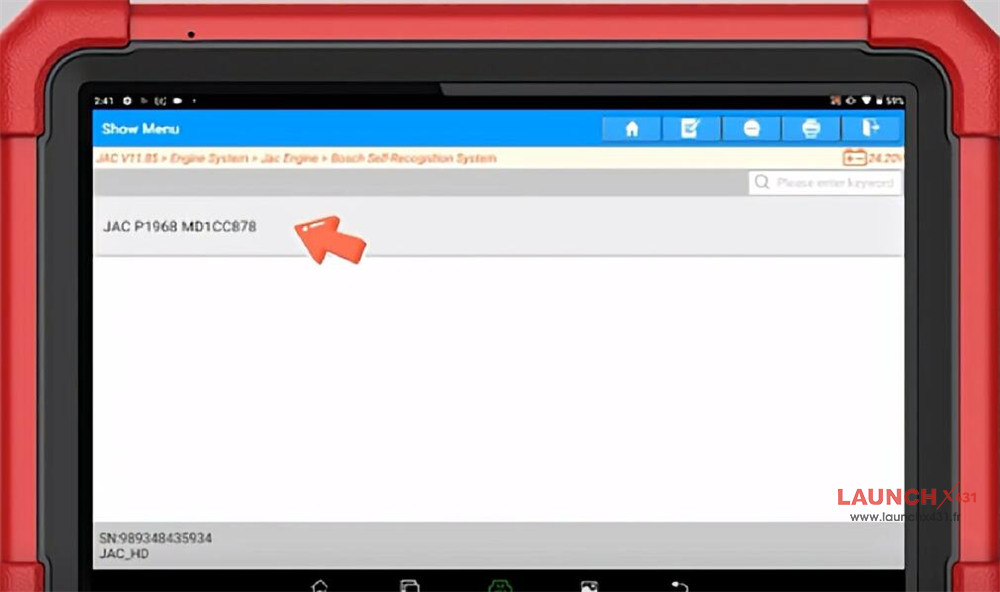
4.Choose Control Unit – Enter “Bosch Self-Recognition System,” then select JAC P1968 MD1CC878.
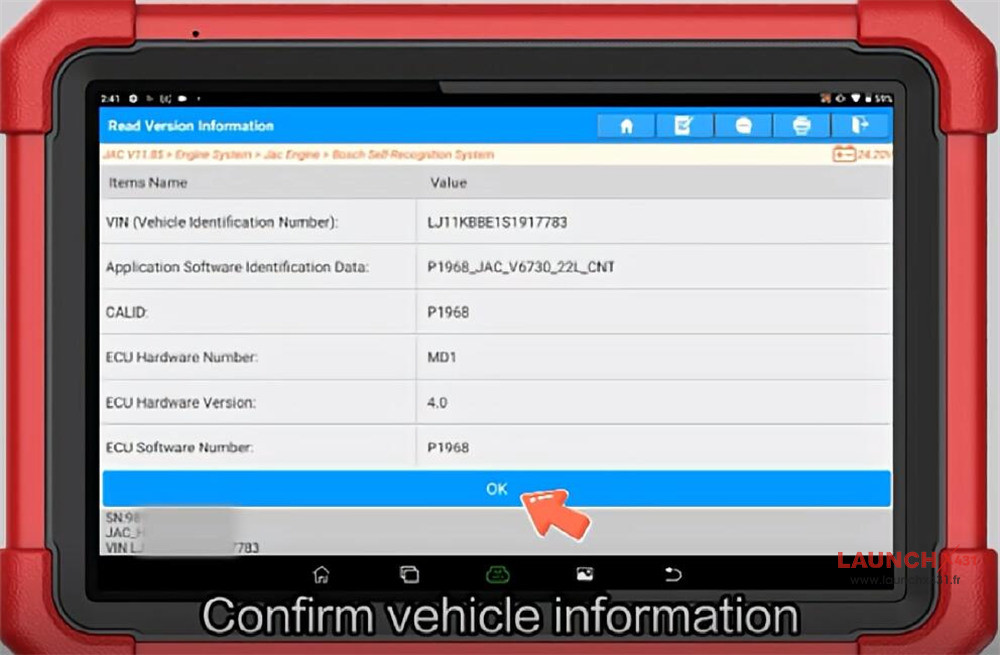
5.Confirm Vehicle Information – Verify vehicle details before proceeding.
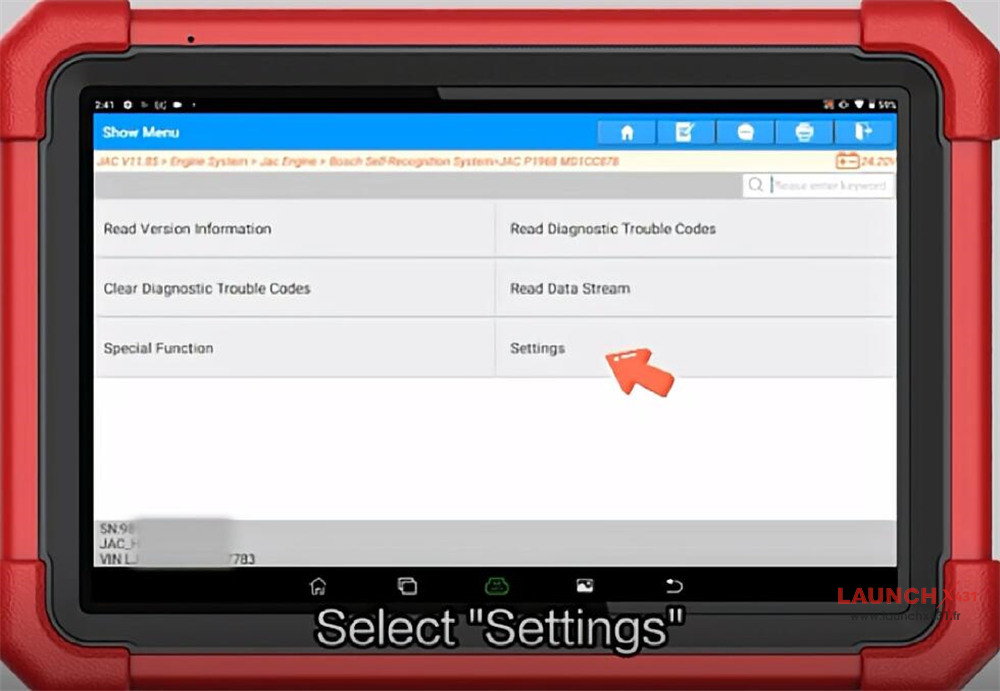
6.Enter Settings Menu – Select the “Settings” option to access programming functions.
Important Notice:
The Vehicle Identification Number (VIN) is a critical and unique identifier for the vehicle. Please proceed with caution and ensure accuracy when modifying VIN information.
Video guide: