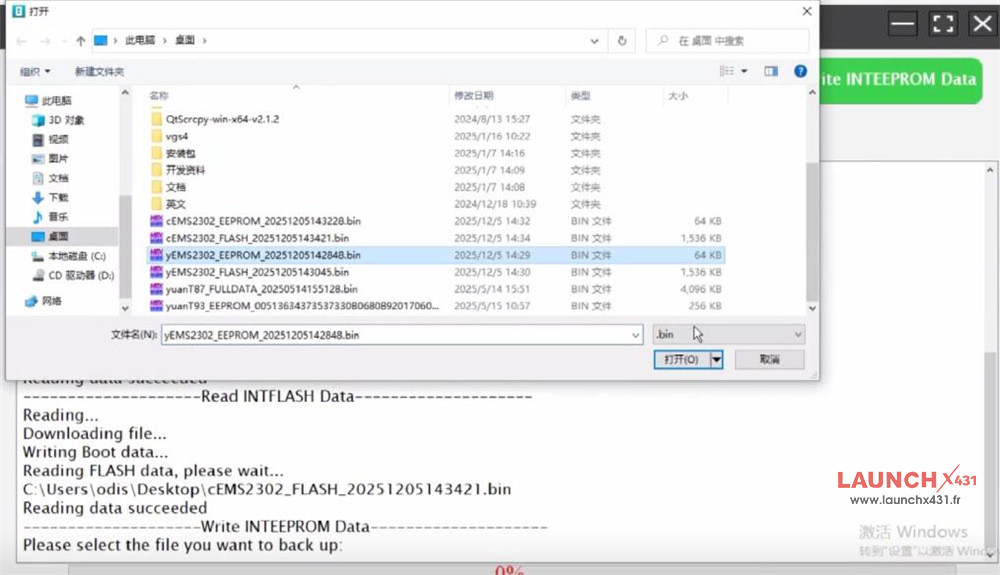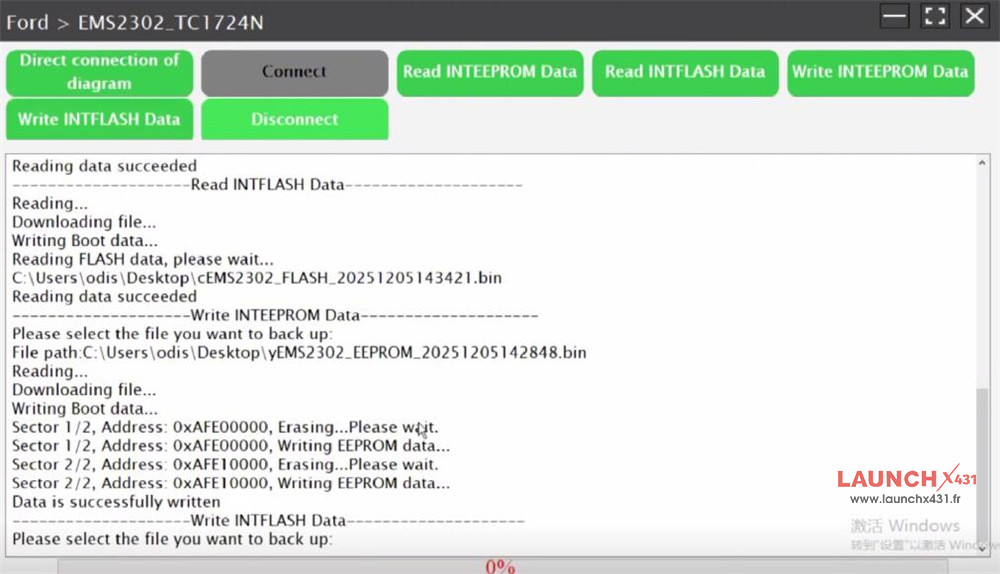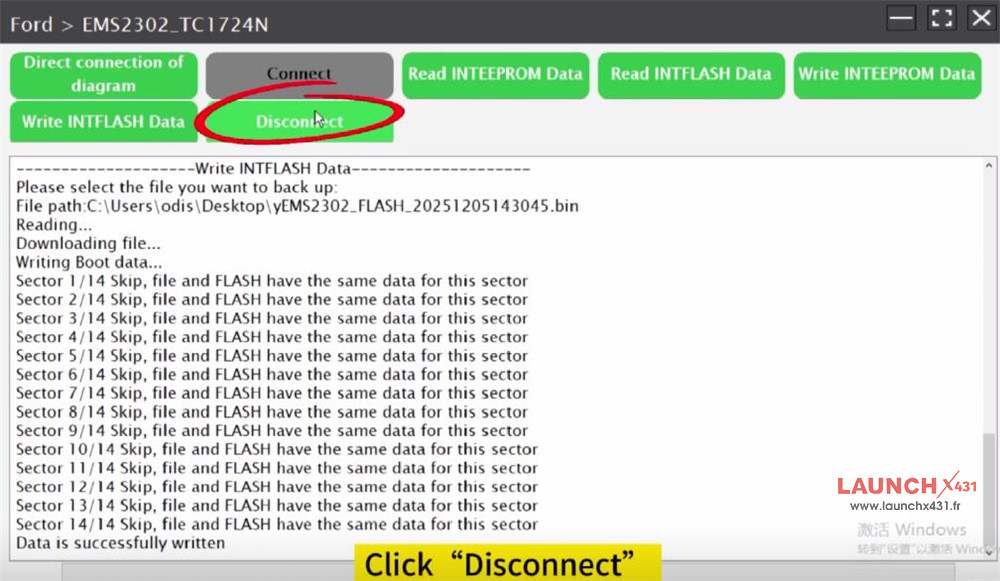






It has been tested and verified that Launch X431 ECU & TCU Programmer can clone Ford EMS2302 TC1724N without any issue.
1.Read original EMS2302 INT EEPROM and FLASH Data- OK
Connect X431 ECU Programmer and a PC
Run X-431 ECU&TCU Programmer PC software
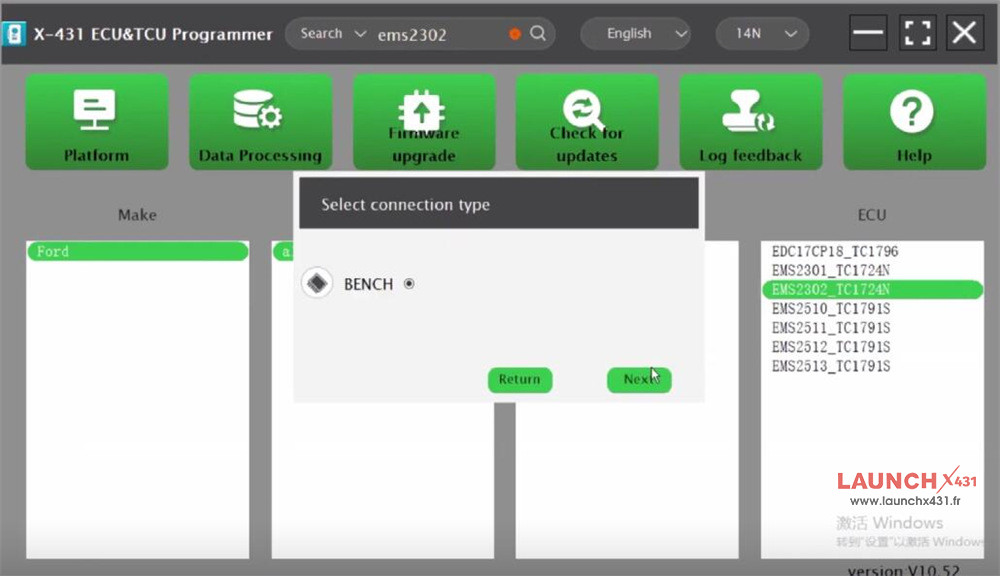
Find Ford EMS2302_TC1724N by inputting “ems2302” in the searching box
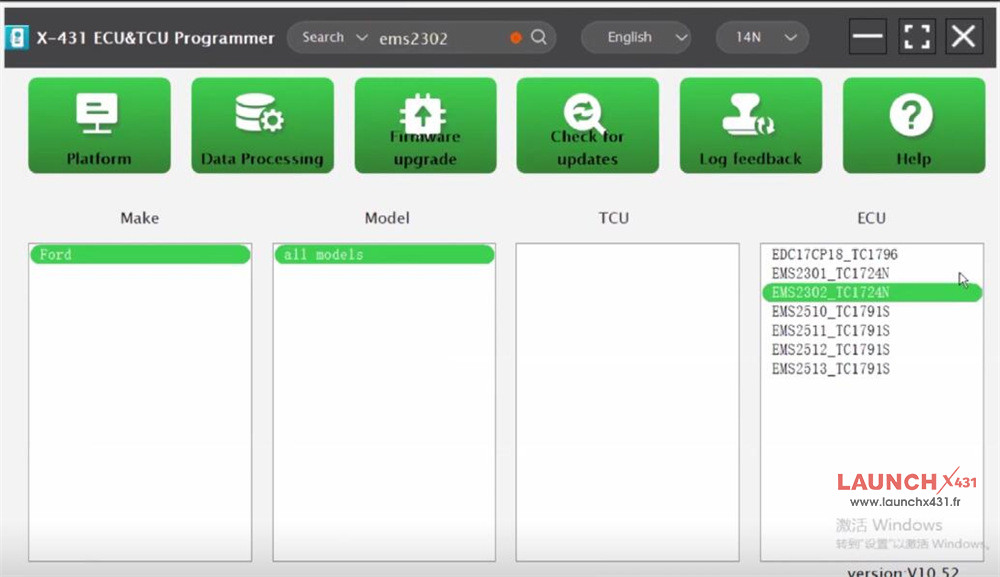
Select BENCH connection type
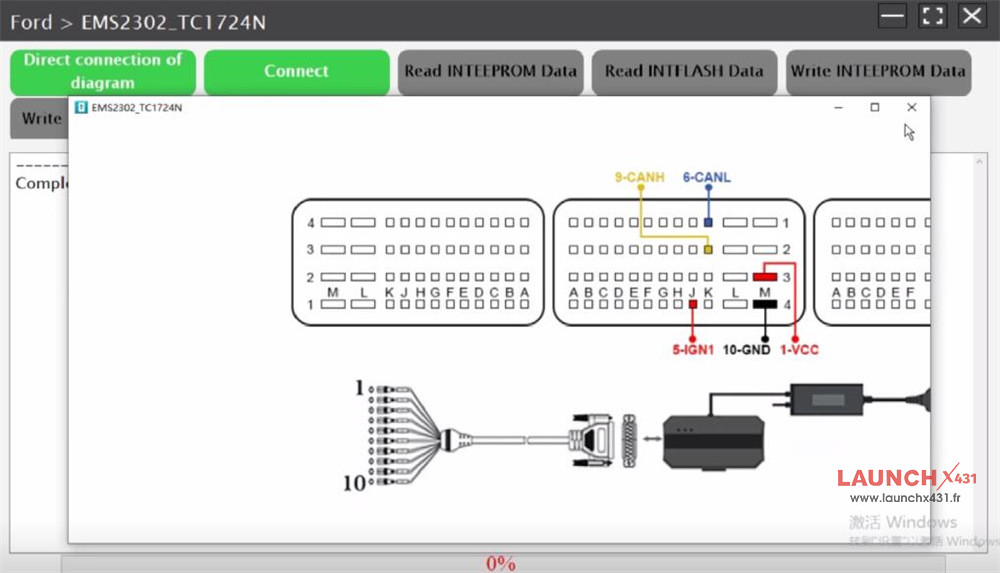
Check connection diagram to connect X-431 ECU Programmer and ECU properly
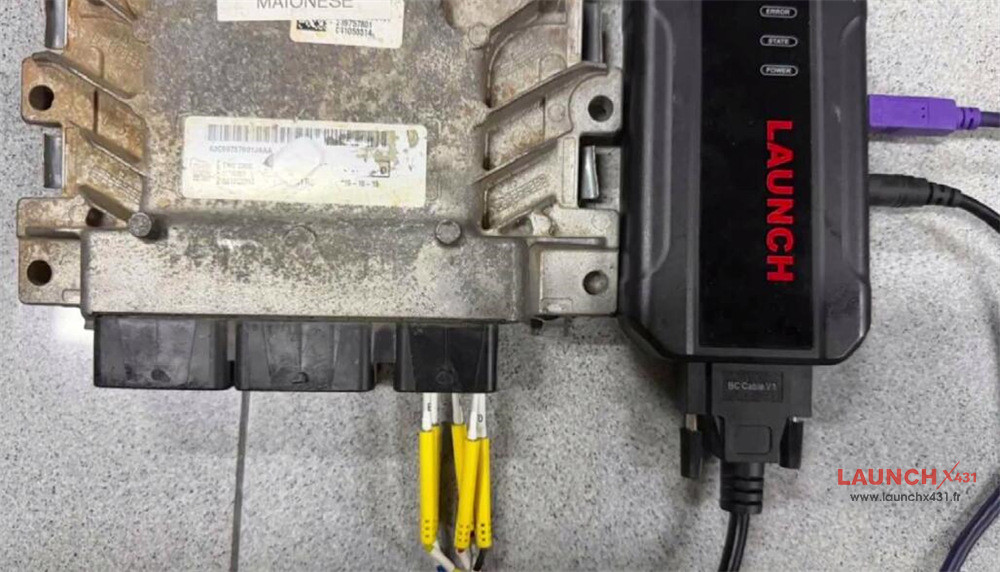
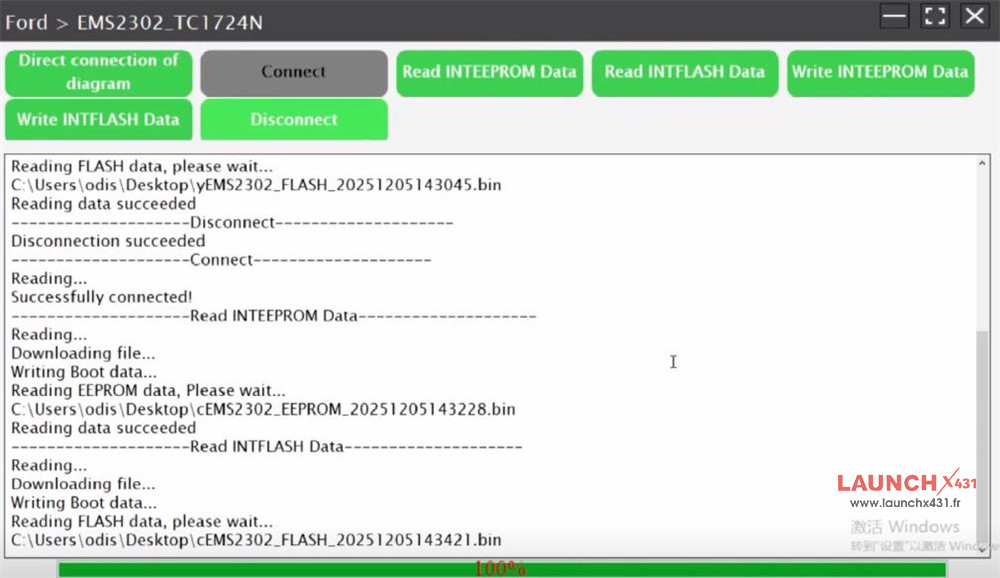
Perform “Connect, Read INTEEPROM Data, Read INTFLASH Data and Disconnect” in sequence
All are OK
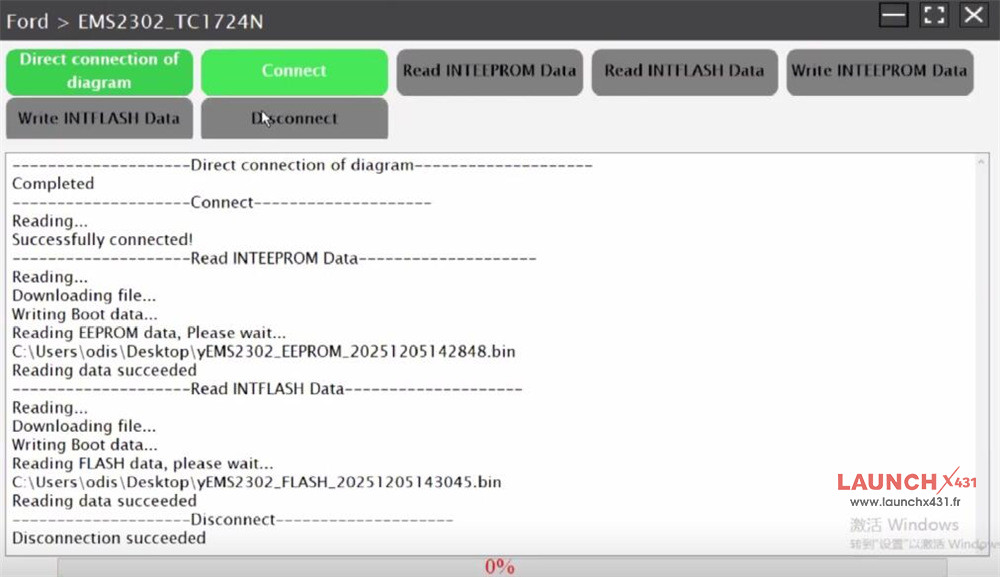
2.Read new EMS2302 INT EEPROM and FLASH Data- OK
Use the same method to connect Launch X431 ECU Programmer and new ECU
Back up the original data
3.Write original ECU data to new ECU- OK
Load the original INT EEPROM and FLASH Data from the original ECU and write into the new one
Write data successfully