






Problem:
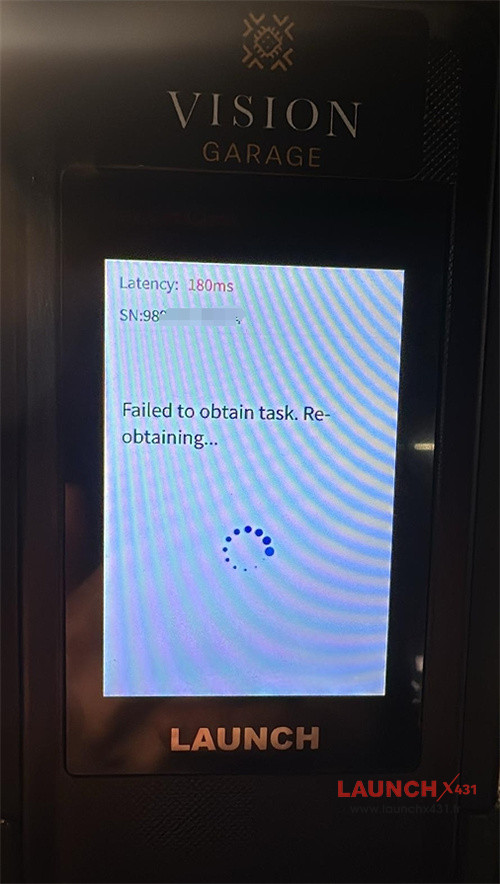
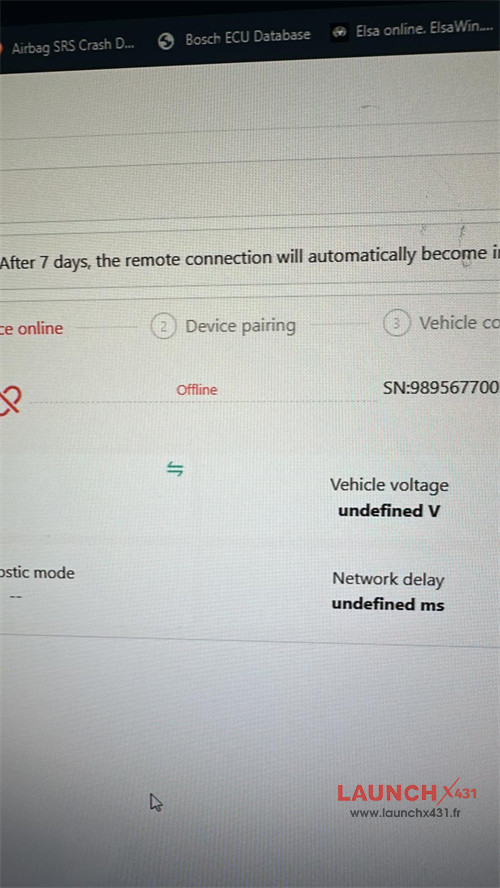
One customer gave feedback that he used Launch SmartLink B, SmartLink C to work with ProDiag software, but his SmartLink B always prompted offline.
Solution:
1.Check Physical Connection:
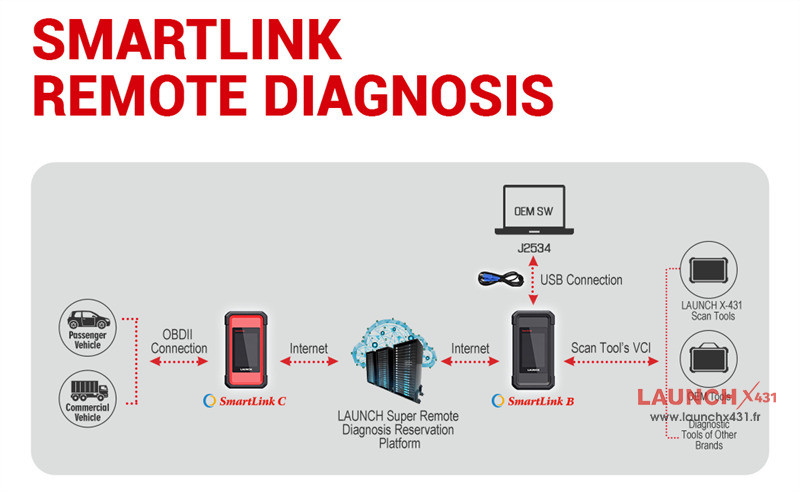
Ensure Launch SmartLink C is securely connected to the OBDII port and the power light is solid.
Also ensure SmartLink B is connected to OEM software on the PC via USB cable
2.Verify Internet Connection:
The device requires a stable connection. Make sure the internet has a good signal.
Tech support:
- Email: sales@launchx431.fr
- WhatsApp: +86 18750906257