





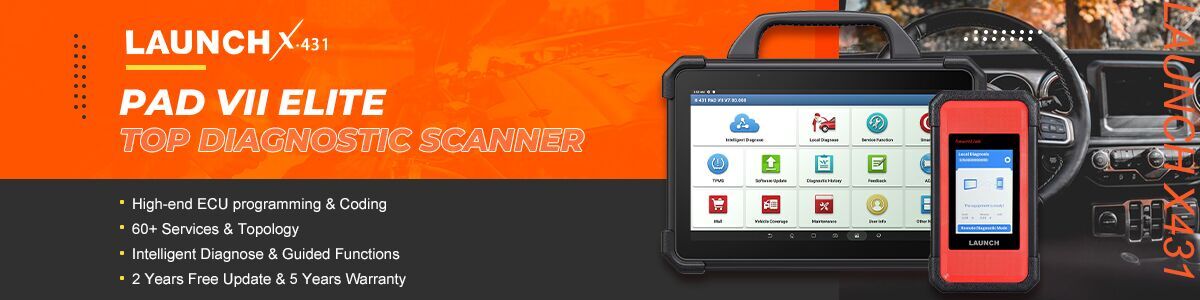

This post shows you that how to use Launch X431 PAD5 LINK HD/PRO3 LINK HD to perform a high-speed system scan and read live data streams on a 2020 Dongfeng Tianjin heavy-duty truck.
Supported tools:
- X431 PAD5 LINK HD= X431 PAD V Elite with SmartLink C and HD Truck Software Authorization Pack
- X431 PRO3 LINK HD (V+ SmartLink HD)
Operation guide:
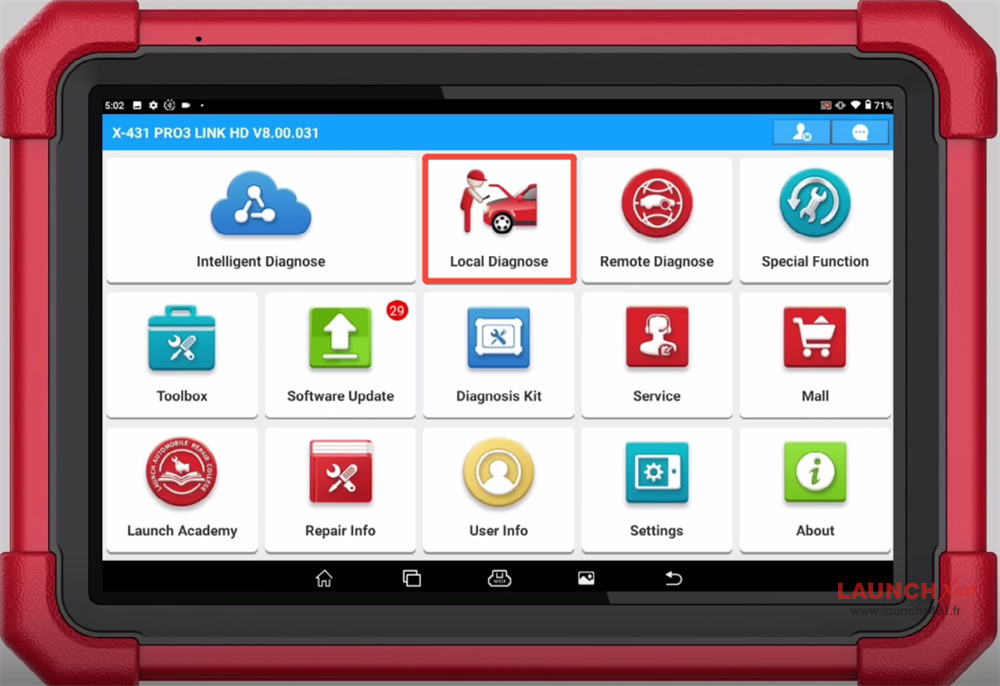
Navigate to Local Diagnose-> HD-> Truck-> DF Truck-> DF Truck software (e.g DFL V12.10)-> Select by vehicle model-> Dongfeng Tianjin-> Automatic Test
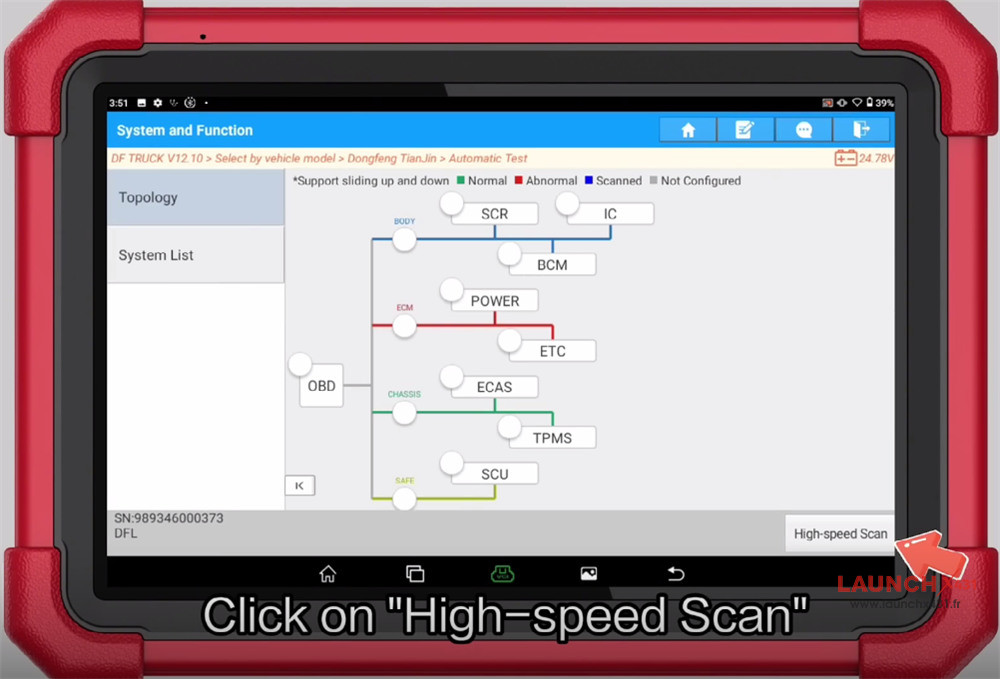
Click on High-speed Scan
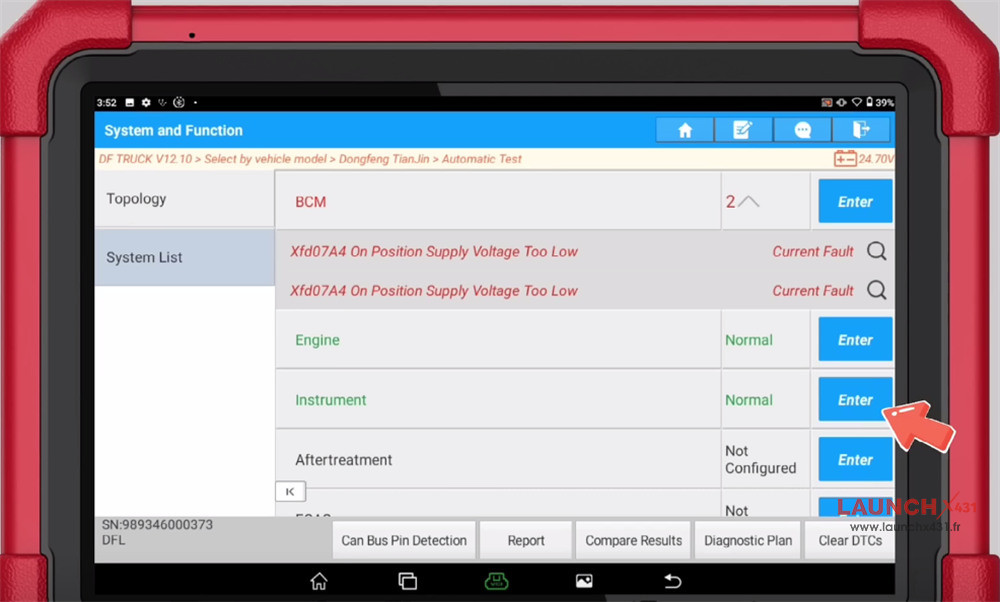
Select System List-> Instrument-> Enter
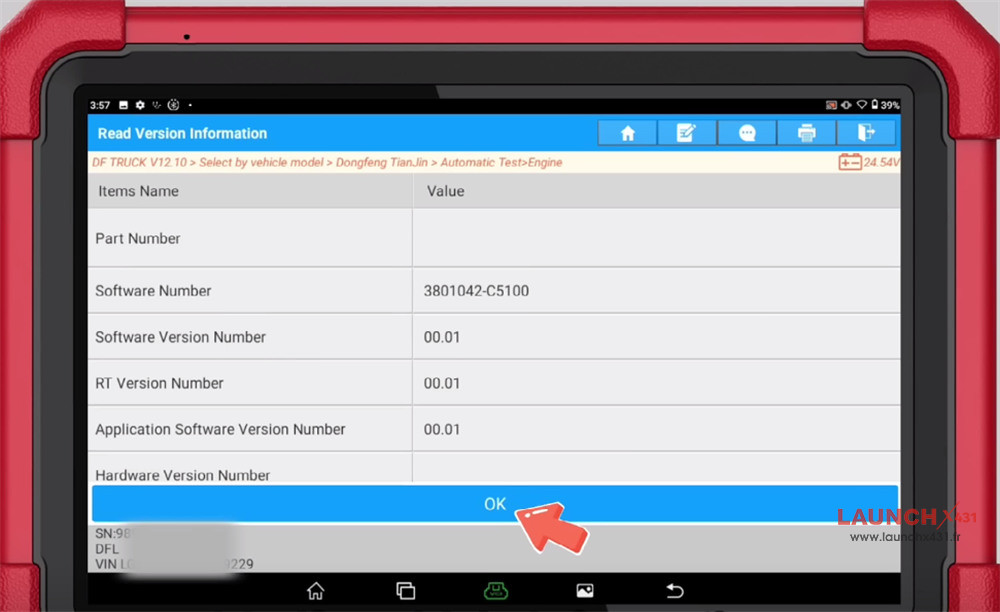
Confirm the vehicle info
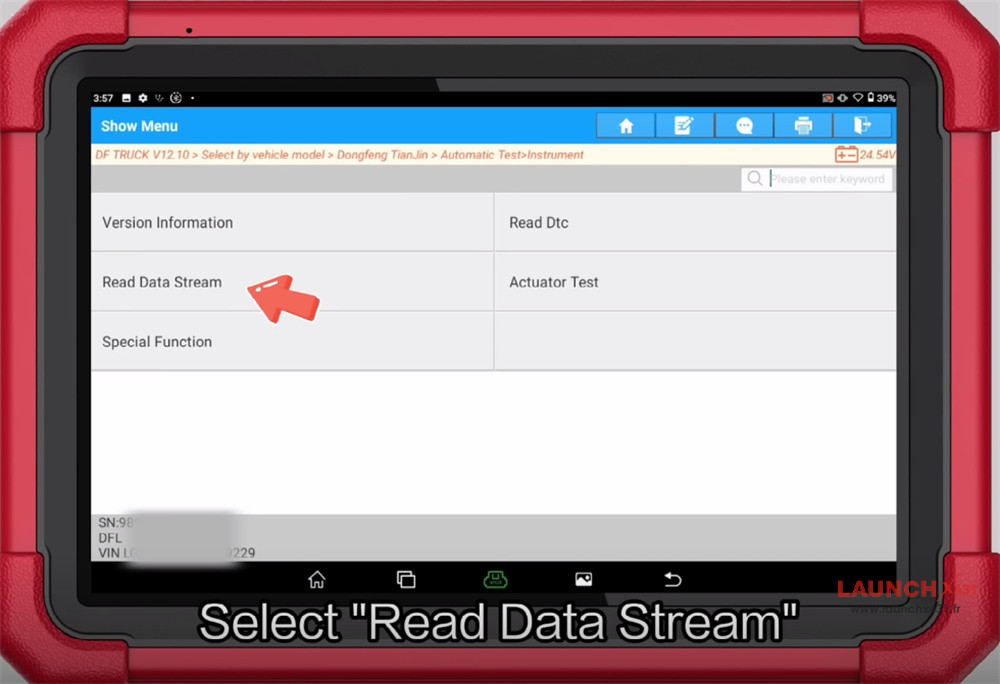
Select Read Data Stream
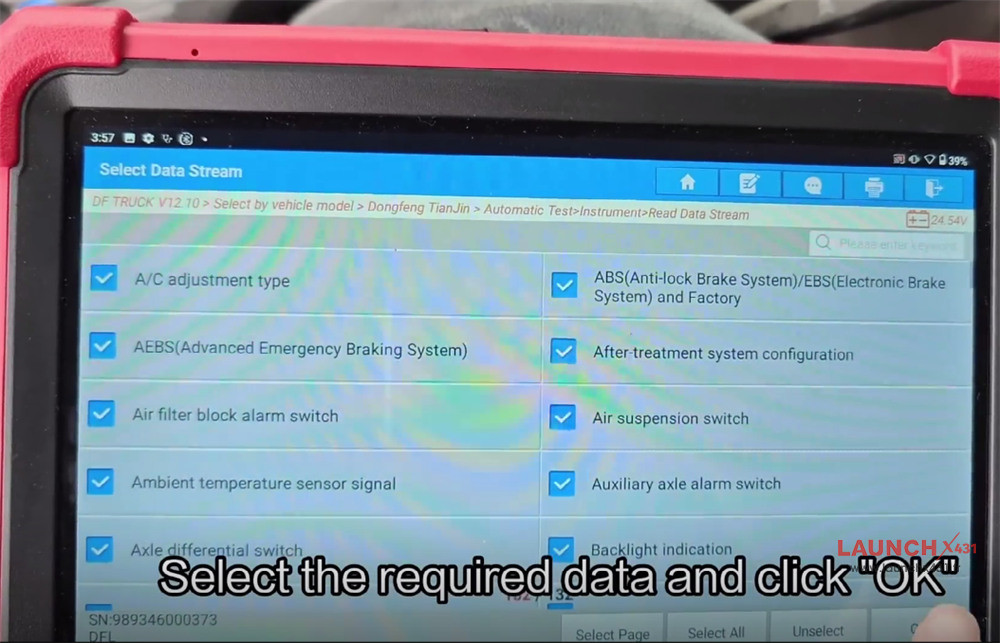
Select the data you required and click “OK
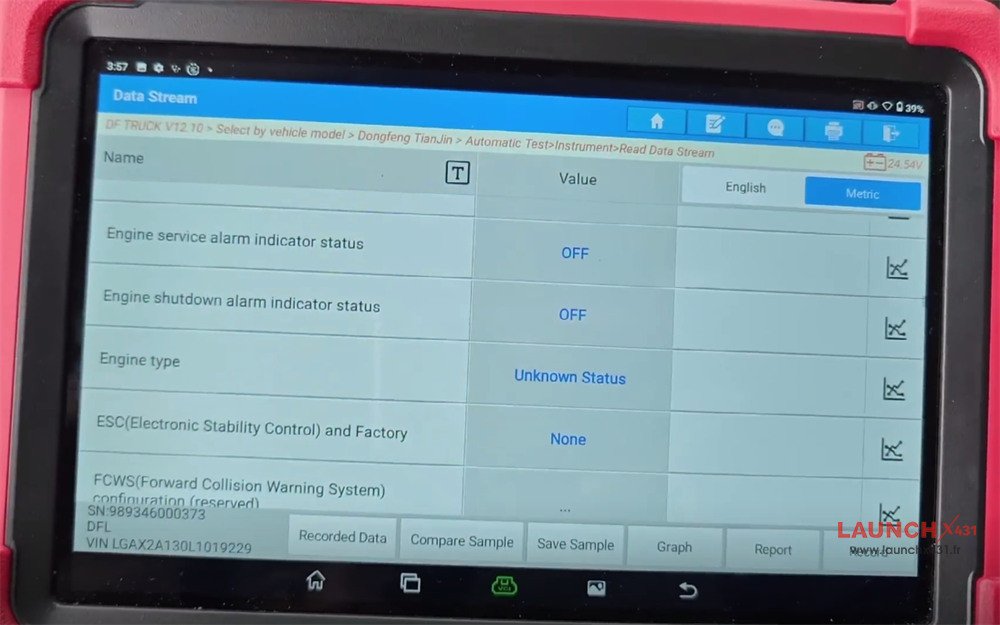
Done!
Video guide:
www.launchx431.fr