




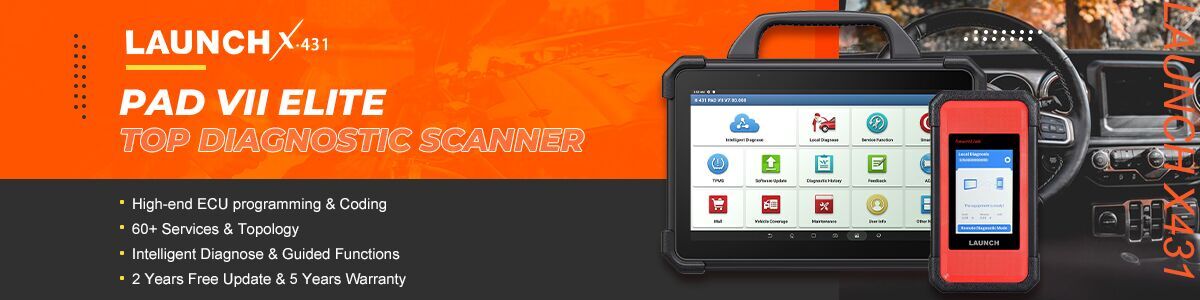

In this demonstration, Launch X431 PAD5 LINK HD is utilized to retrieve diagnostic trouble codes (DTCs) and analyze data streams on a 2022 Isuzu TAGA. This step-by-step instructional guide enables technicians to efficiently isolate system faults and evaluate real-time operational data.
X431 PAD5 LINK HD= X431 PAD V Elite with SmartLink C and HD Truck Software Authorization Pack
X431 PRO3 LINK HD (V+ SmartLink HD) can perform this function on 2022 Isuzu TAGA as well.
Operation guide:
Navigate to [Diagnose] on the device main menu
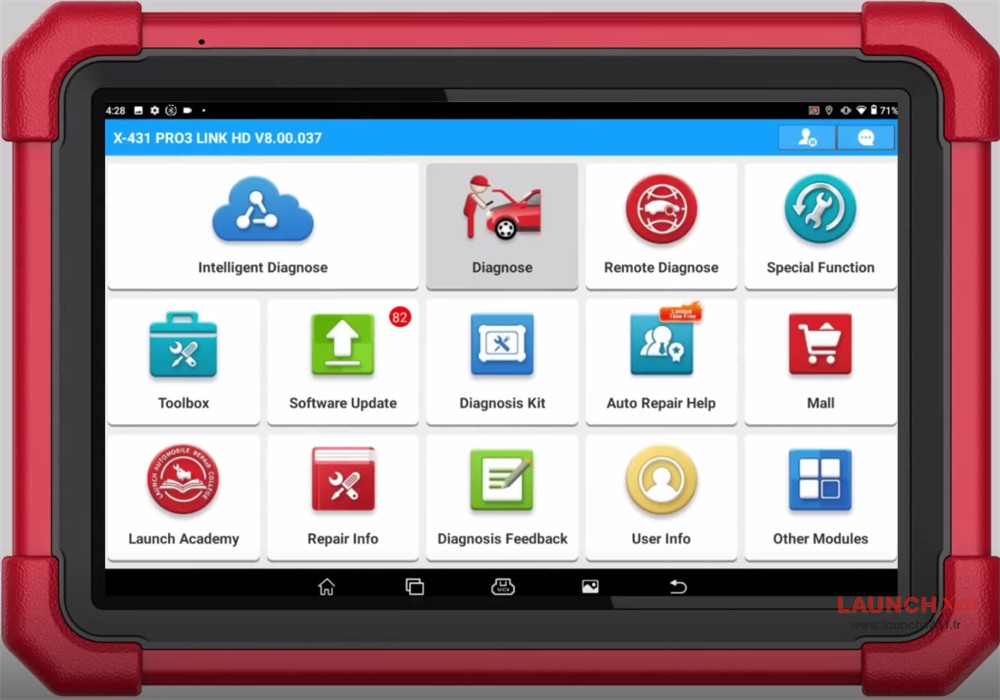
Select ISUZU-> ISUZU software (e.g.V17.02)
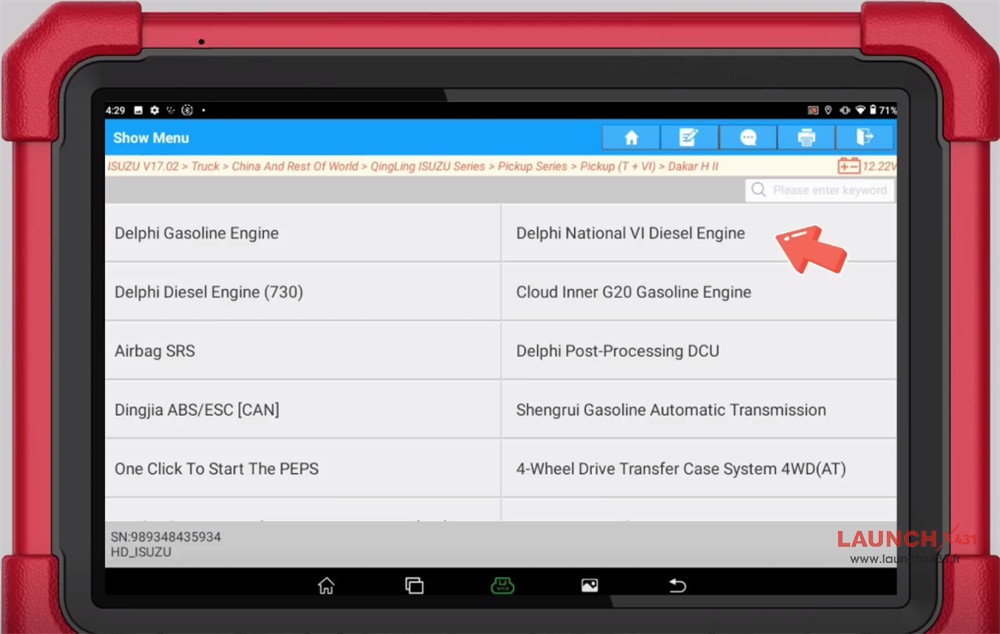
Select Truck-> China And Rest Of World-> QingLing ISUZU Series-> pickup (T+VI)-> Dakar HII
Select Delphi National VI Diesel Engine
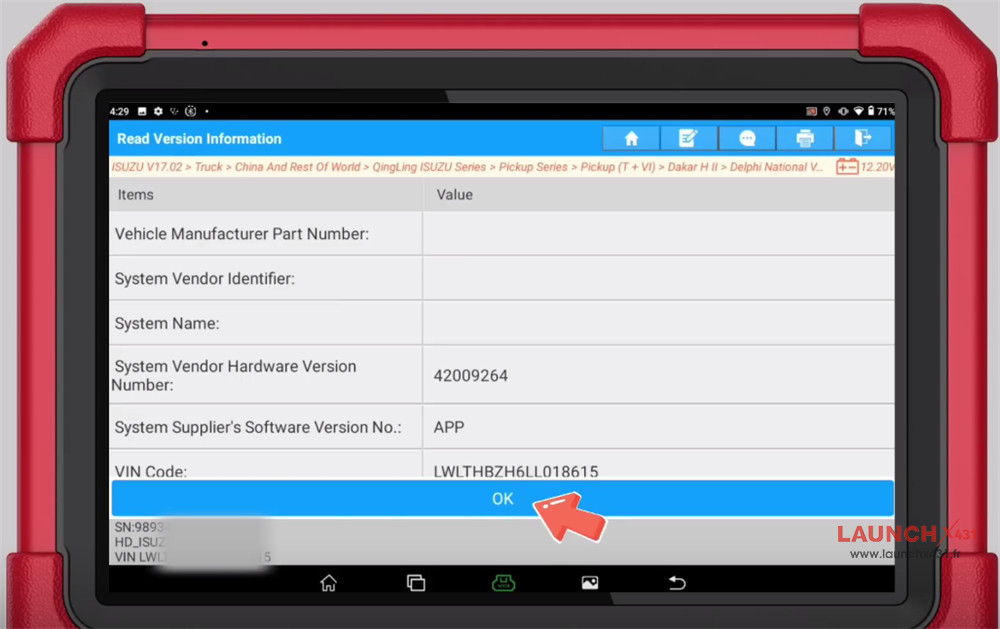
Confirm the vehicle info
Select “Read Fault Codes” to read the diagnostic fault codes
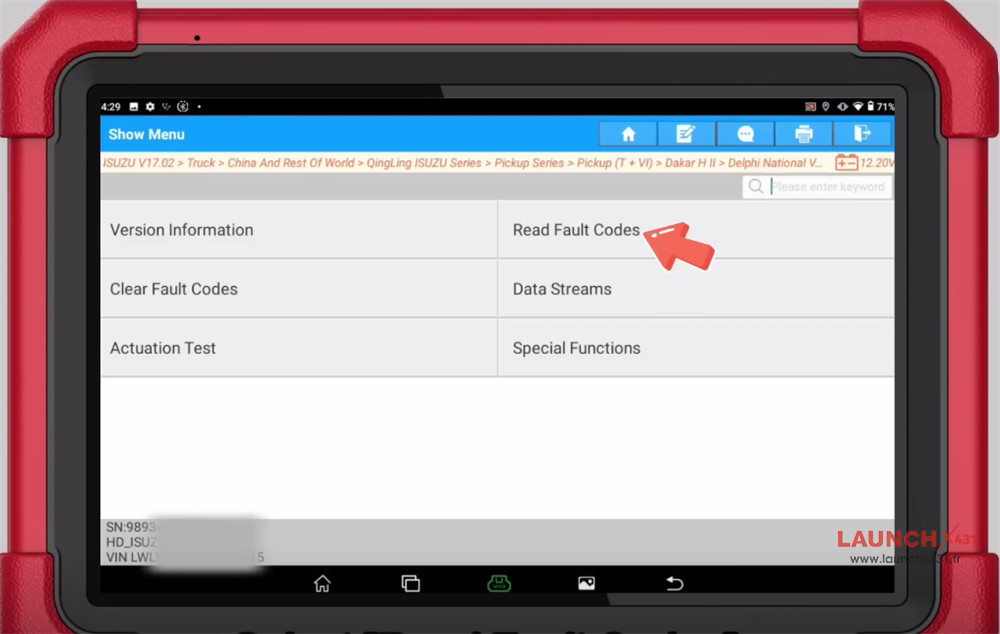
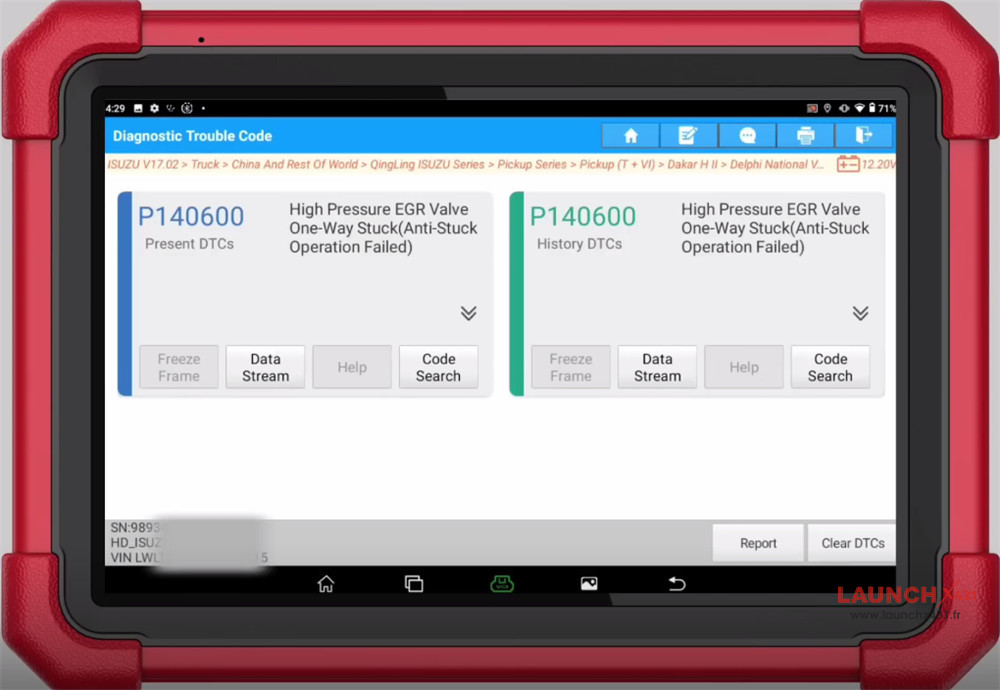
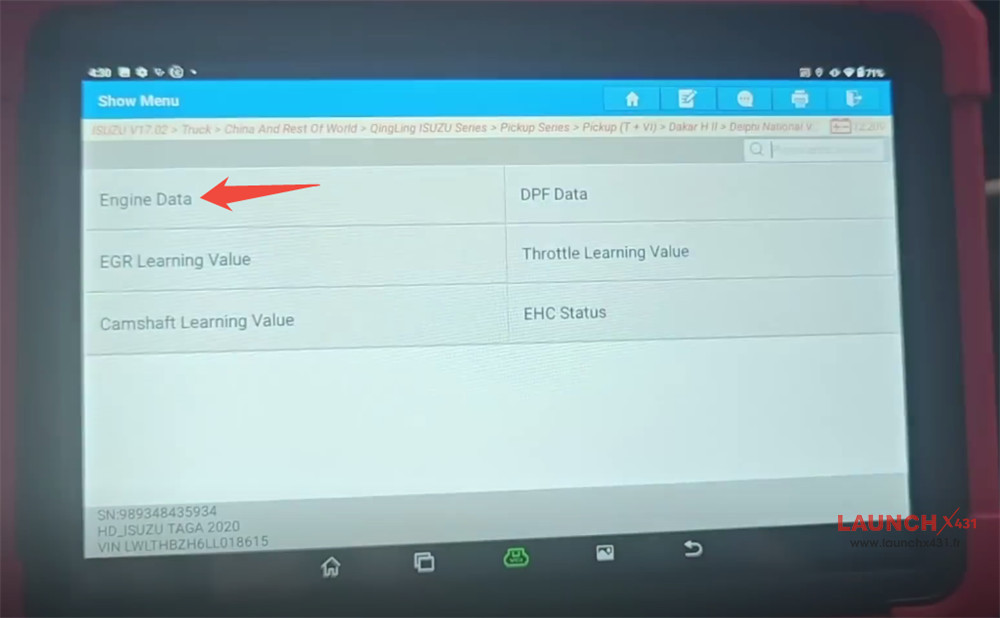
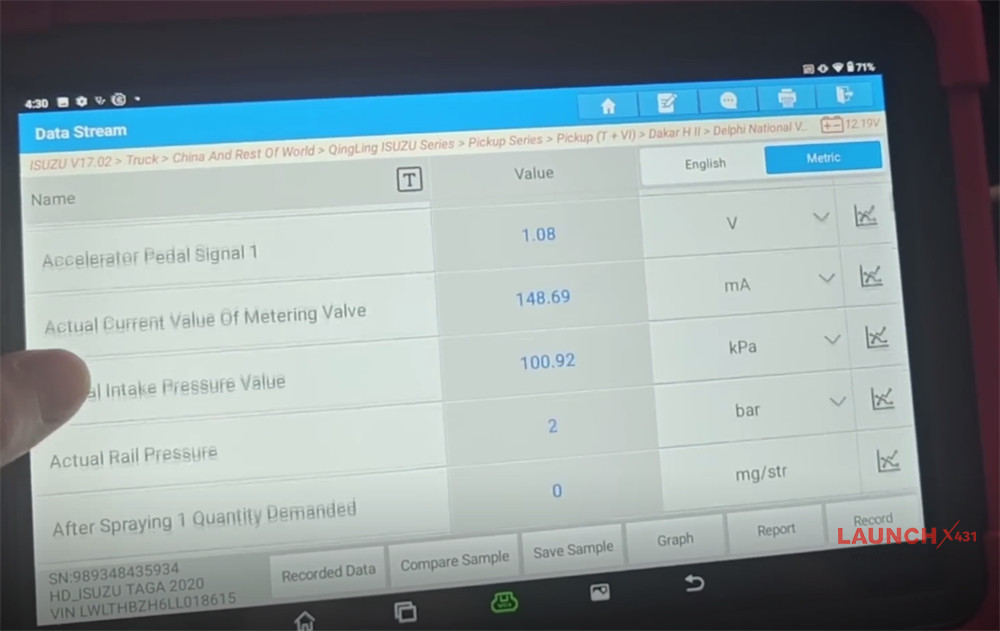
Select Data Streams-> Engine Data
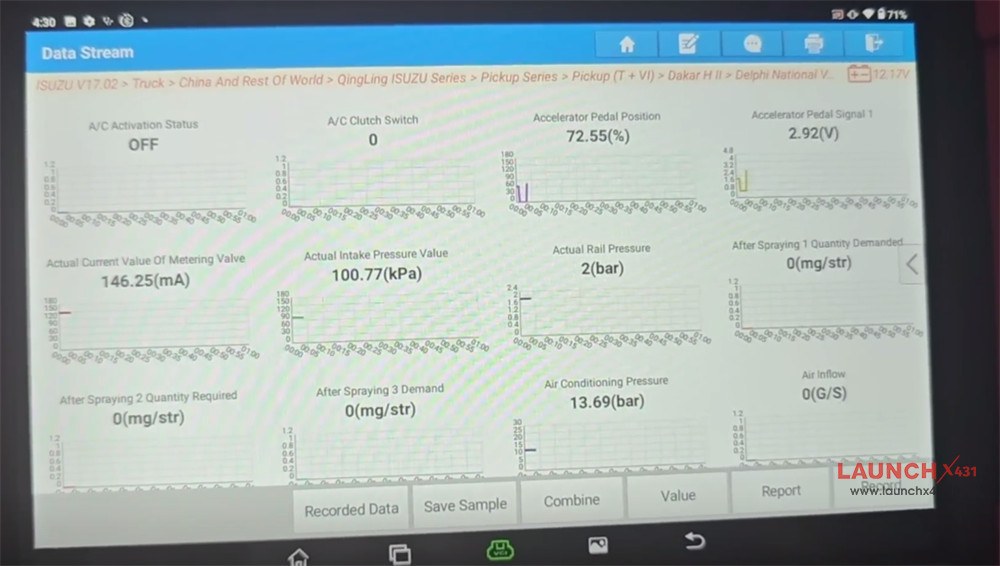
Click “Select All” to check the data streams required
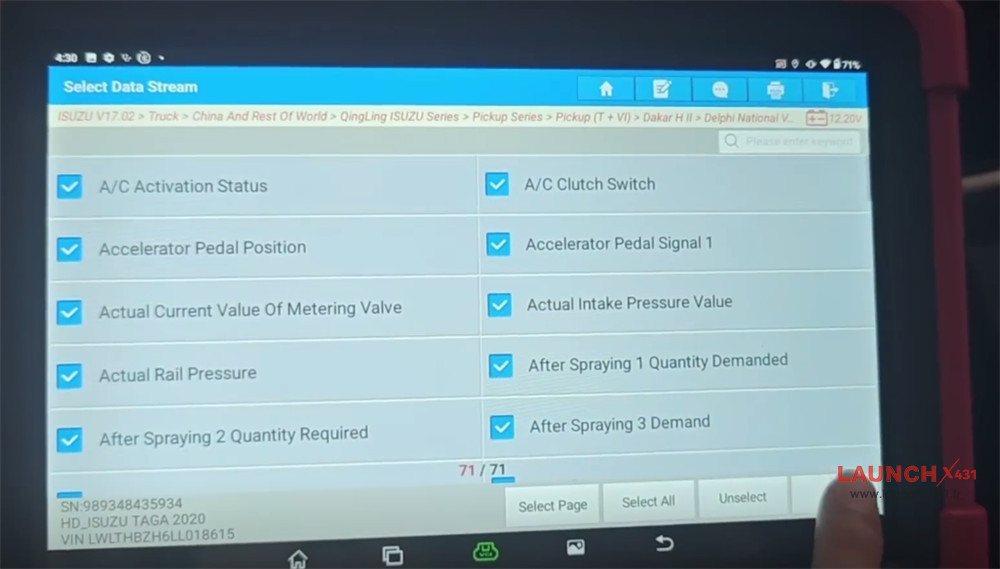
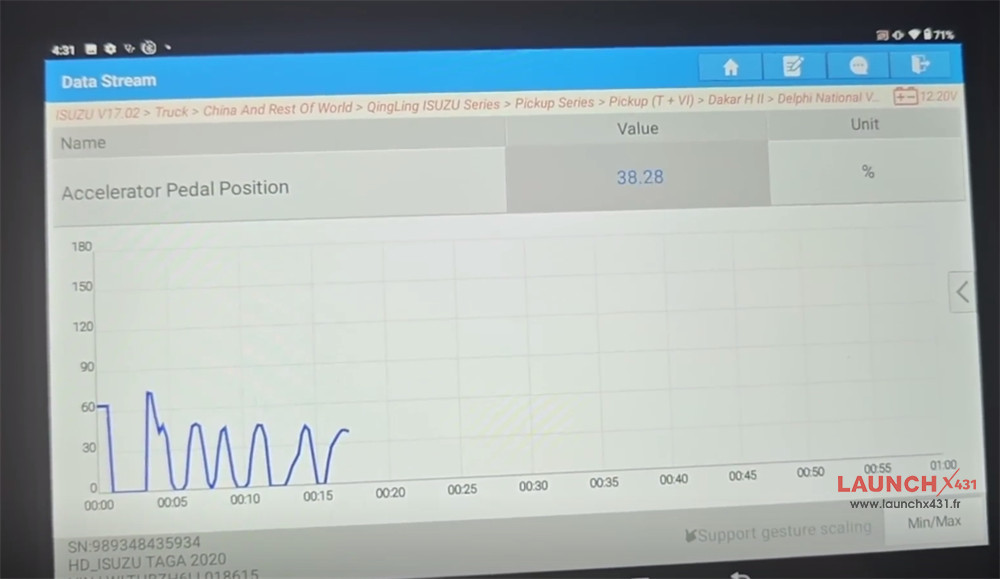
Click “Graph” to display the data as a line chart
Done!
Video guide: