





This post provides a comprehensive guide to performing an OBD light test on a 2021 Genlyon C6 with Launch X431 PAD5 LINK HD. Follow these steps to efficiently verify OBD indicator functionality and streamline your system fault diagnosis.
X431 PAD5 LINK HD= X431 PAD V Elite with SmartLink C and HD Truck Software Authorization Pack
X431 PRO3 LINK HD (V+ SmartLink HD) can perform this function on 2021 Genlyon C6 as well.
Step-by-step guide:
Navigate to Intelligent Diagnose
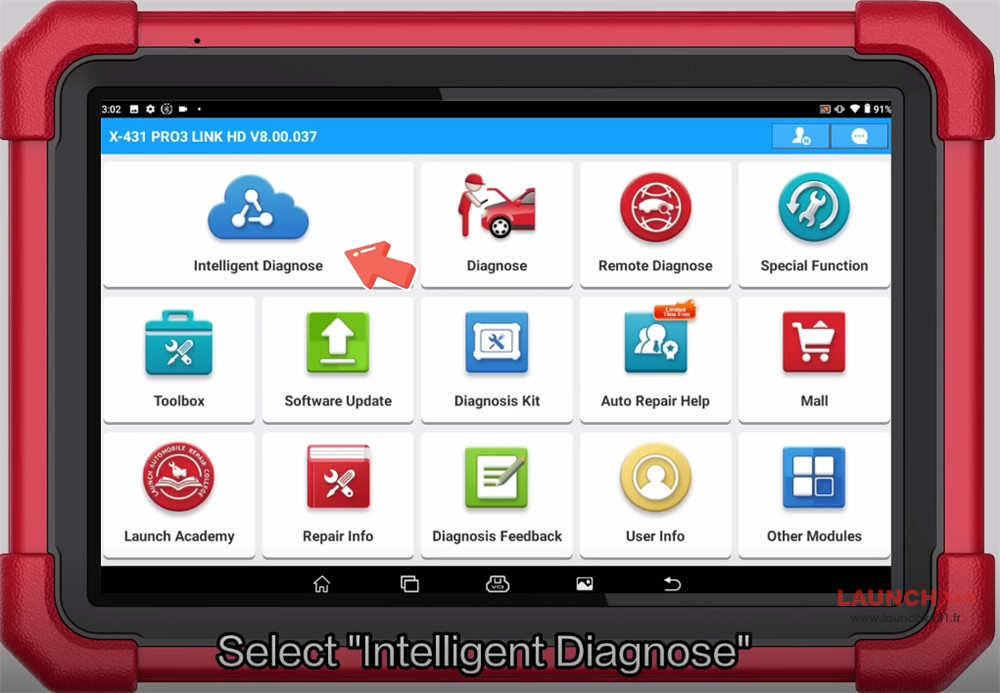
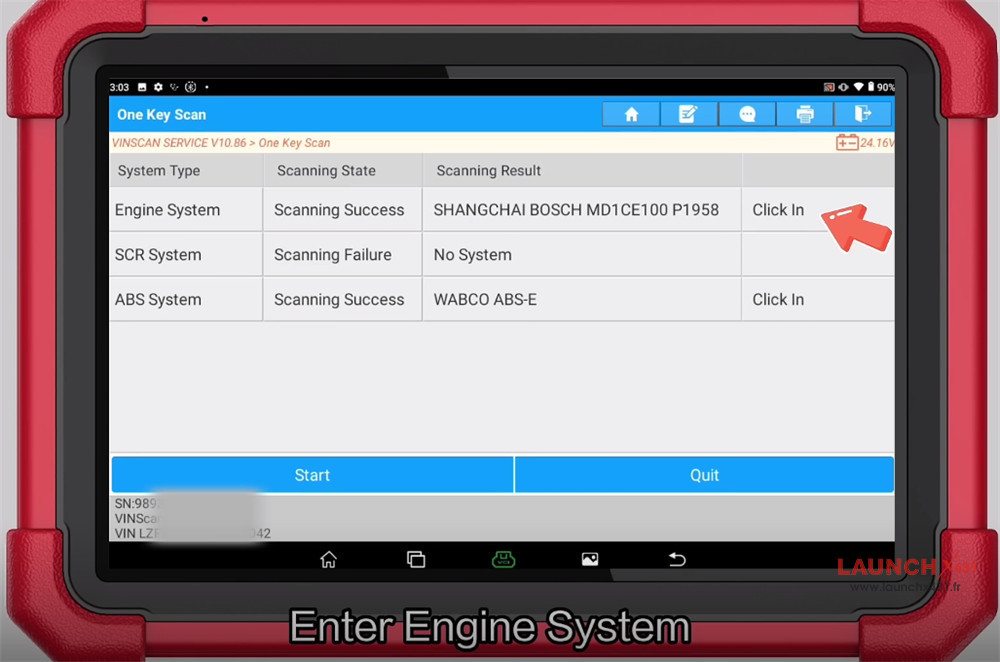
One key scan all vehicle systems
After scanning, select Engine System and “Click In”
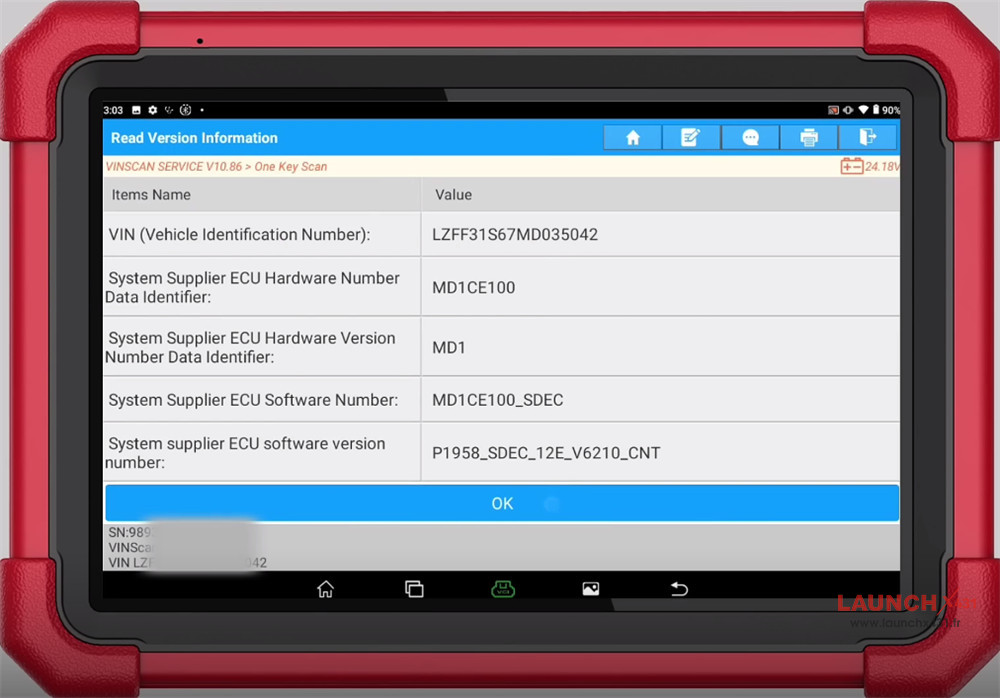
Confirm the vehicle info
Select Actuation Test-> OBD Light Test
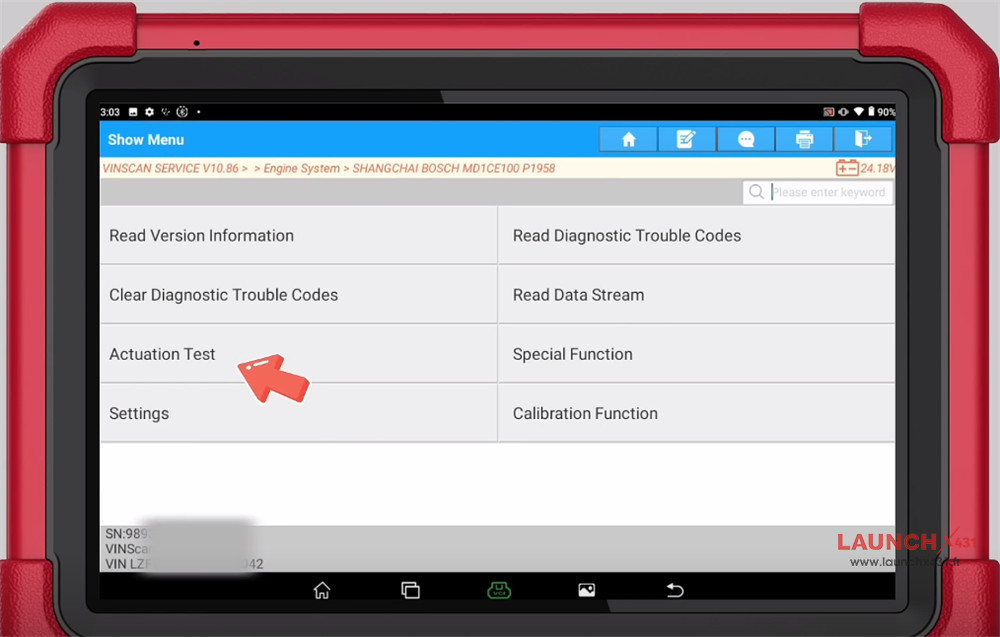
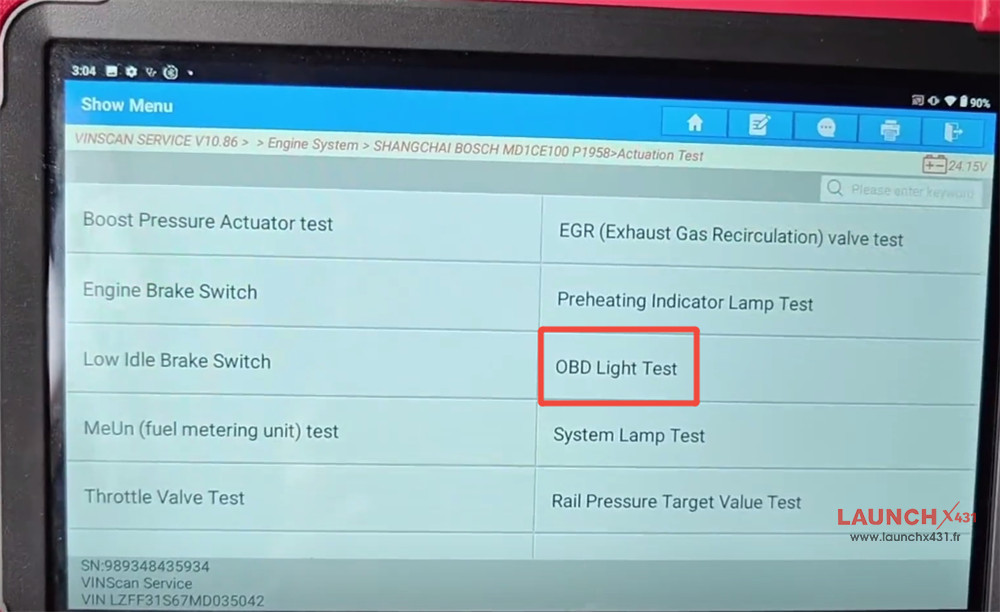
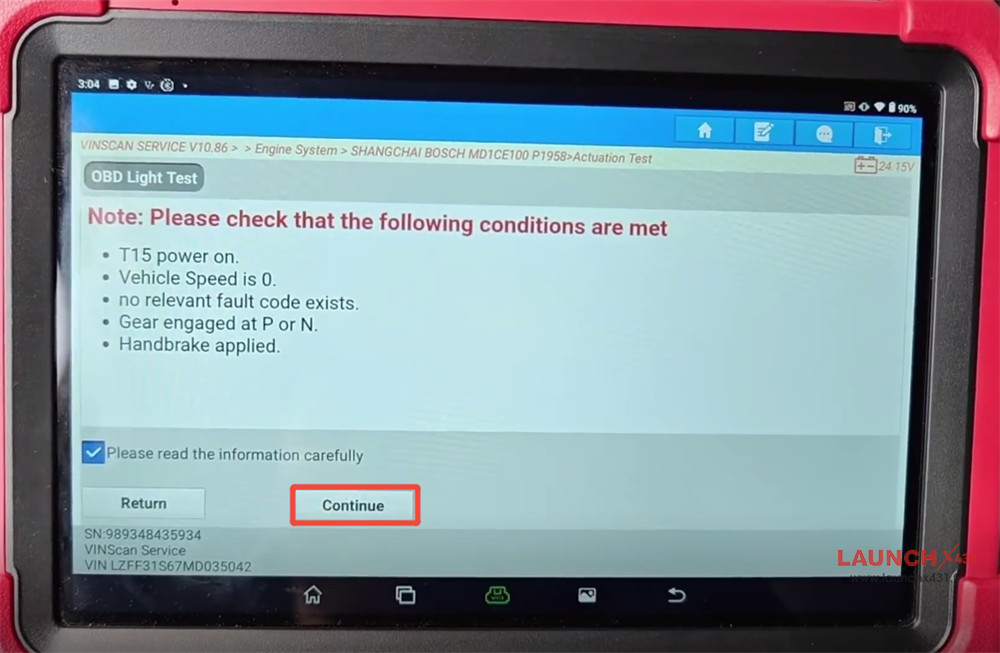
Note: Please check that the following conditions are met
- T15 power on.
- Vehicle Speed is 0.
- No relevant fault code exists.
- Gear engaged at P or N.
- Handbrake applied.
Click “Continue”
Select “Open”, and then the current command value turns to “Open”
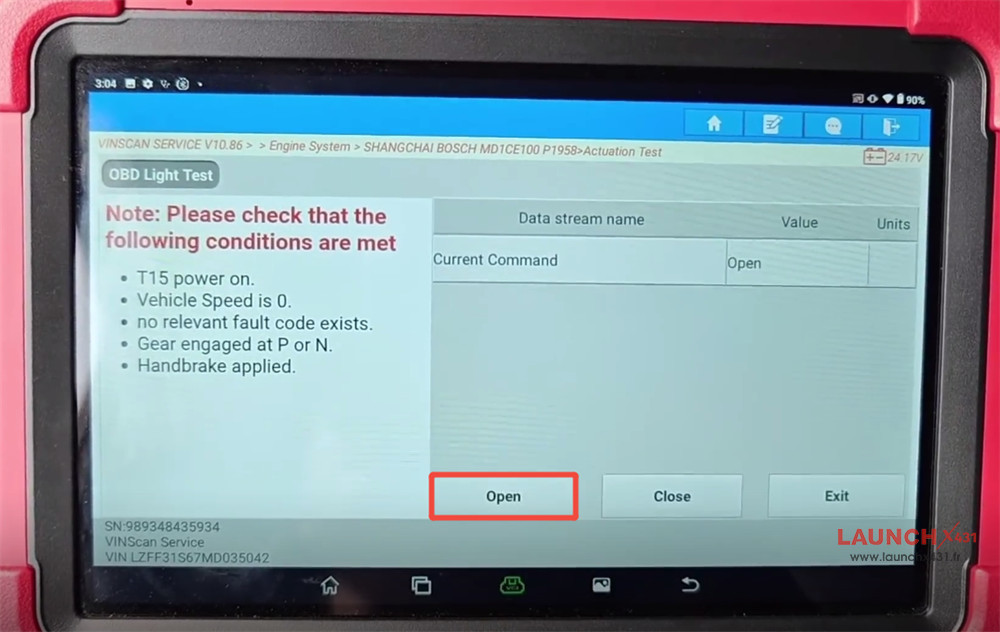
Select “Close”, and then current command value turns to “Close”
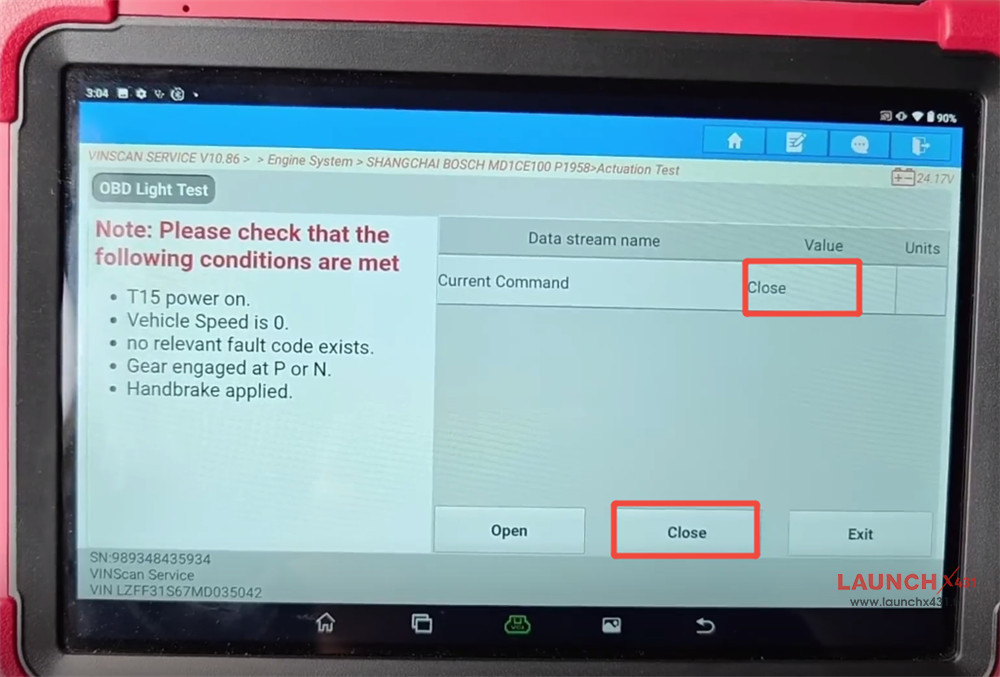
The operation is complete.
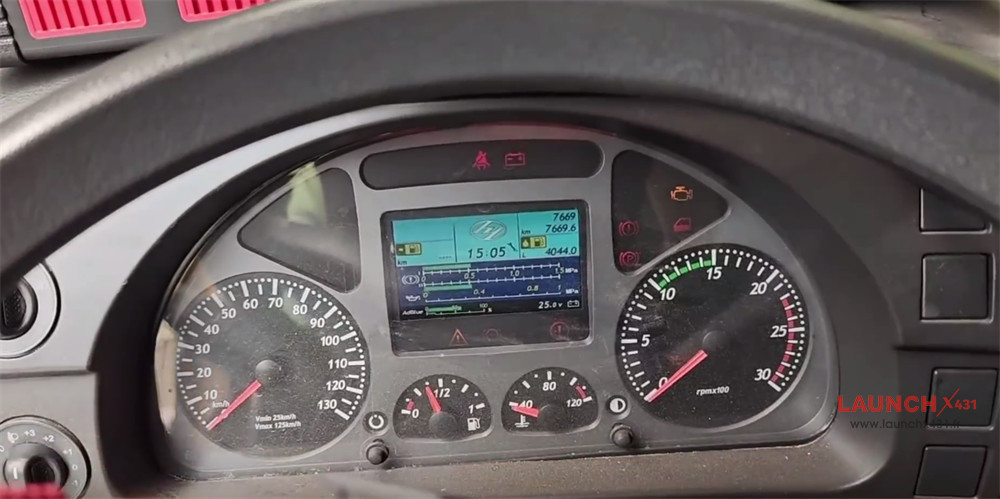
Video guide: