







Issue Description
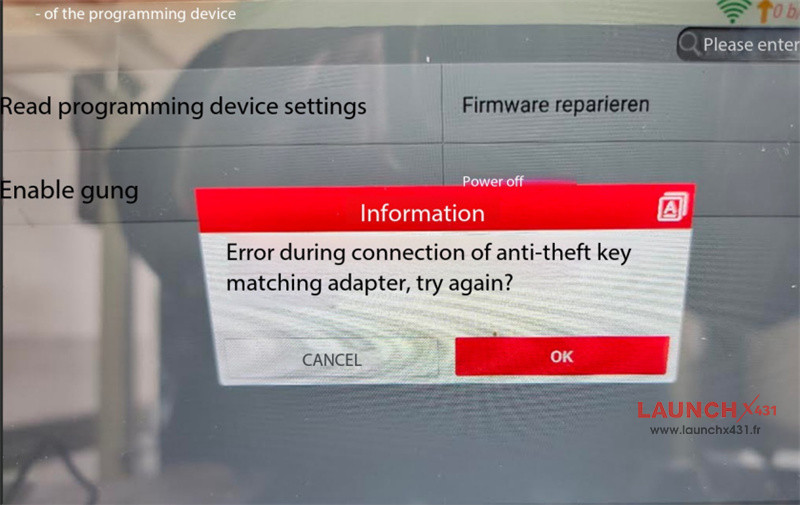
When using Launch X431 X-Prog5 (Prog5/G5) with Euro TAB II, the tablet displays:
“Error during connection of anti-theft key matching adapter, try again?”
This error persists even after updating the firmware through a PC.
Repair Procedure
If X-Prog5 Programmer fails to connect or the red power light stays on continuously after programmer is connected to the power supply, perform a forced firmware recovery:
1.Ground both B2 and B4 terminals to the GND pin on the panel.
2.Open the Programmer interface and click Firmware repair.
3.Reconnect the device to test functionality.
If the repair fails, the hardware circuit may be damaged. Contact your dealer for replacement options.
Tech support:
E-Mail: sales@LaunchX431.fr
WhatsApp: +86 18750906257