



Learn how to adjust BCM user options on a 2025 KIA Sorento (MQ4) using Launch X431 diagnostic tool.
Function Description:
This function allows users to adjust factory-reserved personalized configurable parameters within the BCM (Body Control Module). It does not modify core powertrain programs and only adapts to the owner’s usage habits.
Supported Tools:
All comprehensive Launch X431 diagnostic scanners:
X431 V+ SmartLink HD (PRO3 LINK HD)
And more
Note:
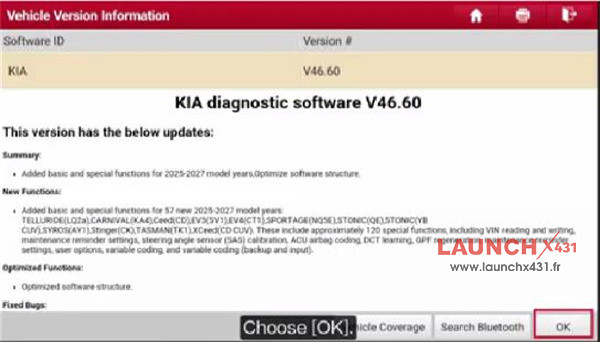
Ensure the KIA diagnostic software is V46.60 or above in your X431 tool
Go to 2025 KIA Sorento(MQ4)→ BCM → Special Function to check if there is BCM User Options
Simple operation guide:
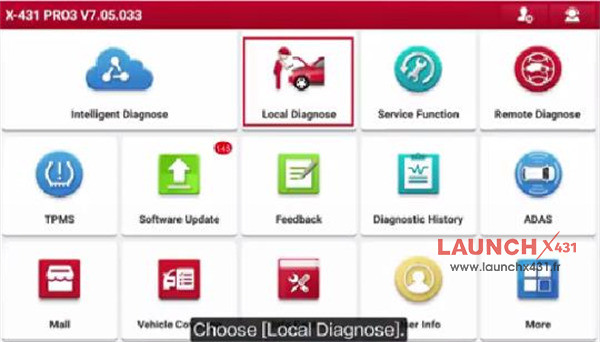
Navigate to Local Diagnose-> KIA-> KIA diagnostic software V46.60 or above
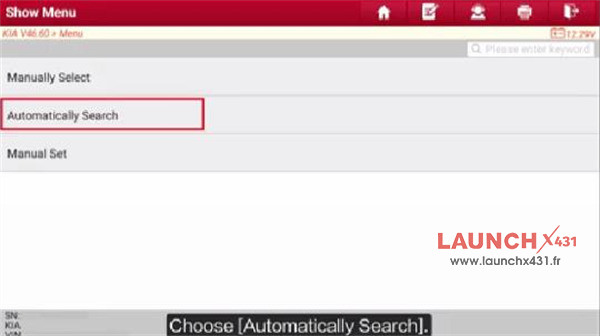
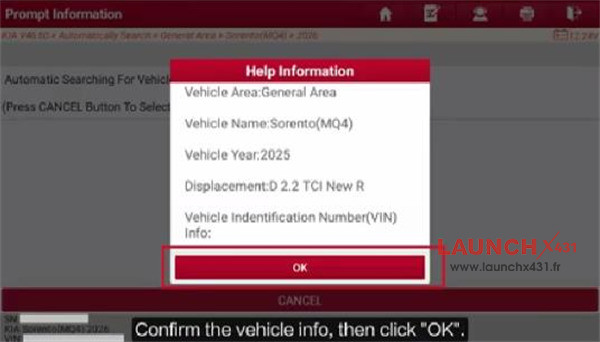
Select Automatically Search and confirm the vehicle info identified
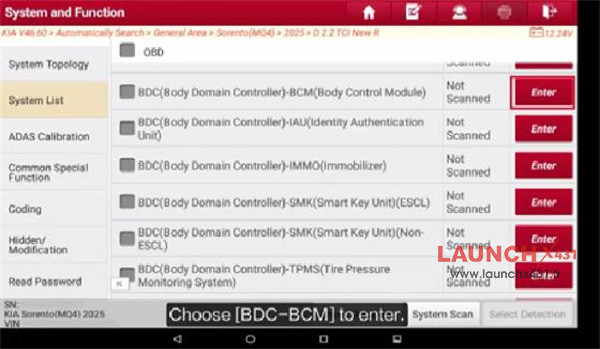
Choose BDC-BCM to enter
Select Special Function-> User Option
Read the Help information
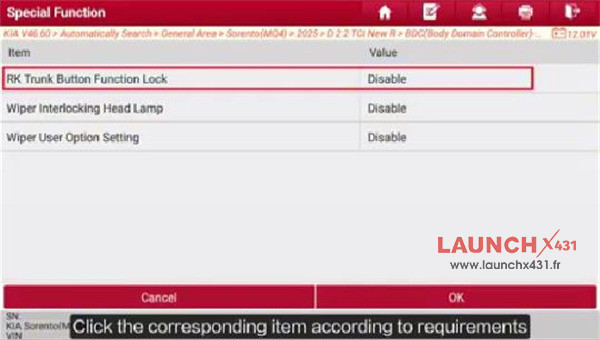
Select the corresponding item according to requirement (such as RK Trunk Button Function Lock)
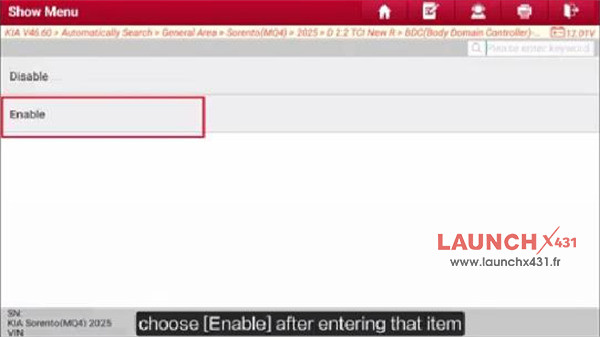
Choose Enable after entering that item
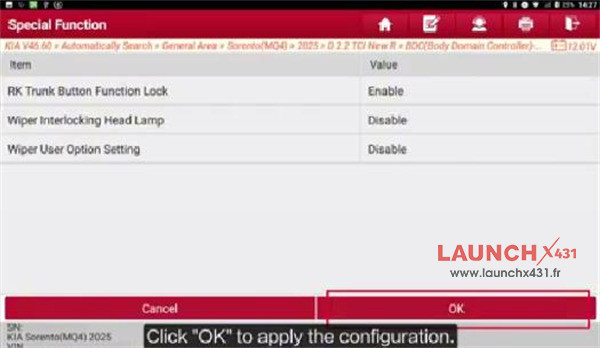
Click OK to apply the configuration
Done!
Video guide: