



If your new LAUNCH X431 XPROG5 (G5) works via USB on a PC but fails to connect to X431 PAD VII, the issue is software compatibility. Because XPROG5 is a 2026 hardware release, older X431 tablet software cannot recognize it.
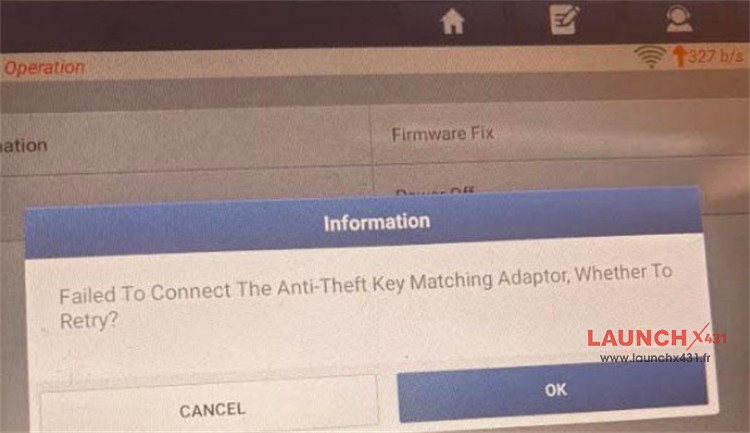
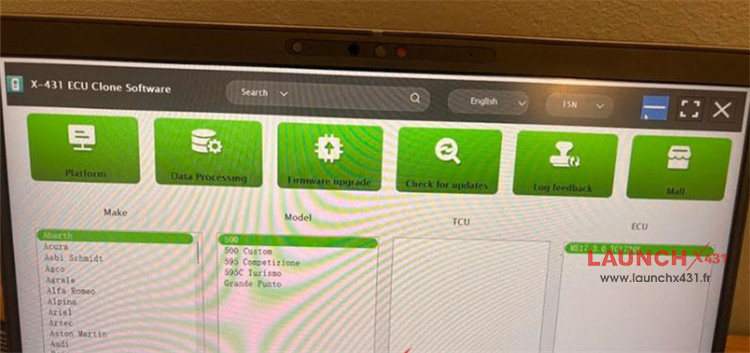
Why XPROG5 Fails to Connect
X-PROG5 requires updated tablet software to establish communication. If an older XPROG3 (G3) connects normally to your PAD7, your tablet hardware is working fine. The system simply lacks the driver support required for the newer G5 device.
How to Resolve the Connection Issue
Option 1: Update the X431 Software
1.Connect your X431 PAD VII Elite to Wi-Fi.
2.Open the Software Update menu.
3.Select and download the latest diagnostic package (Version 8.0 or higher).
Option 2: Reinstall the App via APP Init
1.If the standard update does not resolve the issue or fails to load:
2.Uninstall the current X431 application from your tablet.
3.Open the APP Init program located on the desktop screen.
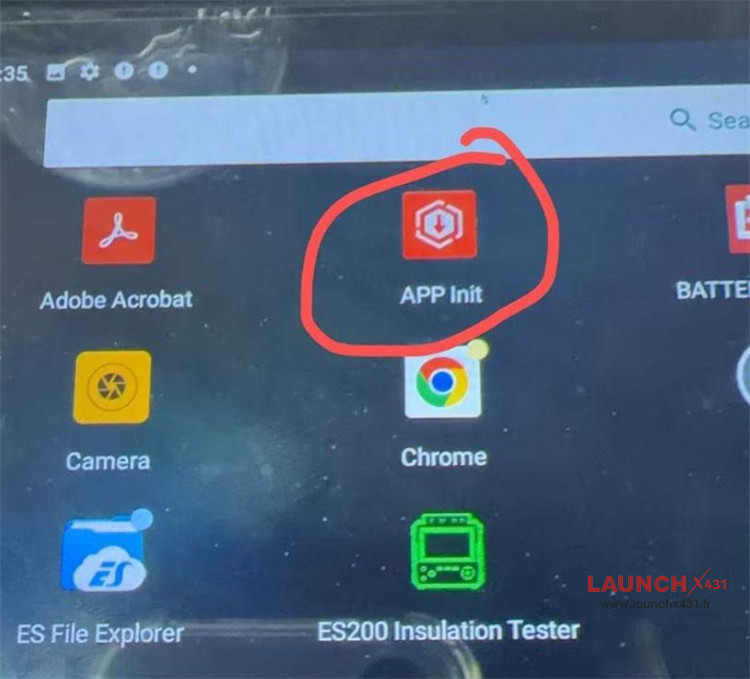
4.Download and install the updated application version.
5.Reconnect Launch G5 to verify communication.
Tech support:
Email: sales@launchx431.fr
WhatsApp: +86 18750906257