





Programming keys for late-model Ford vehicles requires a stable diagnostic pipeline and precise step-by-step execution. In this guide, we walk you through the complete procedure to program a Ford Edge (2017+) smart key using LAUNCH X431 IMMO PLUS/ IMMO Elite/IMMO Pro.
Follow this verified workflow to complete the job efficiently while ensuring a secure, error-free link to the vehicle’s immobilizer system.
Step 1: Generate Remote
Before attempting to learn the key to the vehicle, you must prepare the transponder blank using your Launch software utility:
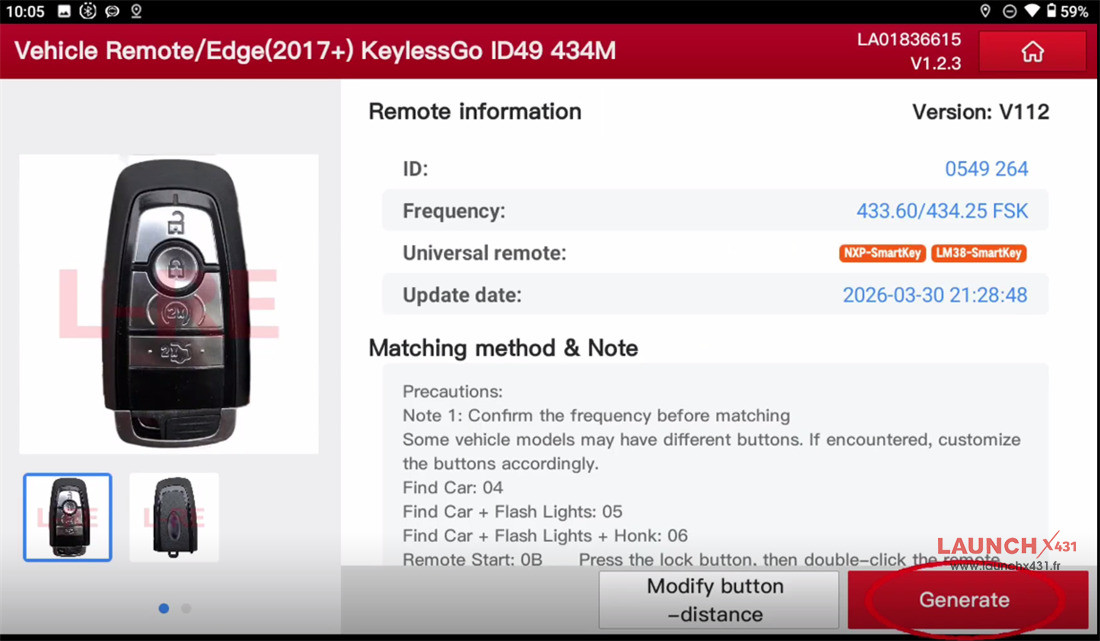
1. Navigate to Vehicle Remote ➔ Ford ➔ All Remote.
2. Select Edge (2017+) KeylessGo ID49 434MHz.
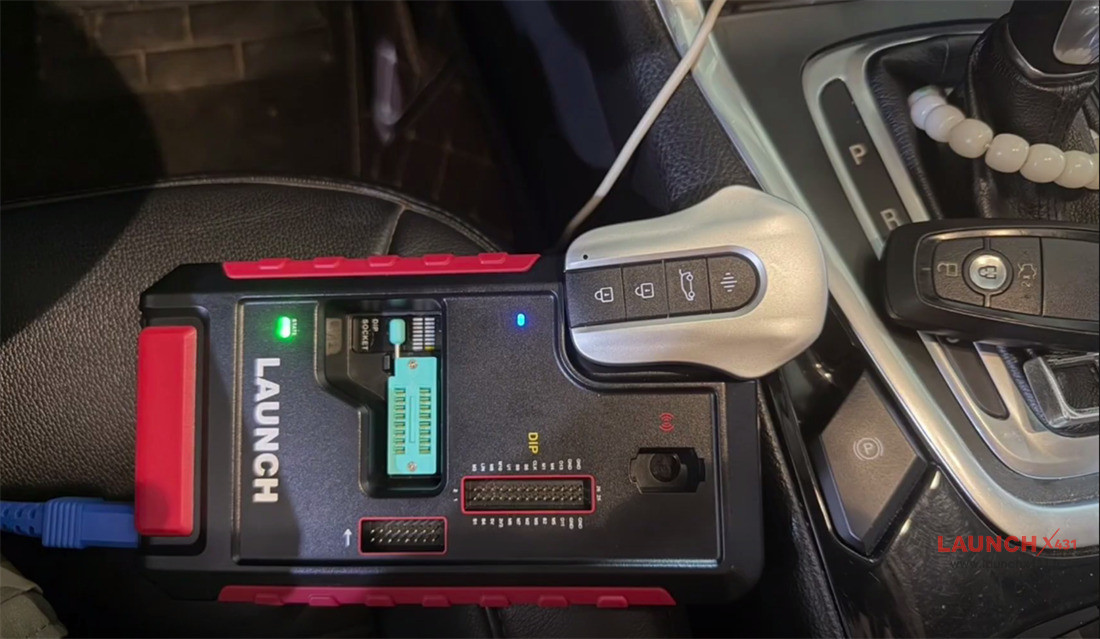
3. Put the key on the detection area of X431 X-Prog3 programmer
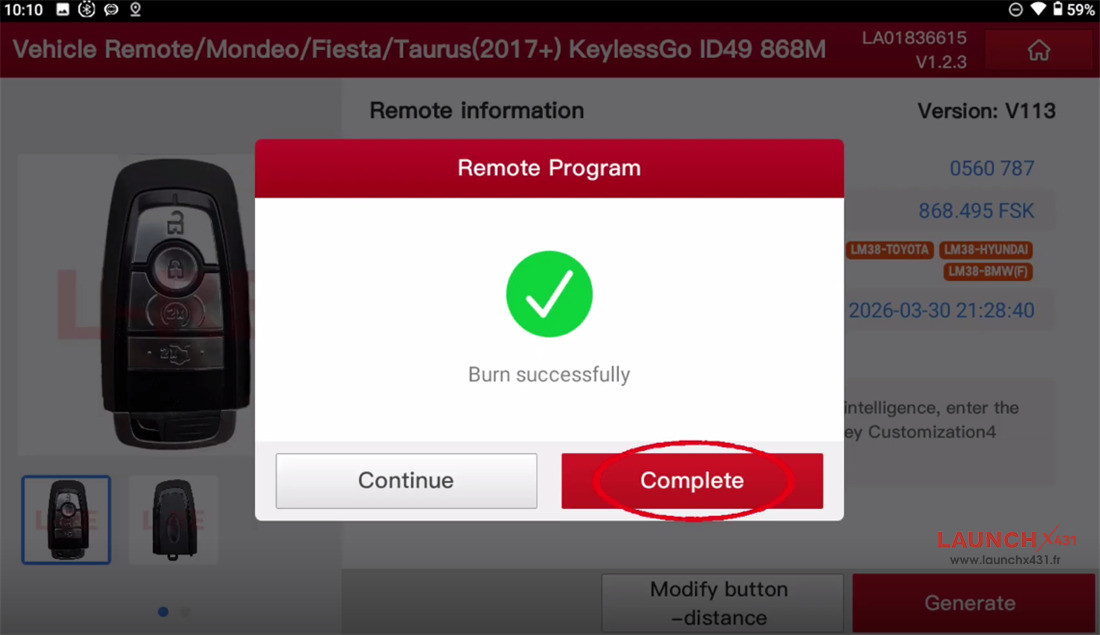
4. Click Generate and wait for the tool to write the correct remote configuration to the blank key.
Step 2: Program Key via OBD
With the remote data successfully generated, connect your Launch VCI to the vehicle’s diagnostic port and follow these steps:
1. Select Ford and launch the Ford Anti-theft Software (V10.55 or higher).
2. Go to Anti-theft Key Matching and select Automatically Search to read the VIN.
3. Verify and confirm the detected vehicle information.
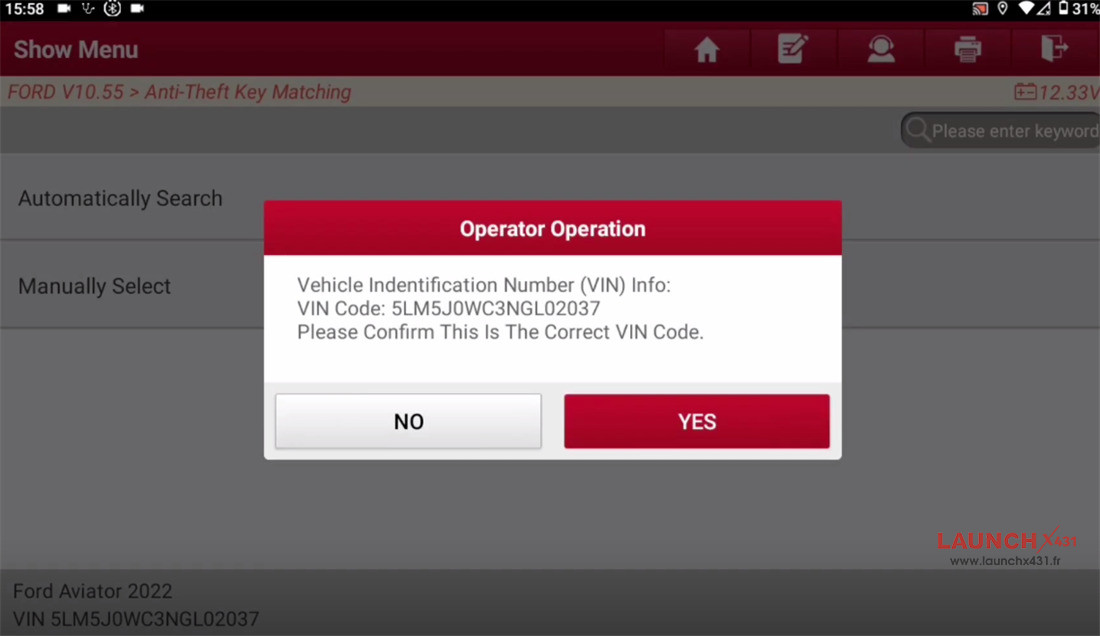
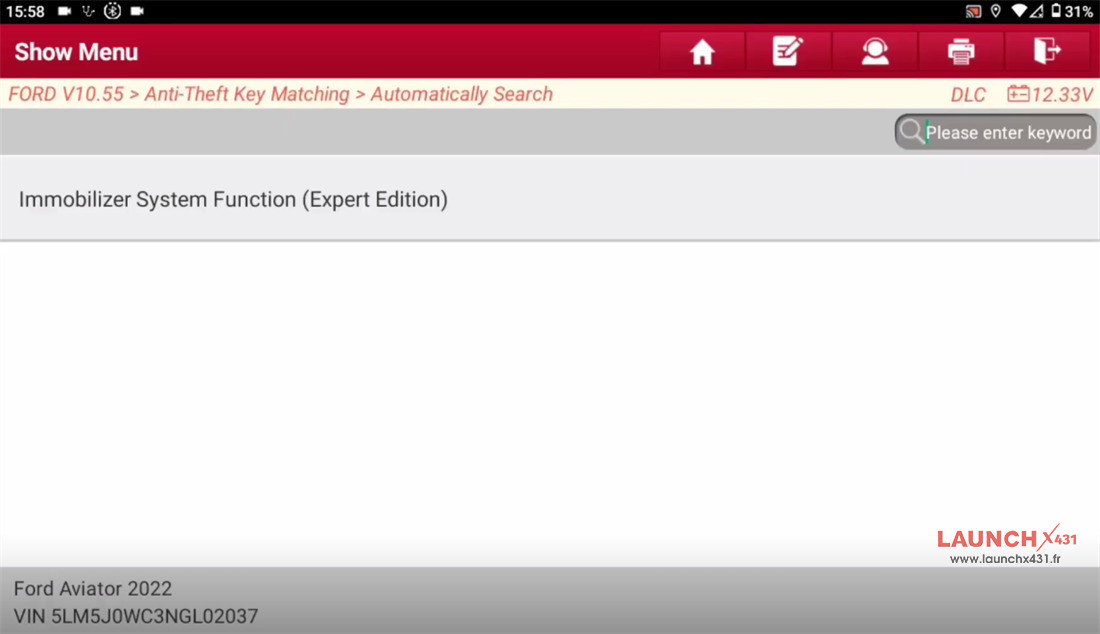
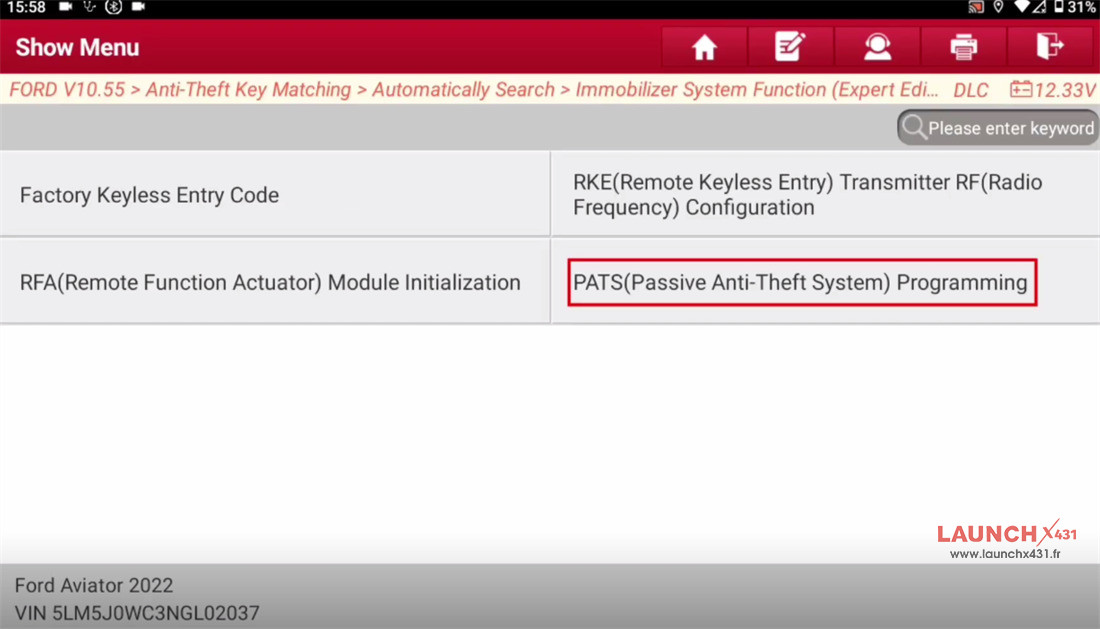
4. Select Immobilizer System Function (Expert Edition), then enter the PATS (Passive Anti-theft System) Programming menu.
5. Run a Count Keys check to verify the number of keys currently registered in the module.
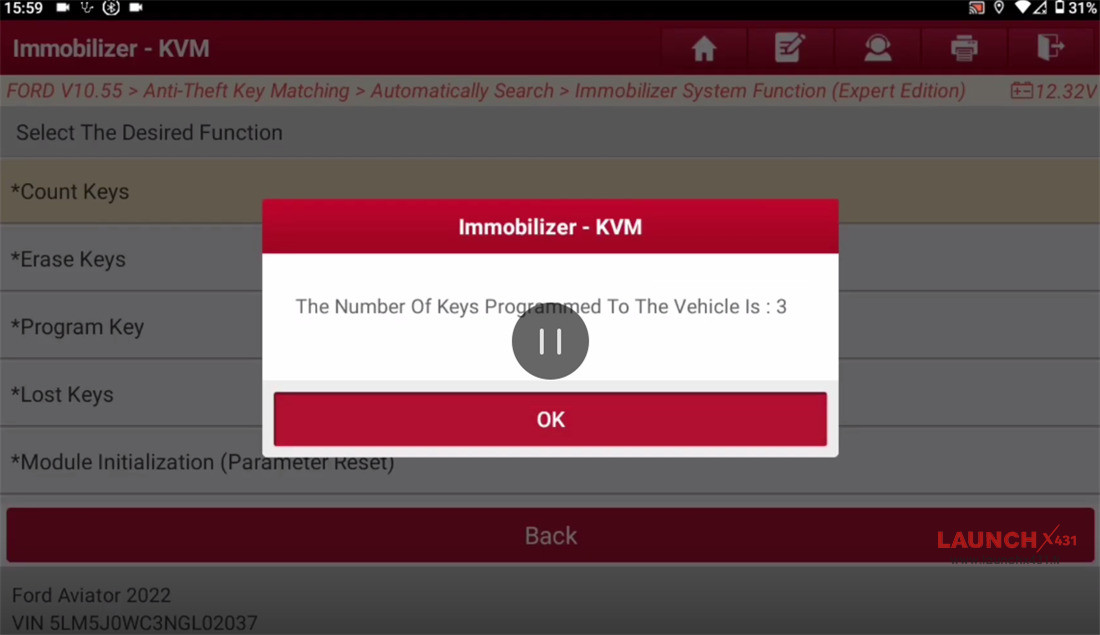
6. Execute Erase Keys if you are performing an “All Keys Lost” procedure or clearing out old keys.
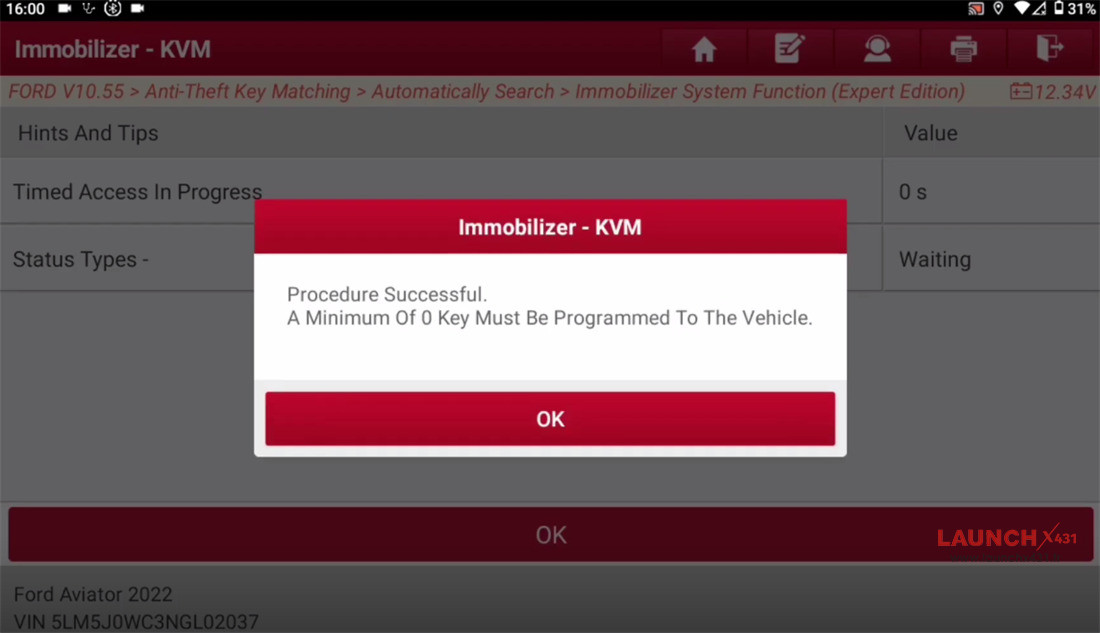
7. Select Program Keys and follow the on-screen prompt to place the new smart key into the vehicle’s backup slot (induction coil).
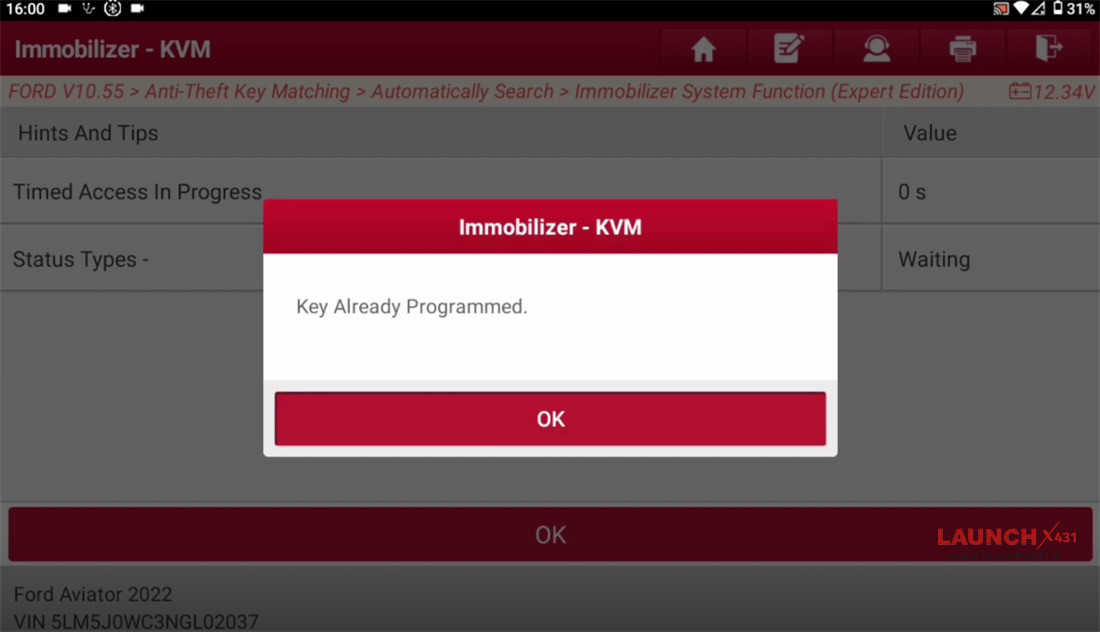
8. Select Lost keys and follow the on-screen prompt to operate
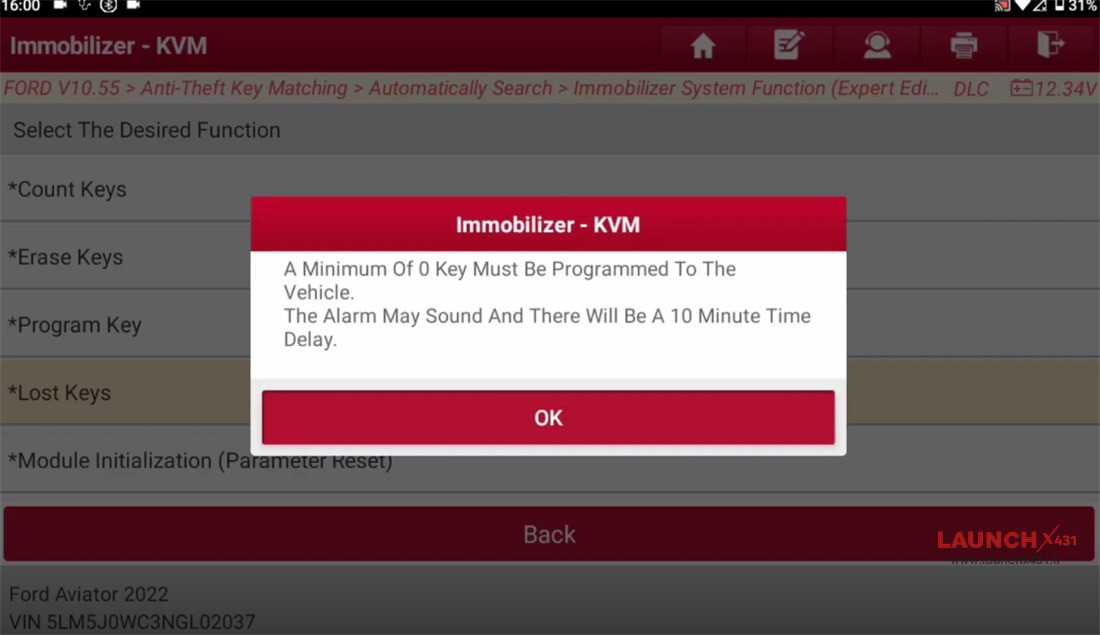
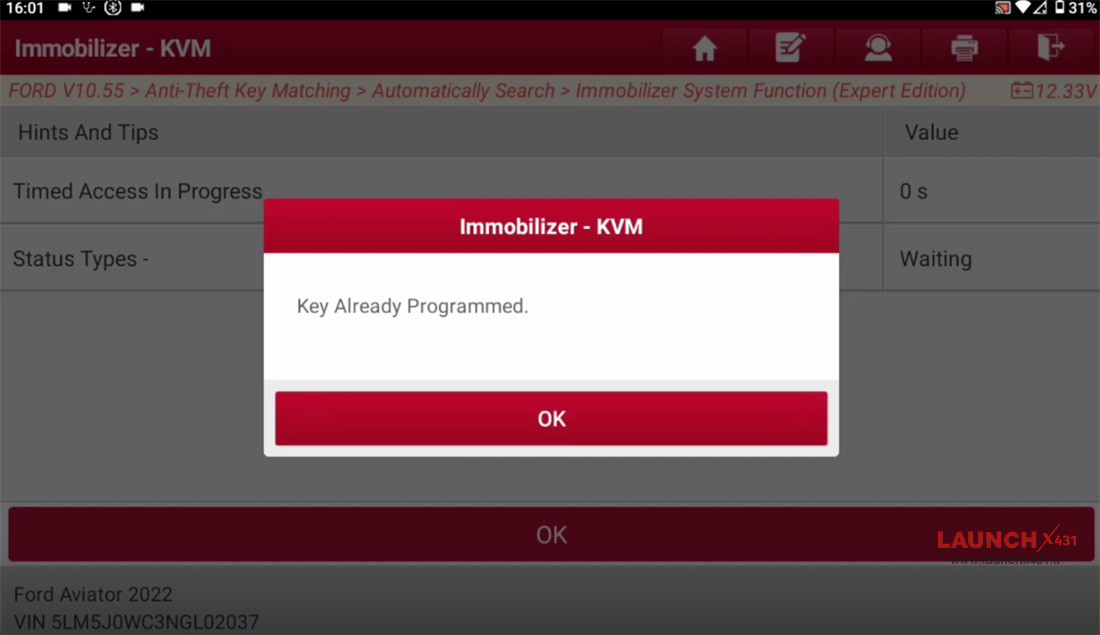
9. Finally, perform a Module Initialization (Parameter Reset) to fully synchronize the newly programmed hardware with the vehicle’s central BCM and PCM.
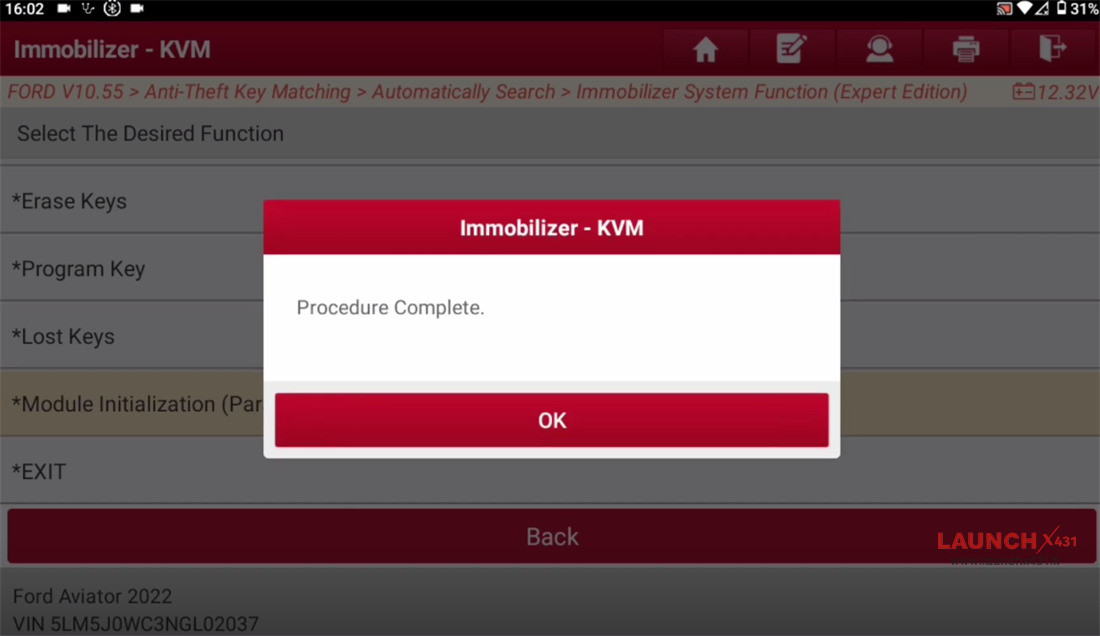
Test the lock/unlock remote functions and ensure the vehicle starts up smoothly. The job is complete!
Video guide: