



Problem:
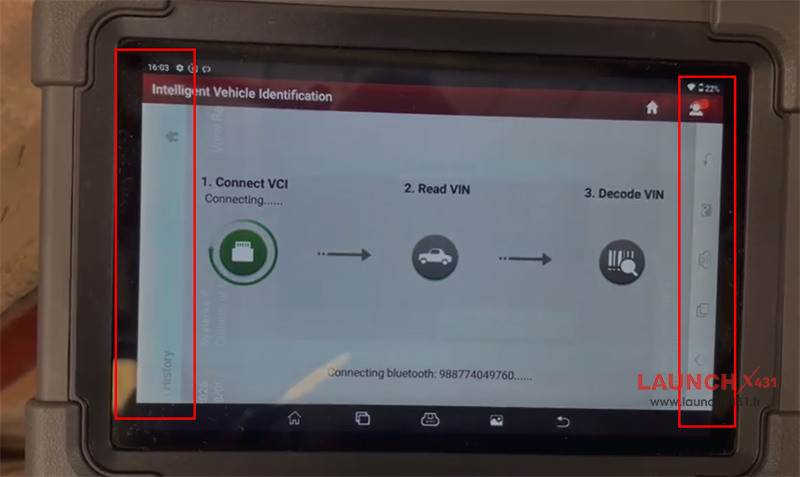
One customer reported that he used Launch X431 IMMO Plus to read VIN OK, but the screen appeared menu buttons on the left and right sides of the device.
LaunchX431.fr Engineer’s Solution:
Step 1: Restore X431 IMMO Plus tablet to factory settings
Select [Setting] on the home page
Select System>> Advanced>> Erase all data (factory reset)>> Erase all data
Step 2: Download and install X431 APP
Step 3: Update Software
Navigate to the [Software Update] section on the main menu to update diagnostic software.
Tech support:
1. Email: sales@launchx431.fr
2. WhatsApp: 187 5090 6257
www.launchx431.fr