




All Launch X431 comprehensive diagnostic tools support fuel pump power control module configuration on a 2021 GM Suburban after replacing. This guide uses Launch X431 PRO3 LINK HD (X431 V+ SmartLink HD) to walk you through the steps.
Function Description:
This function needs to be performed after replacing the fuel pump power control module.
Tested Model:
2021 / GM / Suburban
Supported equipment:
All Launch X431 diagnostic tools
Simple guide:
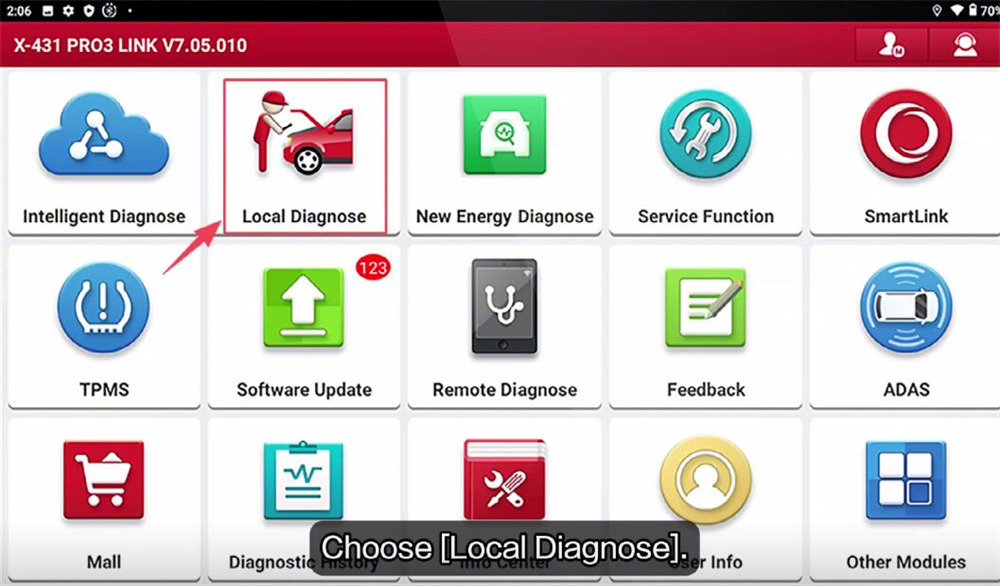
Navigate to “Local Diagnose” on the main menu
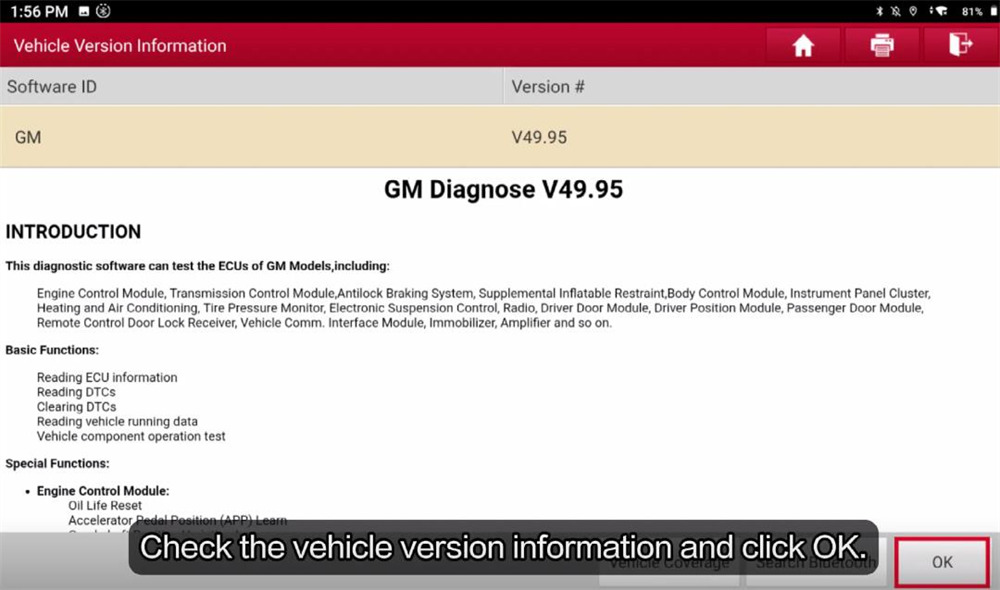
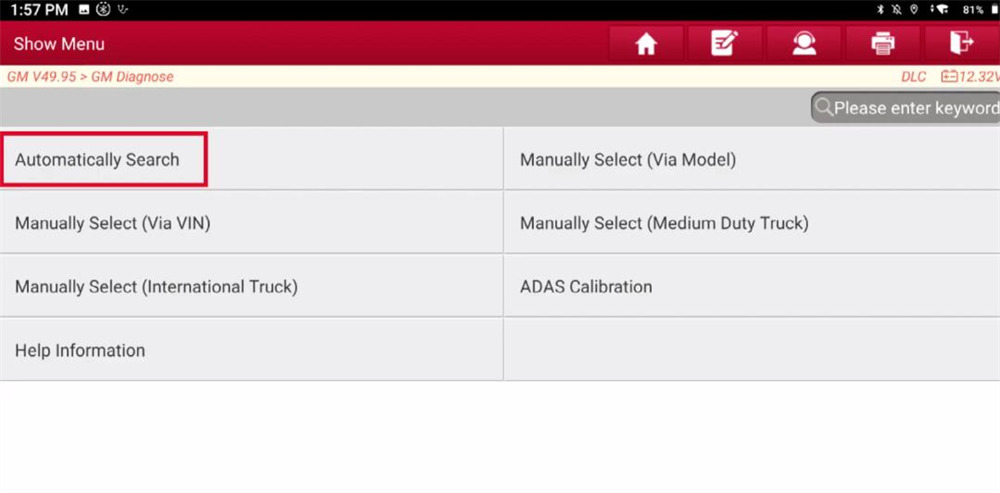
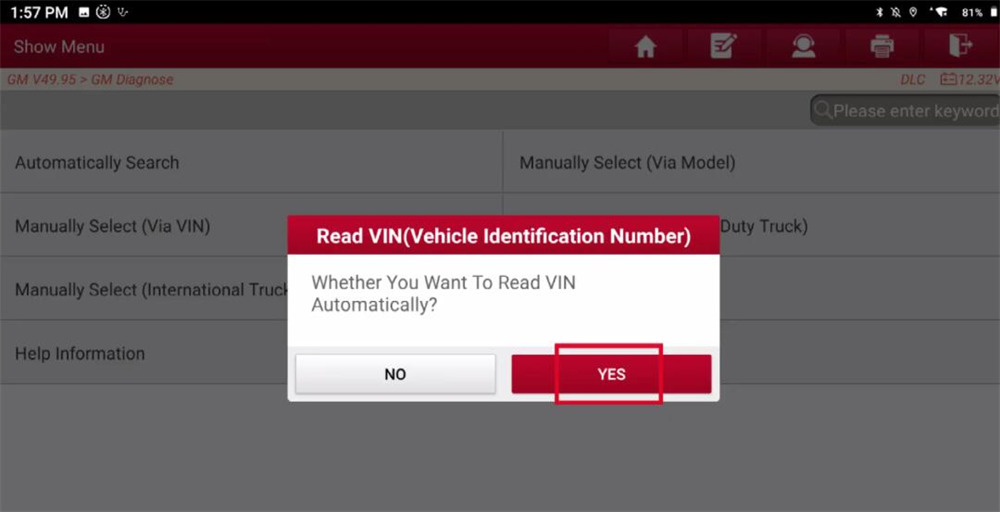
Select GM-> GM V49.95-> Automatically Search
Click “YES” to read VIN automatically
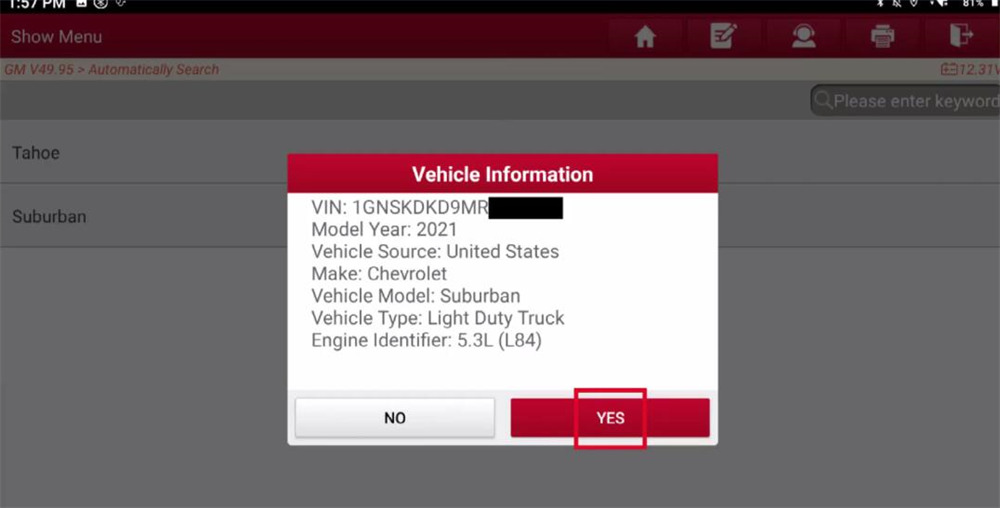
Click “YES” to confirm the vehicle info
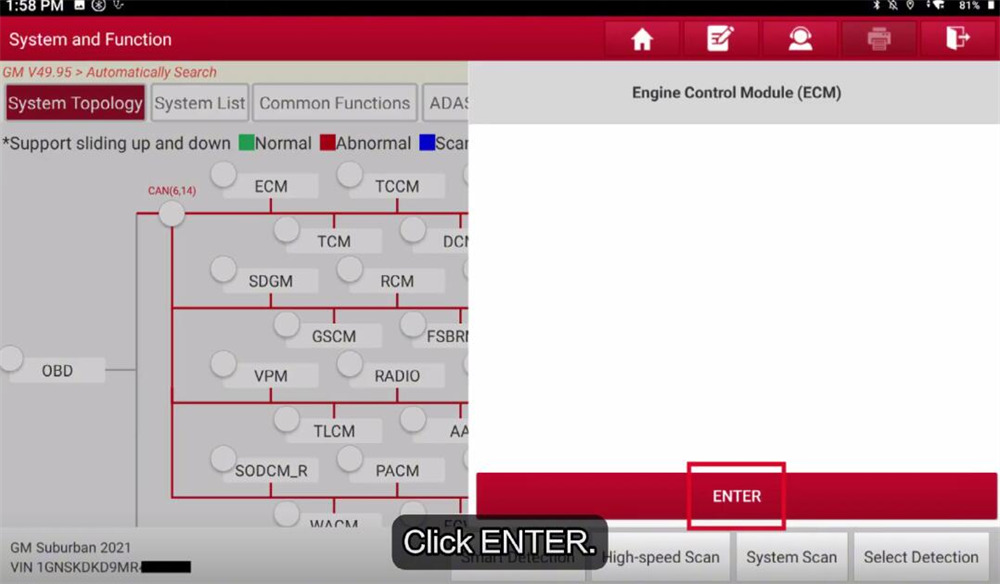
Select [ECM] and click “ENTER” to access the system
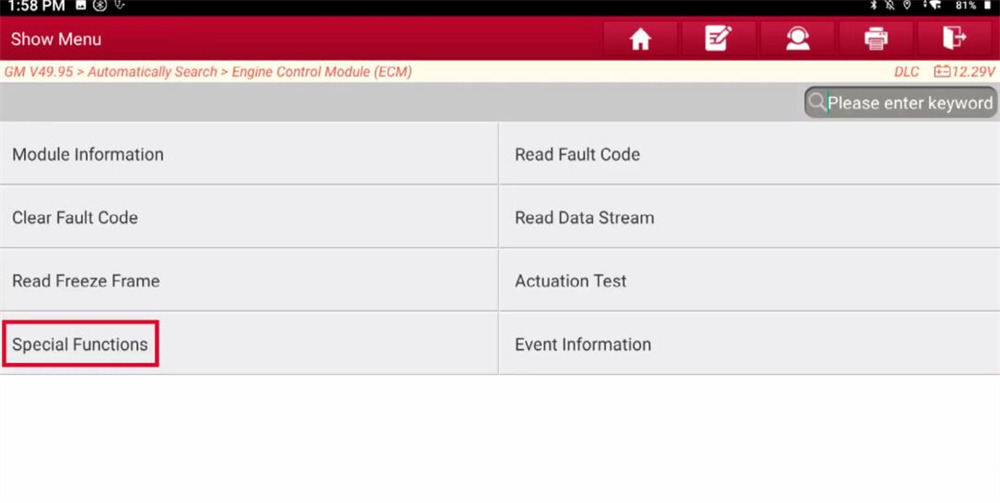
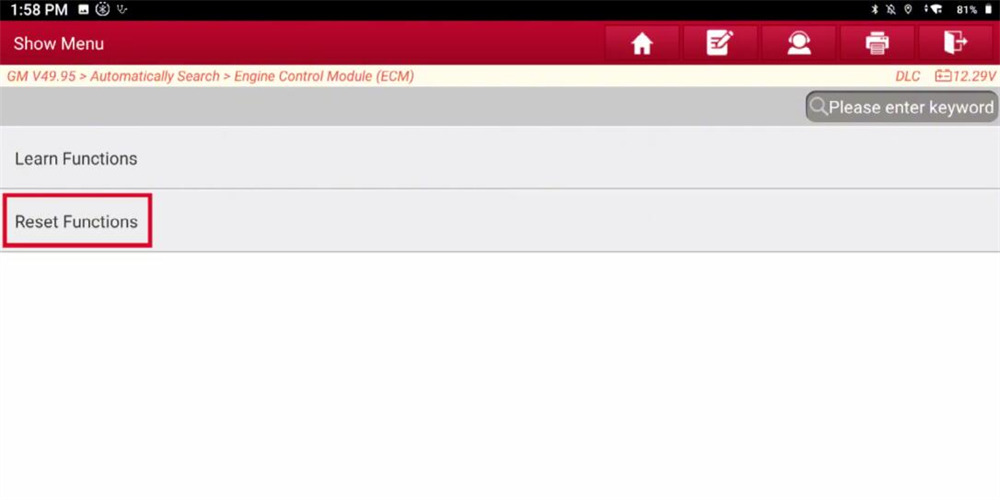
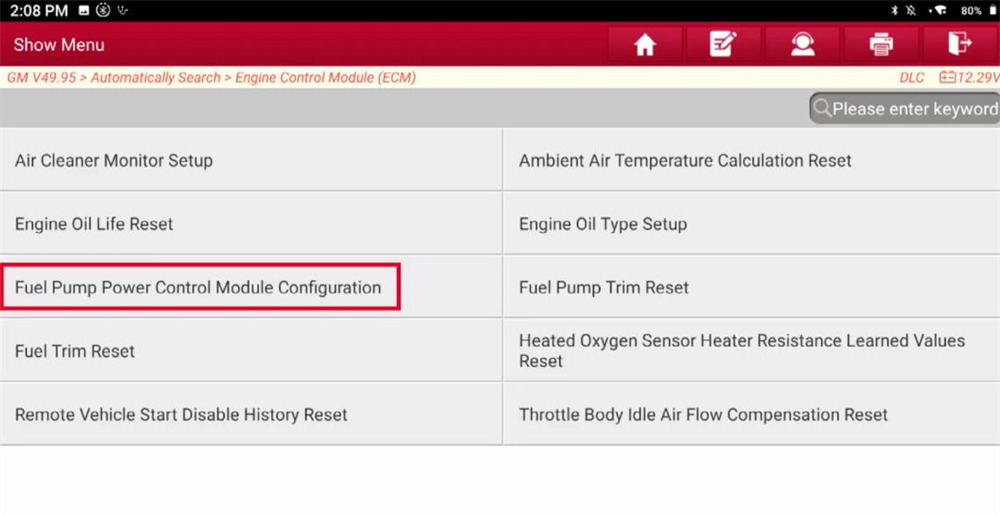
Choose Special Functions-> Reset Functions-> Fuel Pump Power Control Module Configuration
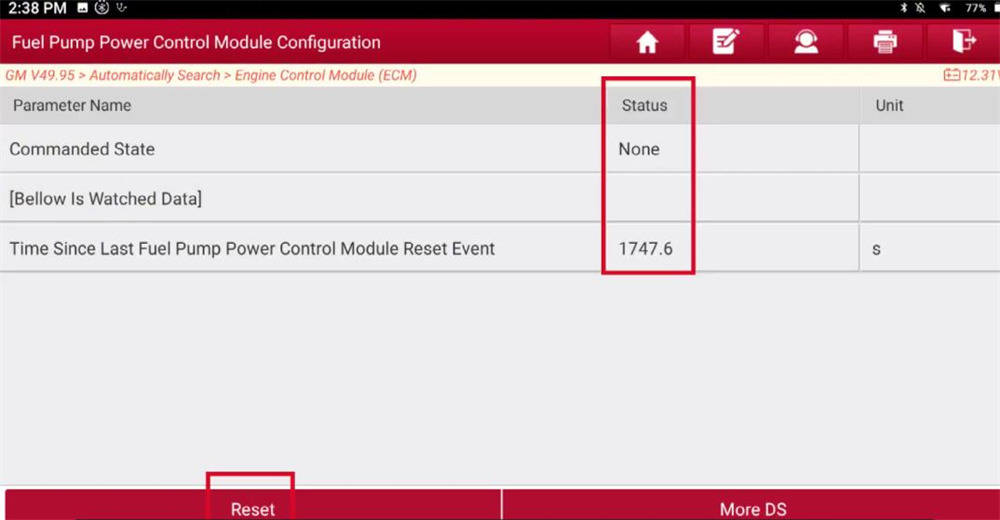
Before resetting, the commanded state is “None”, and the time since last Fuel Pump Power Control Module Reset Event is 1747.6.
Click “Reset”
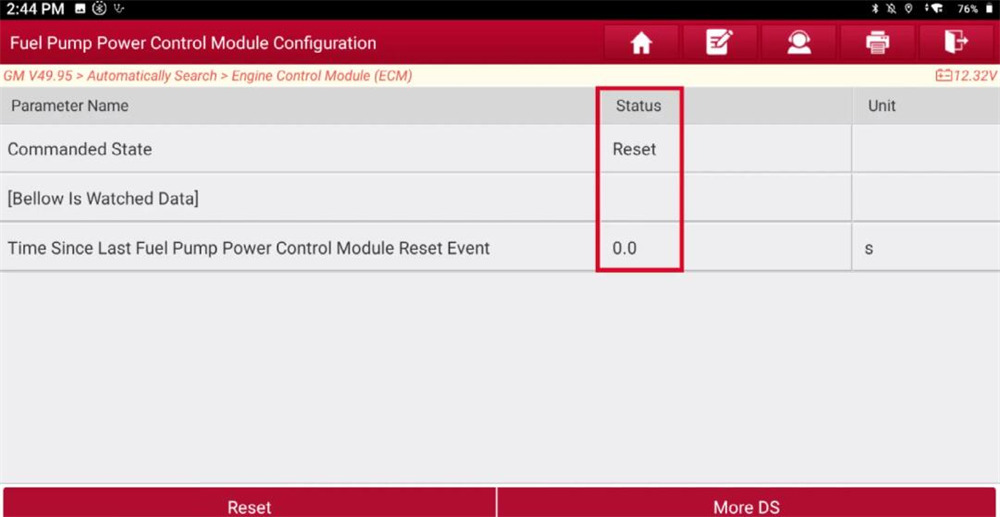
The state becomes to “Reset”, and the value is “0”
The reset is successful.
Done!
Video guide: