




If you’ve just repaired or replaced the air cleaner on a 2019 Cadillac XT4, there’s one more important step: resetting the air cleaner monitor. This quick procedure ensures your vehicle’s air intake system is properly tracked and helps keep diagnostics accurate.
In this guide, we’ll walk you through the process using a Launch X431 diagnostic scanner—a reliable tool for the job.
Why Perform This Reset?
After replacing the air cleaner, the vehicle’s engine control module (ECM) needs to know about the change. Running this reset helps:
l Maintain proper air intake monitoring
l Support accurate diagnostic readings
l Keep maintenance records clean and up to date
Compatible Devices
This function works with all comprehensive Launch X431 diagnostic tools
Example: X431 PAD9 LINK.
Vehicle Info
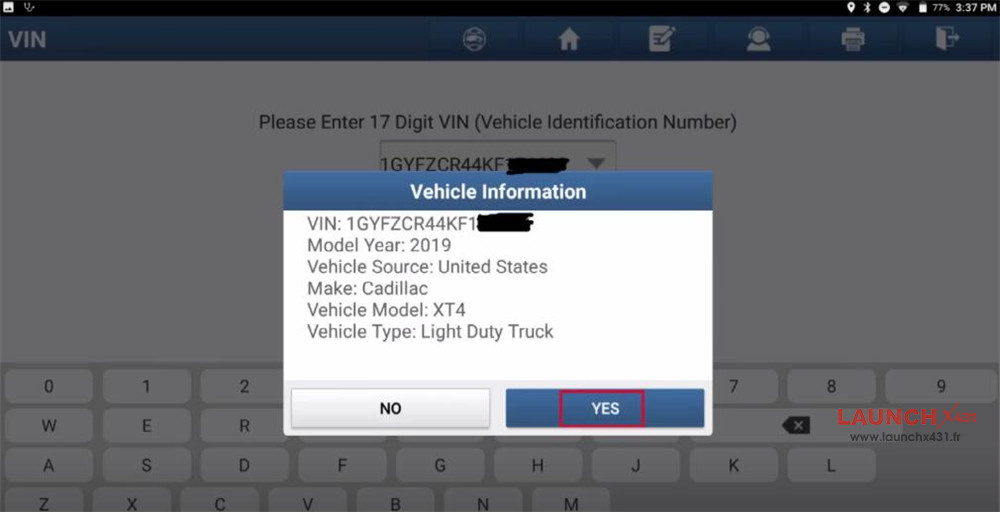
l Model Year: 2019
l Make: GM / Cadillac
l Model: XT4
Step-by-Step Guide:
Turn on your Launch X431 scanner
Go to “Local Diagnose”
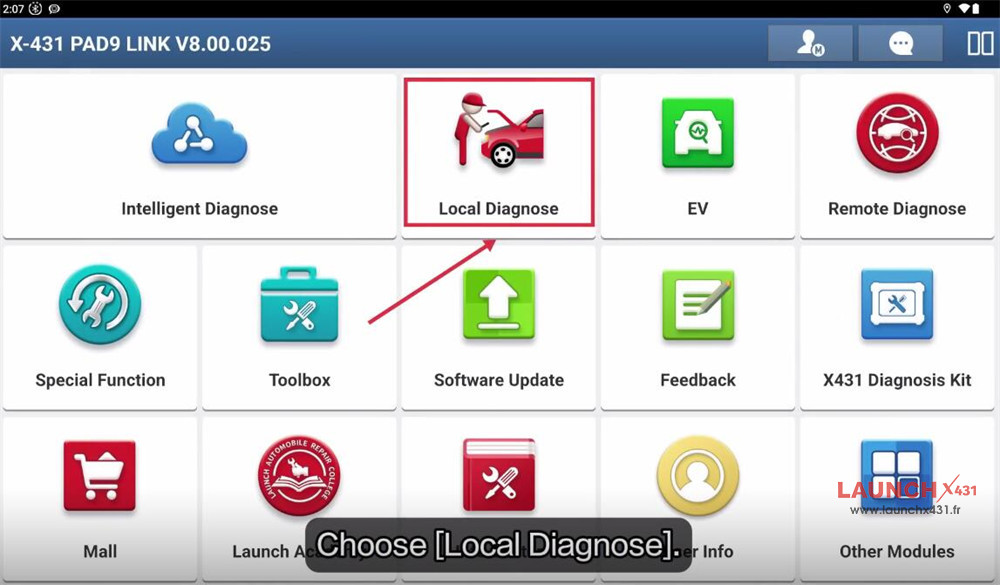
Select GM-> GM49.90
Choose “Automatically Search”
Confirm to read VIN automatically
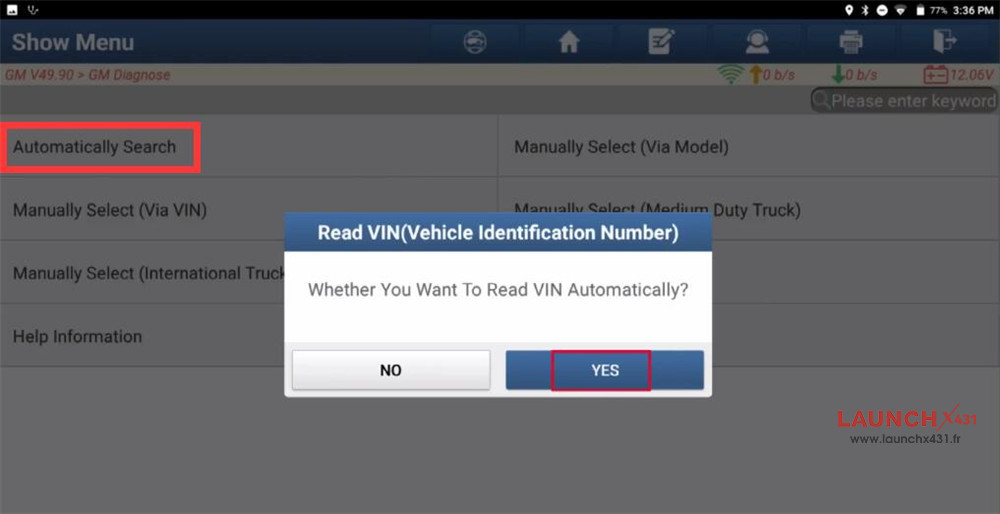
Verify vehicle info is correct
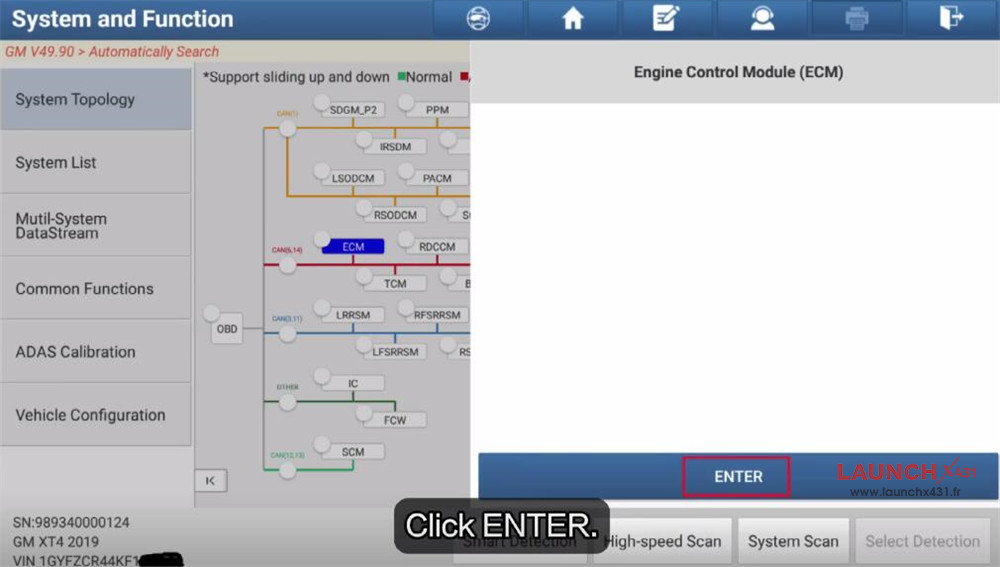
Select ECM-> Special Functions-> Reset Functions
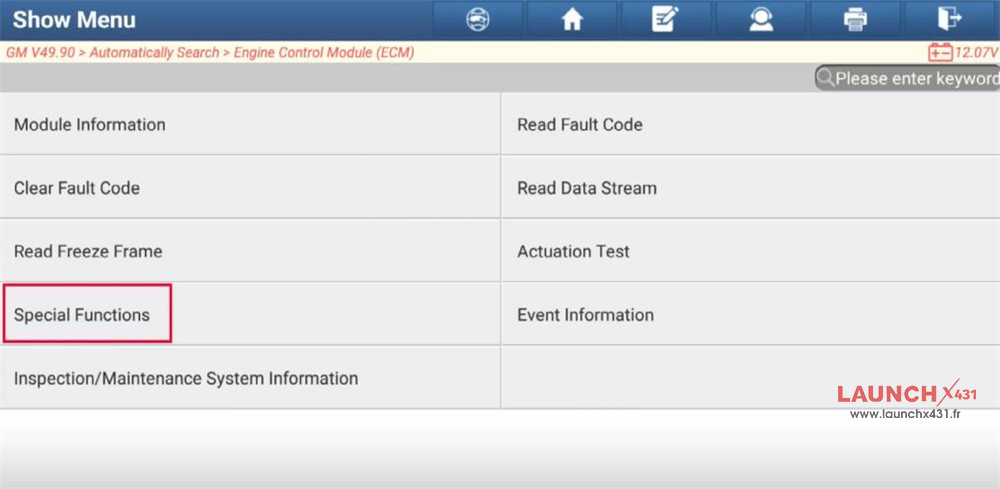
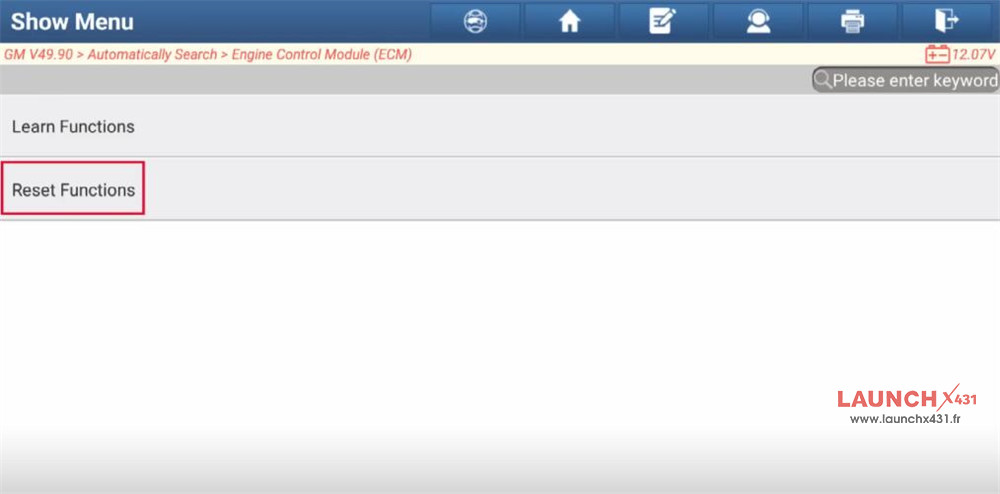
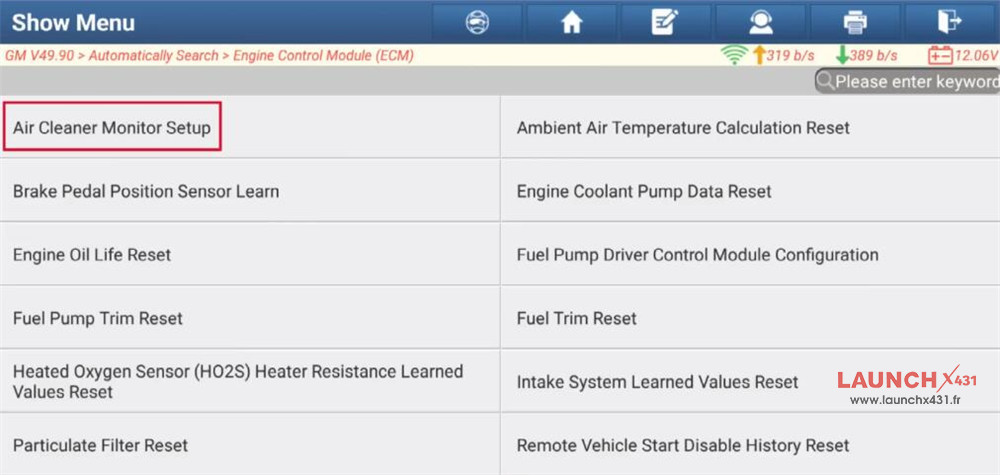
Choose “Air Cleaner Monitor Setup”
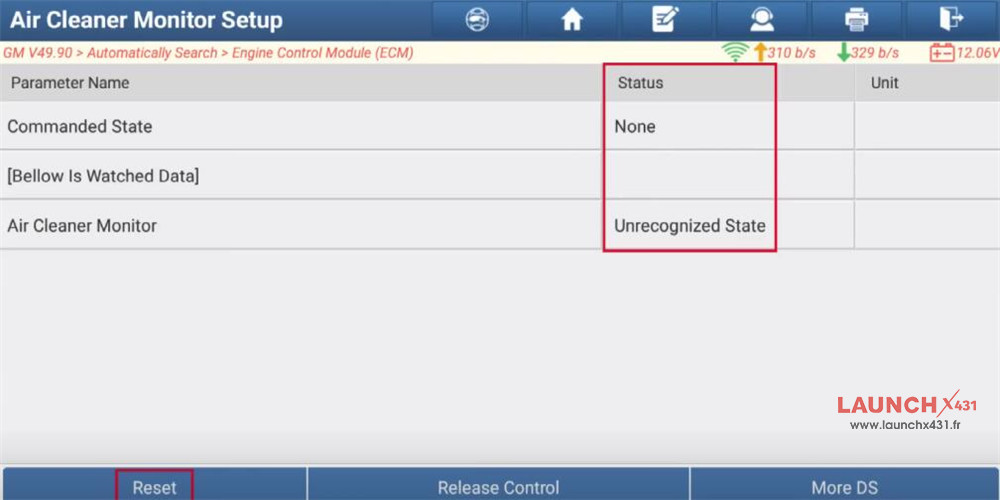
Before operation, [Commanded State] status is “None”, and [Air Cleaner Monitor] status is “Unrecognized State”
Click “Reset”, then the status will turn to “Reset” and “OK”
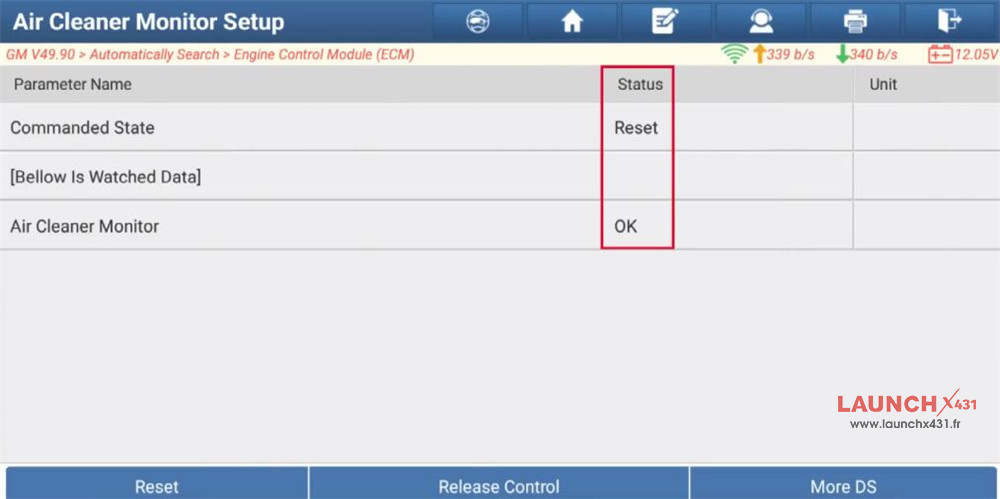
Once completed, your vehicle’s system will be updated and ready to go.
Video guide: