




This post demonstrates how to resolve starter battery failure data on Porsche using Launch X431 IMMO Plus/IMMO Elite/IMMO PRO.
This comprehensive guide will walk you through the exact step-by-step process to repair the BMS data and restore optimal vehicle performance.
Requirements
Before getting started, ensure your diagnostic tablet is updated and you are working on a stable bench setup. This function requires removing the battery control module to connect on the bench.
- Supported Tools:
X431 IMMO Plus, X431 IMMO Elite, or X431 IMMO PRO with X-PROG5 programmer
- Software Version:
Porsche V10.25 or higher
- Target Vehicle:
Porsche Cayenne (2018–2022)
Diagnostic Menu Path
First, power up your Launch X431 tablet, connect to the internet, and navigate through the software using the following path:
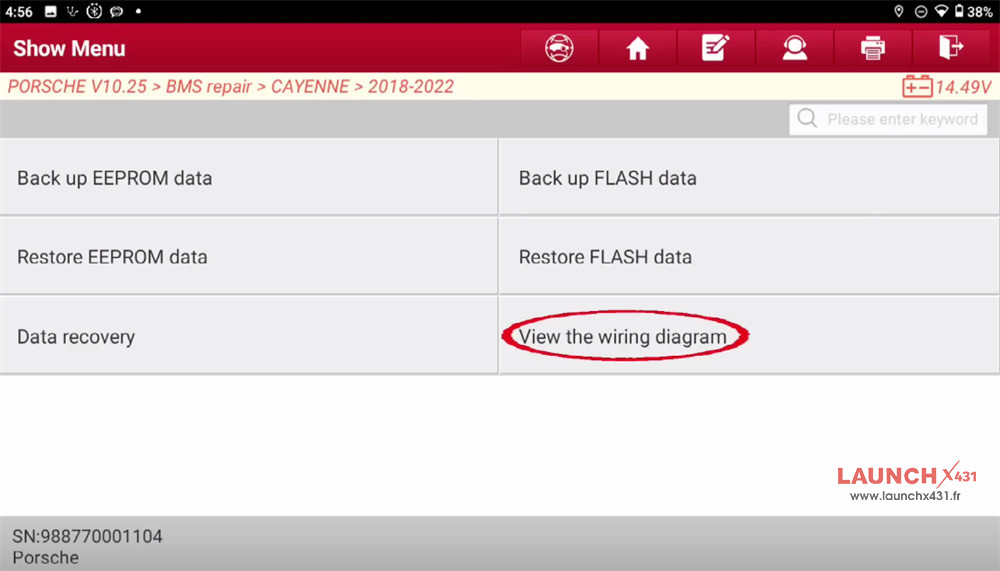
Porsche ➡Porsche V10.25 (or latest version) ➡ BMS repair ➡ CAYENNE ➡ 2018-2022

Step-by-Step BMS Repair Guide
Once you select the vehicle year, you will see the main function menu containing four essential steps. Do not skip the backup steps—safety and data integrity come first!
Step 1: View the Wiring Diagram
Before plugging in any random pinouts, select View the wiring diagram to check the related connection diagram

The following are the steps for ECU disassembly:
The battery is under the co-driver’s seat.

The battery case needs to be removed.


Remove the ECU in the battery
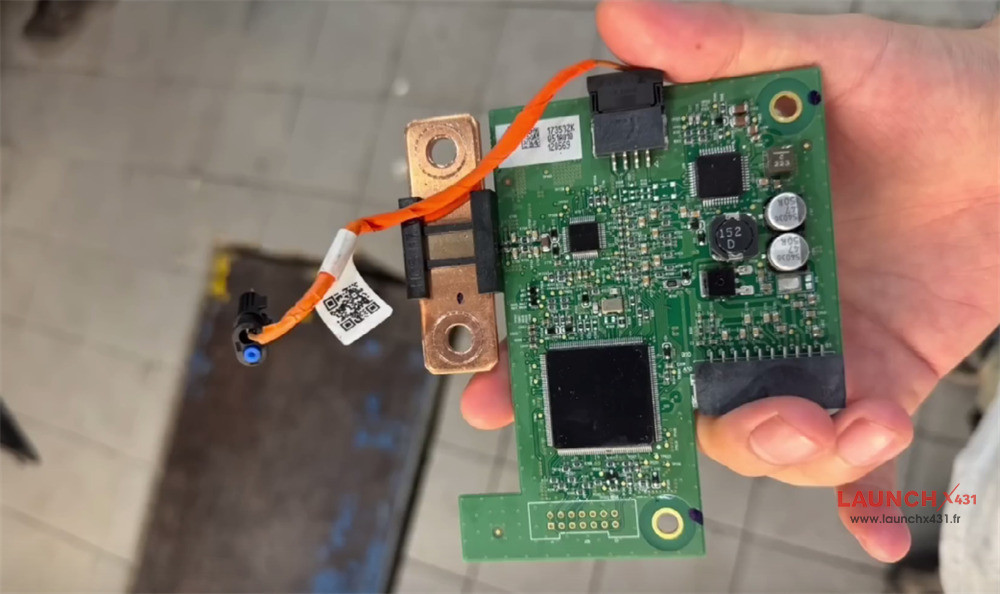
After the ECU disassembly is completed, the next step is to read and repair the data for the ECU connection
Connect Launch X431 XPROG5 (coming soon) to Porsche battery ECU and X431 IMMO tablet correctly
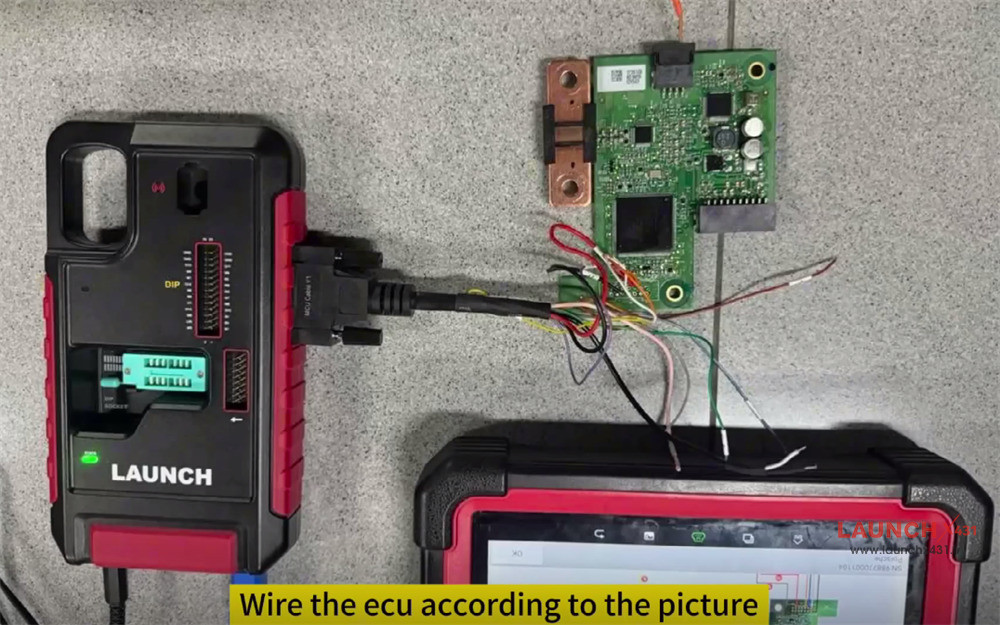
Step 2: Back Up EEPROM Data
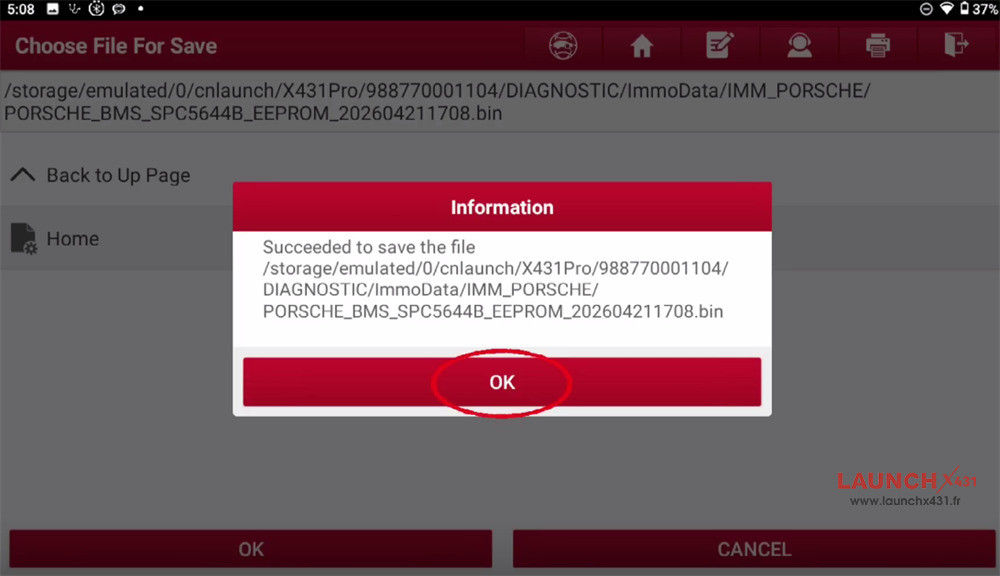
Never alter module data without a safety net. Select Back up EEPROM data.
The tool will read the internal EEPROM chip configuration and original coding.
Save this file to your tablet with a recognizable name (e.g., Cayenne_BMS_Orig_EEPROM.bin). If anything goes wrong during the repair, you can always flash this back to restore the module to its initial state.
Step 3: Back Up FLASH Data
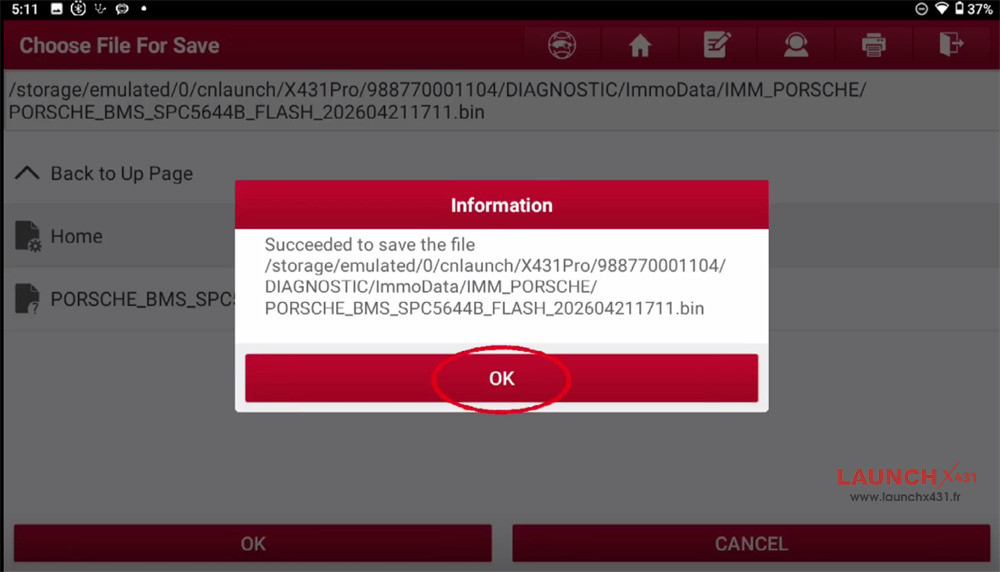
Next, select Back up FLASH data.
This reads the entire operating firmware of the BMS module. Because flashing firmware carries a risk if power drops, ensure your Launch tablet and bench power supply are fully charged and stable.
Save this file safely alongside your EEPROM backup.
Step 4: Data Recovery (The Fix)
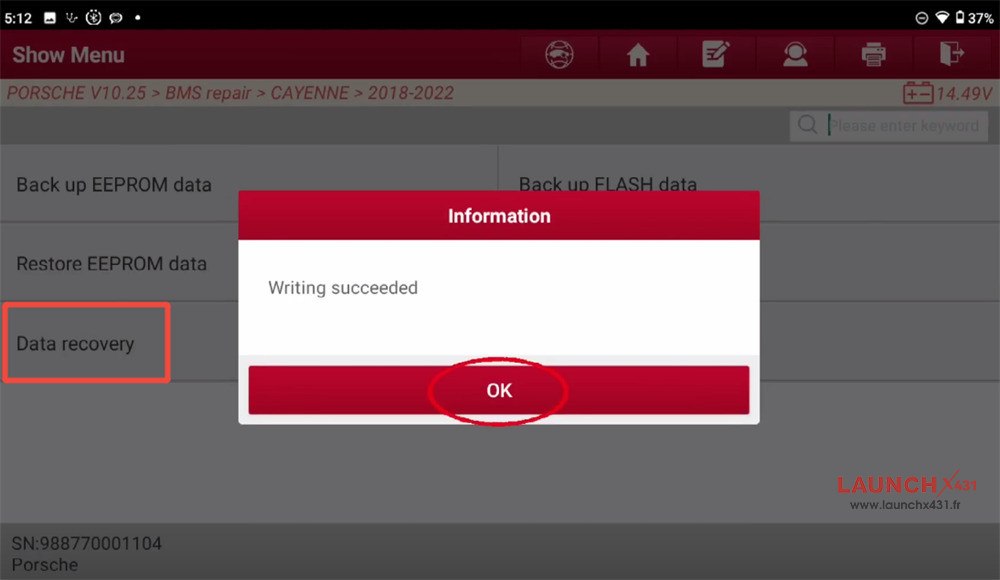
With your backups securely stored, it’s time to fix the module. Select Data recovery.
X-431 IMMO Plus/Elite/PRO tool will analyze the existing file, automatically locate the locked “starter battery failure data” or crash codes, and rewrite the data parameters to a clean, default state.
Follow the on-screen prompts while the tool automatically writes the corrected data back to the module.
Once the data recovery process displays a “Writing succeeded” message, the permanent battery failure lock is officially cleared!
Reassemble the BMS module, reinstall the battery into the Porsche Cayenne, and clear any remaining vehicle-wide fault codes using a standard health check scan. The vehicle should now recognize the battery normally, accept a charge, and start smoothly without the dreaded cluster warning lights.
Video guide: