





It’s a successful to erase Ford MPS6 GNE3 TC1784 TCU using Launch X431 X-Prog5 key programmer on bench.
Operation guide:
Connect X431 X-Prog5 to a Windows PC via USB cable
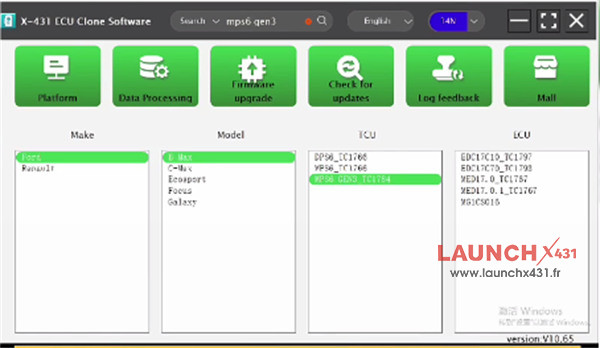
Run X-431 ECU Clone Software V10.65 or higher version
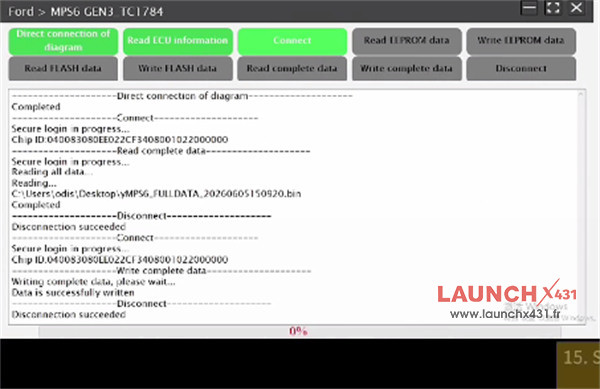
Search [mps6 gen3] to select [Ford B-Max MPS6 GEN3 TC1784]
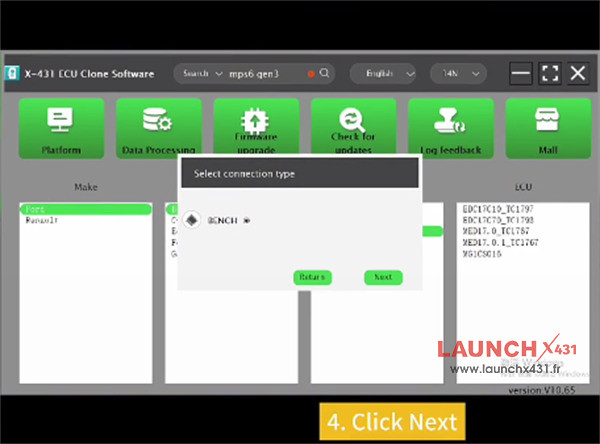
Choose [BENCH] connection type
Check the direct connection of diagram to connect Launch G5 and original Ford MPS6 Bosch TCU using the dedicated cable properly
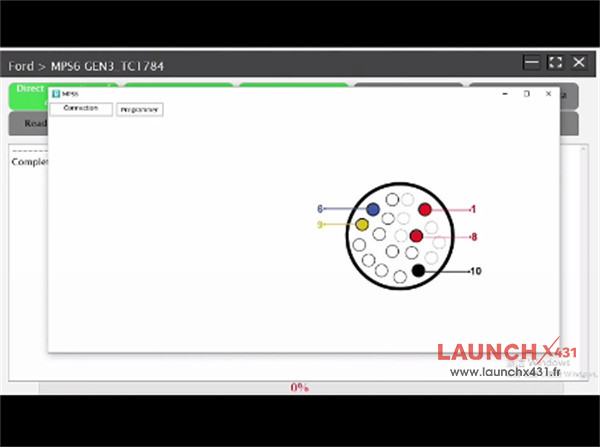
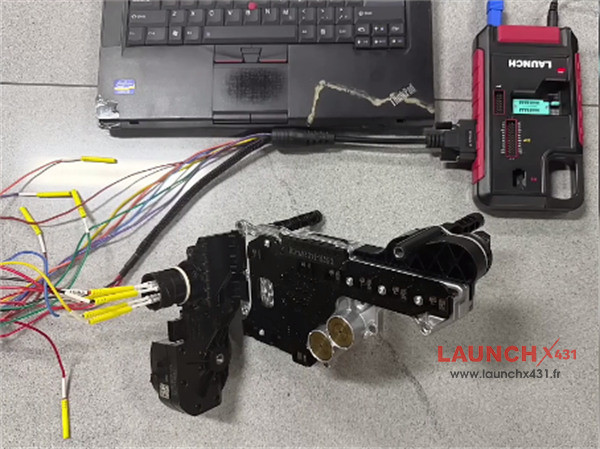
Then perform ECU connection, complete data reading ok
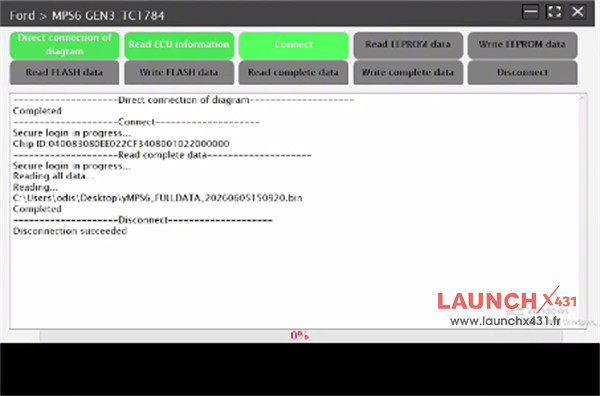
Disconnect the original TCU, and connect a new TCU to X-PROG5
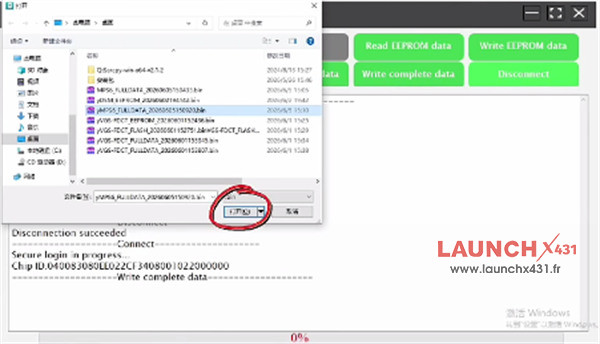
Back up the original data, and select the original TCU data into the new one
All are ok.
Video guide: