



Learn step-by-step how to add a new smart key to a 2025 GAC Trumpchi YingBao (ID4A chip) using Launch X431 IMMO Plus, IMMO Elite, or IMMO Pro paired with X-PROG5 key programmer.
Operation guide:
Step 1: Generate Remote with X431 X-Prog5
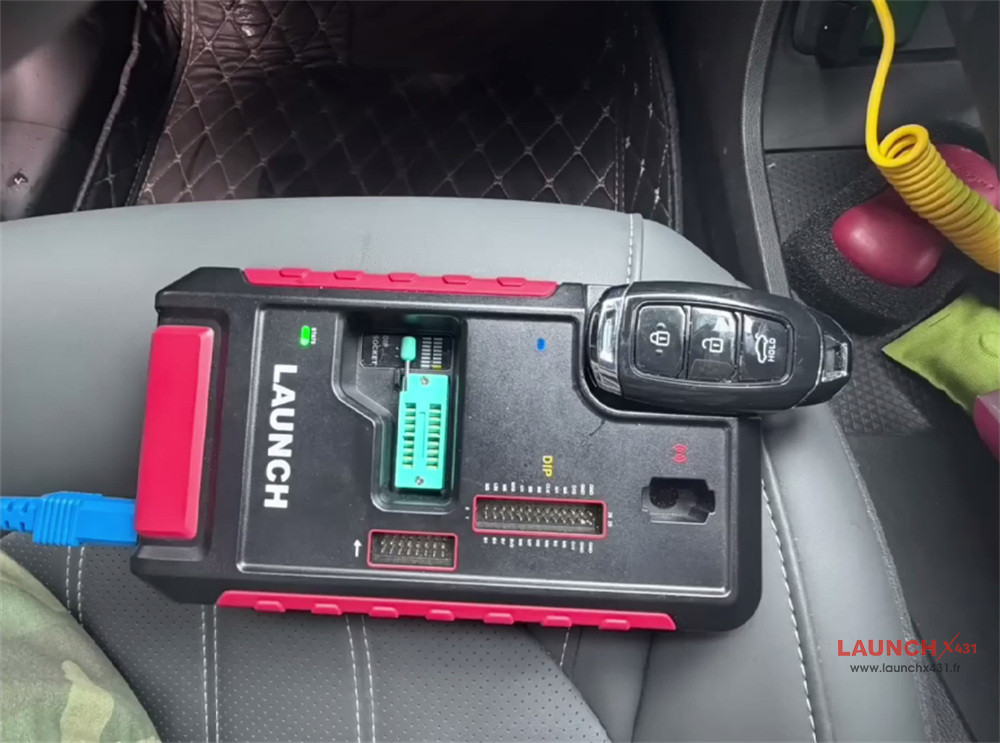
Connect Launch X431 IMMO programmer and XPROG5 using the blue USB cable (in the X-PROG5 package)
Connect G5 and vehicle properly
Turn on X431 tablet and navigate to:
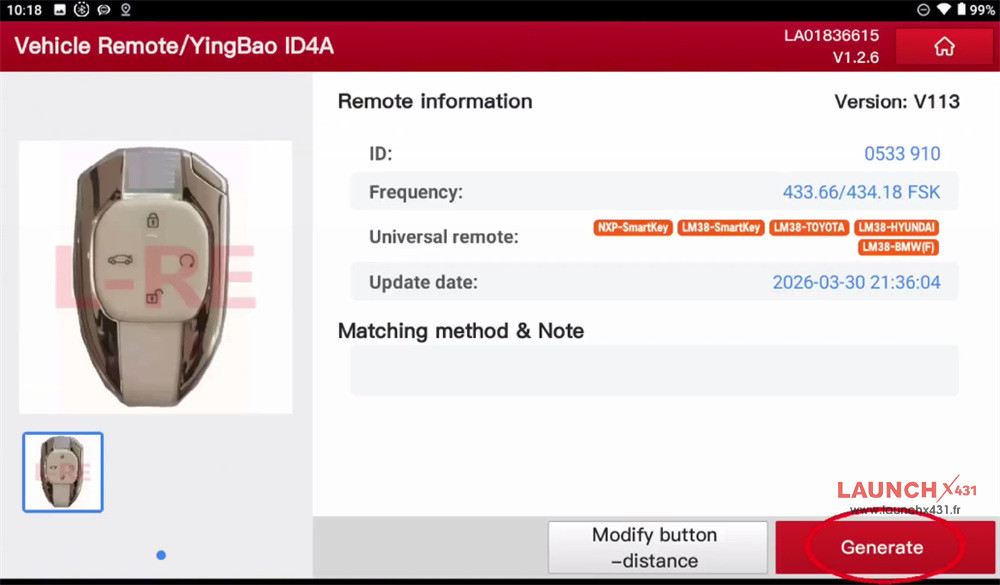
Key Programming-> Vehicle Remote-> China-> GAC-> All remotes-> YingBao ID4A
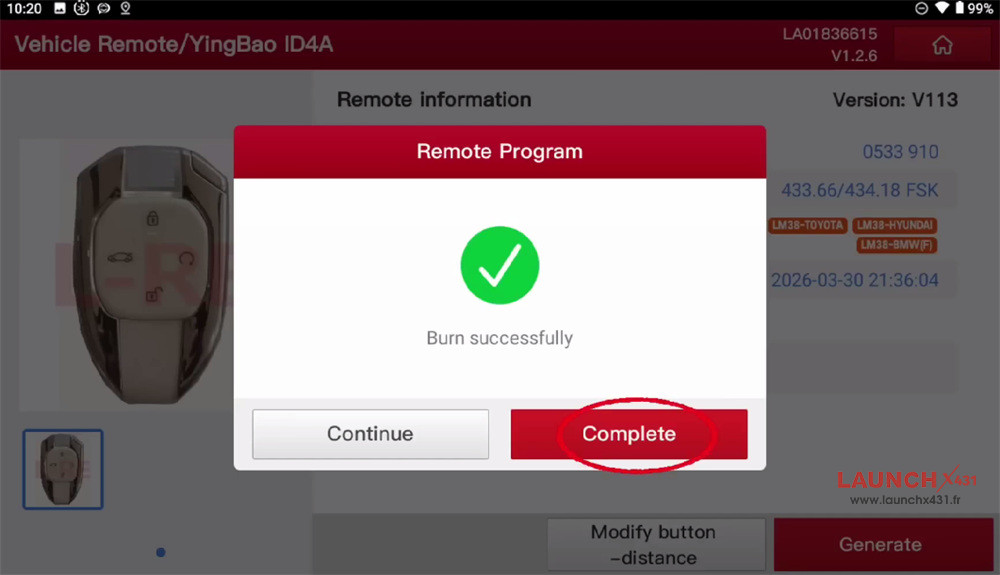
Put the original GAC key on the car key slot of Launch G5 and tap “Generate”
Wait the remote is generated successfully
Step 2: Match Anti-theft Key
Go to IMMO function on the main menu
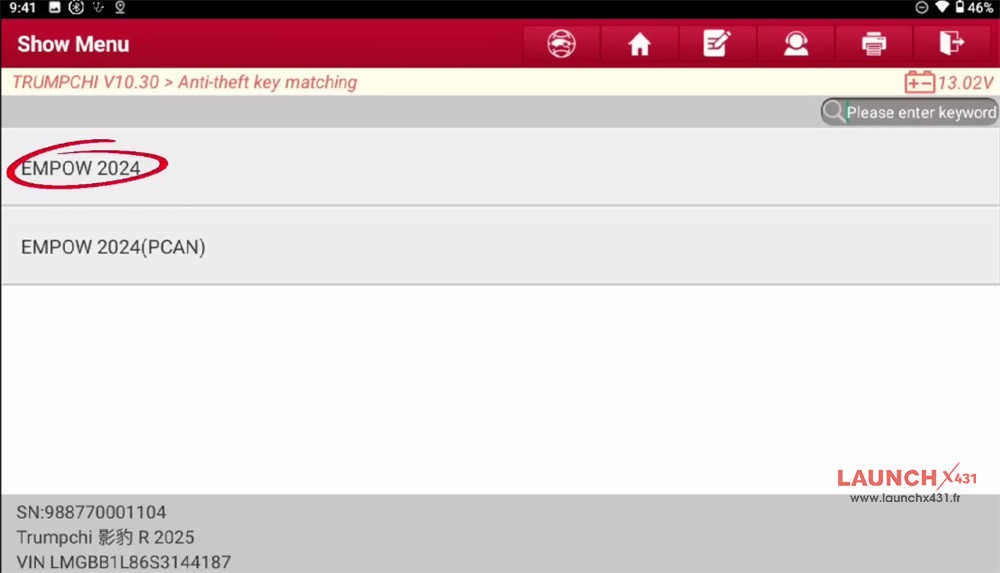
Select TRUMPCHI-> TRUMPCHI software (e.g.V10.30) -> Automatically Search-> EMPOW 2024
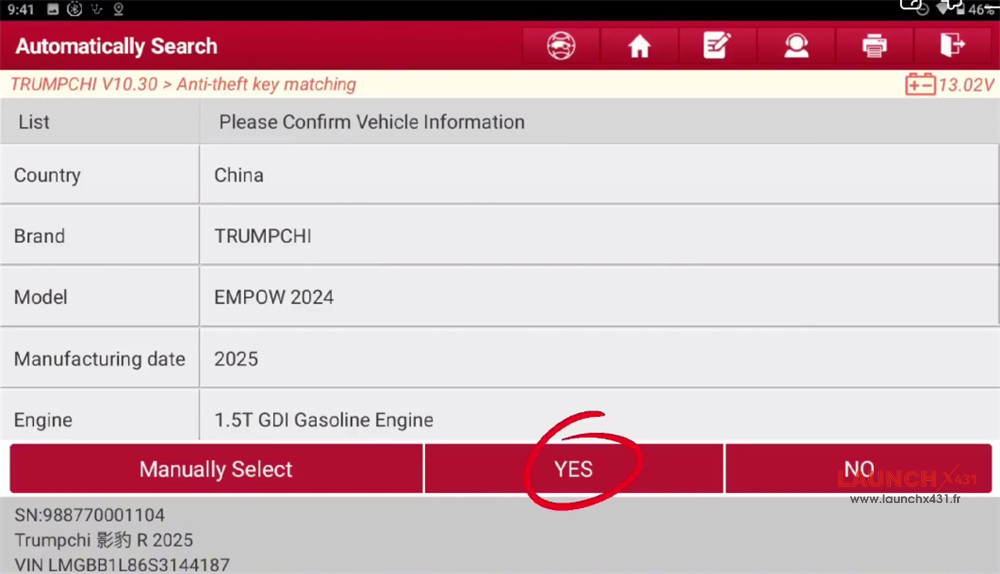
Confirm the vehicle info is correct
Select “Smart Key (With PEPS)”
Prepare the remote key to be learned, and put the key near the central console in the vehicle. Make sure the battery is full.
Enter the 8-digit PIN code (Obtain the password via a authorized third-party provider)
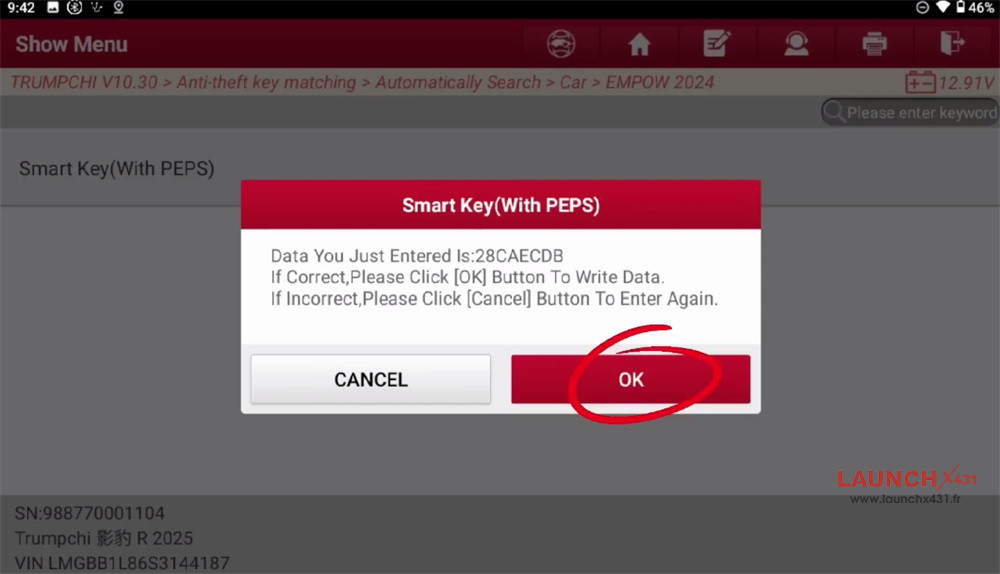
Confirm that the PIN code just entered is correct
Place a key to be learned in the vehicle
Take the already learned key out of the vehicle, and put the next key into the vehicle.
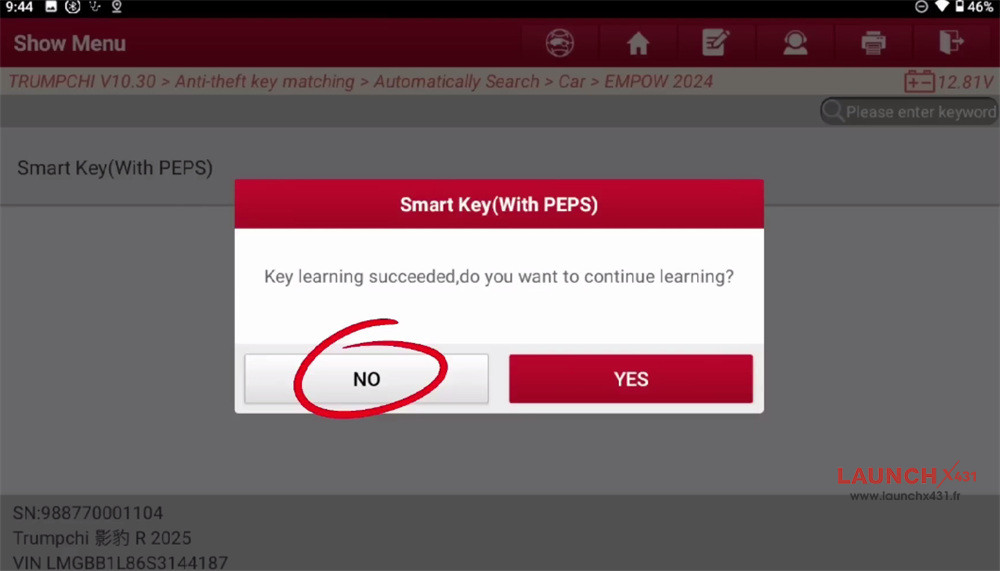
Key learning is successful
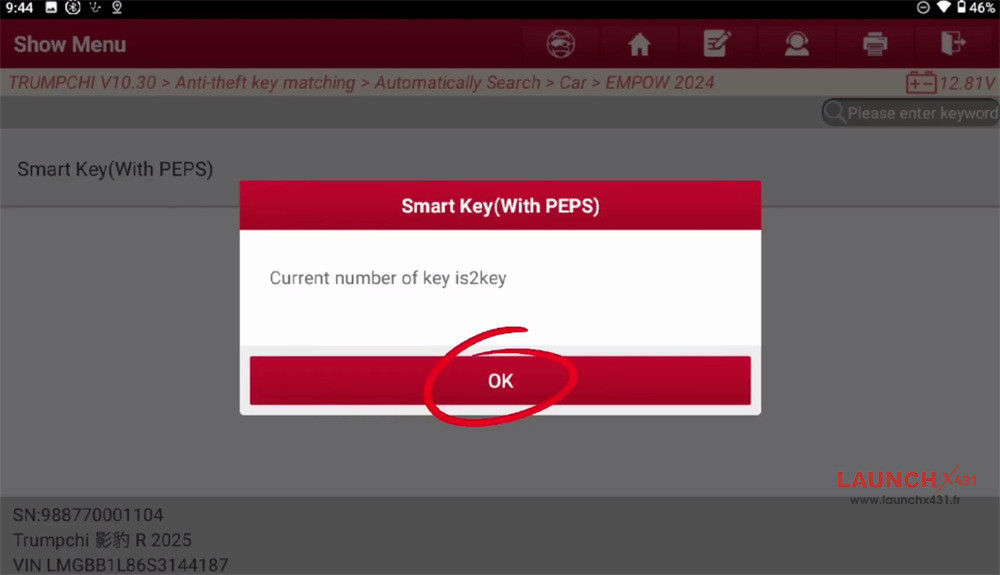
Now the current key number is 2.
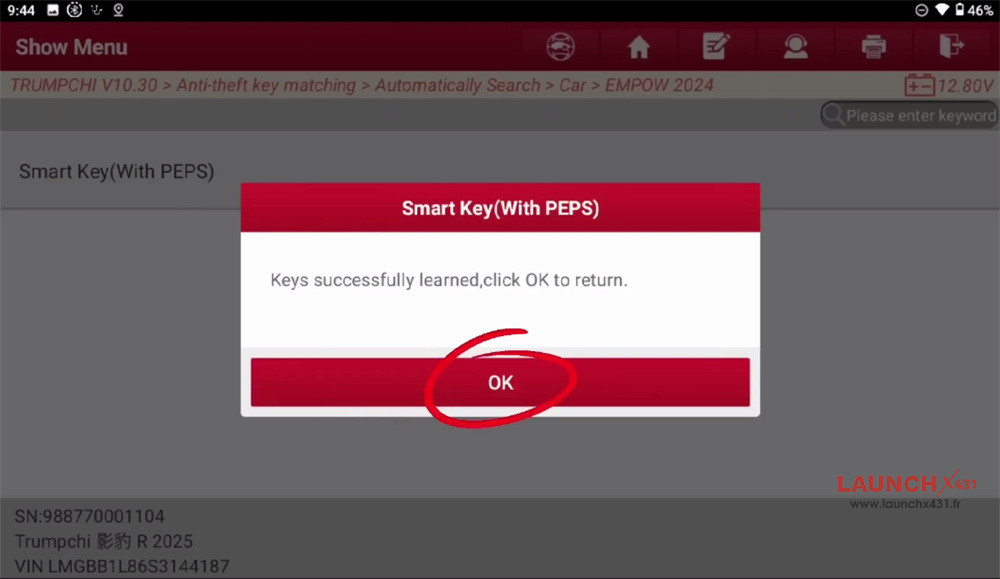
The 2025 GAC Trumpchi key is successfully added by Launch X431 IMMO tablet with XPROG5 programmer.
Video guide: