




Learn how to use Launch X431 V+ SmartLink HD (PRO3 LINK HD) to perform DPF regeneration on a 2021 Sinotruck Howo.
1.Select “Local Diagnosis” on the main menu
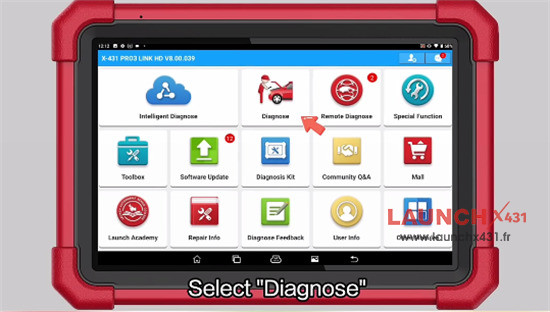
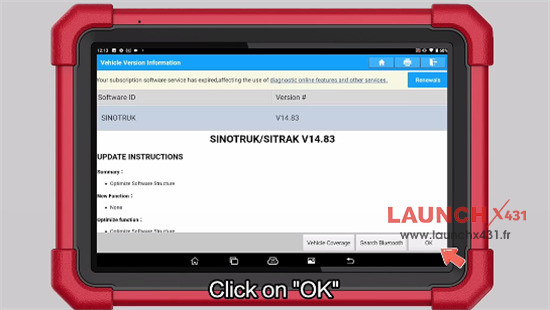
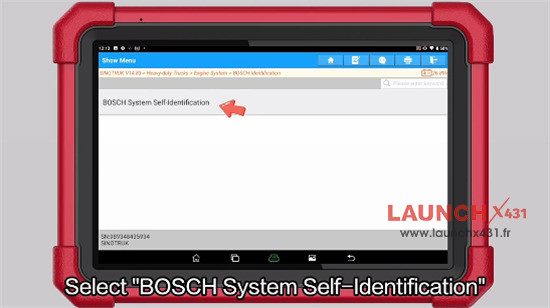
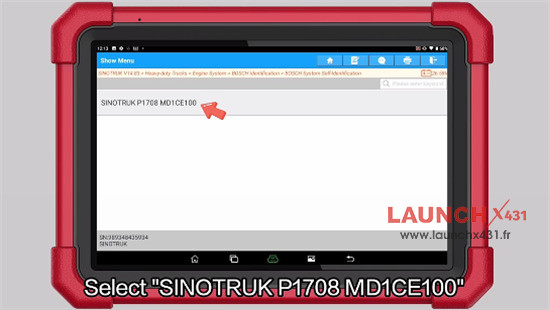
2.Navigate to Sinotruck-> Sinotruck V14.83-> Heavy-duty Trucks-> Engine System-> BOSCH Identification-> BOSCH System Self-Identification-> SINOTRUCK P1708 MD1CE100
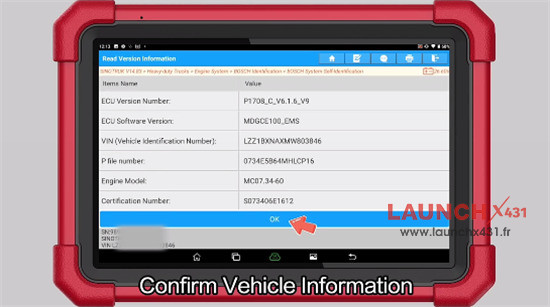
3.Confirm vehicle information
4.Select Special Function-> DPF Function-> DPF regeneration function activated
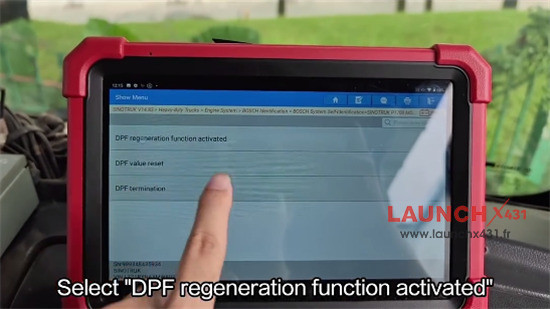
5.Select the information and click “Continue”
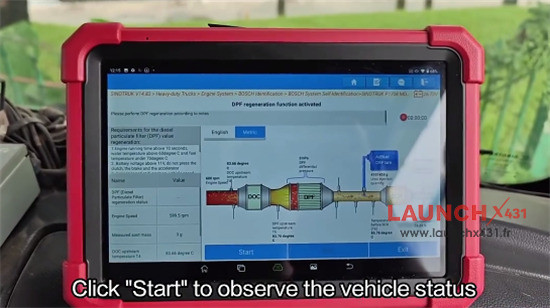
6.Click “Start” to observe the vehicle status
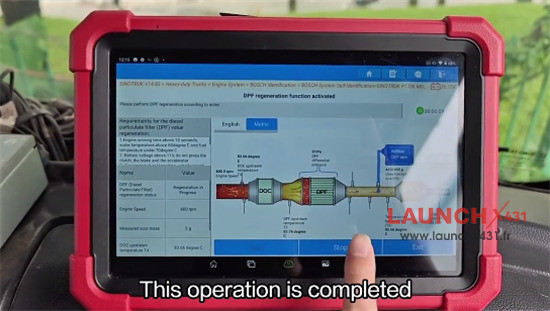
7.Wait the operation is completed, and click “Stop”
This guide also applies to X431 PAD5 LINK HD (PAD V with commercial vehicle software and adapters pack).
Video guide: