




Troubleshooting multiple Diagnostic Trouble Codes (DTCs) on commercial trucks doesn’t have to be a guessing game.
In this guide, you will learn how to use the AI Workspace feature on a 2020 JAC Shuailing with a Launch X431 HD truck diagnostic tool. Right after running a full system scan, one simple tap lets AI Workspace identify possible root causes, explain the diagnostic logic, and provide clear repair steps so you can fix the vehicle faster.
Supported Diagnostic Tools:
This smart AI feature works on high-end LAUNCH flagship and Link series tablets, including X431 PAD5 LINK HD (X431 PAD V+ Commercial Vehicle Software License And Adapter Pack), X431 V+ SmartLink HD (PRO3 LINK HD), and X431 PAD9 LINK models.
Operation guide:
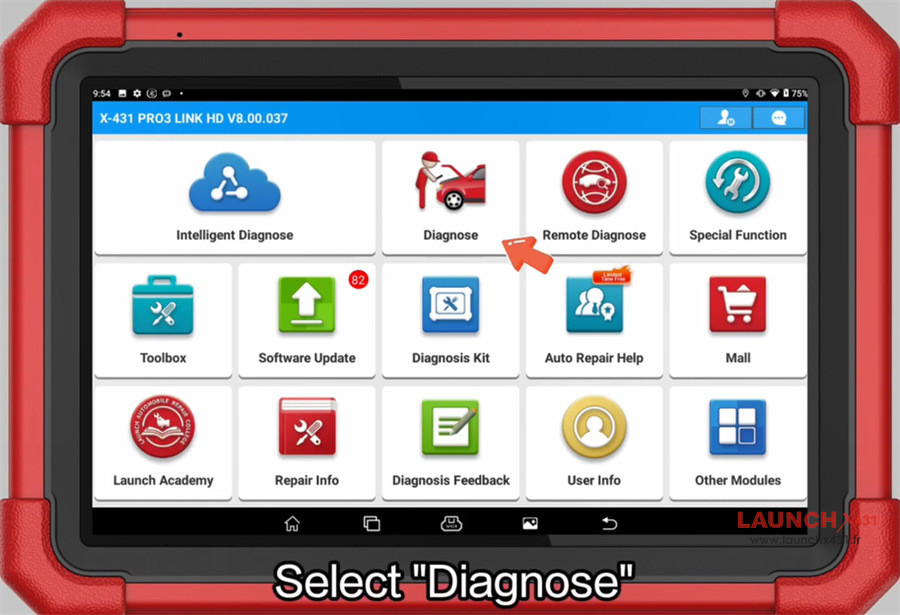
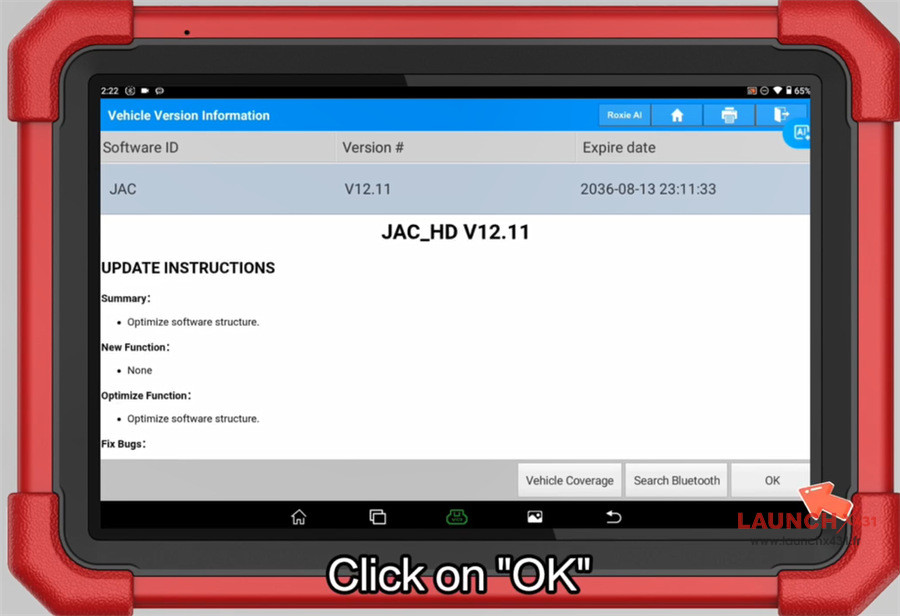
Navigate to Diagnose-> HD-> JAC-> JAC HD software (V12.11 or above)
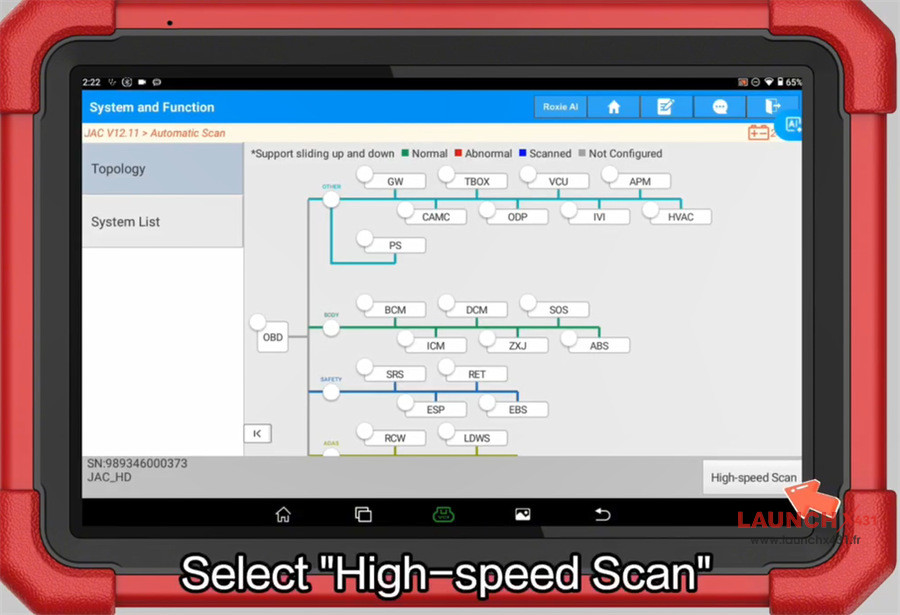
Select Automatic Scan-> High-speed Scan-> AI Workspace
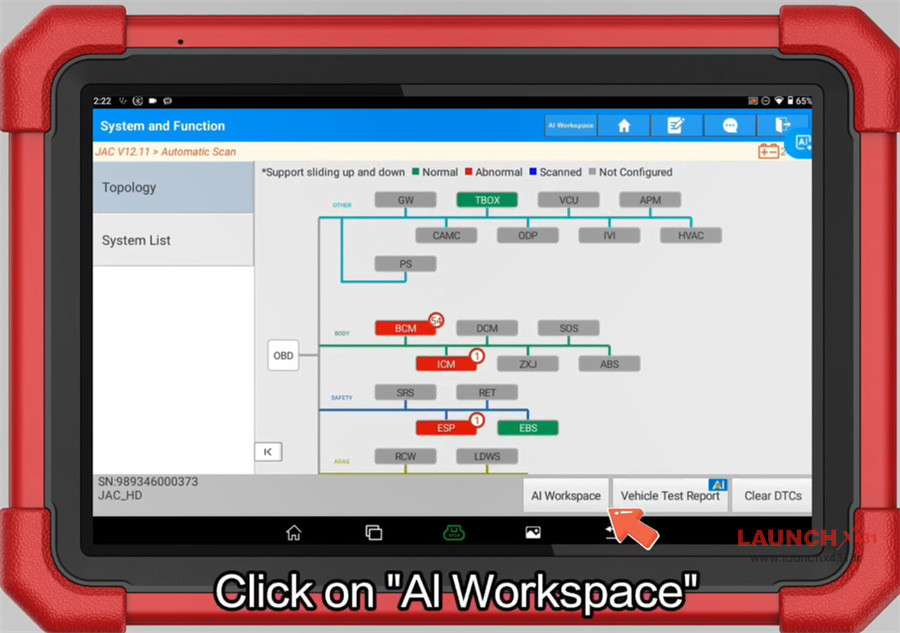
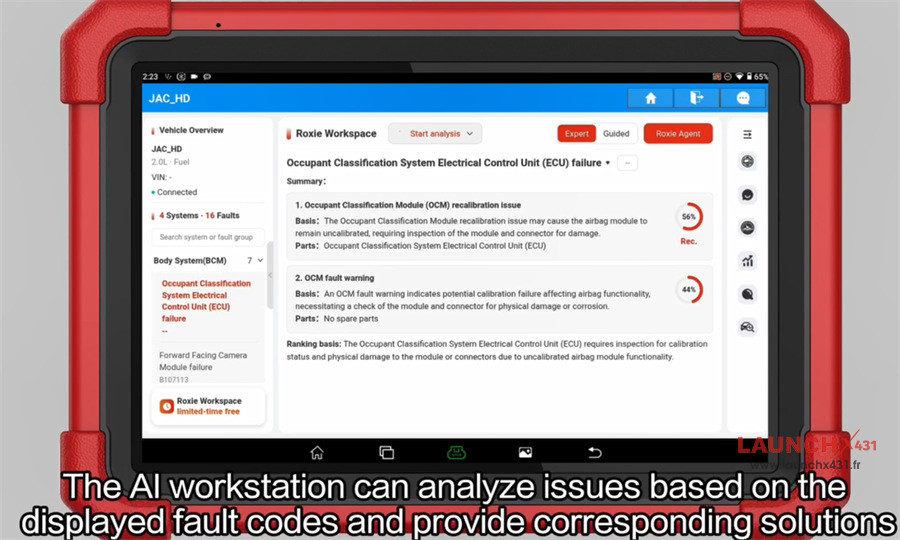
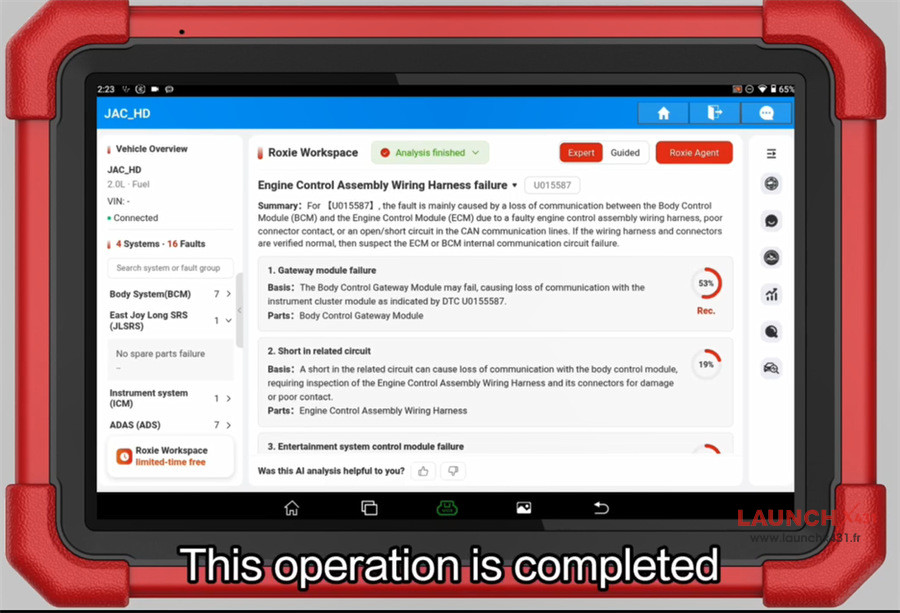
The AI workspace can analyze issues based on the displayed fault code and provide corresponding solutions.
Wait the operation is completed.
Video guide: